ModsJava
Nix Stats Multi Mod (26.3, 1.21.11) – Track Live Stats and Phantom Timers
Java mod listed for Minecraft 1.21. Downloads from the MC Java Mods app on Android.
⬇ Download


Nix Stats Multi Mod places a customizable statistics sidebar on your screen to display any vanilla counter in real time. It monitors insomnia timers, mined blocks, mob kills, travel distance, and total play time without opening extra menus. Everything works straight from an in-game screen with a live preview so you never need to touch configuration files.
Features:
- Shows a clear sidebar HUD with item icons, category labels, and formatted counters.
- Includes a live phantom timer that counts down to insomnia spawns and changes color as danger approaches.
- Tracks total advancements, modded milestones, and individual progress goals directly on the HUD.
- Displays counts for mined blocks, crafted tools, used items, dropped gear, and player deaths.
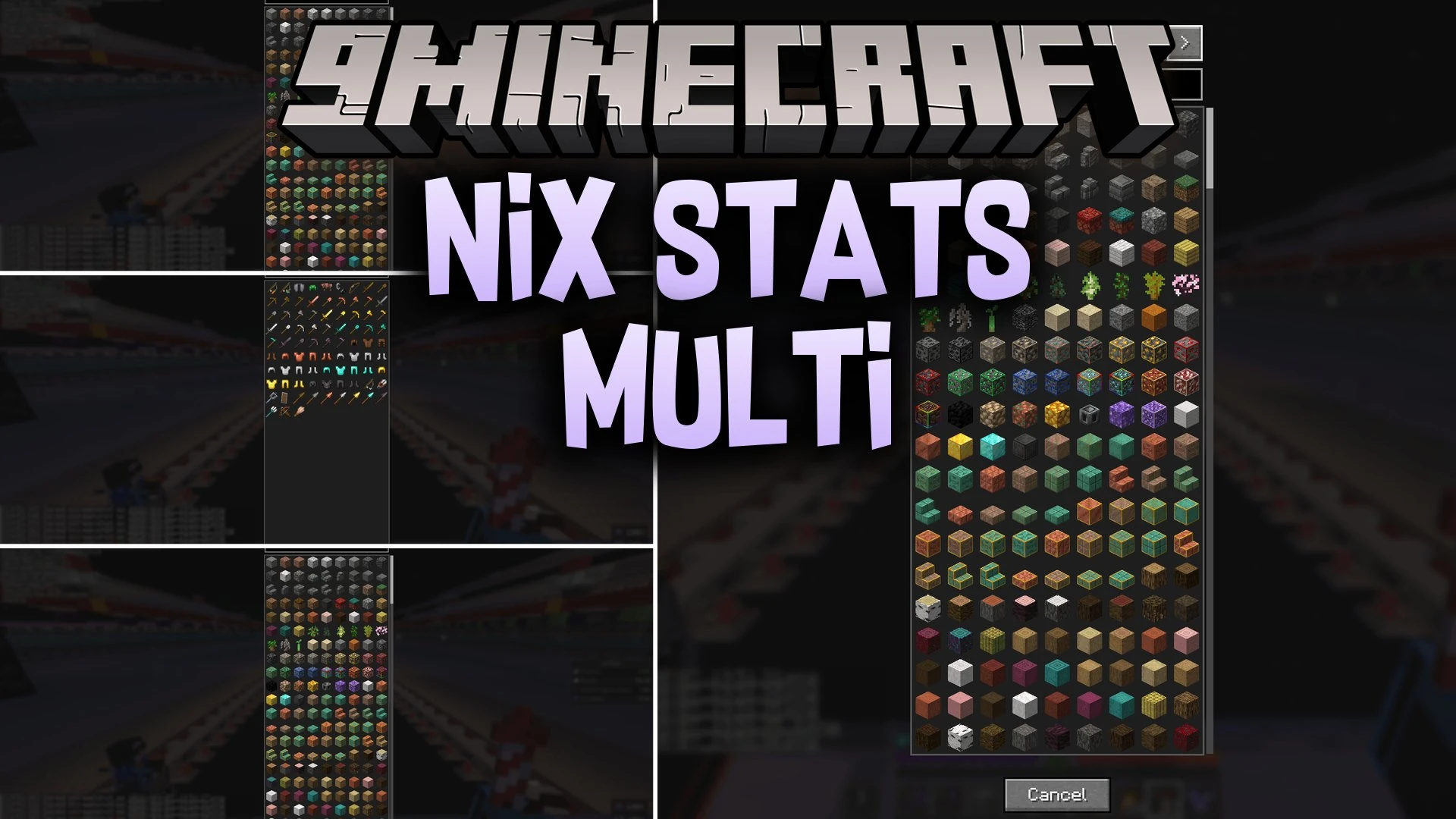
- Visual picker lets you select any block, item, or mob stat from an organized grid without typing IDs.
- Three label modes let you switch between full text, short action names, or icon-only counters.
- Short value toggle converts large numbers into readable thousands, millions, and billions.
- Drag-to-place positioning lets you move the stat frame anywhere across your monitor.
- Customization controls allow you to adjust HUD scale, text size, spacing, sync rates, and warning colors.
- Runs entirely on the client side, which lets it work on vanilla multiplayer servers without server-side installation.
Trackable Categories:
- Phantom Timer: insomnia countdown tracker that alerts you when to sleep.
- General Stats: count trackers for jumps, damage, distances traveled, and time played.
- Item Stats: counters for mined blocks, crafted items, used tools, broken gear, and inventory pickups.
- Mob Stats: kill tallies for every mob type and records of deaths caused by enemies.
- Advancements: progress bars and completion checks for base game and datapack tasks.
Commands:
/nixstats: opens the stats setup menu and live preview.
How to Use:
- Type
/nixstatsin the chat bar or press your custom config keybind to open the menu. - Click the + Add Stat button to open the visual stat picker.
- Select a category and choose the block, mob, or counter you want to track on your screen.
- Use the position mode to drag the sidebar overlay to your preferred screen corner.
- Press Save to display your active stats while playing.
Screenshots:

Nix Stats Multi Mod Download Links
Quick facts
- Edition: Minecraft Java
- File type: .jar
- Minecraft version listed: 1.21.11
- How to install: Install the matching mod loader (Forge, Fabric or NeoForge) for your Minecraft version. → Download the .jar. → Put it in the .minecraft/mods folder and launch that loader profile.
- Where to get it: In MC Java Mods, or directly above on this page.
Install steps are the general flow for this file type — How to install Minecraft Java mods & modpacks walks through it step by step.
File checked by MCModsHub
- Downloads as 515408.mcaddon
- Download size: 57 KB
- Download link checked 25 Sept 2026 — working
- Mirrored on our own servers — the download does not depend on the original host
These come from our own check of the pack file, not from the source page.