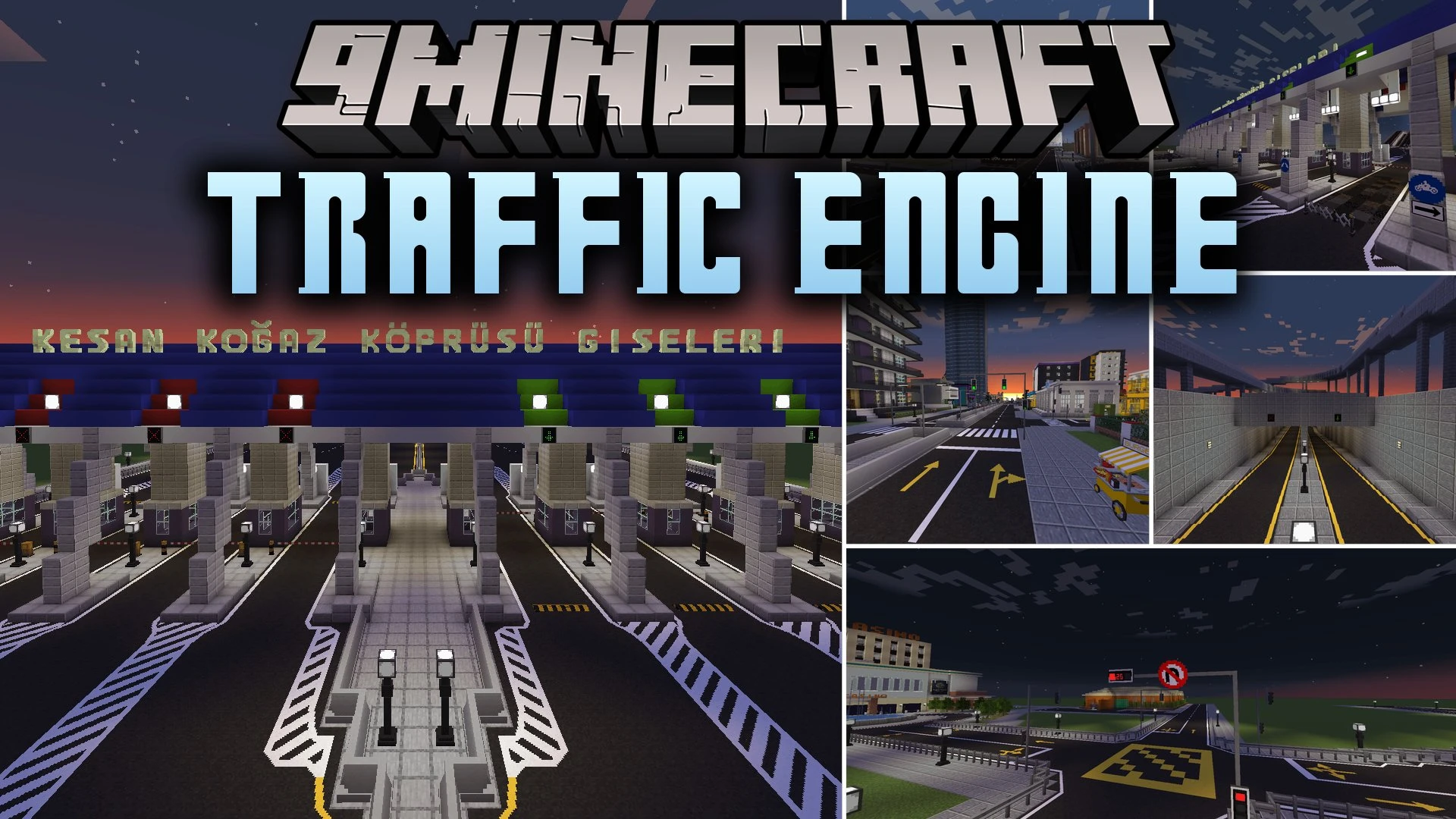
Traffic Engine Mod (1.20.1) – Build Realistic Modern Roads and City Streets
Java mod listed for Minecraft 1.20. File opened and checked on 18 Oct 2026; downloads from the MC Java Mods app on Android.
⬇ Download


Traffic Engine Mod brings realistic road building tools, traffic lights, and street signs into your Minecraft world. It expands upon older city mods by adding asphalt slope blocks, functional speed bumps, and smart signal controllers with digital countdown timers. Players can mark bike lanes, place double-sided street signs, and display custom messages on programmable LED boards. The mod also converts older road setups automatically when moving from previous city mod packs.
Features:
- Includes 6 asphalt styles such as Default, Damaged, Heavy Damaged, Light, Dark, and Dirty along with matching slope blocks.
- Adds flat and wide speed bumps with accurate collision boxes.
- Supports double-sided, angled, and wall-mounted traffic signs.
- Features horizontal and auto-adjusting diagonal traffic lights.
- Includes programmable LED panels and large digital information screens for custom road text.
- Adds traffic lights with working digital countdown clocks and synced schedules.
- Introduces bike lane dividers and paint tools to apply bicycle logos, walking logos, and road lines.
- Allows instant sign shape and decal changes using the Pattern Catalogue item.
- Lets players link and control lights and street lamps using the Wrench, Traffic Light Linker, and Street Lamp Configuration Card.
- Adds turnstile barriers for modern transit stations and city walkways.
- Includes a wide collection of international road and warning signs.
- Automatically converts older roads and setups from TrafficCraft without data loss.
How to Use:
- Place your desired asphalt blocks and slopes to build a road layout.
- Use the Paint Brush and paint bucket to apply lane lines or bicycle symbols onto the asphalt.
- Place traffic lights or street lamps along the road and intersections.
- Hold the Traffic Light Linker or Wrench to link signals to a controller block.
- Open the controller menu to set light timings and let the cycle complete one full round for accurate timers.
Screenshots:

Traffic Engine Mod Download Links
- Edition: Minecraft Java
- File type: .jar
- Minecraft version listed: 1.20.1
- How to install: Install the matching mod loader (Forge, Fabric or NeoForge) for your Minecraft version. → Download the .jar. → Put it in the .minecraft/mods folder and launch that loader profile.
- Where to get it: In MC Java Mods, or directly above on this page.
Install steps are the general flow for this file type — How to install Minecraft Java mods & modpacks walks through it step by step.
- Downloads as 515409.mcaddon
- Download size: 13.7 MB
- Download link checked 25 Sept 2026 — working
- Mirrored on our own servers — the download does not depend on the original host
These come from our own check of the pack file, not from the source page.