Auto-Master - Survival Automation
Streamline your survival with Auto-Master! This all-in-one addon features Auto-Smelt, Auto-Cook, Tree Capitator, and Auto-Farm. Automate boring tasks…
⬇ Download on CurseForge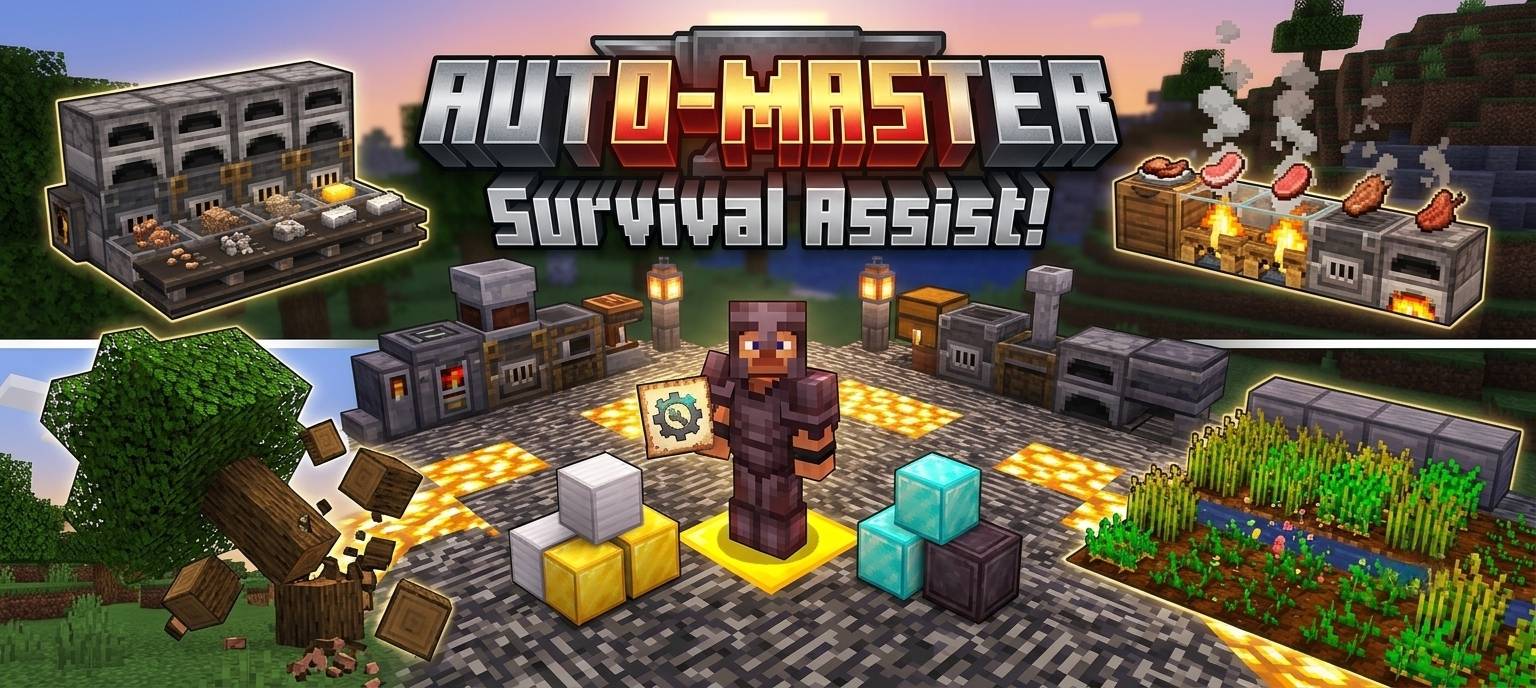
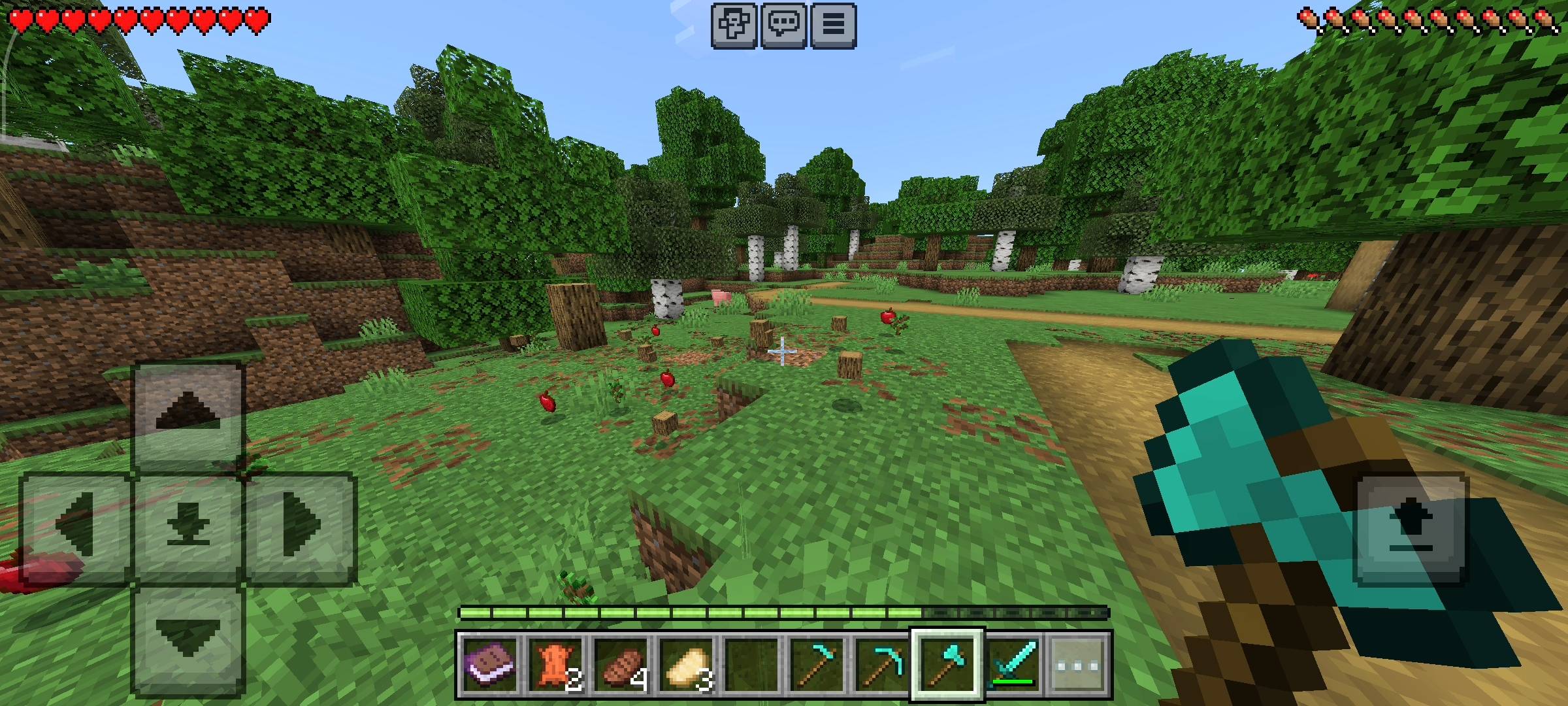
Minecraft survival players? Let us be completely honest for a second. The early game survival grind is definitely fun for the first few days, but after a while, it just becomes a massive chore.
You spend hours deep in the caves mining iron and gold, only to come back to your base and stare at a wall of furnaces waiting for your ores to smelt. You spend half your day chopping down massive trees block by block, or breaking crops and manually replanting every single seed. It takes away the actual fun of building and exploring.
I was totally exhausted by this repetitive grind in my own survival worlds. So, I decided to build the ultimate all-in-one solution. Enter the Auto-Master add-on. I have packed four massive quality-of-life features into one single pack, and it is going to completely change how you play the game.
The Auto-Master Control Panel
I hate when add-ons force you to type out long, annoying commands or craft complicated blocks just to turn a feature on or off. I wanted this to be as smooth as possible.
The moment you join a world with this add-on enabled, a custom item called the Auto-Master Panel is automatically dropped right into your inventory. All you have to do is hold the item and use it. This instantly opens up a super clean custom UI menu right on your screen.
From this control panel, you can individually toggle the auto-smelter, auto-cooker, auto-chopper, and auto-farmer on or off whenever you want. You have total control over your survival experience.
Auto-Smelt: Instant Ingots
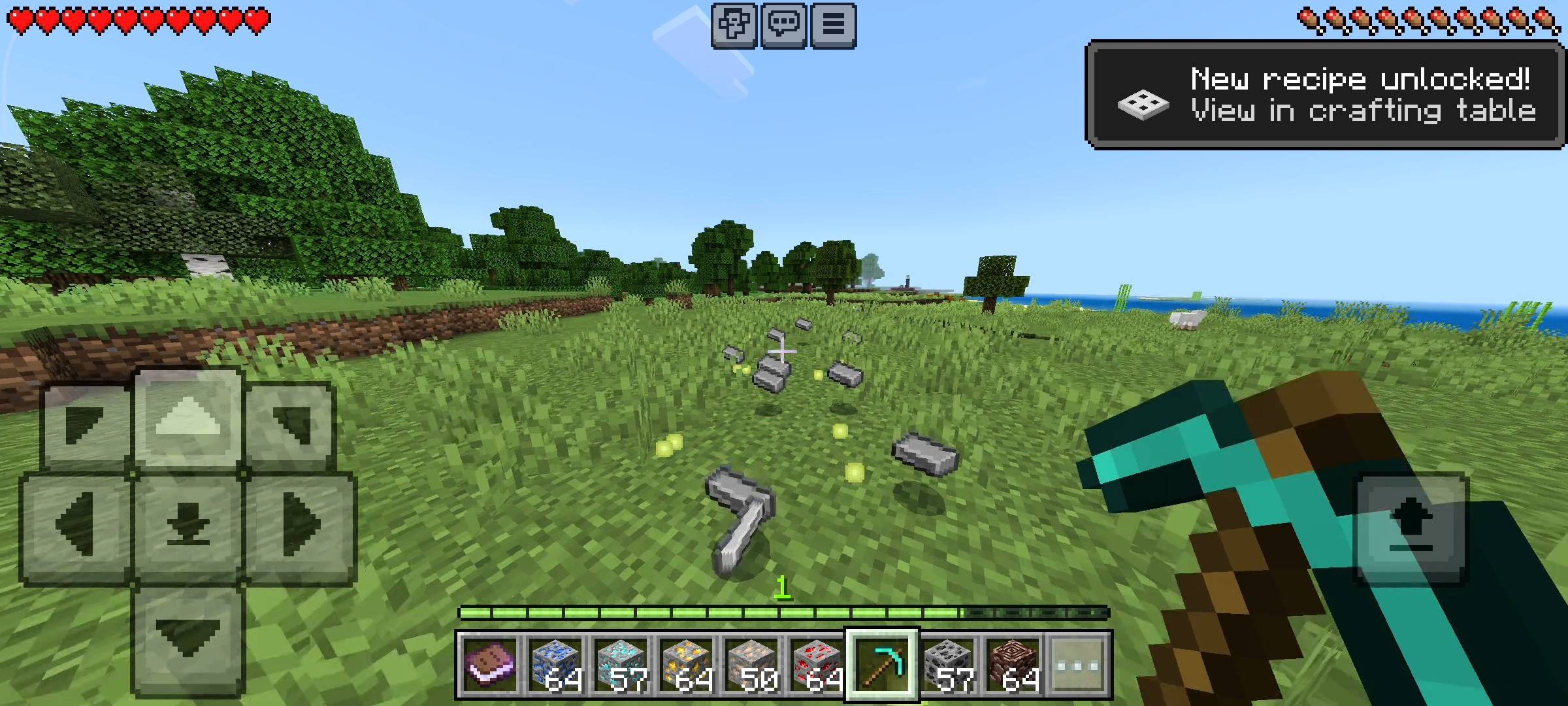
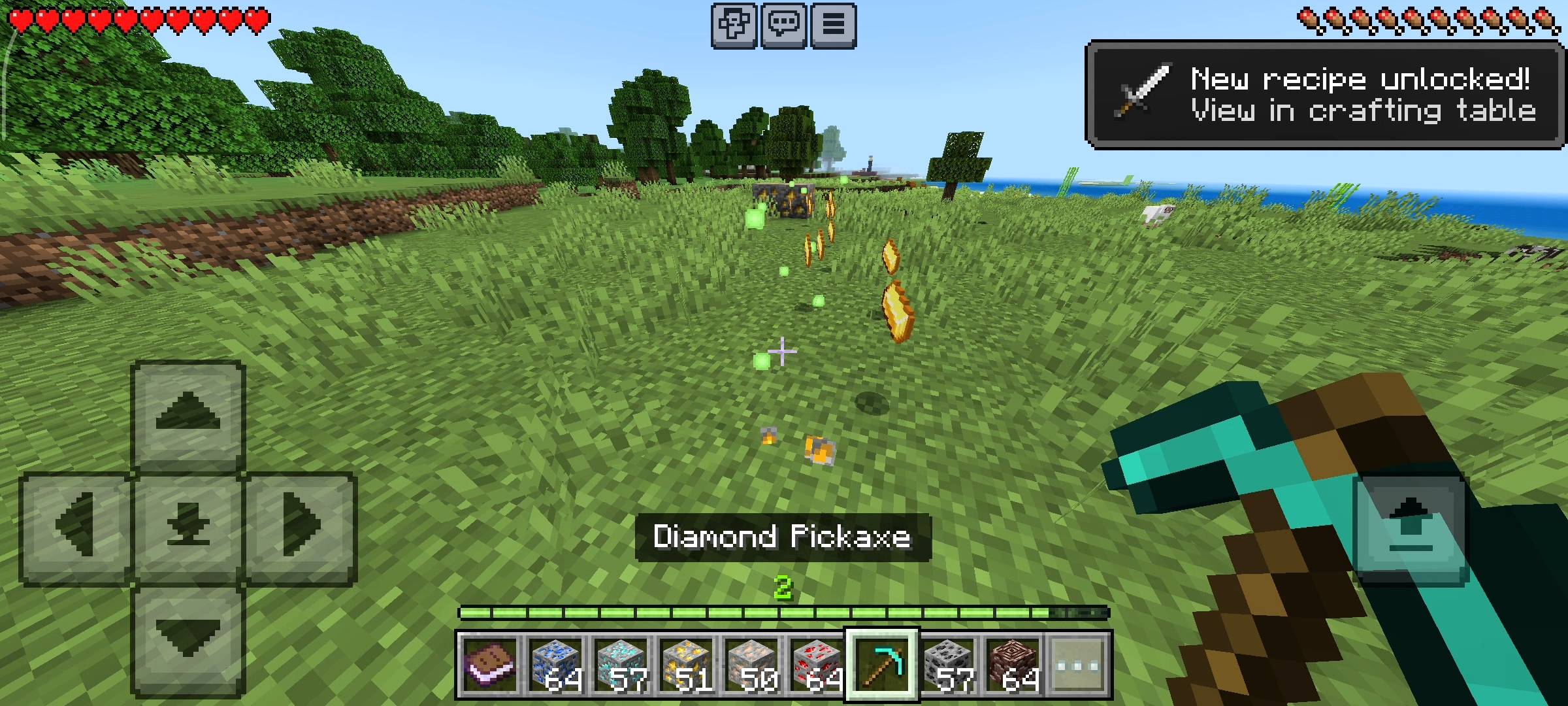
Mining just got incredibly overpowered. When you have the Auto-Smelt feature toggled on in your panel, you completely bypass the need for furnaces. Whenever you mine iron ore, gold ore, copper ore, or even ancient debris, the block instantly drops the smelted ingot or netherite scrap right on the ground.
Not only that, but it also drops the experience orbs immediately, so you can still repair your mending gear while you mine. And because I wanted to make this truly rewarding, there is a secret 5% lucky chance that the ore will actually drop double the amount of ingots. It makes strip mining so much faster and way more satisfying.
Auto-Cook: Say Goodbye to Coal
If you are running out of hunger while exploring a massive dark oak forest or a desert, stopping to set up a campfire or build a furnace is the last thing you want to do.
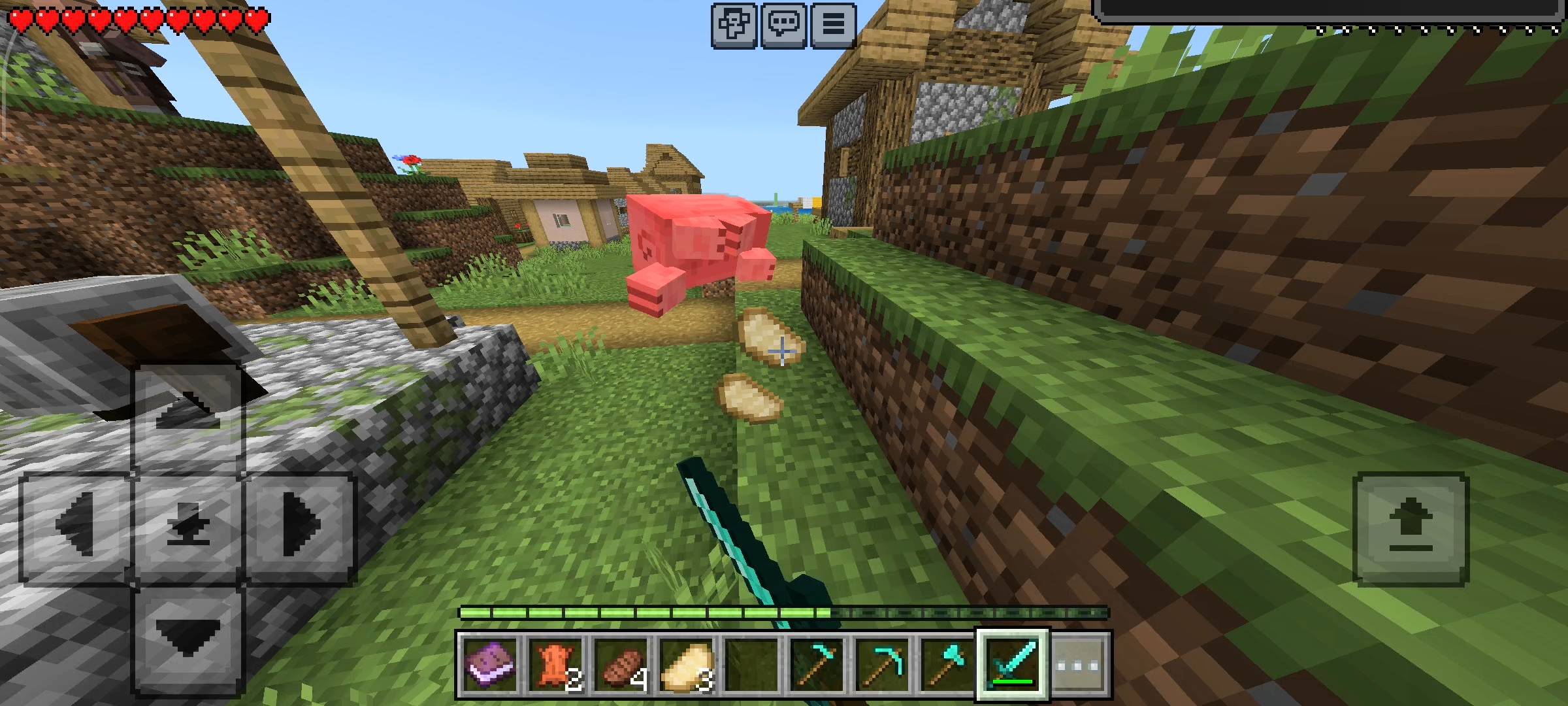
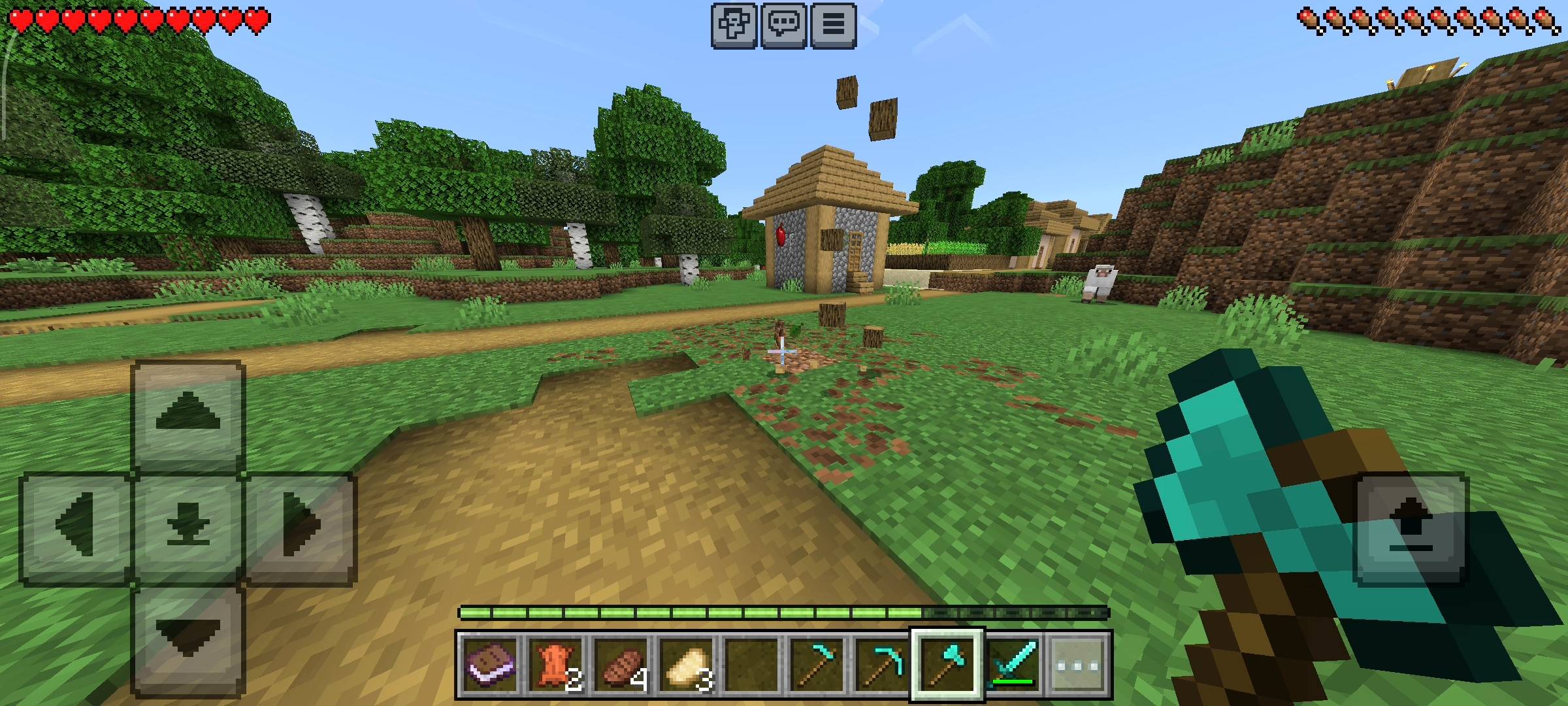
With Auto-Cook enabled, your hunting becomes instantly rewarding. Whenever you kill animals like cows, pigs, chickens, sheep, or salmon, they will drop the fully cooked version of their meat instead of the raw version.
It even works with potatoes if you get lucky drops! Just like the smelting system, you also get a 5% lucky chance for the animal to drop double the cooked food. You can basically run around, hunt, and eat on the move without ever slowing down.
Auto-Chop: The Tree Capitator
We all absolutely know the pain of trying to chop down those massive jungle trees or tall spruce trees. You have to build a giant dirt tower just to reach the top logs, and leaving floating trees is a literal crime in Minecraft.
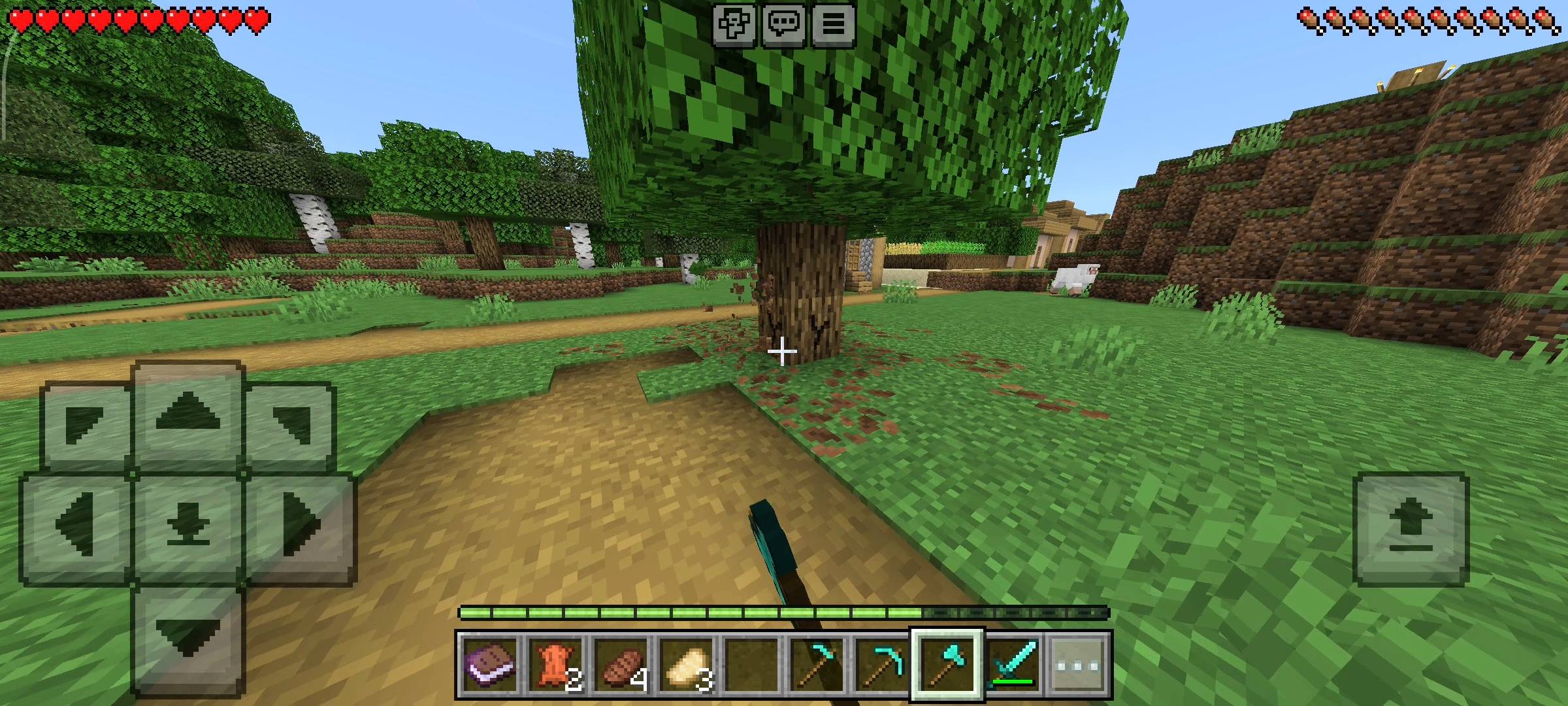
The Auto-Chop feature fixes this completely. It acts as a vertical tree capitator. All you have to do is break the very bottom log of the tree, and the add-on will automatically break up to 15 connected log blocks right above it.
The entire tree comes crashing down, and all the wood drops perfectly at your feet. Gathering building materials for your massive bases has never been this fast.
Auto-Farm: Lazy Harvesting
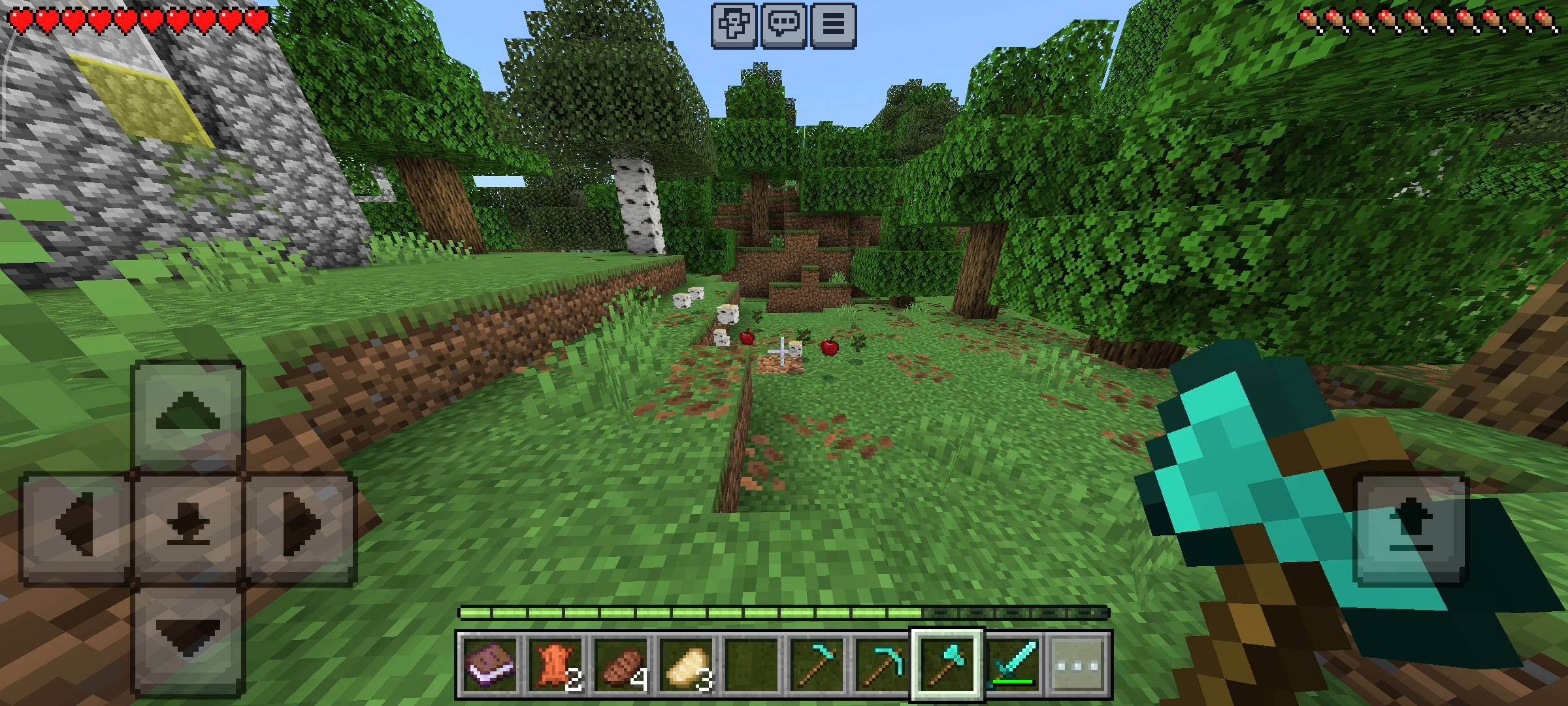
Farming is a great way to get a stable food source, but having to manually look at the ground and right-click every single dirt block to replant your seeds is super annoying. With the Auto-Farm toggle turned on, the system does the hard work for you.
When you punch a fully grown wheat, carrot, or potato crop, the add-on instantly drops the harvested items and automatically replants a brand new seed in that exact same spot.
You can just run through your massive crop fields holding the break button, and the whole farm will replant itself behind you in real-time.
The Epic Milestone Reward System
I wanted to add a progression system to make the survival grind feel even more exciting. Every single time you use one of the auto features—whether you chop a log, auto-smelt an ore, or harvest a crop—the add-on tracks your total actions in the background.
As you hit specific milestones, the game actively rewards your laziness! When you hit 100 total actions, you get a free Iron Block. Hit 500 actions, and you get two Gold Blocks. And if you are an absolute automation king and reach 1000 total actions, a massive title pops up on your screen, an epic sound effect plays, and you are rewarded with 5 pure diamonds directly into your inventory. You can track your total action count directly inside the Auto-Master UI panel.
Important Setup Notes
Make sure you turn on the Beta APIs experiment in your world settings before loading up the world. If you forget to do this, the custom UI panel will not open, and the auto-scripts will not run at all. It is fully multiplayer compatible, so you and your friends can all track your own milestones and use the panel independently on your realms!
AI Disclaimer
Just a quick note about the pictures on this Add-on. The main cover thumbnail and the screenshots in the gallery were enhanced using ai image tools.
- Edition: Minecraft Bedrock
- File type: .mcpack or .mcaddon
- Minecraft versions listed: 26.0.02, 26.0, 26.3
- How to install: Download the .mcpack or .mcaddon file. → Open it — Minecraft imports it. → In your world: Behavior Packs → Available → Activate, then the same under Resource Packs.
- Where to get it: Opens on CurseForge — not every file is mirrored on our own servers.
Install steps are the general flow for this file type — How to install Minecraft Bedrock addons & mods walks through it step by step.
- Pack type: .mcpack — a single pack
- Manifest requires Minecraft 1.21.0 or newer
- Complete pack — everything it depends on is inside the file
- Download size: 608 KB
- Download link checked 25 Sept 2026 — working
These come from our own check of the pack file, not from the source page.