

VoidPanel Integration
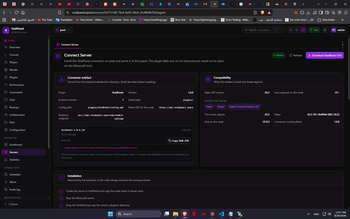
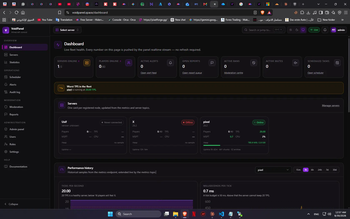
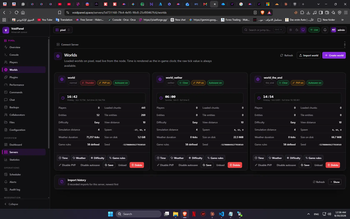
VoidPanel is a powerful tool designed to seamlessly bridge your Minecraft server with the VoidPanel Web Dashboard. It allows for real-time synchronization, server management, and automated backup/data handling directly through your web interface.
Features
Web Dashboard Sync: Connects your Minecraft server directly to voidpanel.space.
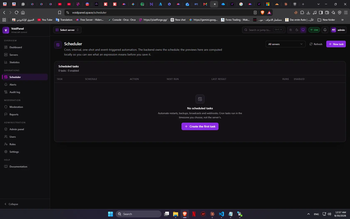
Real-time Management: Control and monitor server activity remotely.
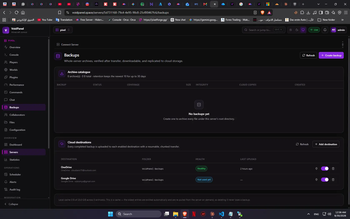
Automated Cloud Backup: Keep your server data and configurations safe.
Easy Setup: Simple configuration process to link your server in minutes.
Setup & Documentation
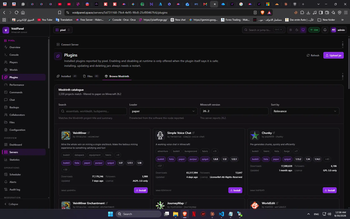
Download the plugin .jar file and place it in your server's plugins folder.
Restart your server to generate the configuration files.
Open config.yml and enter your API keys/credentials from VoidPanel.
Use /voidpanel reload (or restart) to apply changes.
- Edition: Minecraft Java
- File type: .jar
- Minecraft version listed: 26.2
- How to install: Install the matching mod loader (Forge, Fabric or NeoForge) for your Minecraft version. → Download the .jar. → Put it in the .minecraft/mods folder and launch that loader profile.
- Where to get it: Opens on Modrinth — not every file is mirrored on our own servers.
Install steps are the general flow for this file type — How to install Minecraft Java mods & modpacks walks through it step by step.
- Ships as VoidPanel-1.0.0.jar — drop this file into the mods folder
- Download size: 311 KB
- Download link checked 25 Sept 2026 — working
These come from our own check of the pack file, not from the source page.