Glowing Item Physics
Dropped items tumble, land and lie flat with realistic physics, and every pixel of every block, item and mob gets a thin glowing white-yellow outline…
⬇ Download on CurseForge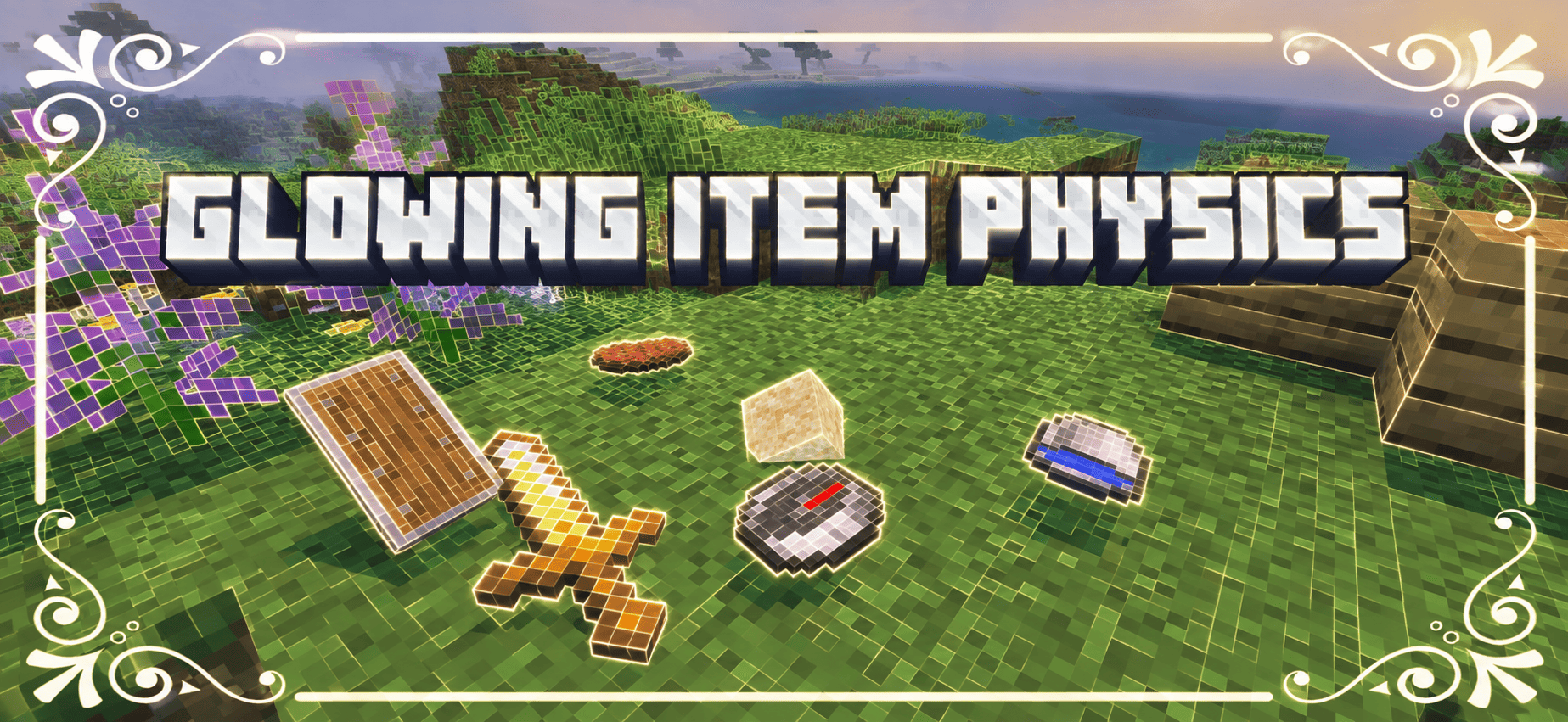
GLOWING ITEM PHYSICS
Glowing Item Physics turns every item you drop into something you want to look at. Items tumble through the air, land, wobble for a moment and settle flat on the ground, while every pixel of every block, item and mob is traced by a thin, glowing white-yellow outline. It is a complete Bedrock add-on with realistic drop physics and a unique glowing pixel-grid look, made by Baku_Studio.
WHAT YOU GET
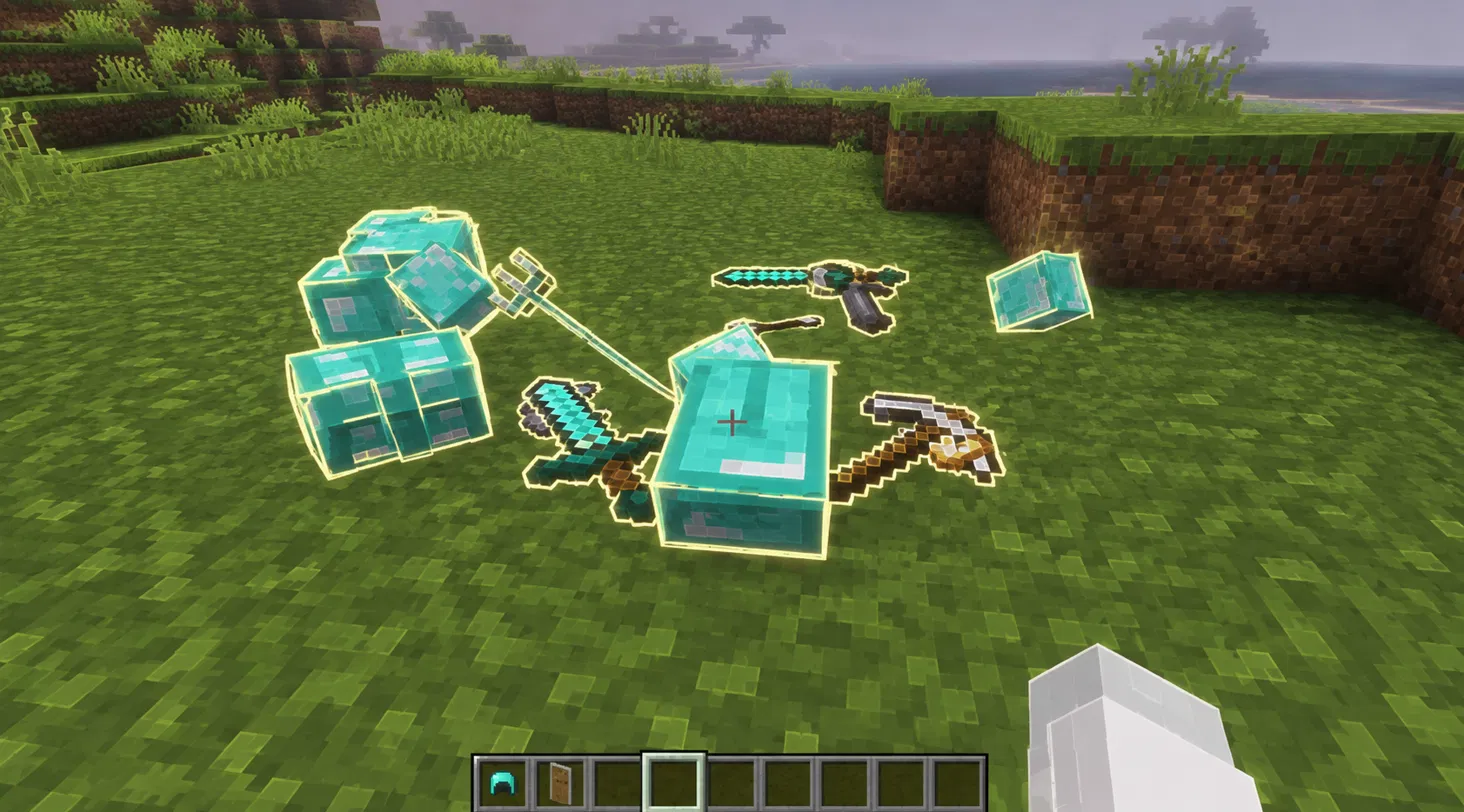
- Dropped items that tumble while falling, land, wobble and lie flat, each in its own random direction
- A thin glowing outline around every pixel of every block, item, mob and piece of armor
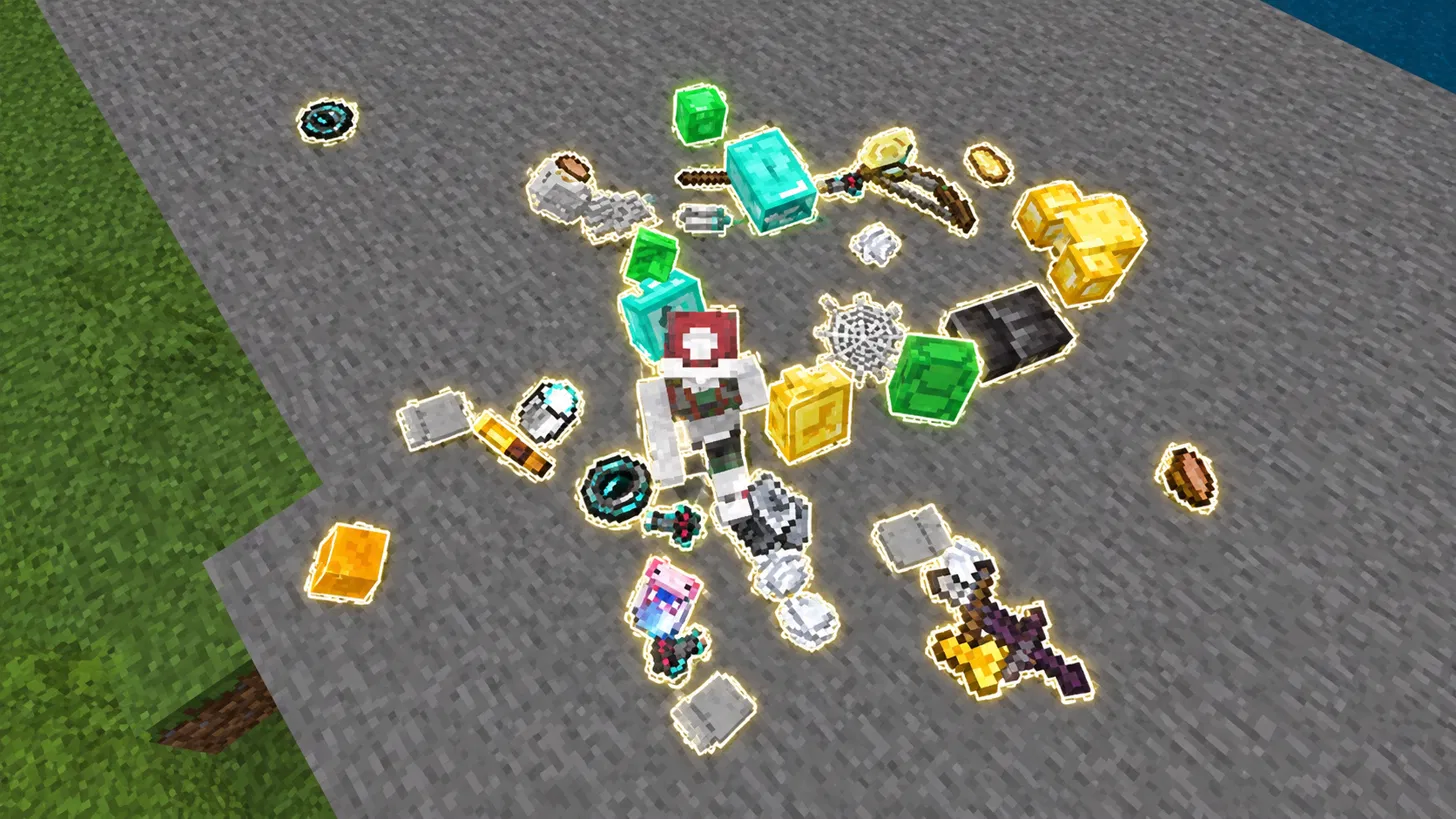
- A soft glowing contour around each dropped item, so loot is easy to spot
- Block colours that always stay clear and true, with outlines that fade away at a distance
- More than 3,800 textures at 256x and about 560 items and blocks with drop physics
REALISTIC ITEM PHYSICS
When an item is dropped, thrown or released by a broken block, it is replaced by a custom physics item. It keeps the speed it was thrown with, spins as it falls, and touches down with a small settle wobble before lying still. Tools, food, ingots, gems, armor, discs, boats and many more use their own texture, while common solid blocks such as stone, dirt, sand, ores, wool, concrete, planks and metal blocks fall as small tumbling cubes. Items are collected automatically when you walk close, with a gentle pull towards you and a pickup sound, and matching items that land next to each other merge into one stack. They disappear after five minutes, like normal drops.
SMART AND SAFE BEHAVIOUR
If an item lands in water or on top of a hopper, it turns back into a normal item, so your farms, item streams and sorting systems keep working. Lava and fire destroy physics items exactly like normal drops. Anything the add-on is not sure about, such as enchanted or renamed items, potions, maps, dyed leather, logs and grass, simply drops as a normal item and still receives the glowing outlines. Crops and gold items also stay normal, so villager farming and piglin bartering are not affected.
GLOWING PIXEL OUTLINES
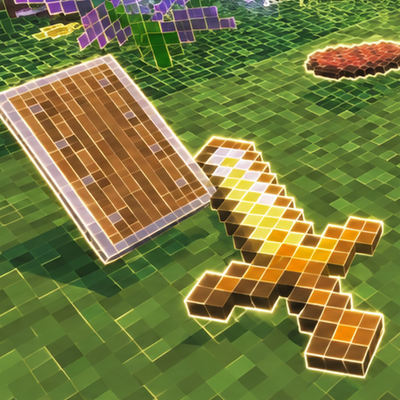
Every pixel is its own small cell with a hairline border in warm white with only a hint of yellow. The line is brightest along the top and left edge of each cell and softer along the bottom and right, with a gentle glow that bleeds inward. The inside of each cell keeps its original colour, so stone is still stone, grass is still green and diamond ore still shows its cyan gems.
OUTLINES THAT FADE WITH DISTANCE
Up close you see the full pixel grid. As you move away, the outlines thin out and blend back into the block colour, so distant hills, forests and buildings look clean and natural instead of noisy.
WHAT IS INCLUDED
- Resources: outline textures for over 1,400 blocks, around 980 items, mobs and armor, plus a model and textures for the physics items
- Effect textures such as sky, clouds, particles, enchantment glint, armor trims and biome colours are left untouched, so nothing breaks
- Behavior: a custom item entity and a script for drops, pickup, merging and safety checks
HOW TO INSTALL
1. Remove any older Glowing Outline packs and any other item physics add-on. Two physics add-ons cannot run together.
2. Download the .mcaddon file and open it with Minecraft. Wait for the "Import successful" message.
3. Create or edit a world, open Resource Packs and activate "Glowing Item Physics [Resources]".
4. Open Behavior Packs and activate "Glowing Item Physics [Behavior]".
5. Enter your world and drop something.
REQUIREMENTS
Minecraft Bedrock Edition 1.21.30 or newer on Android, iOS or Windows. The add-on uses the stable Script API, so no Beta APIs experiment should be needed on current versions. The download is about 25 MB. A mid-range device is recommended because the textures are 256x.
OPTIONAL COMMANDS
With cheats enabled, /scriptevent baku:physics off switches the physics off and instantly turns every physics item back into a normal item. Use /scriptevent baku:physics on to switch it back on. If dropped items ever look invisible, make sure the Resources part is activated too.
GOOD TO KNOW
- A stack of items is shown as a single tumbling item
- Villagers, allays and other mobs cannot pick up physics items, which is why crops and gold stay normal
CREDITS
- Creator, design and code: Baku_Studio
- Pixel base reference: Outline Texture Pack 256x (mcpedl.com/outline-texture-pack-2)
- Minecraft is a trademark of Mojang Studios and Microsoft
This is not an official Minecraft product. It is not approved by or associated with Mojang or Microsoft.
Thank you for downloading Glowing Item Physics. Feedback and screenshots are always welcome.
- Edition: Minecraft Bedrock
- File type: .mcpack or .mcaddon
- Minecraft versions listed: 1.21.100, 26.0
- How to install: Download the .mcpack or .mcaddon file. → Open it — Minecraft imports it. → In your world: Behavior Packs → Available → Activate, then the same under Resource Packs.
- Where to get it: Opens on CurseForge — not every file is mirrored on our own servers.
Install steps are the general flow for this file type — How to install Minecraft Bedrock addons & mods walks through it step by step.
- Pack type: .mcaddon — behaviour and resource pack in one file
- Manifest requires Minecraft 1.21.30 or newer
- Complete pack — everything it depends on is inside the file
- Download size: 24.0 MB
- Download link checked 25 Sept 2026 — working
These come from our own check of the pack file, not from the source page.