Karú - Build a Hotel
Run luxury hotels with working elevators, keycard rooms, guest kiosks, security checkpoints, and 141 PBR building blocks across three architectural…
⬇ Download on CurseForge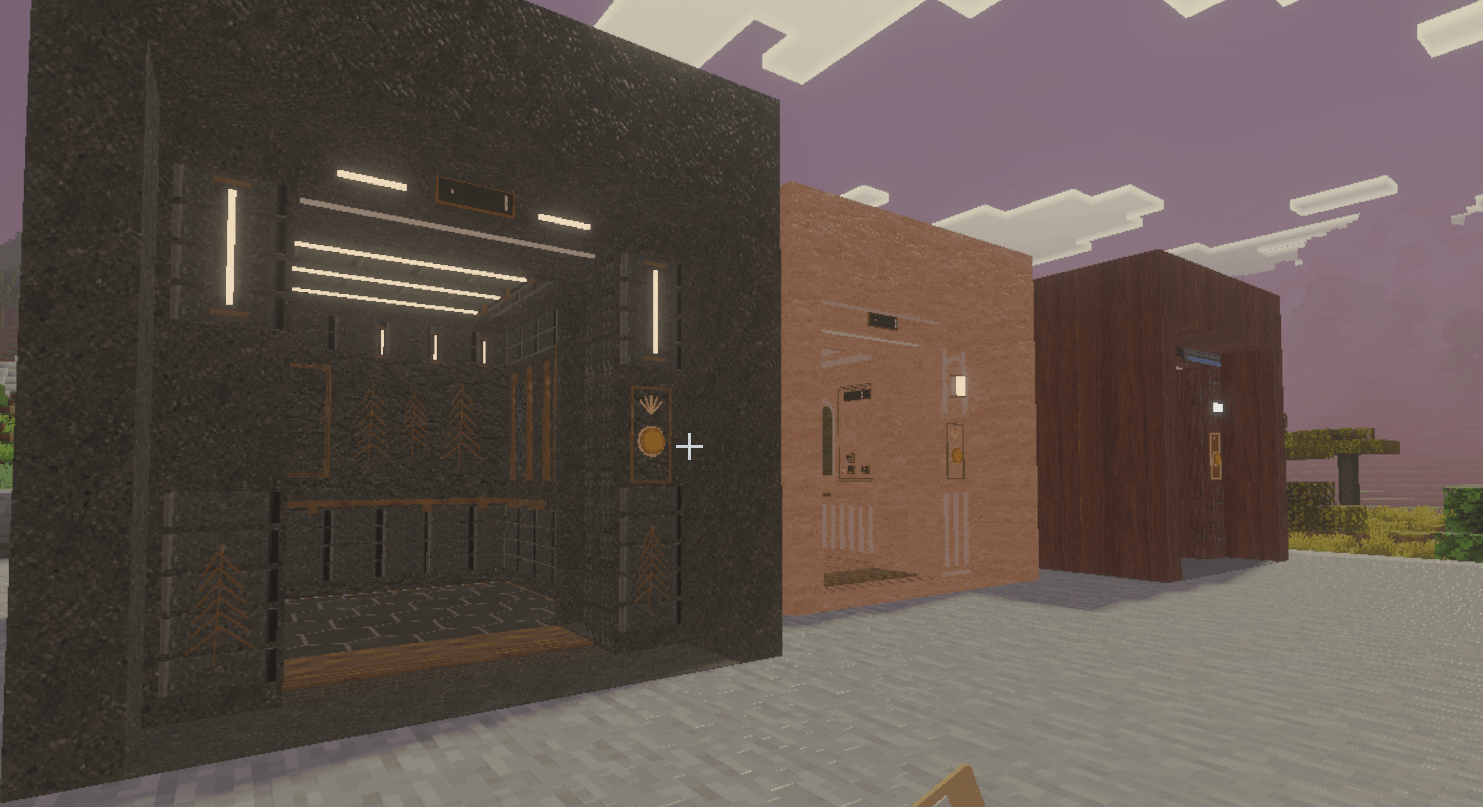
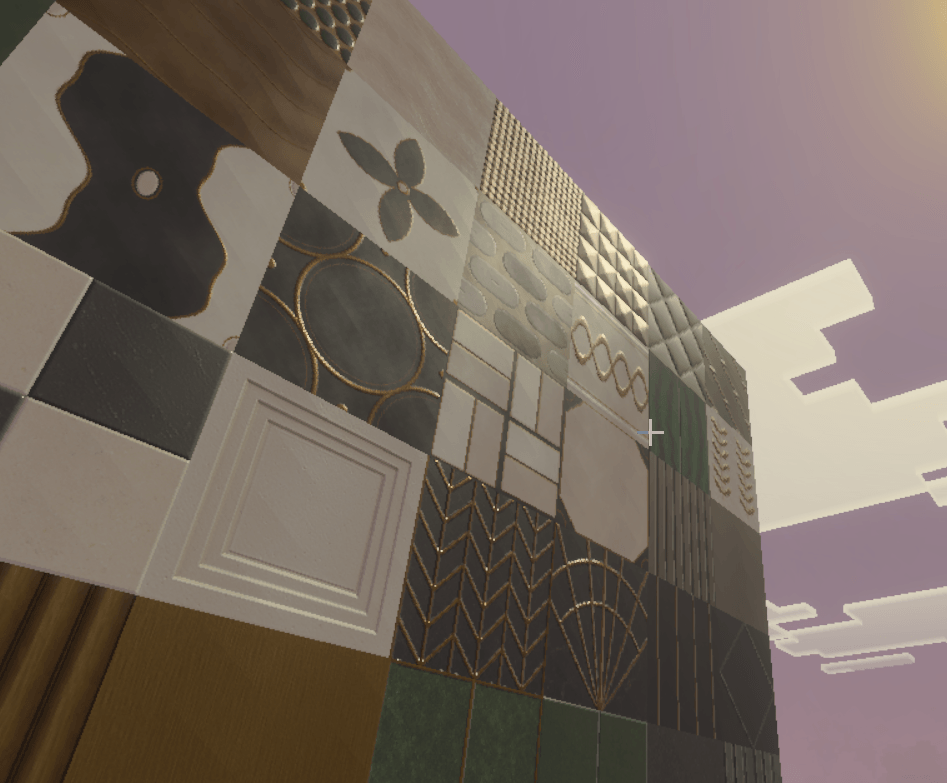
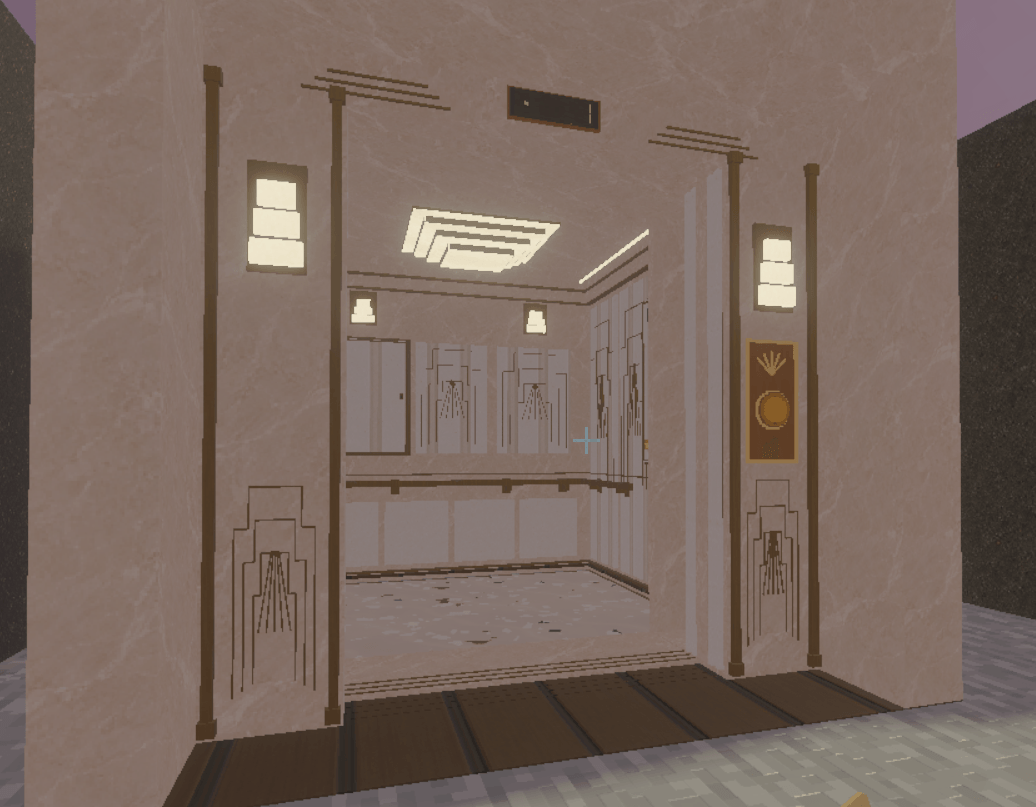
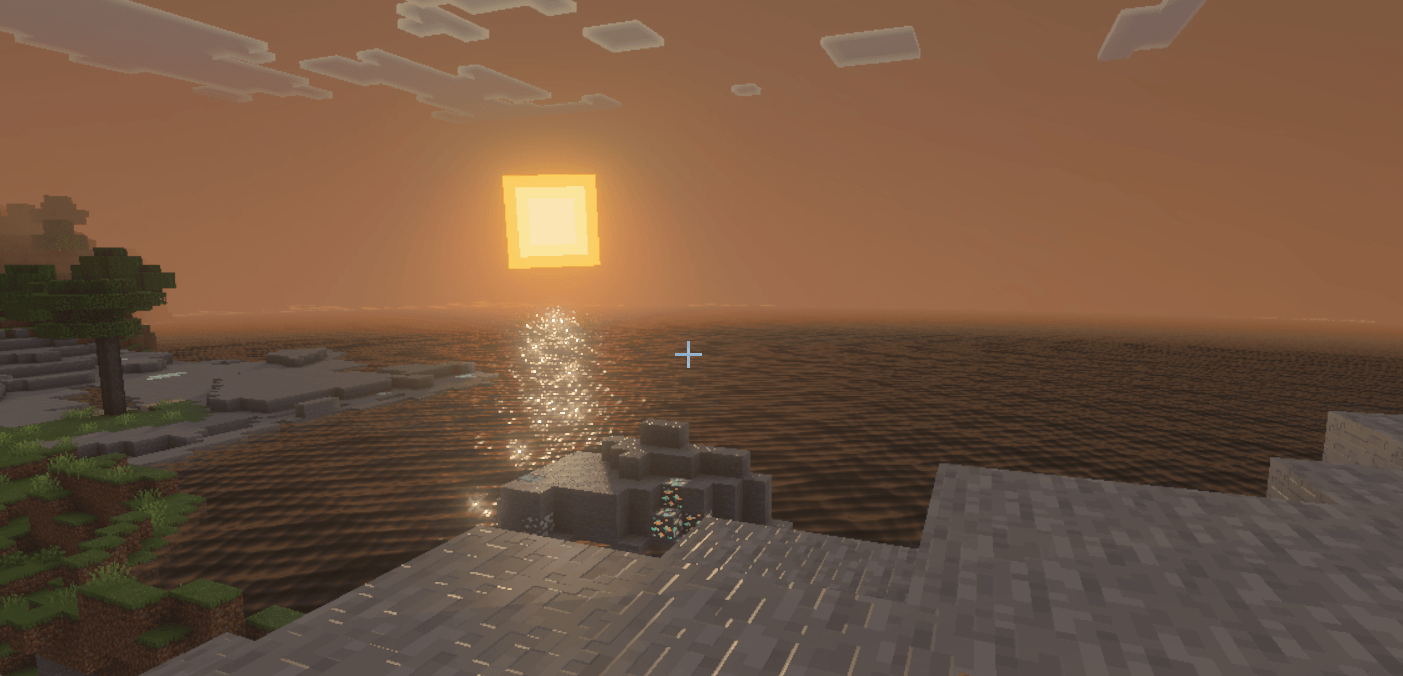
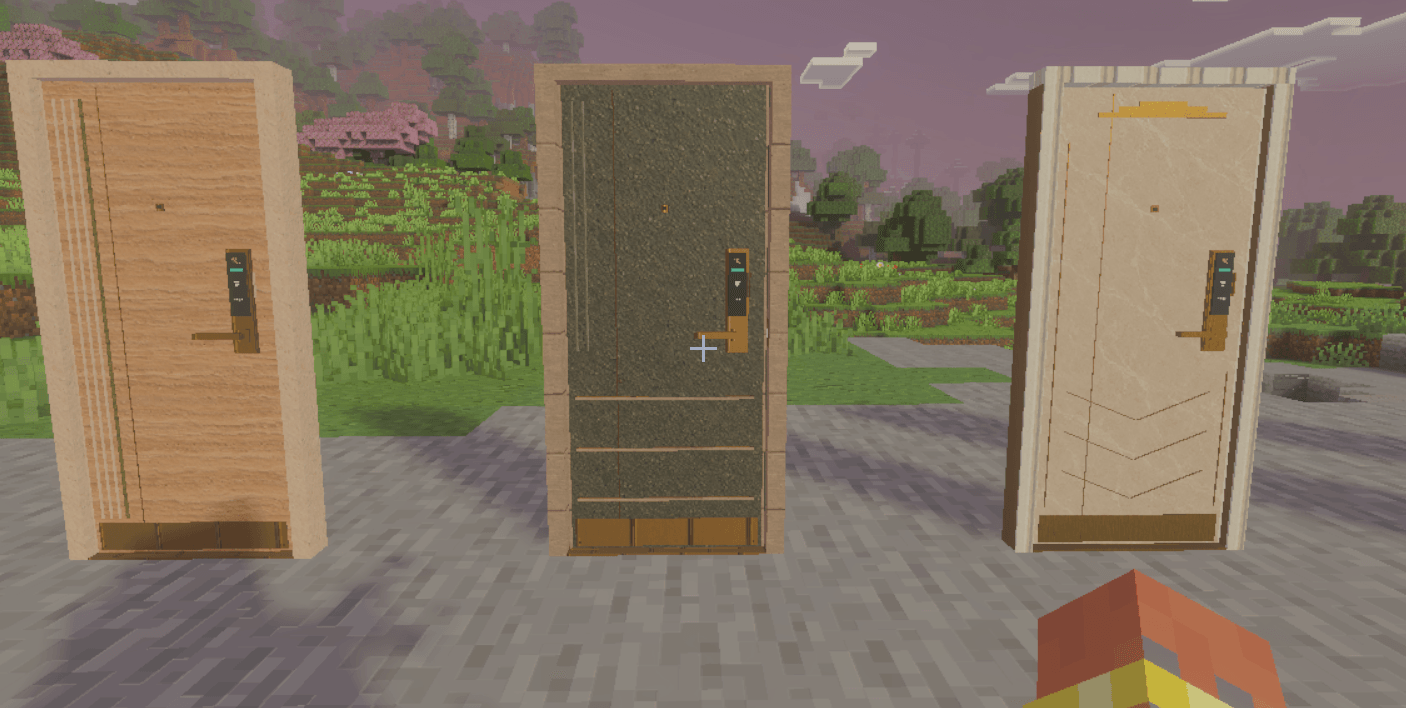
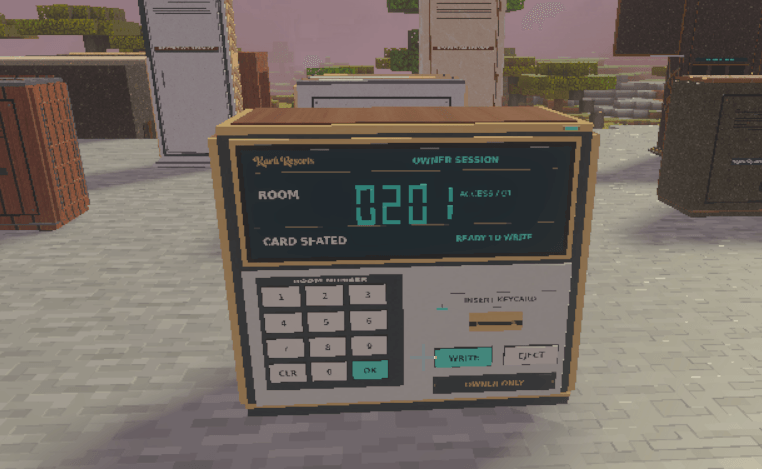
Build a hotel your friends can actually stay in. Compete with your friends for who can build the nicest hotel! Even start a multiplayer server! Brag about staying at or building the nicest hotel in the game!
Ensure your game version is Minecraft Bedrock 1.26.10 or newer.
PLEASE KEEP IN MIND THAT ELEVATORS HAVE A 1 SECOND DELAY FOR ENTRY AND EXIT ONCE THEIR DOORS OPEN, AND ELEVATOR SPEED MATCHES REAL WORLD ELEVATOR SPEED TO REDUCE LAG FROM RAPID ELEVATOR MOVEMENT. I AM ALSO DOING MOBILE DEVICE PLAYTESTS AND NEED TO MAKE SOME CHANGES TO BUTTON PRESS FOR MOBILE ON ELEVATORS AND MACHINES.
I WILL PUT OUT A FIX FOR THAT ISSUE WITHIN THE WEEK. BUTTONS CAN STILL BE PRESSED ON MOBILE, THE EASE OF PRESSES IS THE FIX I AM WORKING
Karú Resorts is a sandbox addon for Minecraft Bedrock that lets you design, build, and run your own hotel. Create the building, register its rooms, set your prices, stock the front desk, and let other players check themselves in. Guests can pay for a stay, collect a working keycard, call an elevator, and head upstairs to their room.
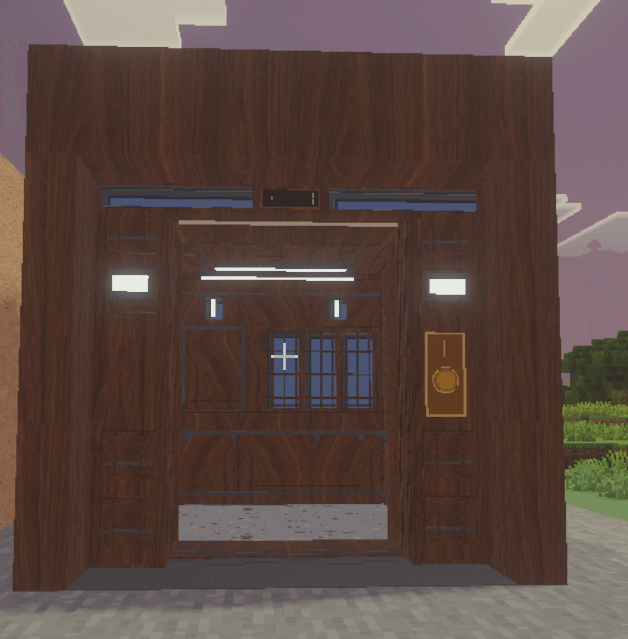
The hotel is completely yours to create. Build a little roadside motel, a peaceful mountain lodge, a beachfront resort, a huge city tower, or a castle with an expensive penthouse hidden inside. There is no required building plan, preset hotel layout, or architectural style you have to follow. You decide what the place looks like and how much of the addon you want to use.
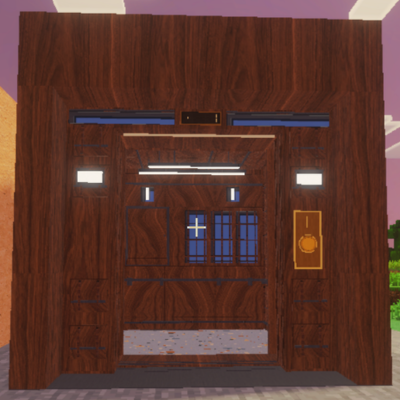
Karú includes 141 PBR construction blocks across three styles: Organic Brutalist, Art Deco / Gatsby, and Modern Mass Timber. These give you everything from warm stone and textured concrete to patterned marble, metallic trim, and rich wood finishes. Their detailed surfaces are designed to catch the light, bringing out grain, grooves, inlays, shine, and raised-looking patterns.
Those styles are optional building kits. You can mix them together, combine them with vanilla blocks, or fit the hotel equipment into an existing build made with other compatible addons. Put a walnut elevator inside a medieval inn or a gold reception kiosk in a concrete tower. Your hotel does not have to match one of our palettes to function.
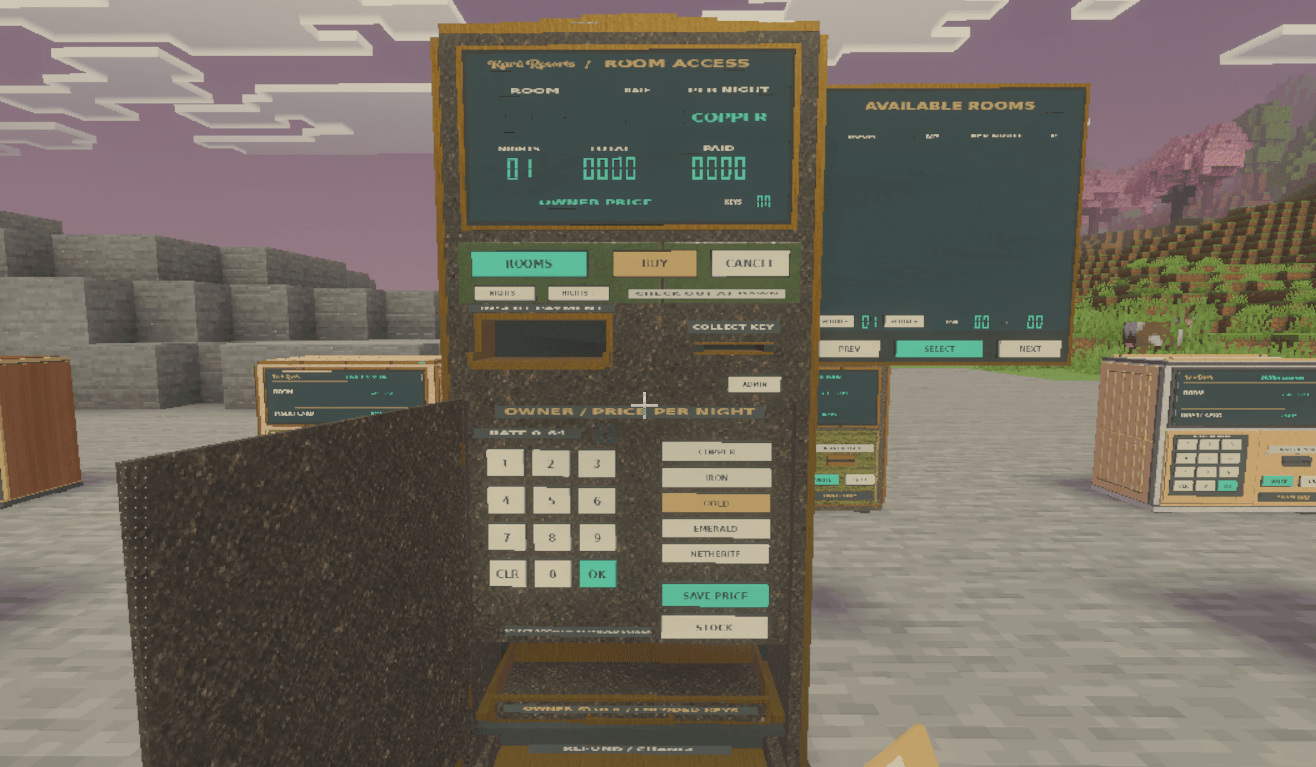
The main hotel equipment uses physical controls built into its models. You interact with actual keypads, card slots, readers, drawers, and buttons. Cards visibly move through machines, doors open for authorized guests, and the front desk stores the keys and payments used to run your hotel. The equipment also comes in different finishes, so its appearance can fit the building around it.
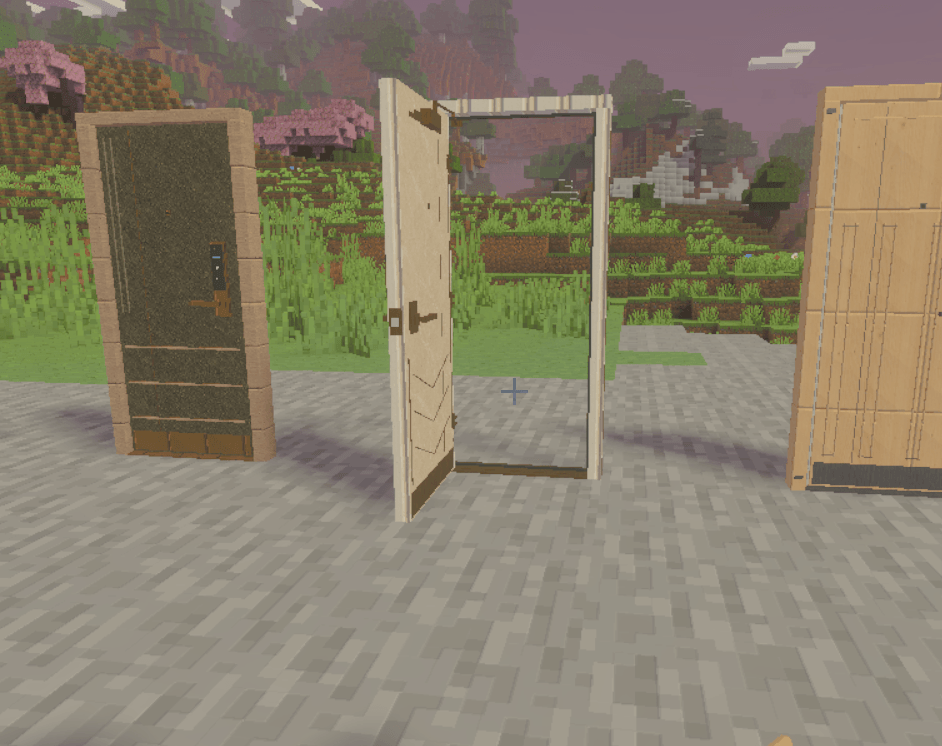
Your hotel begins with an Owner Key Encoder and a registered Owner Link Card. The owner card connects your equipment to the correct hotel and gives you master access to its rooms. Attach plaques to your doors, assign room numbers, and use the encoder to prepare guest keycards. You can run several separate hotels, each with its own registered owner card and rooms.
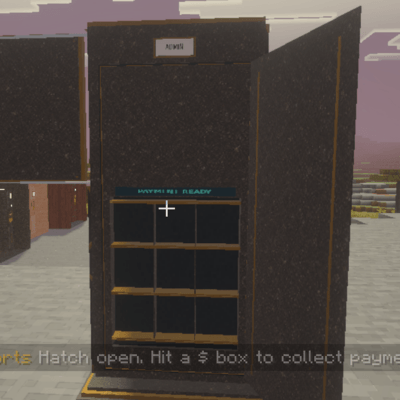
The Nightly Room Kiosk handles guest bookings. As the owner, you load actual room keys and set a nightly price for each room. Charge copper, iron, gold, emeralds, or netherite, or make rooms free. Guests browse the available rooms, choose their stay, pay through the machine, and collect their key from the pickup slot. Completed payments become earnings you can collect from the kiosk’s rear payment compartment.
Room keys work for the hotel and room they were issued for. Their rental begins when the guest collects the key, and checkout follows Minecraft’s dawns. Once a stay expires, that card stops unlocking the room from outside. Guests can still use the inside handle to leave. An encoded card needs to go through the kiosk’s rental process before it becomes an active guest pass, including for free stays.
The elevators are working transport systems with moving cabins, separate landing doors, and physical controls. Press the circular button outside to call the lift, step inside, and choose your floor. Owners configure each cabin through its service panel, setting floor heights and enabling up to 12 numbered stops. Unused floor buttons disappear, so a small hotel does not need a panel full of destinations it cannot serve. Cabins and landings have multiple PBR finishes, and their styles can be mixed.
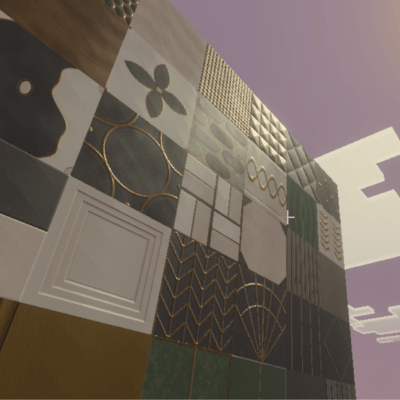
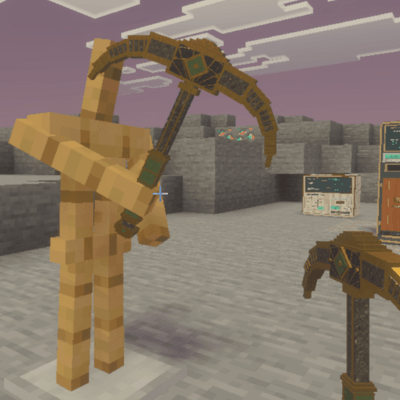
For Survival building, Karú’s construction blocks require the Gatsby Owner Pickaxe to mine and collect. Creative players can break them normally. This restriction applies specifically to the included construction materials; vanilla blocks and other building materials keep their own rules. The pick is craftable, so it is a building tool rather than a personal ownership lock.
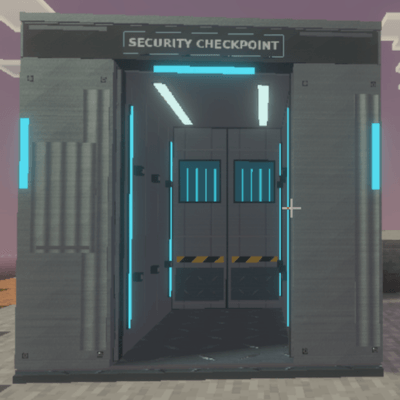
The optional Security Checkpoint gives you a way to screen visitors for Owner Picks. Players enter the center of the booth before it scans. Bringing a pick through triggers a lethal electrical discharge, and admitted visitors remain tracked if they acquire one afterward. Walking back out through the same checkpoint clears that visit. Actual death clears the player’s tracking, and removing a checkpoint disables its own tracking. This system follows checkpoint visits rather than creating a protected boundary around the entire hotel.
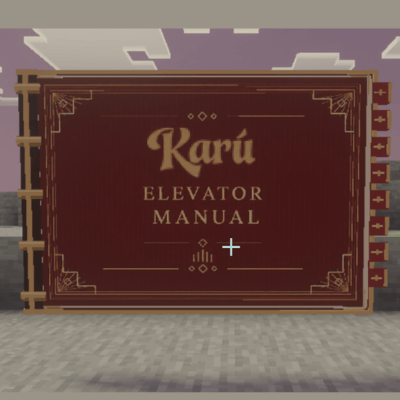
Three craftable music discs help set the mood in your lobby: Golden Inlay, Ivy Stone, and Crimson Timber. They play in ordinary jukeboxes. There are also three illustrated, placeable guides covering hotel operation, elevator setup, and dismantling equipment, so help can sit right beside the machines you are learning to use.
Start with a few rooms or build an entire resort. Keep it affordable, make every suite ridiculously expensive, or let friends stay for free. Karú gives your building working hotel systems, while leaving the architecture, atmosphere, and personality up to you.
All construction block recipies are available via crafting table and stonecutter.
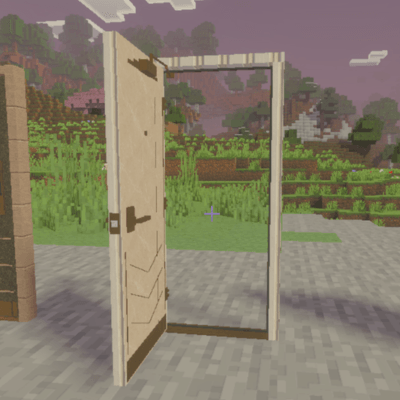
I highly recommend adding a furniture addon to your world when designing your hotel, it will make your experience even better. Just be sure you make a copy of your world, and that your device can handle another addon in combination with this one. If this mod does well I will consider adding some furniture custom to the hotel style kits I made.
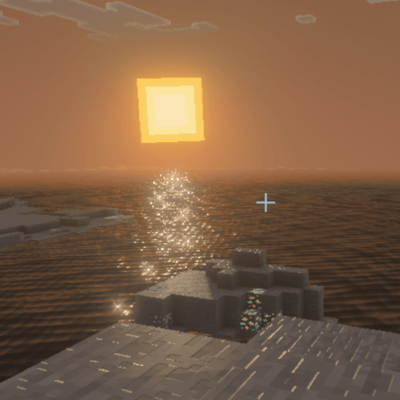
Ensure you do not add any shaders, and that you have Vibrant Visuals enabled while playing.
- Edition: Minecraft Bedrock
- File type: .mcpack or .mcaddon
- Minecraft versions listed: 26.3, 26.10, 26.11
- How to install: Download the .mcpack or .mcaddon file. → Open it — Minecraft imports it. → In your world: Behavior Packs → Available → Activate, then the same under Resource Packs.
- Where to get it: Opens on CurseForge — not every file is mirrored on our own servers.
Install steps are the general flow for this file type — How to install Minecraft Bedrock addons & mods walks through it step by step.
- Manifest requires Minecraft 1.26.10 or newer
- Complete pack — everything it depends on is inside the file
- Download size: 104.2 MB
- Download link checked 25 Sept 2026 — working
These come from our own check of the pack file, not from the source page.