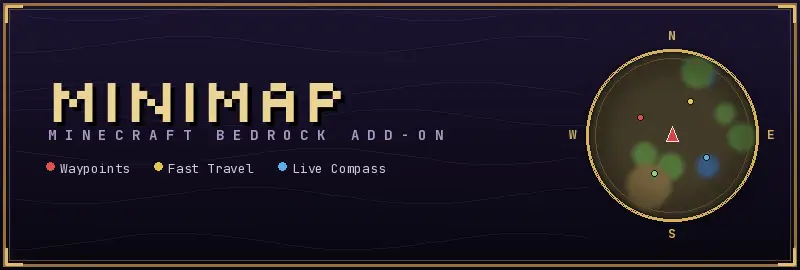
Minimap for Minecraft
Bedrock add-on listed for Minecraft 26.x (behavior + resource pack). File opened and checked on 25 Sep 2026; installs from the MC Bedrock Mods app on Android.
On-screen minimap for Minecraft Bedrock with waypoints, live compass, and server-tunable warps for easier navigation.
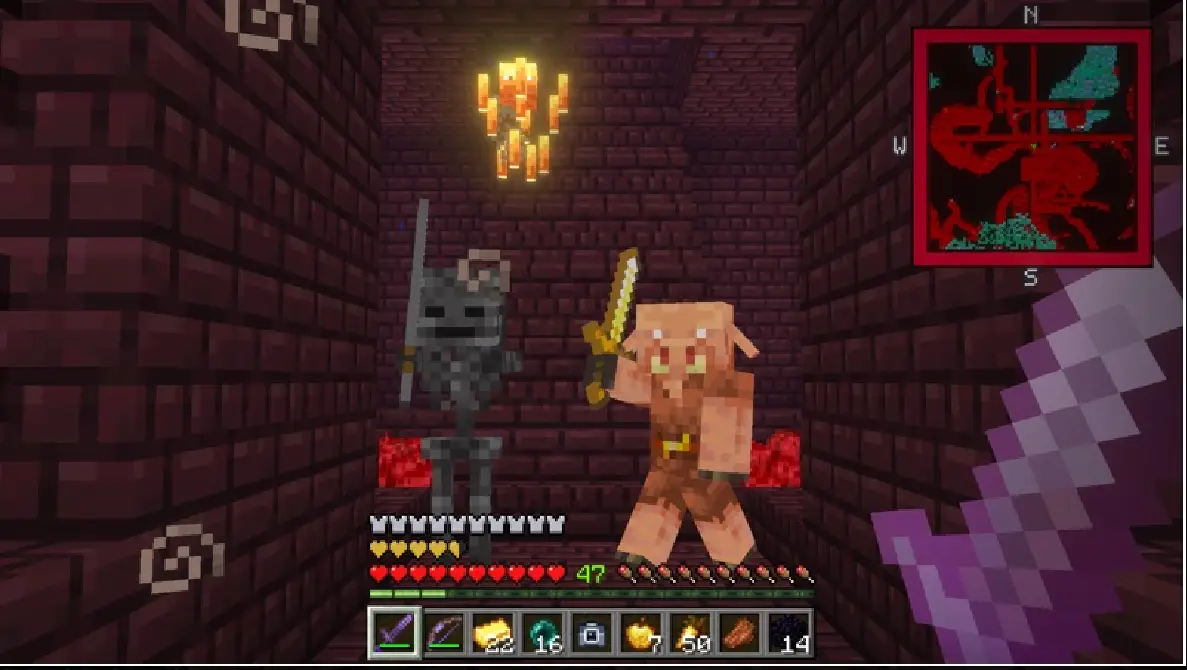
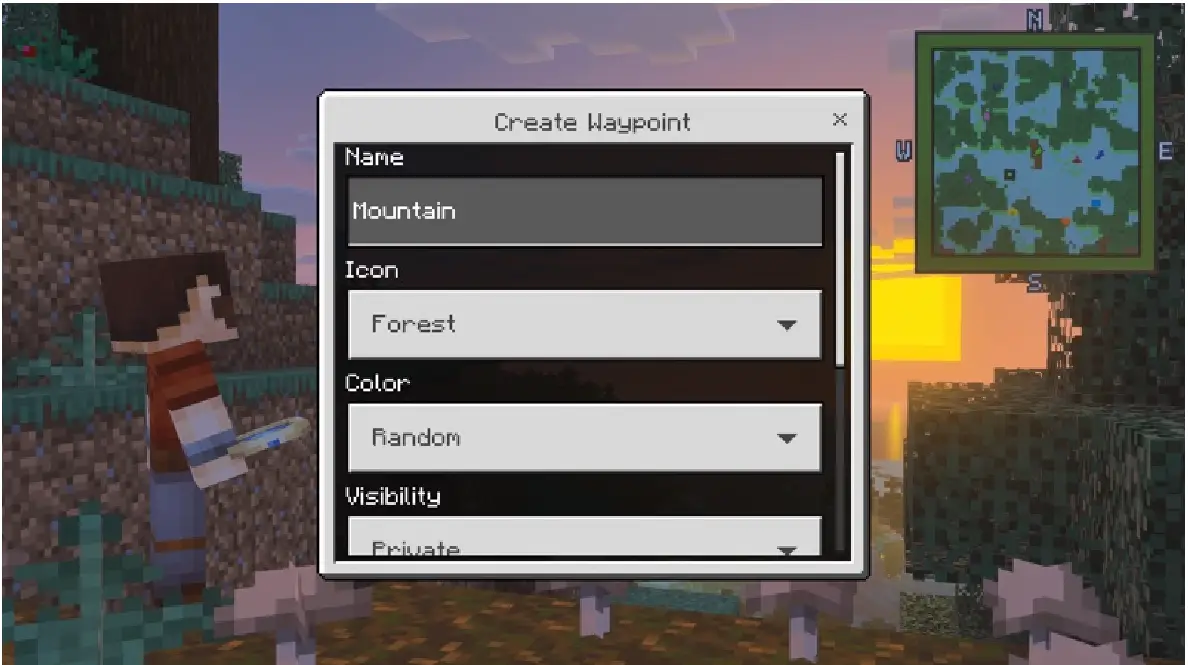
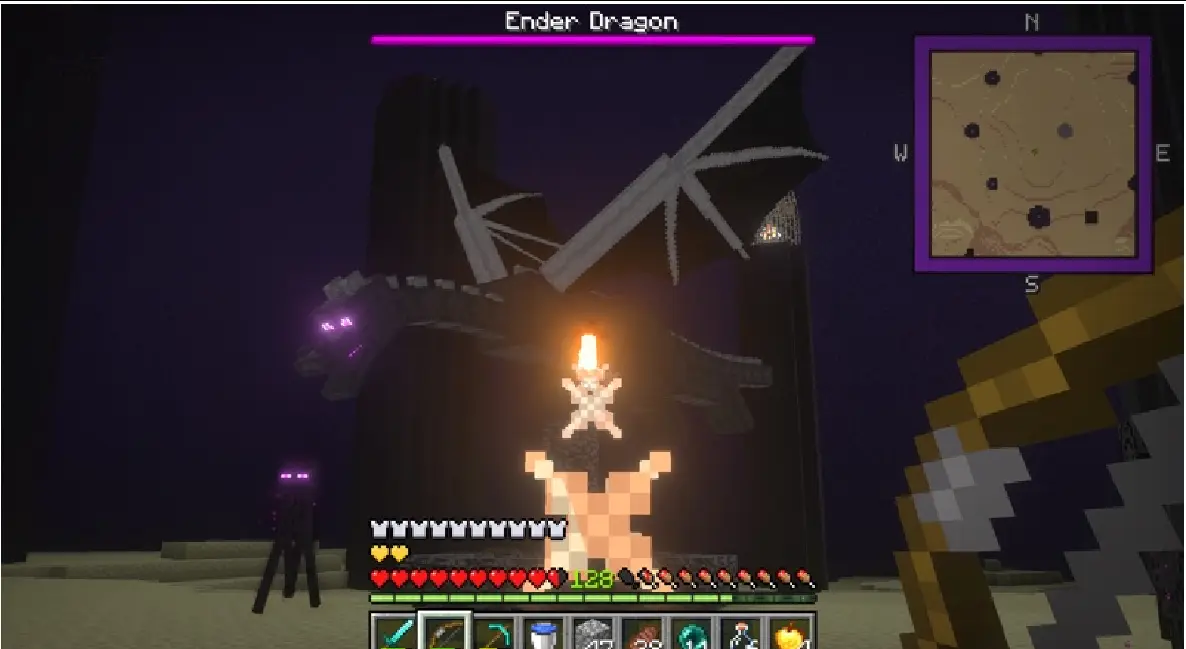
⬇ DownloadMiniMap turns Minecraft Bedrock's world into something you can finally read. Drop waypoints, name them, color-code them, and warp back whenever the mood — or the emeralds — allow. A live compass in the corner keeps you oriented across the Overworld, Nether, and End, while host-tunable settings (XP costs, distance scaling, cooldowns) let server owners balance fast travel their way.
Built for explorers, hosts, and anyone tired of getting lost in their own base.
Features
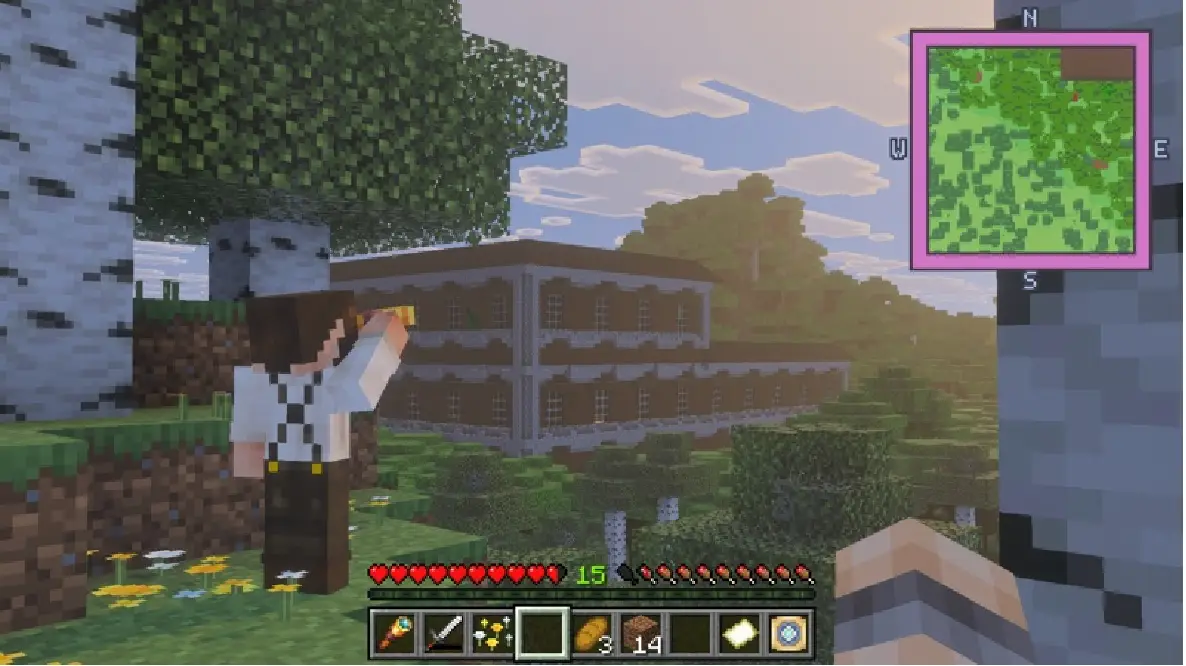
- On-screen minimap with configurable display.
- Waypoints: drop, name, color-code, and warp back to marked locations.
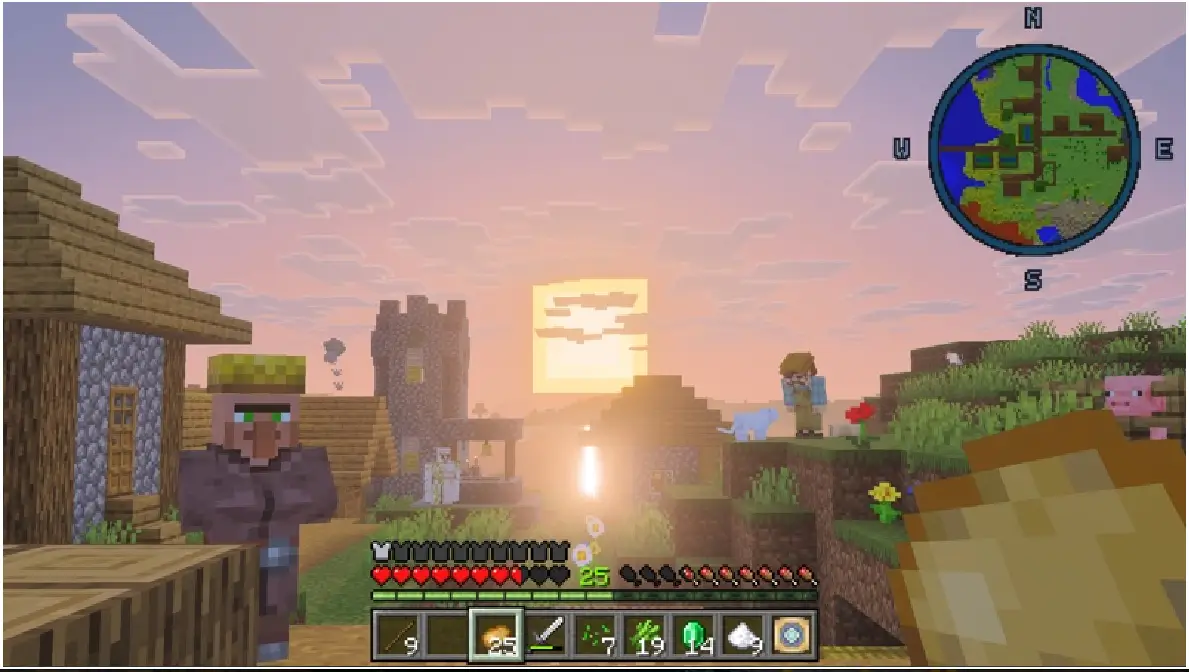
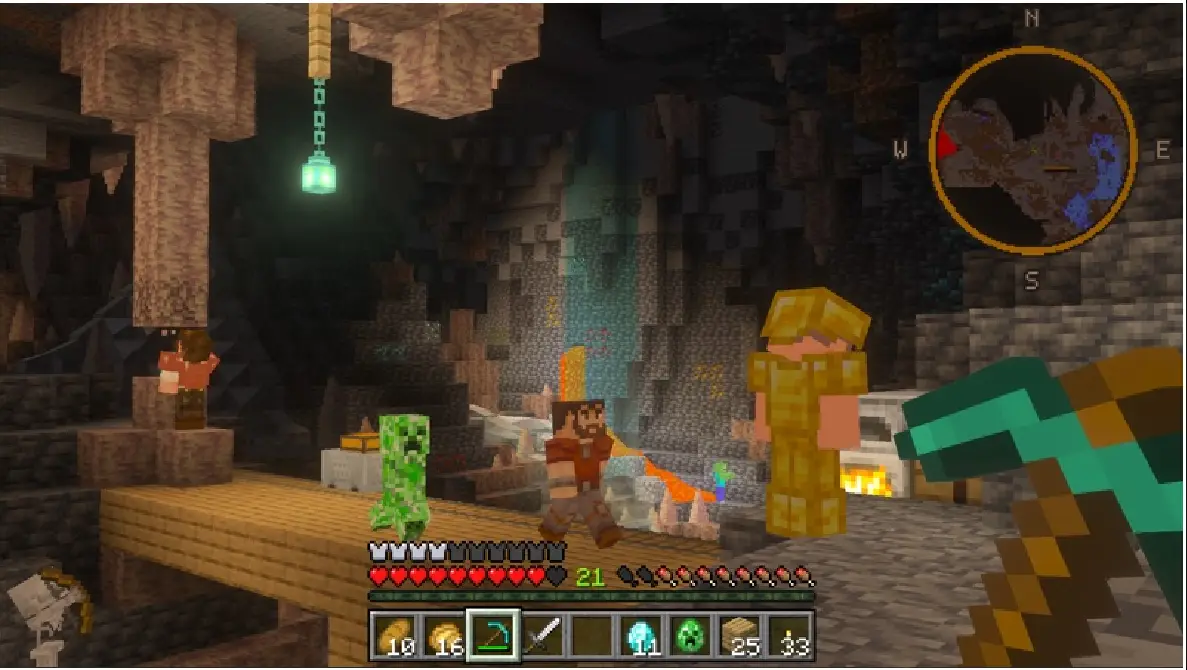
- Live compass overlay that works in Overworld, Nether, and End.
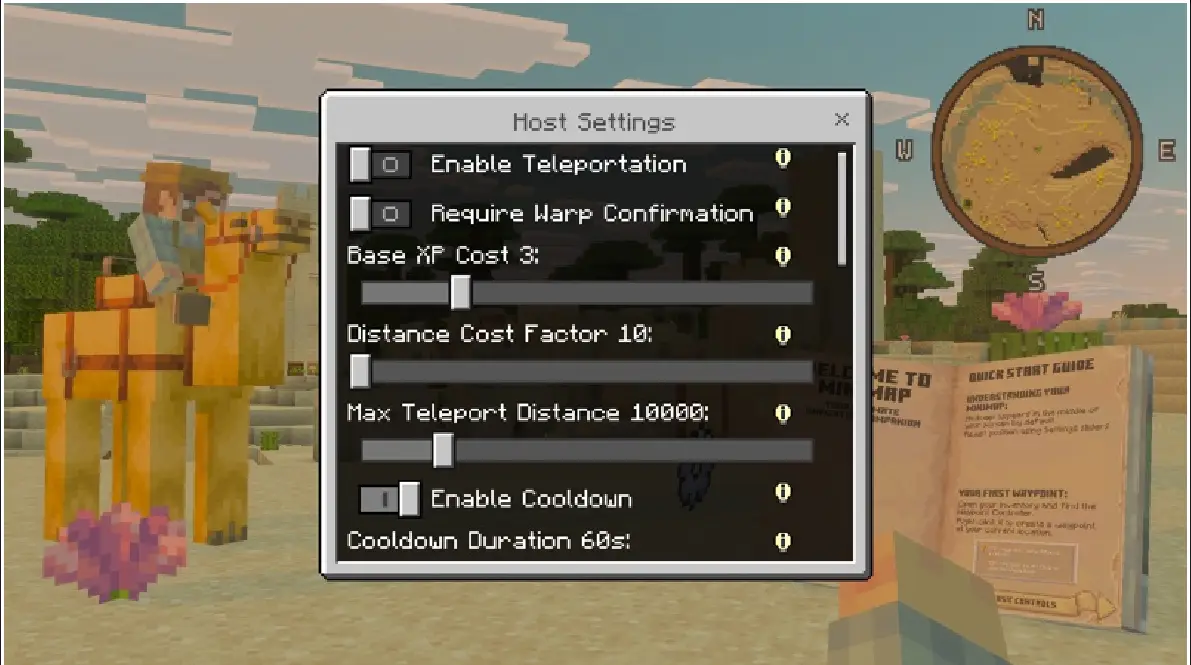
- Host-tunable settings: XP costs, distance scaling, cooldowns for warps and teleports.
- Designed for both solo explorers and multiplayer hosts who want controlled fast travel.
Settings
Server owners can tweak XP costs, distance scaling, and cooldowns to balance convenience and economy. Default settings are friendly for exploration but can be tightened for competitive or survival-focused servers.
Installation
- Download the addon files to your device.
- Import the addon into Minecraft Bedrock (use the game's import/open feature for .mcaddon/.mcpack files).
- Enable the addon in your world settings and start the world to test the minimap.
Screenshots
- Edition: Minecraft Bedrock
- File type: .mcpack or .mcaddon
- How to install: Download the .mcpack or .mcaddon file. → Open it — Minecraft imports it. → In your world: Behavior Packs → Available → Activate, then the same under Resource Packs.
- Where to get it: In MCModsHub, or directly above on this page.
Install steps are the general flow for this file type — How to install Minecraft Bedrock addons & mods walks through it step by step.
- Pack type: .mcaddon — behaviour and resource pack in one file
- Manifest requires Minecraft 1.26.40 or newer
- Complete pack — everything it depends on is inside the file
- Download size: 27.4 MB
- Download link checked 25 Sept 2026 — working
- Mirrored on our own servers — the download does not depend on the original host
These come from our own check of the pack file, not from the source page.