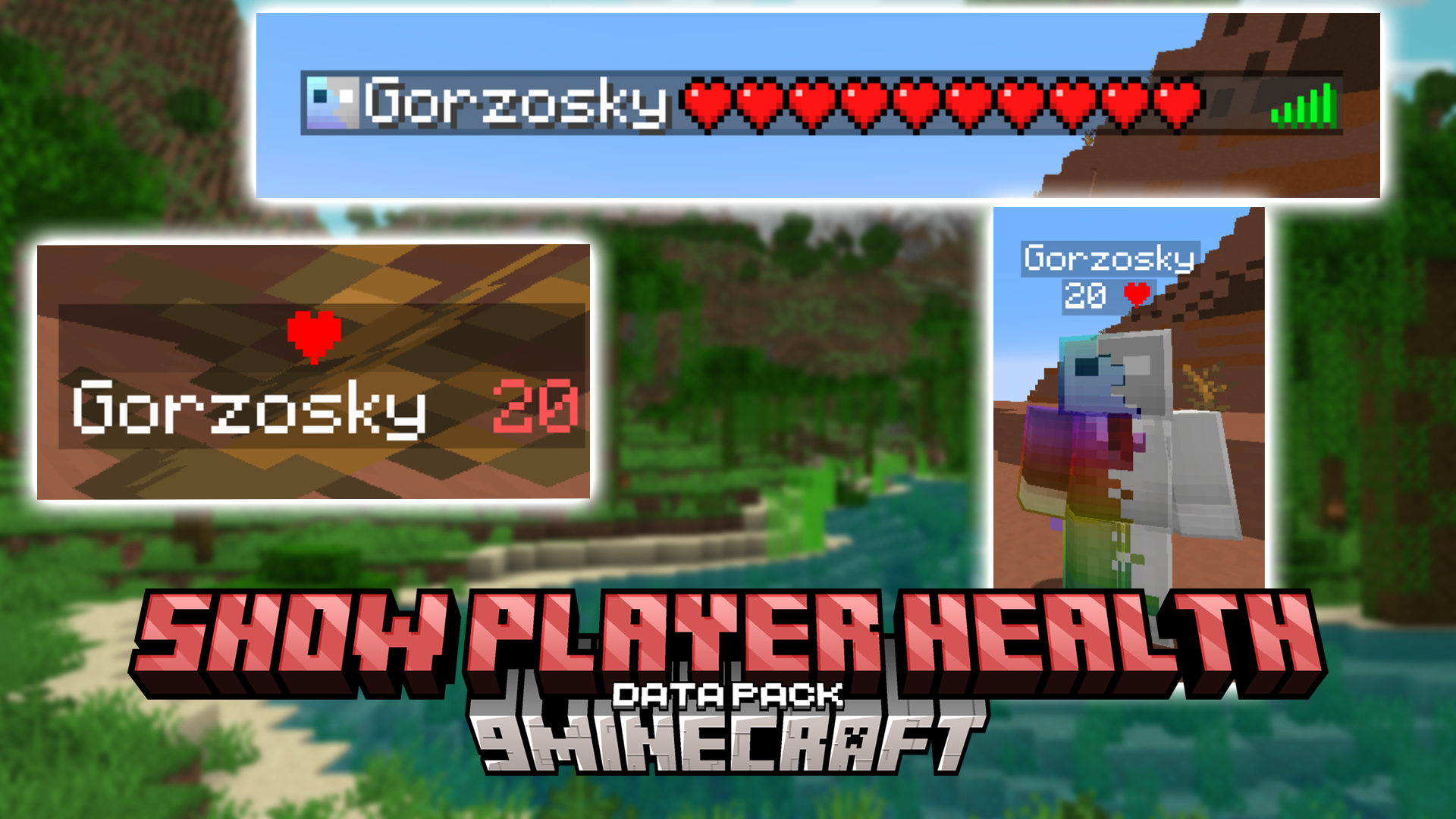
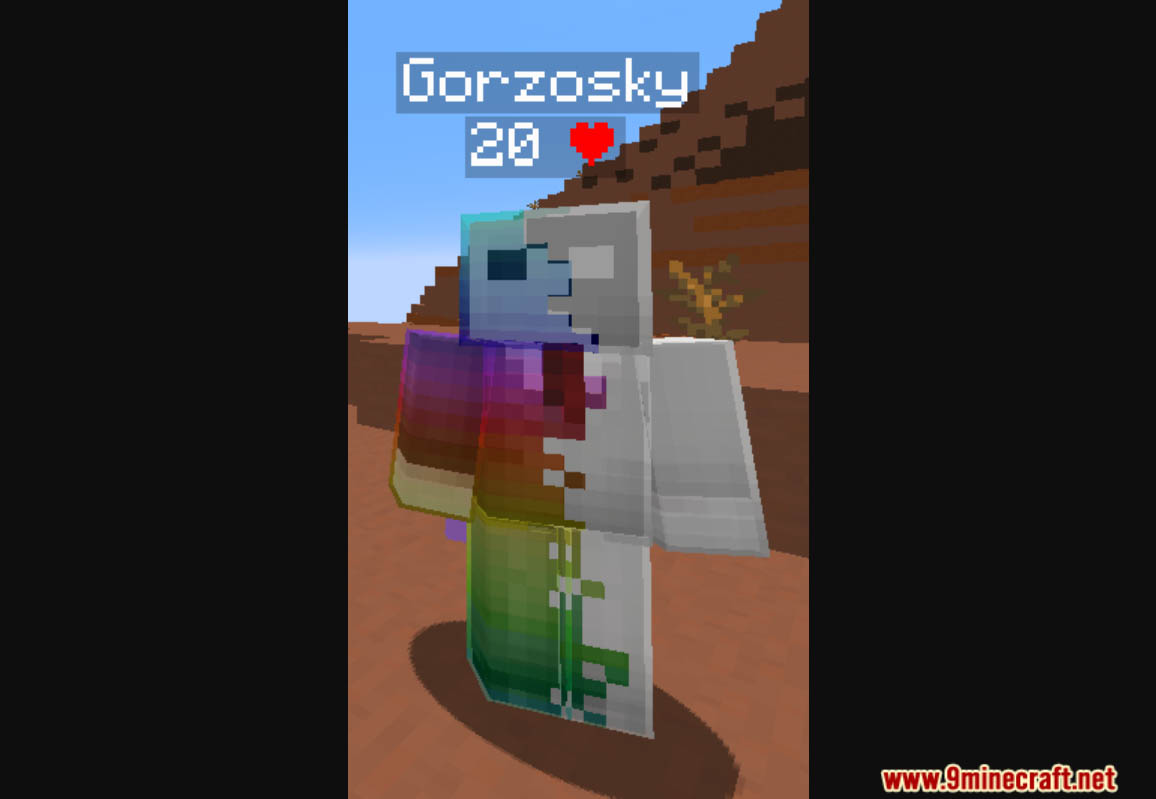
Show Player Health Data Pack enables you to easily view the health points (HP) of players with a user-friendly interface. Whether in survival or competitive play, the simple UI allows you to track player health in real-time, enhancing gameplay dynamics and strategy. Ideal for servers or personal worlds where monitoring player health is crucial. Enjoy playing this data pack!
Features:
- This datapack allows you to easily show the HPs of players using a easy to use UI
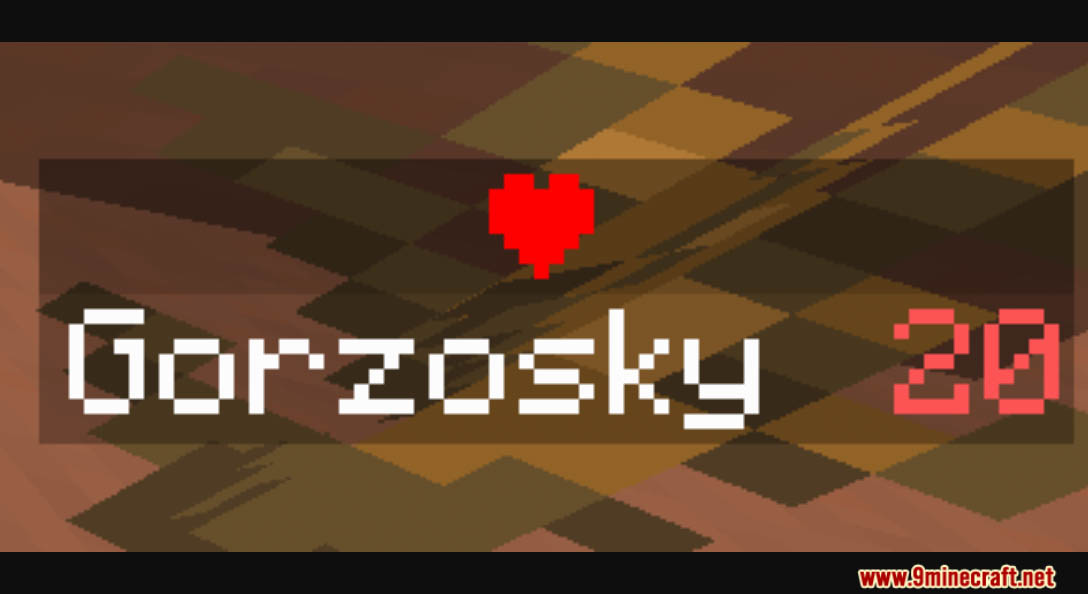
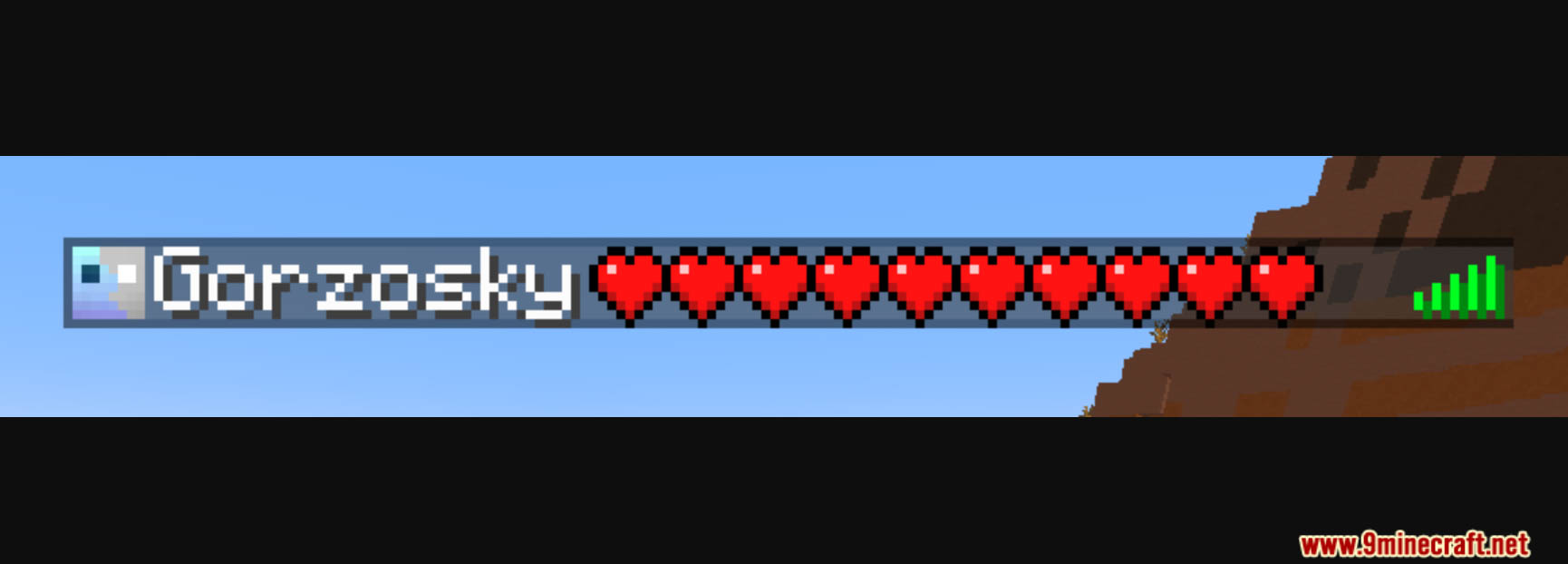
- You can show the health of players on:
- Players List (Tab Menu)
- Side Scoreboard
- Under the player’s name
- Usage
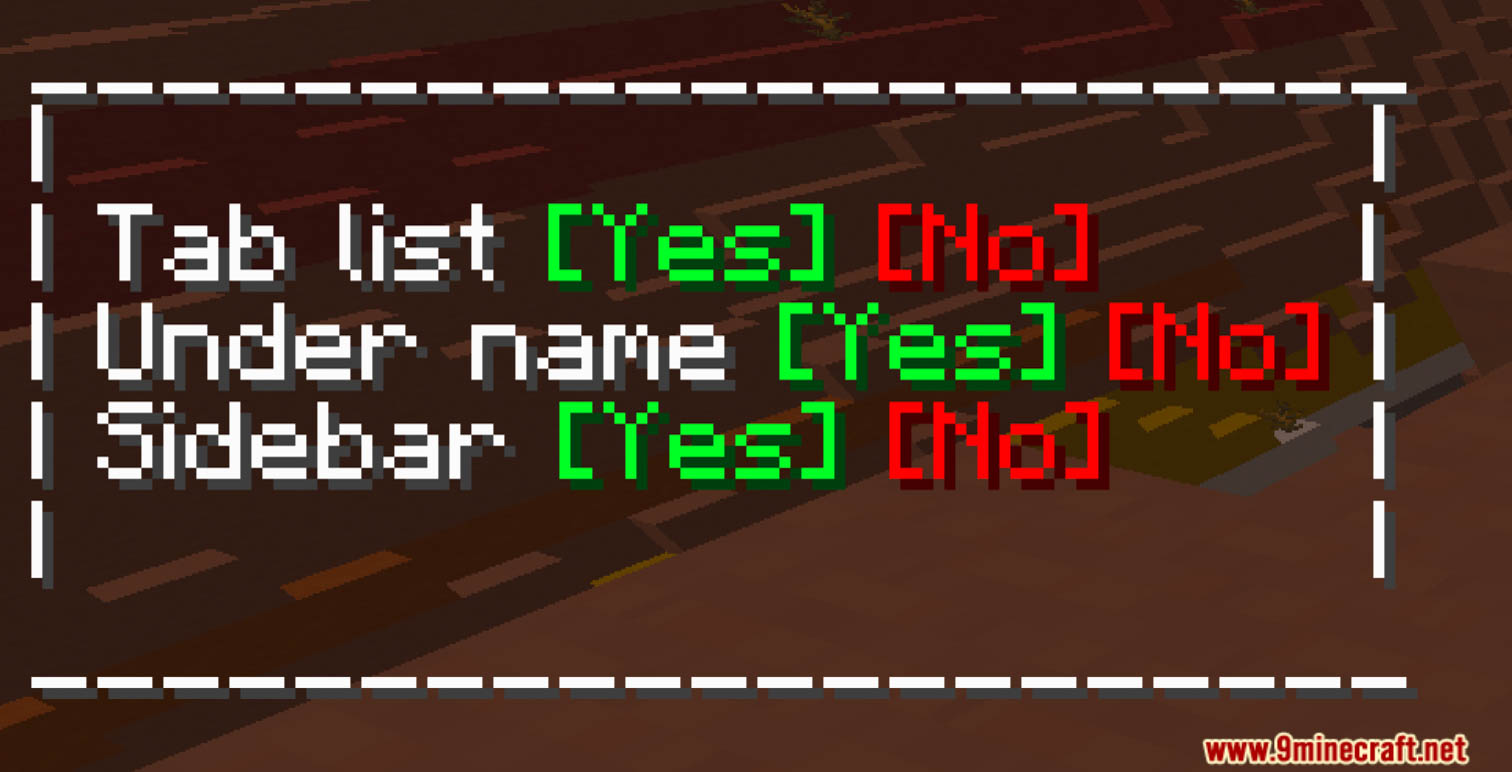
Use the chat to interact with the datapack
To interact open the chat (Default keybind: t)
And use your mouse cursor - Chatless usage
This datapack uses chat to interact with the user, if you are a server admin and don’t have access to the in-game interactive chat you can use the following syntaxa = enable
d = disablebar = scoreboard
tab = tab menu
name = under the name
h:[a/b][bar/tab/name]- Example
/function h:atab[a] = enable, [tab] = tab menu.Enables hp on the players list
- Example
Screenshots:
Show Player Health Data Pack Download Links
For Minecraft 1.21.1, 1.21
For Minecraft 1.20.6, 1.20.4, 1.20.2
For All Versions from Minecraft 1.16.5 to Minecraft 1.20.1
Quick facts
- Edition: Minecraft Java
- File type: .jar
- Minecraft versions listed: 1.21.1, 1.20.1
- How to install: Install the matching mod loader (Forge, Fabric or NeoForge) for your Minecraft version. → Download the .jar. → Put it in the .minecraft/mods folder and launch that loader profile.
- Where to get it: In MC Java Mods, or directly above on this page.
Install steps are the general flow for this file type — see the MC Java Mods guides for the full walkthrough.
Verified by MCModsHub
- Download size: 18 KB
- Download link checked 17 Jun 2026 — working
- Mirrored on our own servers — the download does not depend on the original host
These come from our own check of the pack file, not from the source page.