Home›Java›Datapacks›Tools & Equipments Upgrade Data Pack (1.21.1, 1.20.1) – Upgrade and Recycle with Ease
DatapacksJava
Tools & Equipments Upgrade Data Pack (1.21.1, 1.20.1) – Upgrade and Recycle with Ease
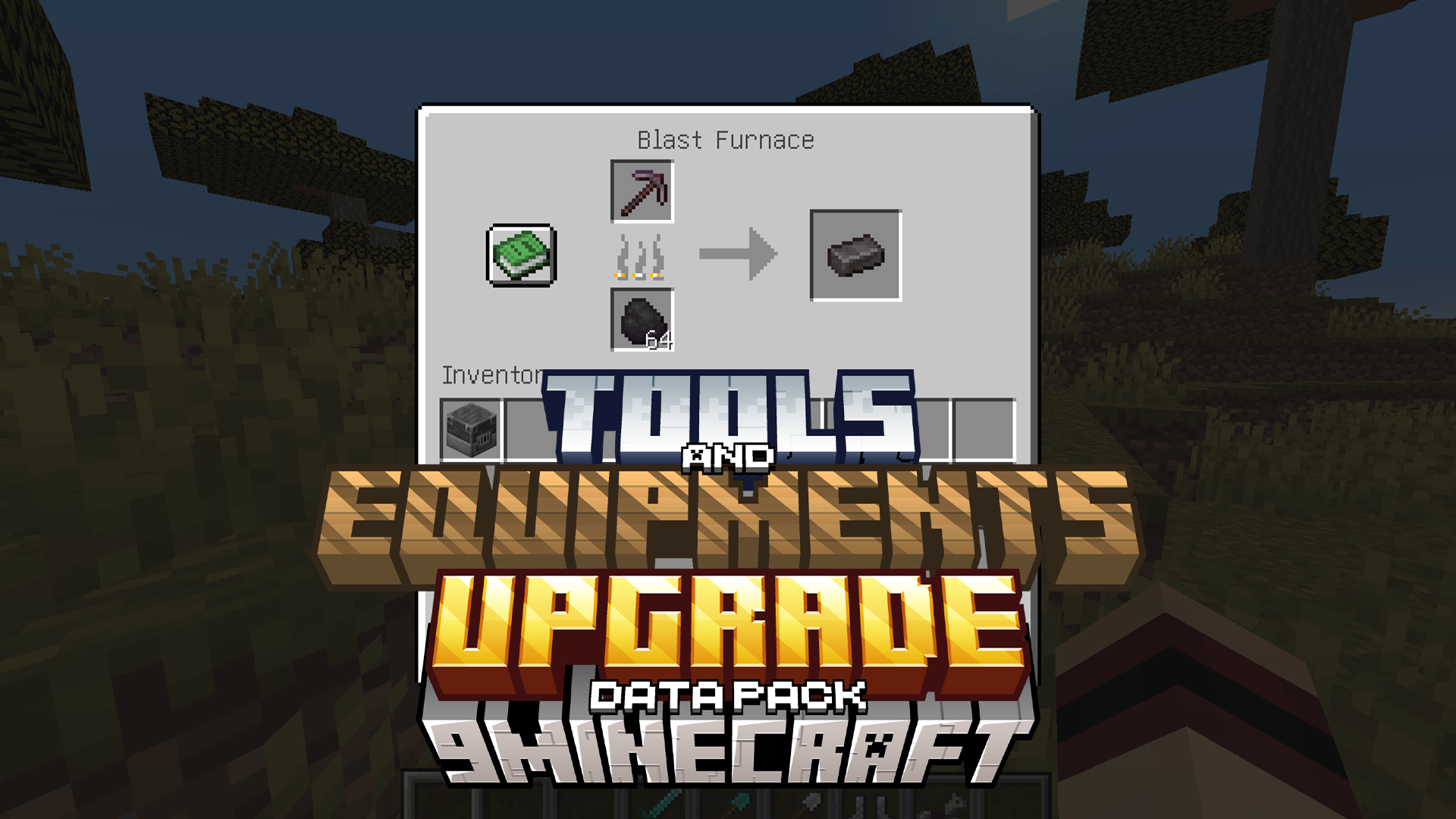
Tools & Equipments Upgrade Data Pack allows players to upgrade their tools and equipment using the smithing table and recycle old gear in the blast…
⬇ Download
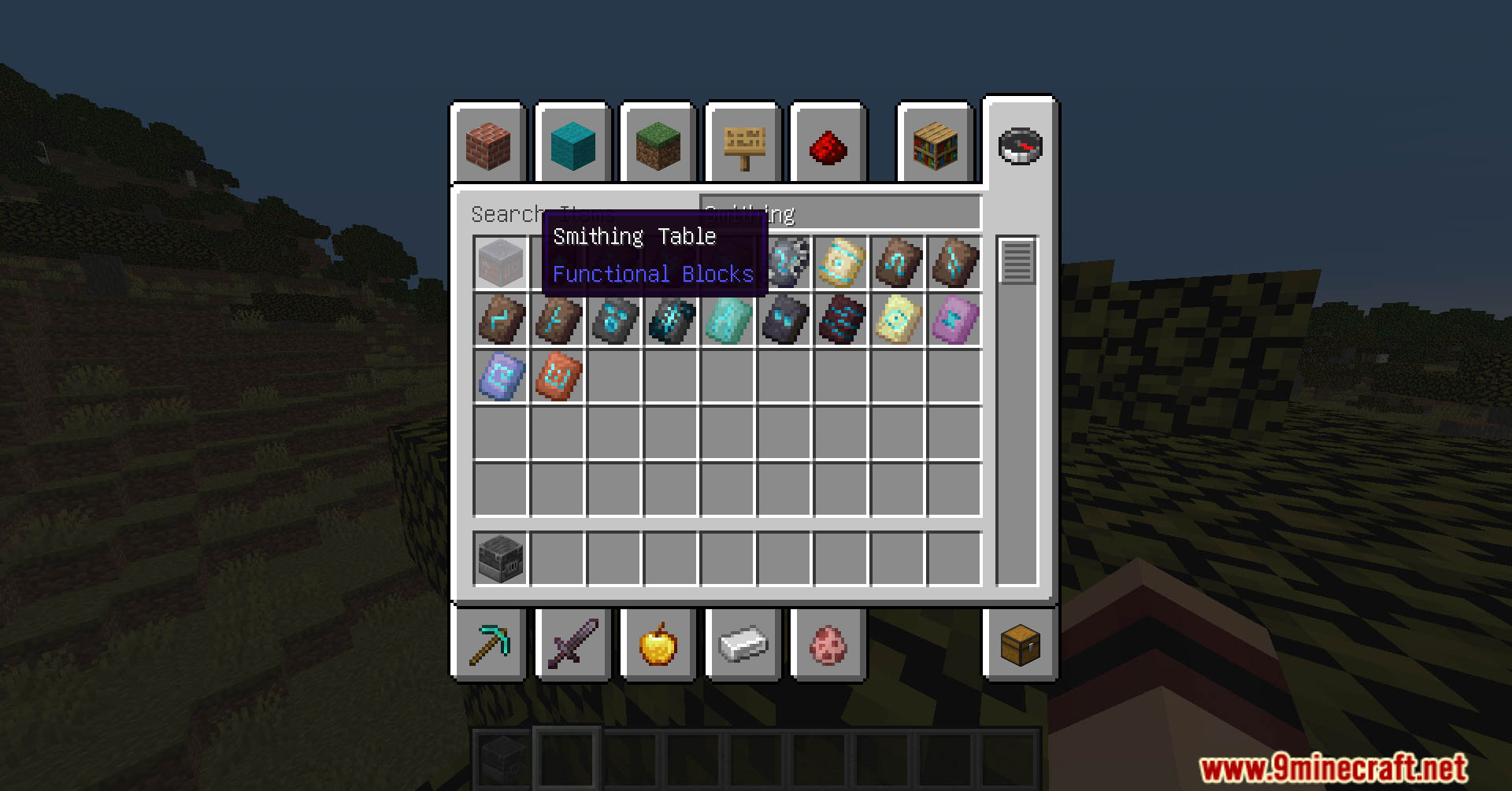
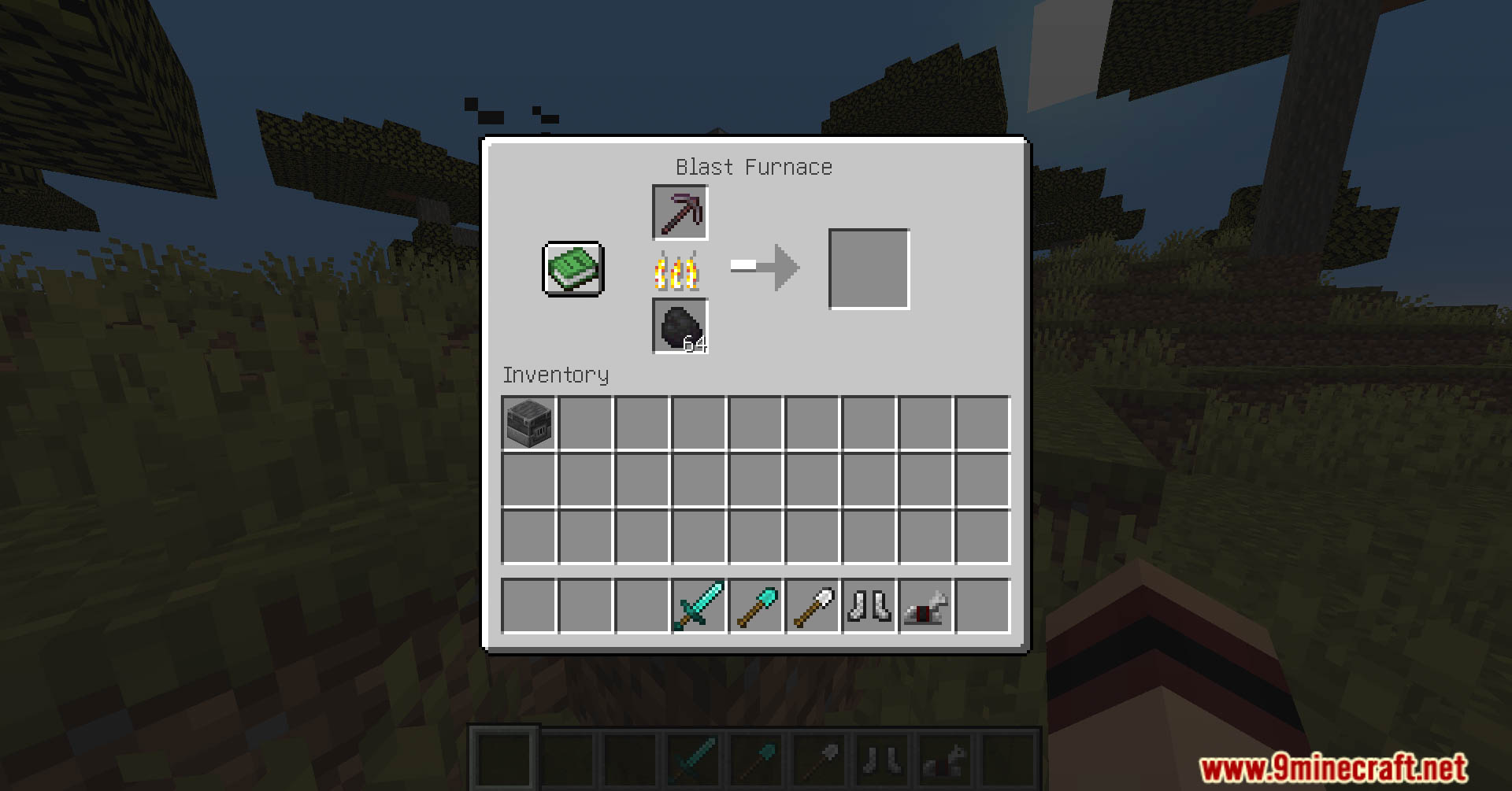
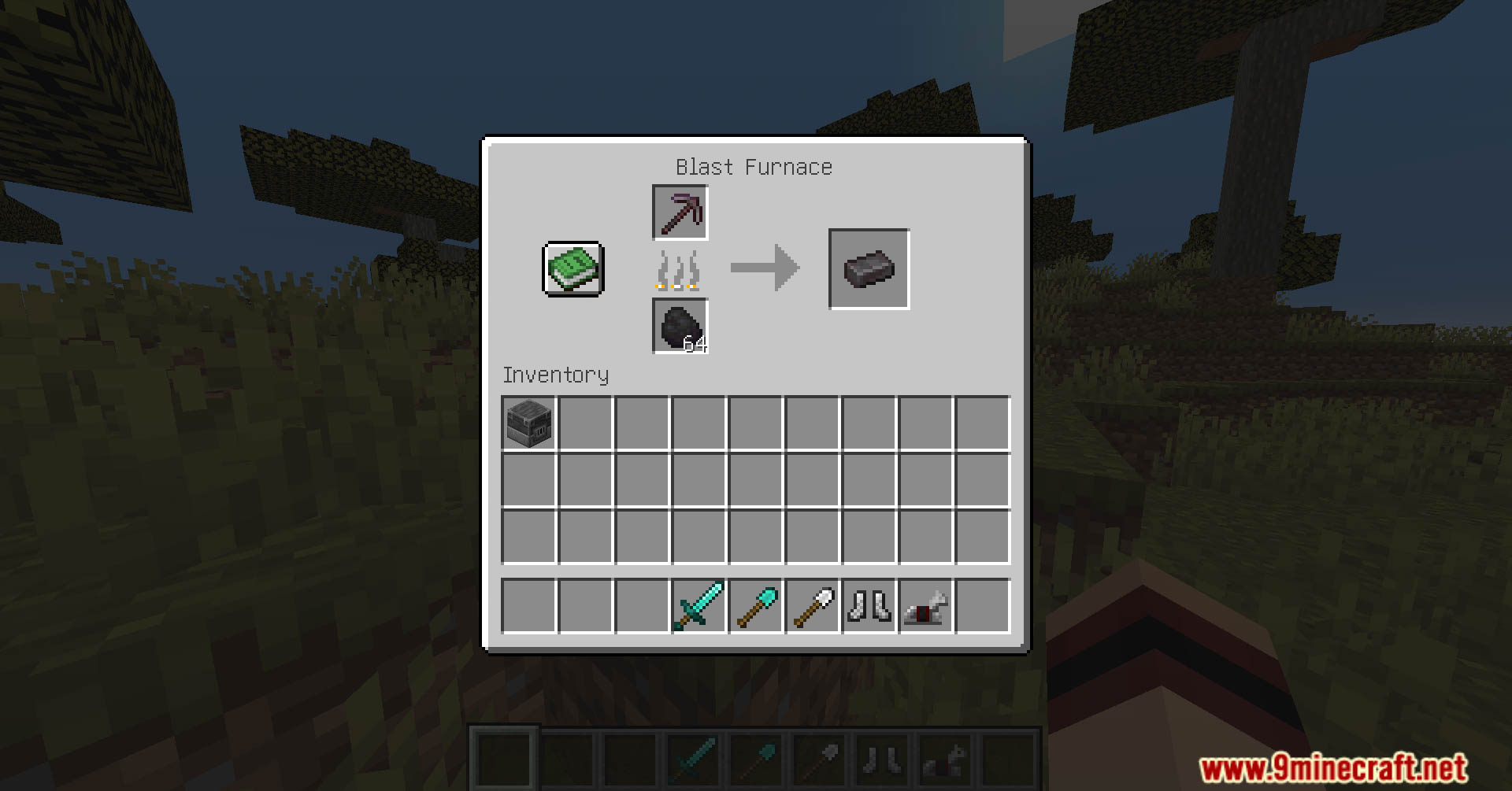
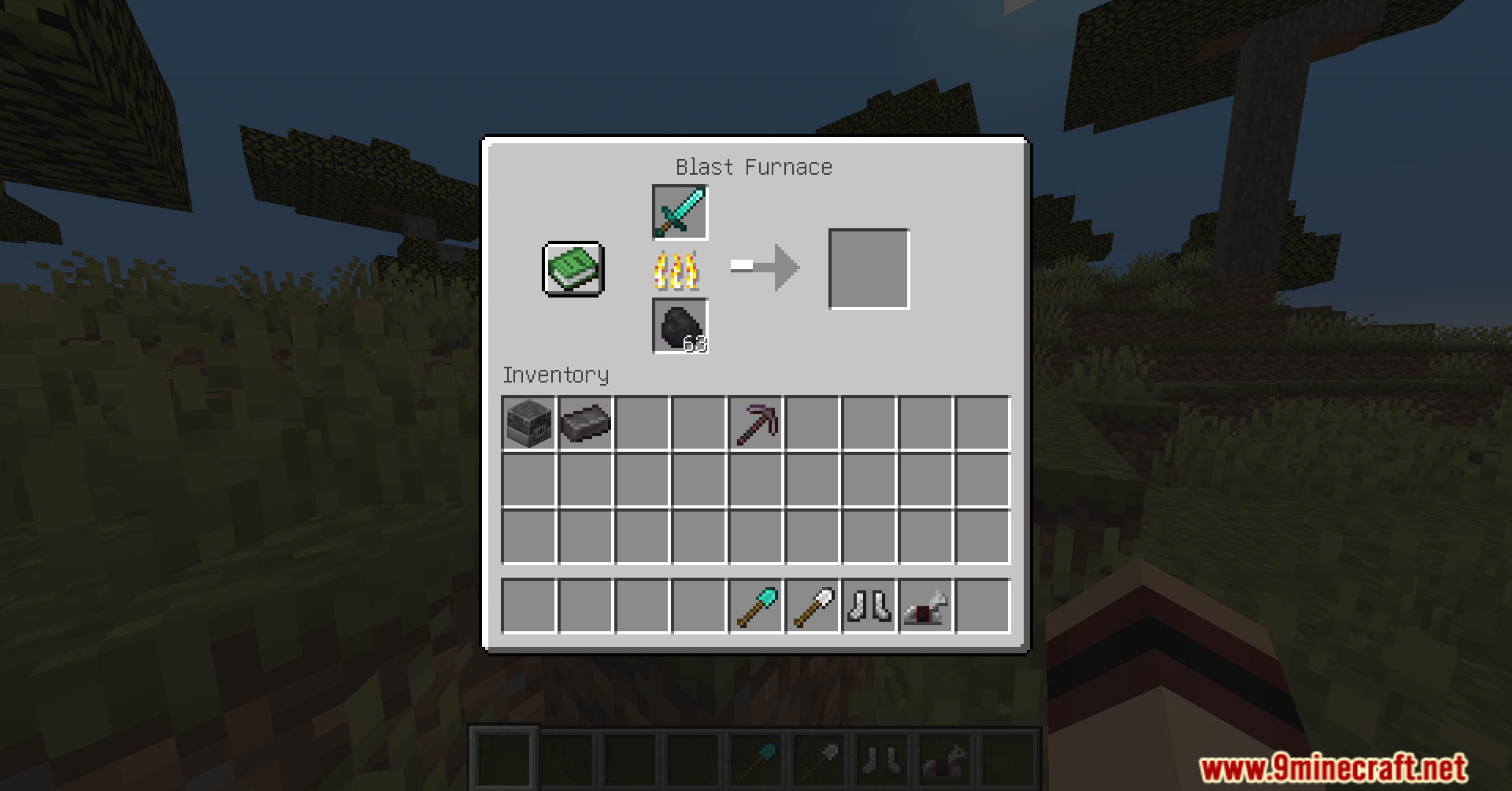
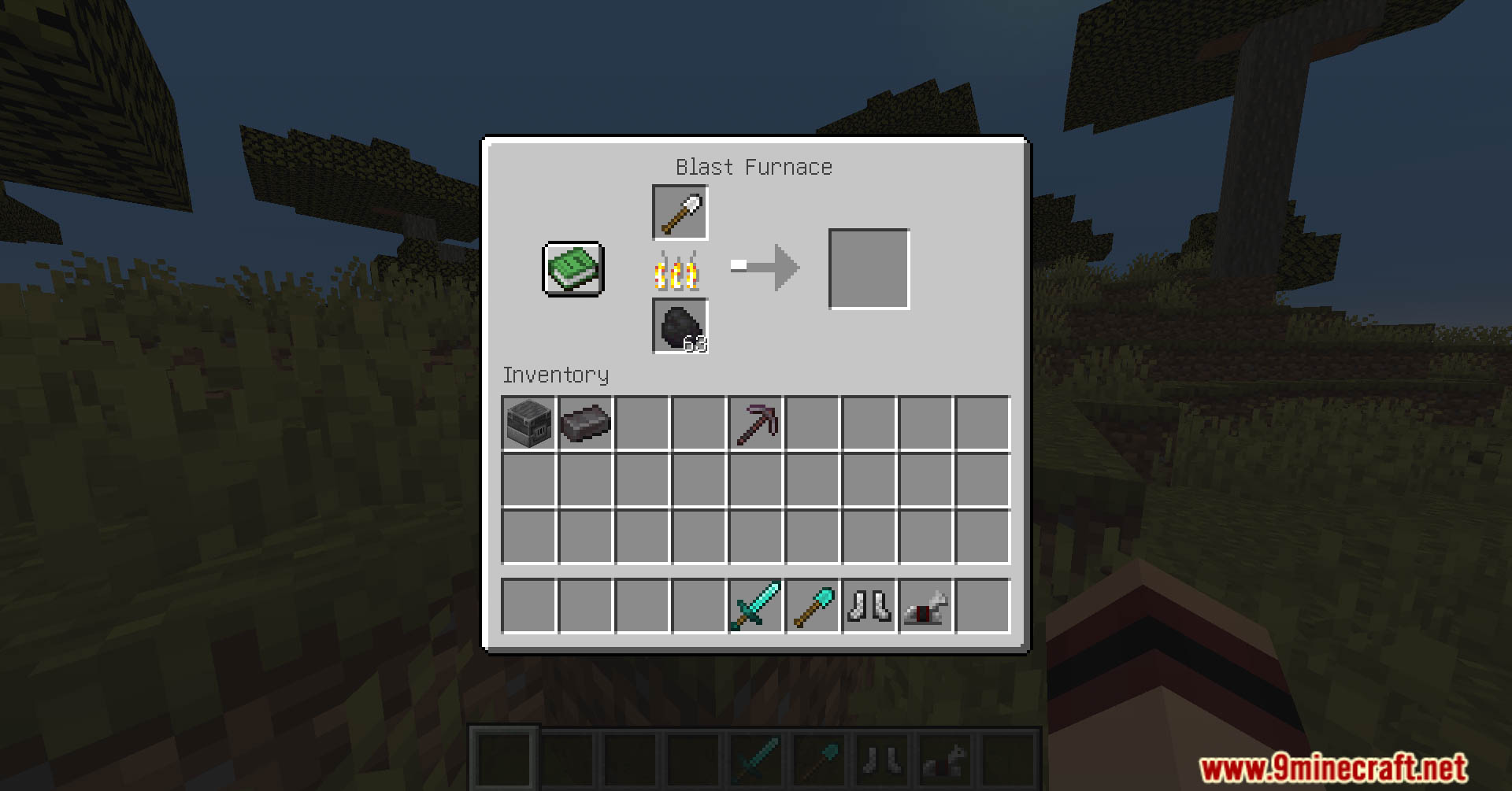
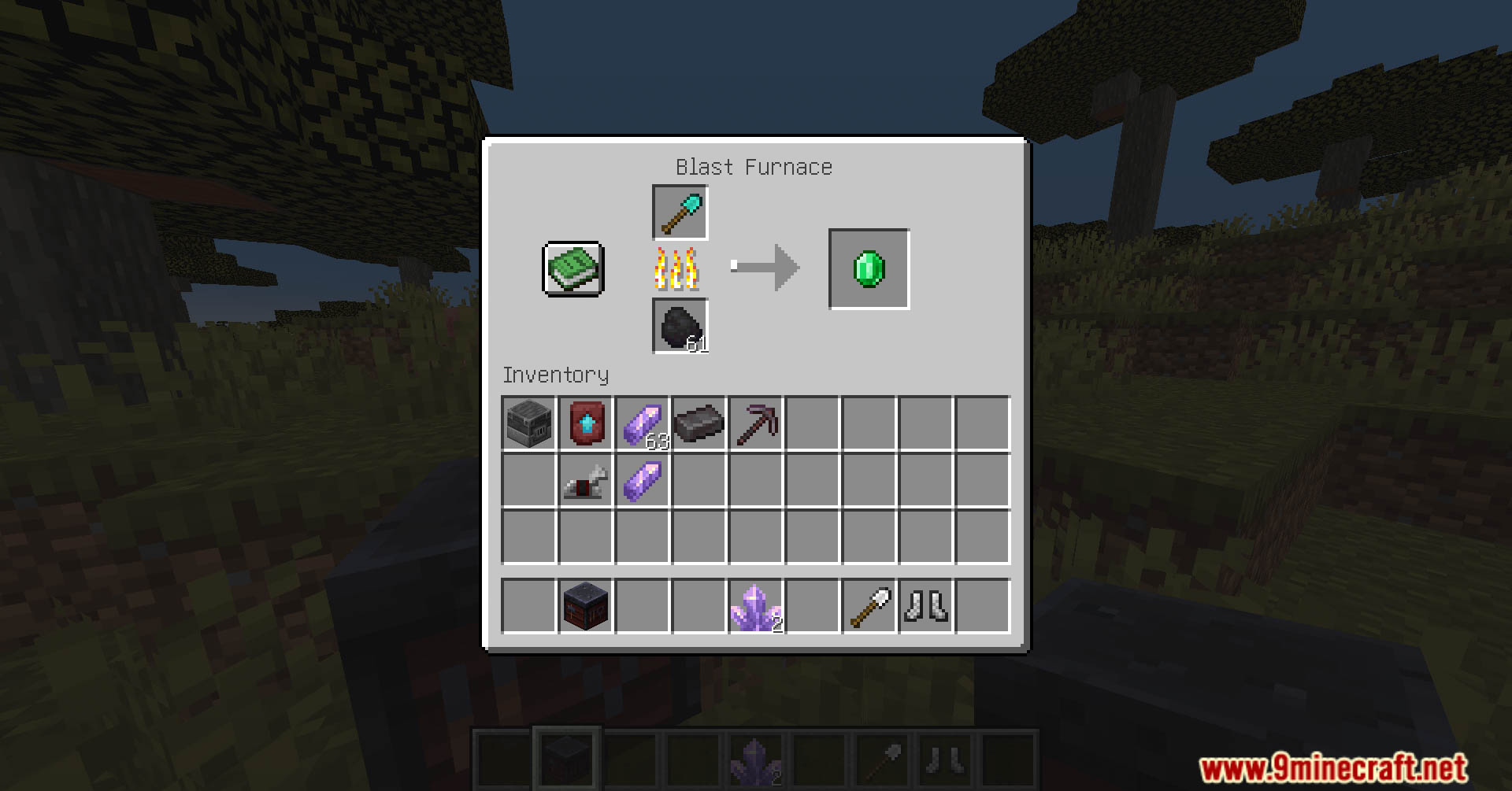
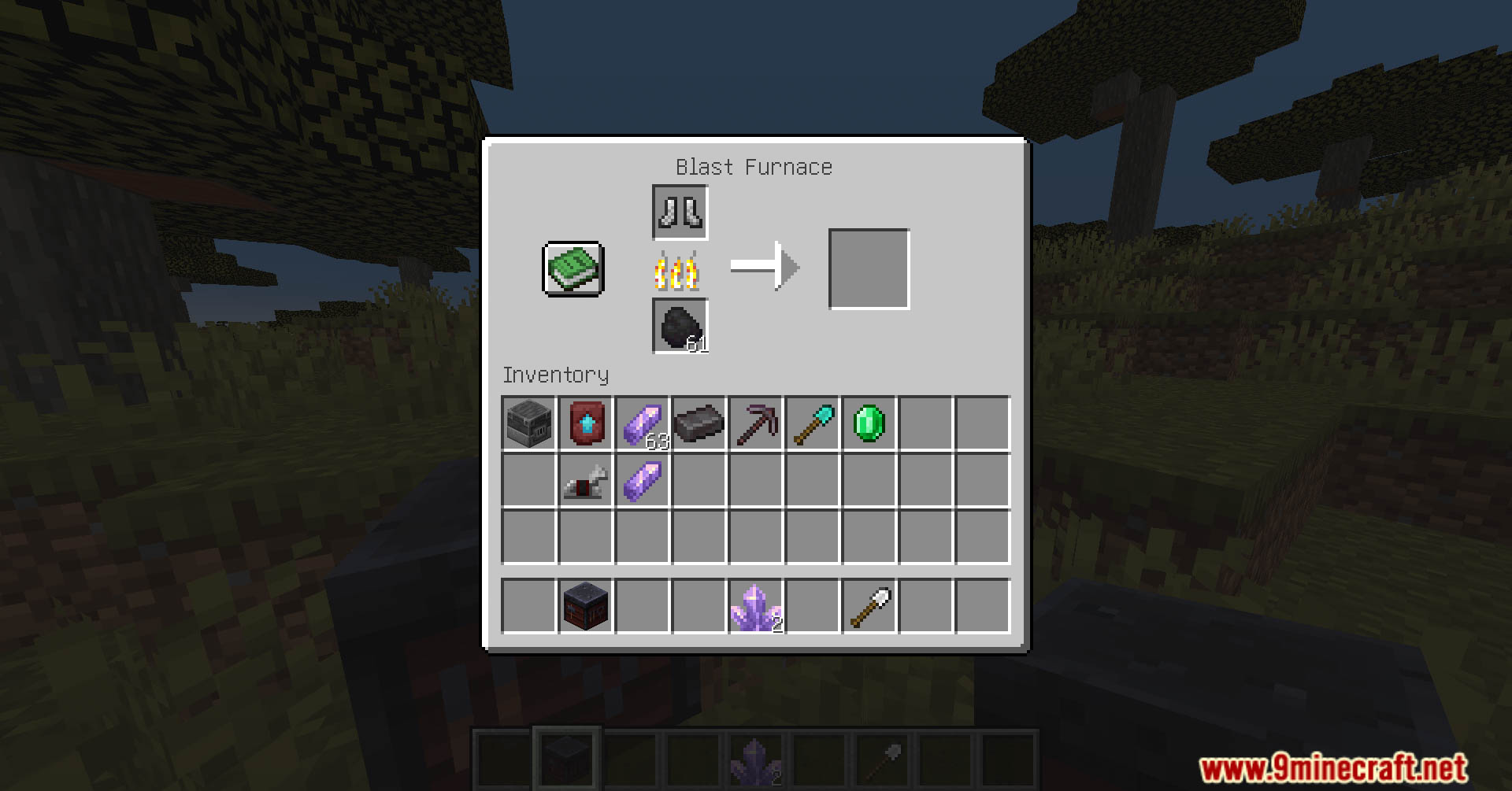
Tools & Equipments Upgrade Data Pack allows players to upgrade their tools and equipment using the smithing table and recycle old gear in the blast furnace. Enjoy playing this data pack!
Features:
- Blast Furnace
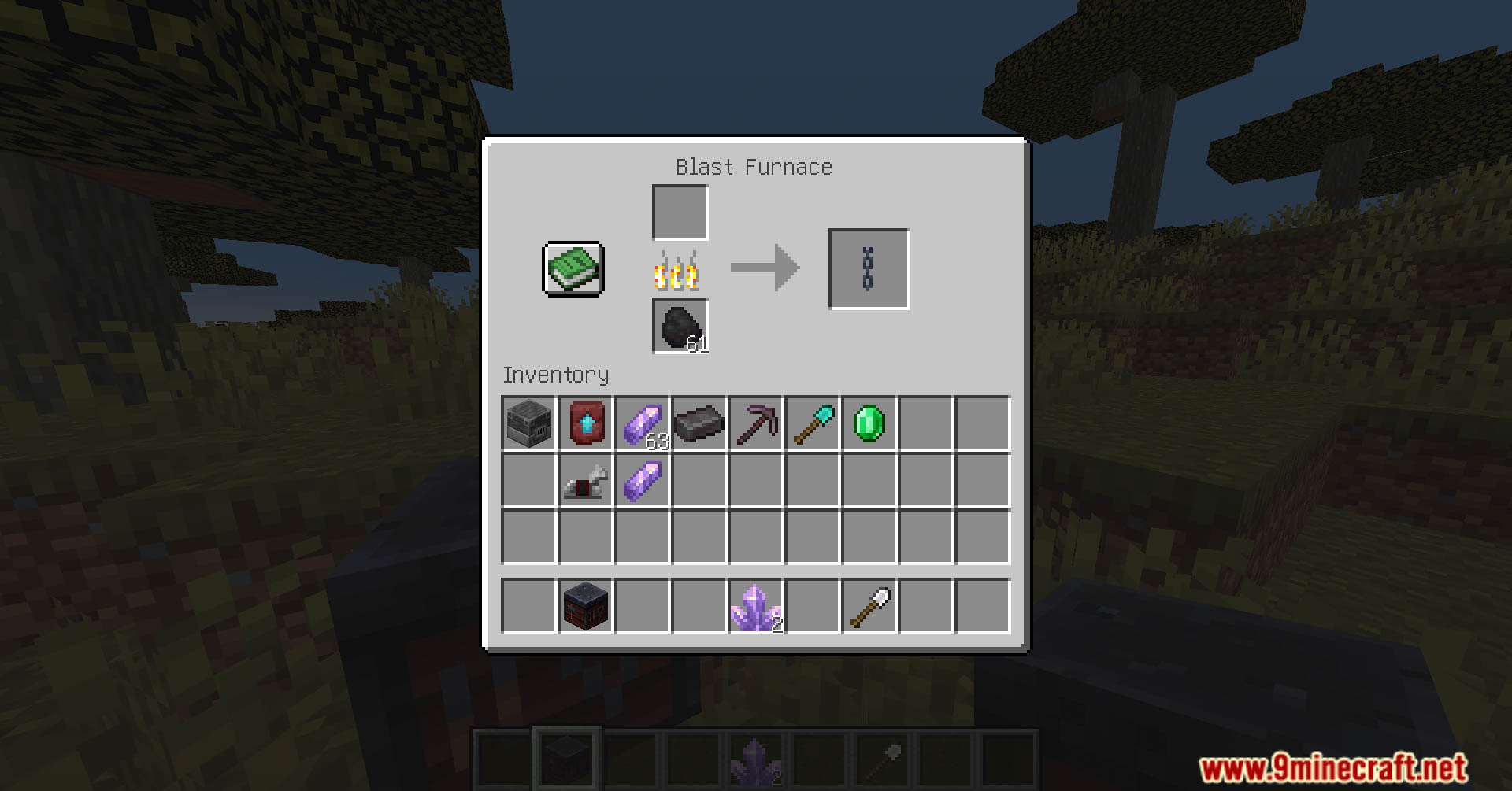
- Cooking chainmail items to get a chain
- Cooking iron items to get a iron ingot
- Cooking golden items to get a gold ingot
- Cooking copper items to get a copper ingot
- Cooking diamond items to get a emerald (anti diamond farm)
- Cooking netherite items to get a netherite ingot
- Cooking jukebox or enchanting table to get a diamond
- Cooking crying obsidian to get a obsidian
- Smithing Table
- Using Amethyst template (amethyst shard) for upgrade and downgrade in the smithing table.
- Items => Tools and Armors
- Upgrade
- Wooden tools -> Stone tools
- Stone tools -> Iron tools
- Chainmail armors -> Iron armors
- Leather armors -> Iron or Chainmail armors
- Iron items -> Golden items
- Golden or Iron items -> Diamond items
- Diamond items -> Netherite items
- Downgrade
- Netherite items -> Diamond items
- Netherite, Diamond, Golden or Iron armors -> Chainmail armors
- Netherite, Diamond, Golden, Iron or Chainmail armors -> Leather armors
- Horse Armors
- Leather armor -> Iron armor
- Iron armor -> Golden armor
- Iron or Golden armor -> Diamond armor
- Diamond, Golden or Iron armor -> Leather armor
Screenshots:
Tools & Equipments Upgrade Data Pack Download Links
For Minecraft 1.21.1, 1.21
For Minecraft 1.20.6
For Minecraft 1.20.4, 1.20.2, 1.20.1, 1.20
Quick facts
- Edition: Minecraft Java
- File type: .jar
- Minecraft versions listed: 1.21.1, 1.20.1
- How to install: Install the matching mod loader (Forge, Fabric or NeoForge) for your Minecraft version. → Download the .jar. → Put it in the .minecraft/mods folder and launch that loader profile.
- Where to get it: In MC Java Mods, or directly above on this page.
Install steps are the general flow for this file type — see the MC Java Mods guides for the full walkthrough.
Verified by MCModsHub
- Download size: 255 KB
- Download link checked 17 Jun 2026 — working
- Mirrored on our own servers — the download does not depend on the original host
These come from our own check of the pack file, not from the source page.