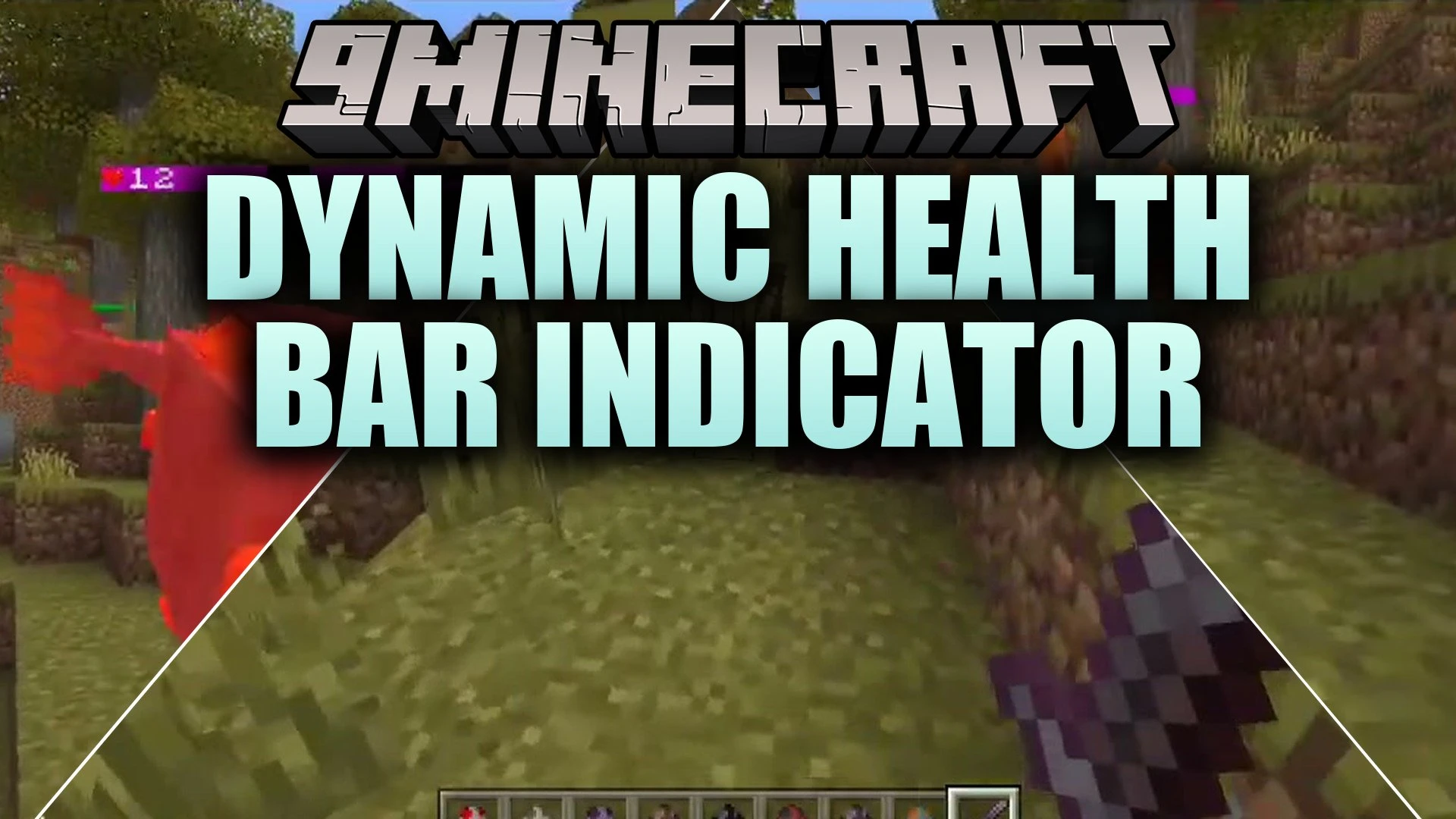


Dynamic Health Bar Indicator Addon displays a clean heart and HP counter above mobs and players in real time. It lets you check exact health points on both vanilla creatures and custom entities without modifying base entity files. It also allows you to adjust visual distance and display preferences directly through an in-game menu.
Features:
- Displays real-time heart and HP counters above mobs and players.
- Works on vanilla creatures and custom mobs from other addons.
- Preserves existing custom name tags on all named entities.
- Includes an in-game menu to customize colors, distance, and visibility.
- Processes only nearby mobs to keep performance smooth and fast.
Configuration:
To access the settings menu, craft the Health Bar Settings item using 1 Paper and 1 Red Dye. Using the item opens a menu where you can adjust detection distance from 4 to 64 blocks, toggle player health bars, hide bars on full-health mobs, and change health color indicators.
Screenshots:


Dynamic Health Bar Indicator Addon Download Links
- Edition: Minecraft Bedrock
- File type: .mcpack or .mcaddon
- Minecraft version listed: 1.21
- How to install: Download the .mcpack or .mcaddon file. → Open it — Minecraft imports it. → In your world: Behavior Packs → Available → Activate, then the same under Resource Packs.
- Where to get it: In MCModsHub, or directly above on this page.
Install steps are the general flow for this file type — How to install Minecraft Bedrock addons & mods walks through it step by step.
- Pack type: .mcaddon — behaviour and resource pack in one file
- Manifest requires Minecraft 1.21.80 or newer
- Complete pack — everything it depends on is inside the file
- Download link checked 26 Sept 2026 — working
- Mirrored on our own servers — the download does not depend on the original host
These come from our own check of the pack file, not from the source page.