ModsJava
Item Size Mod (26.2, 1.21.11) – Shrink Held Items for Better Vision in Combat
Java mod listed for Minecraft 1.21. Downloads from the MC Java Mods app on Android.
⬇ Download


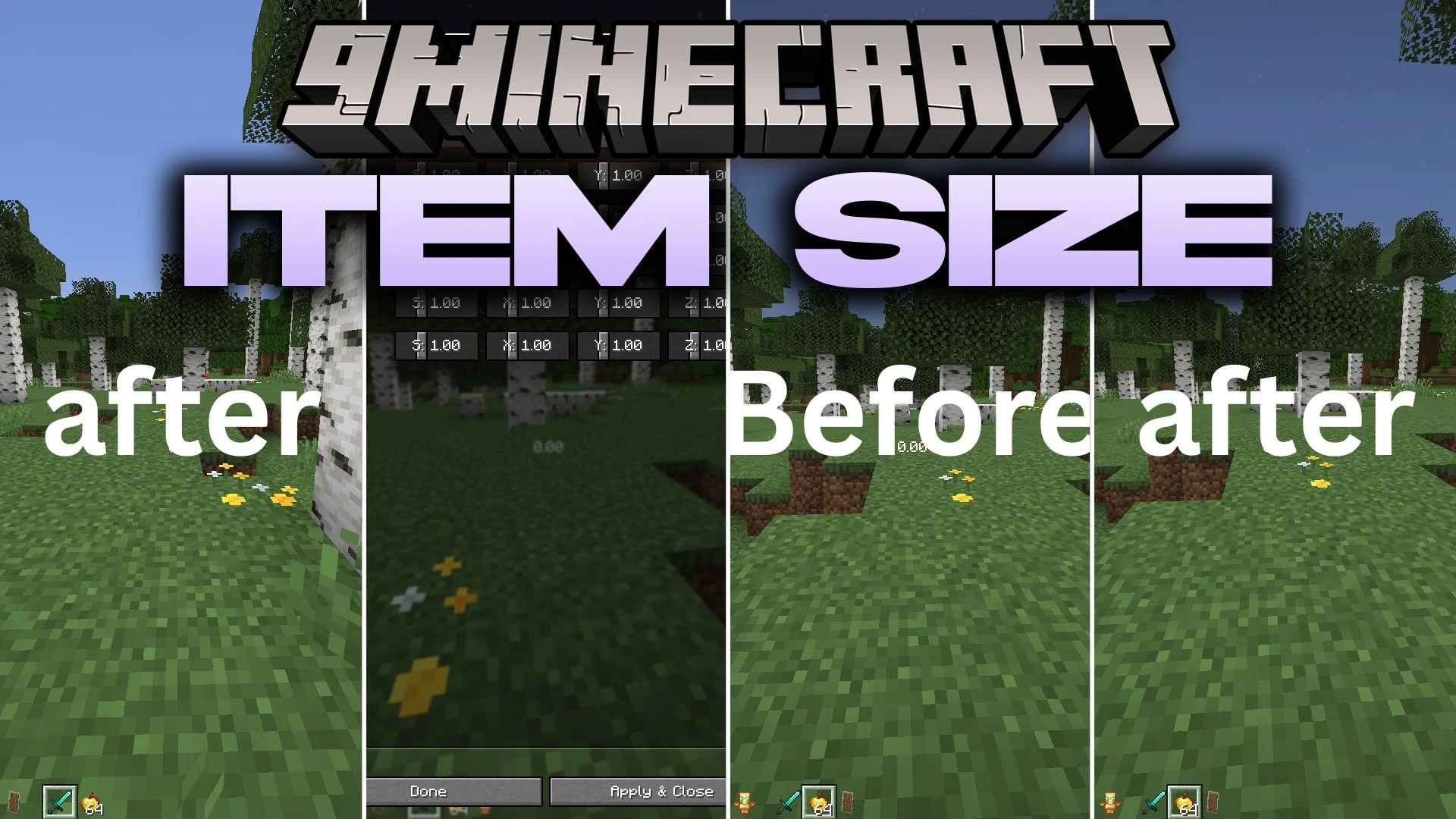
Item Size Mod lets you change the height and display scale of held items in first-person view. This mod shrinks bulky items so they take up less room on your screen. It gives you a clear line of sight during PvP fights. You can also adjust item sizes right away using quick-access keybinds.
Features:
- Adjusts the height and display scale of any held item in first-person view.
- Shrinks large weapons and tools so they do not block your screen.
- Gives you better vision during combat and exploration.
- Includes quick access keybinds to change item sizes right in the middle of gameplay.
How to Use:
- Press your assigned keybind in-game to adjust item scale on the fly.
- Tweak the height values until the held item fits your screen space.
- Open Mod Menu from the title screen or pause menu to manage mod settings.
Screenshots:
Item Size Mod Download Links
Quick facts
- Edition: Minecraft Java
- File type: .jar
- Minecraft version listed: 1.21.11
- How to install: Install the matching mod loader (Forge, Fabric or NeoForge) for your Minecraft version. → Download the .jar. → Put it in the .minecraft/mods folder and launch that loader profile.
- Where to get it: In MC Java Mods, or directly above on this page.
Install steps are the general flow for this file type — How to install Minecraft Java mods & modpacks walks through it step by step.
File checked by MCModsHub
- Downloads as 516389.mcaddon
- Download size: 22 KB
- Download link checked 27 Sept 2026 — working
- Mirrored on our own servers — the download does not depend on the original host
These come from our own check of the pack file, not from the source page.