ModsJava
Realistic Cruelty Mod (1.21.1, 1.20.1) – Cover Battlefields in Realistic Blood
Java mod listed for Minecraft 1.20–1.21. Downloads from the MC Java Mods app on Android.
⬇ Download


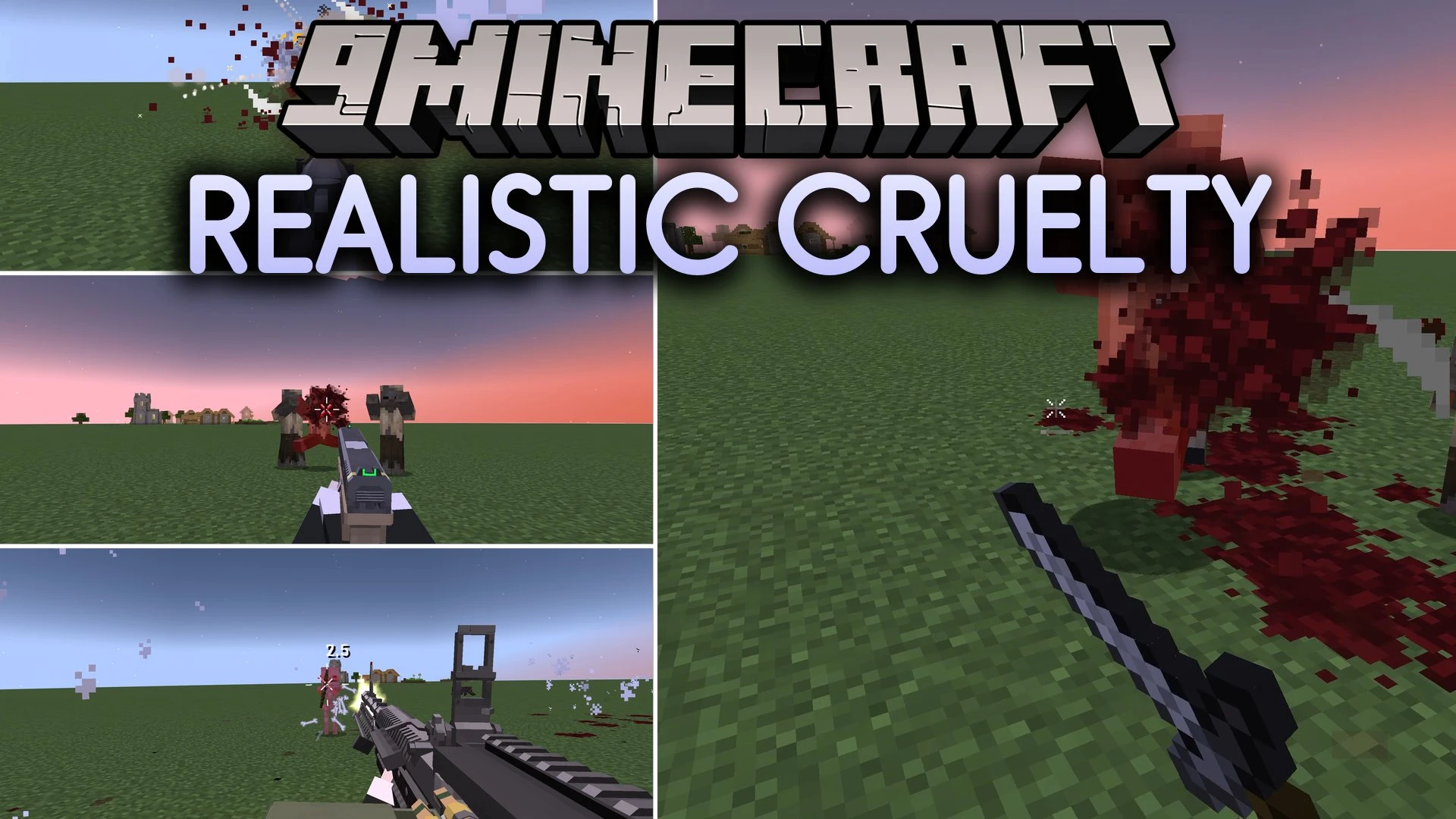
Realistic Cruelty Mod adds blood splatter effects and visual combat feedback to Minecraft mobs. When you hit a creature, blood mist and droplets spray out from the exact point of impact. These droplets hit nearby blocks, leaving stain marks on floors and walls during fights. Different creatures also feature unique colors and particles, such as dark green drops for slimes or flying bone fragments for skeletons.
Features:
- Blood Splatters: Particles and red mist spray out directly from the impact point whenever a mob takes damage.
- Droplets splash onto nearby solid blocks and leave visual stain marks across surfaces.
- Damage amounts change the speed and total count of droplets that fly into the air.
- Melee strikes, projectiles, and explosions each produce distinct impact patterns.
- Different mobs spray custom fluid colors, including cyan for Glow Squids and dark green for Slimes.
- The Warden releases deep blue splashes when taking damage in dark caves.
- Skeletons shatter bone fragments instead of releasing liquid particles when struck.
- Custom settings let you adjust particle amounts, flight speed, and mob colors to match your preferences.
Splatter Types:
- Melee: produces blood bursts from direct hand-to-hand hits.
- Projectile: launches directional droplet trails from arrows and ranged attacks.
- Explosion: scatters large bursts of droplets across the blast area.
Custom Mob Colors:
- Glow Squid: bright cyan fluid drops.
- Slime: dark green jelly drops.
- Warden: deep blue particles.
- Skeleton: sharp bone fragments.
Configuration:
- Particle counts can be customized for melee, projectile, and explosion damage types.
- Particle flight speed can be set separately in the config file.
- Custom colors and particle behaviors can be adjusted for individual mob types.
Screenshots:
Realistic Cruelty Mod Download Links
Quick facts
- Edition: Minecraft Java
- File type: .jar
- Minecraft versions listed: 1.21.1, 1.20.1
- How to install: Install the matching mod loader (Forge, Fabric or NeoForge) for your Minecraft version. → Download the .jar. → Put it in the .minecraft/mods folder and launch that loader profile.
- Where to get it: In MC Java Mods, or directly above on this page.
Install steps are the general flow for this file type — How to install Minecraft Java mods & modpacks walks through it step by step.
File checked by MCModsHub
- Downloads as 516390.mcaddon
- Download size: 296 KB
- Download link checked 27 Sept 2026 — working
- Mirrored on our own servers — the download does not depend on the original host
These come from our own check of the pack file, not from the source page.