ModsJava
Builder's Inventory Mod (26.3, 1.21.1) – Swap Hotbar Rows for Faster Creative
Java mod listed for Minecraft 1.21. Downloads from the MC Java Mods app on Android.
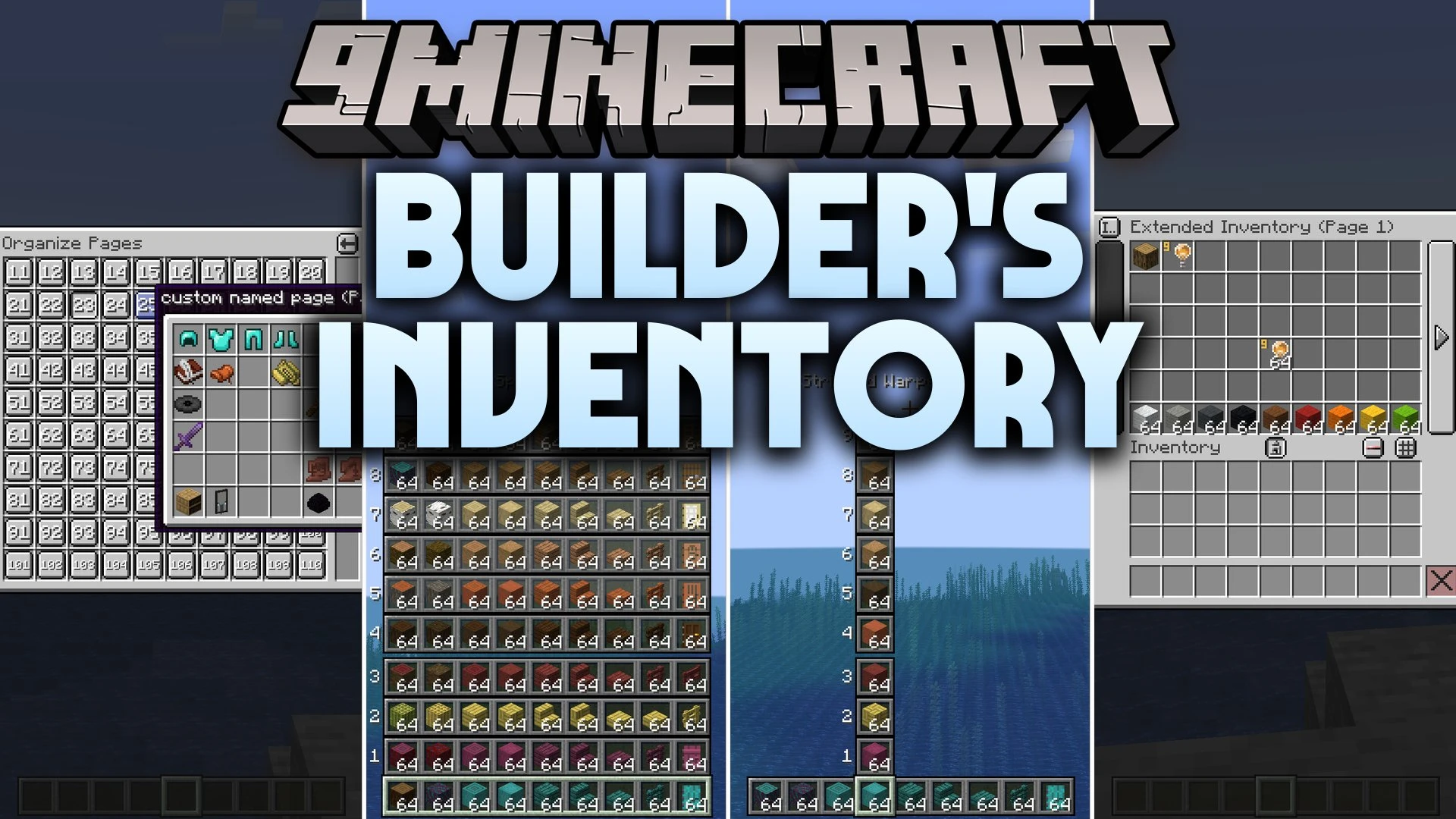
Builder's Inventory Mod equips you with handy inventory tools for creative mode building. This mod gives you instant row swapping, unlocked operator…
⬇ Download


Builder’s Inventory Mod equips you with handy inventory tools for creative mode building. This mod gives you instant row swapping, unlocked operator items, and a custom multi-page item bank that works across any world or server you visit.
Features:
- Hotbar Swapper: Swap your current hotbar row with any row in your inventory with a single button press.
- Extended Inventory: Store endless items in a client-sided menu that saves directly to your computer files across worlds.
- Operator Items Tab: Shows the hidden Operator Utilities tab without needing operator rank on multiplayer servers.
- Swap single hotbar columns using a dedicated keybind instead of replacing the entire row.
- Press number keys 1 through 9 to swap slots immediately.
- Create, rename, reorder, and delete custom pages inside your extra storage menu.
- Lock saved pages to turn them into protected custom creative tabs that cannot be accidentally edited.
- Features a three-second countdown timer on the page deletion button to prevent accidental losses.
- Works directly in creative mode to help you manage large palettes of building blocks.
How to Use:
- Press Mouse 5 to swap your active hotbar with an inventory row.
- Press Left Alt to swap a single column slot in your hotbar.
- Press R or click the on-screen inventory button to open your extended storage.
- Turn on the Operator Items tab inside your regular Minecraft controls settings to see operator blocks.
Screenshots:

Builder's Inventory Mod Download Links
Quick facts
- Edition: Minecraft Java
- File type: .jar
- Minecraft version listed: 1.21.1
- How to install: Install the matching mod loader (Forge, Fabric or NeoForge) for your Minecraft version. → Download the .jar. → Put it in the .minecraft/mods folder and launch that loader profile.
- Where to get it: In MC Java Mods, or directly above on this page.
Install steps are the general flow for this file type — How to install Minecraft Java mods & modpacks walks through it step by step.
File checked by MCModsHub
- Downloads as 516395.mcaddon
- Download size: 444 KB
- Download link checked 27 Sept 2026 — working
- Mirrored on our own servers — the download does not depend on the original host
These come from our own check of the pack file, not from the source page.