ModsJava
SCC Super Cool Calculator Mod (1.21.1) – Autocraft Any Item Directly
Java mod listed for Minecraft 1.21. Downloads from the MC Java Mods app on Android.
⬇ Download


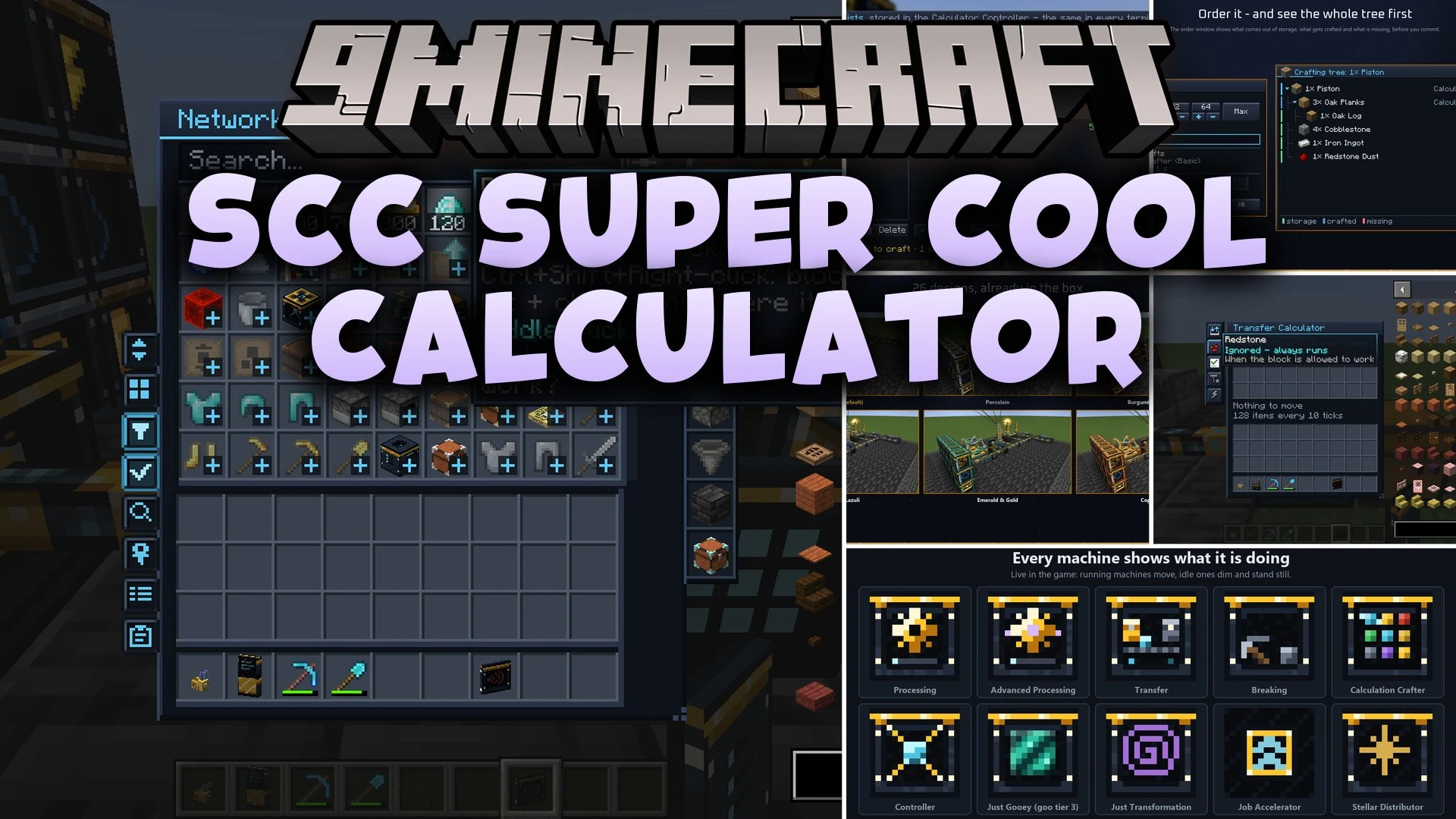
SCC Super Cool Calculator Mod links your existing containers into an intelligent storage and autocrafting system. It removes the need to encode crafting patterns or build complex disk drives. You attach simple connectors to your chests and machines, and the network calculates recipe trees on its own.
Features:
- No Pattern Encoding: The network builds recipe trees directly from workbench recipes, furnaces, and JEI lookups.
- Zero Storage Disks Needed: Attach a Storage Connector to any vanilla chest, barrel, tank, or drawer to link its inventory.
- Automatic Machine Detection: Place a Processing Calculator on machines to let the network detect their recipe types without manual setup.
- Displays missing ingredients and recipe paths in an order window before you confirm a craft.
- Climbs six star tiers from Basic up to Singularity for faster operations and infinite storage capacity.
- Harvests matter from five celestial objects in the night sky using the Sky Harvester.
- Includes 26 visual themes that you can switch in-game without restarting Minecraft.
- Pairs with Applied Energistics 2 by treating ME networks as storage without using channels.
- Features animated front panels showing gears, pickaxes, or flowing liquids while machines work.
Star Tiers:
- Red Dwarf and Yellow Star: Early forged upgrades that provide steady processing boosts.
- Blue Giant and Neutron Star: Advanced machinery built to handle large crafting chains.
- Singularity: Top-tier blocks that finish crafts instantly and offer infinite item storage.
Commands:
/scc power off: turns off the energy requirement for the controller.
How to Use:
- Place a Calculator Controller and supply it with power or an energy generator.
- Run Network Cable from the controller to your storage containers.
- Attach a Storage Connector directly onto any chest, barrel, or drawer.
- Place a Network Terminal on the cable to browse all linked items.
- Add a Calculation Crafter for workbench recipes and Processing Calculators onto your machines.
- Press F7 to change visual styles, fonts, and display preferences.
Screenshots:

SCC Super Cool Calculator Mod Download Links
Quick facts
- Edition: Minecraft Java
- File type: .jar
- Minecraft version listed: 1.21.1
- How to install: Install the matching mod loader (Forge, Fabric or NeoForge) for your Minecraft version. → Download the .jar. → Put it in the .minecraft/mods folder and launch that loader profile.
- Where to get it: In MC Java Mods, or directly above on this page.
Install steps are the general flow for this file type — How to install Minecraft Java mods & modpacks walks through it step by step.
File checked by MCModsHub
- Downloads as 516403.mcaddon
- Download size: 6.3 MB
- Download link checked 27 Sept 2026 — working
- Mirrored on our own servers — the download does not depend on the original host
These come from our own check of the pack file, not from the source page.