Celeste Client Mod (1.21.11) – Dominate Fast PvP and Crystal Fights
Java mod listed for Minecraft 1.21. Download on the author's site.
⬇ Download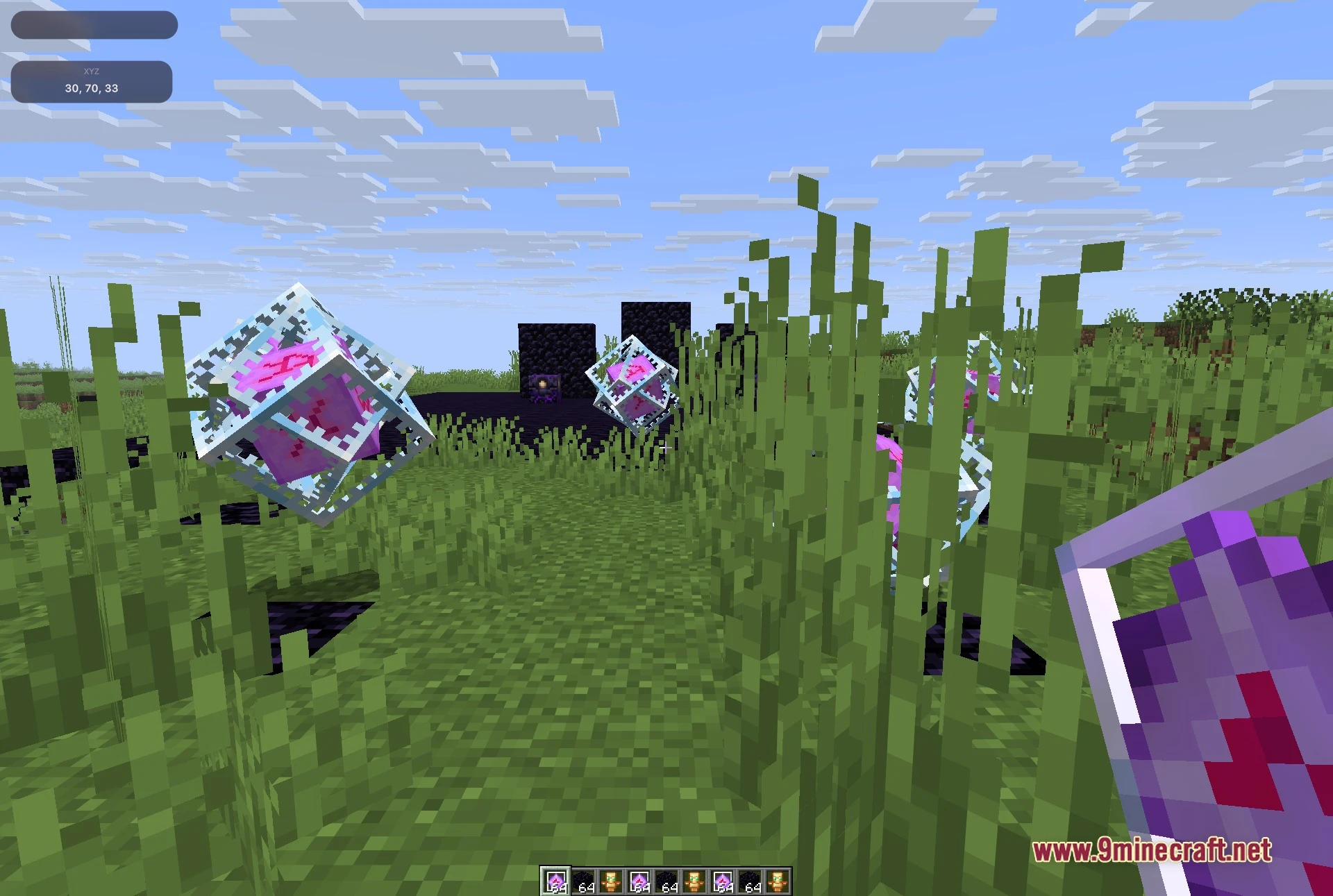
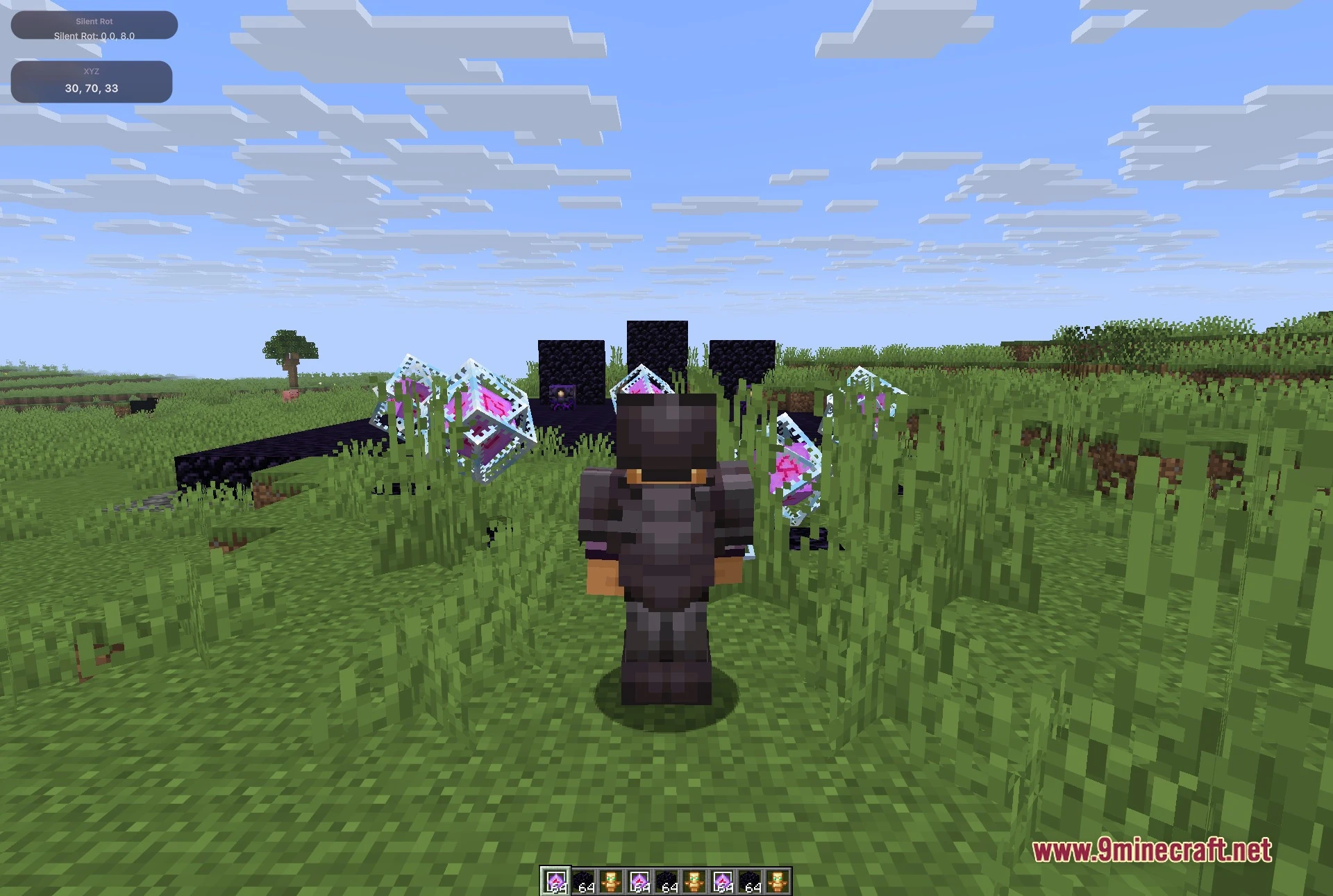
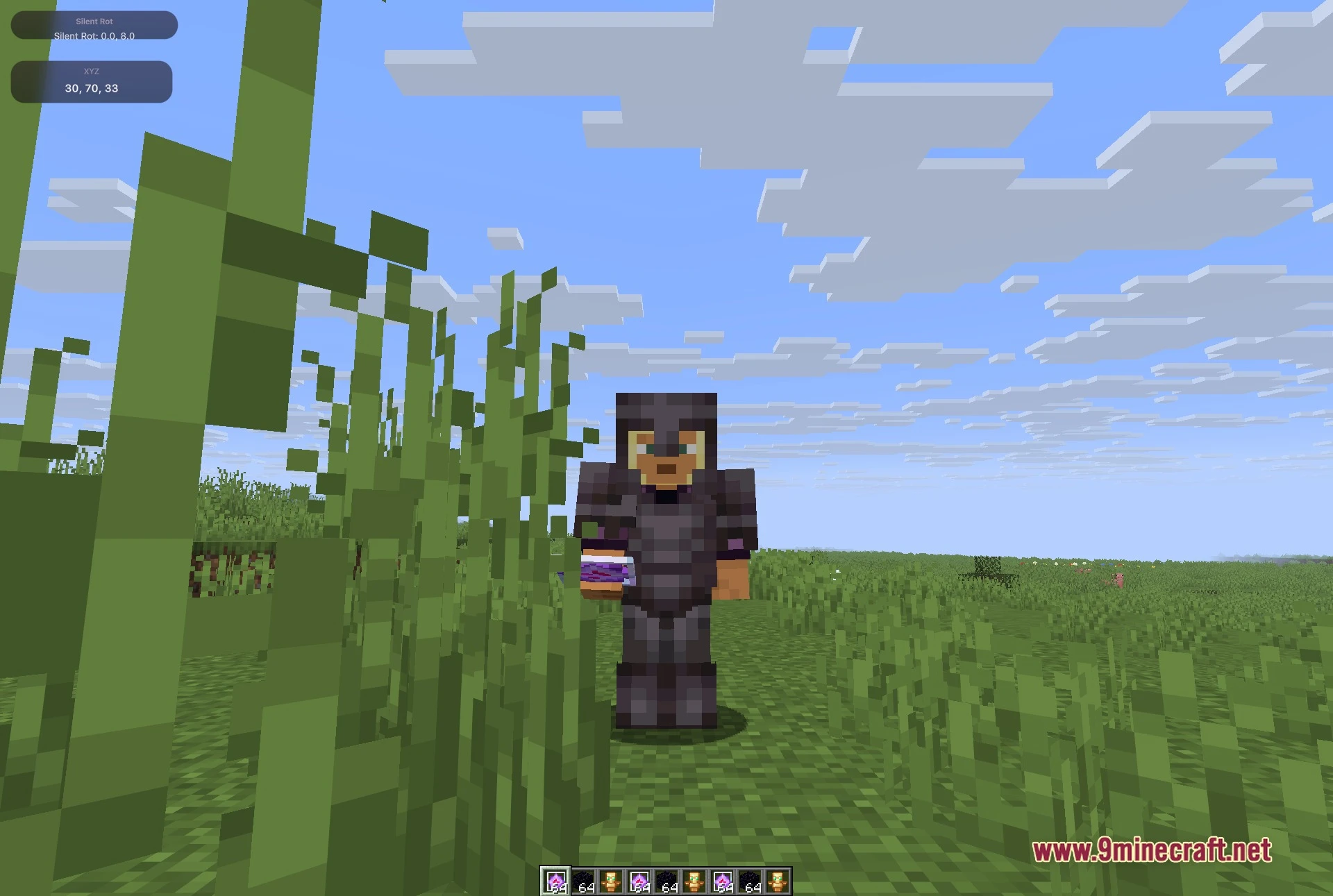
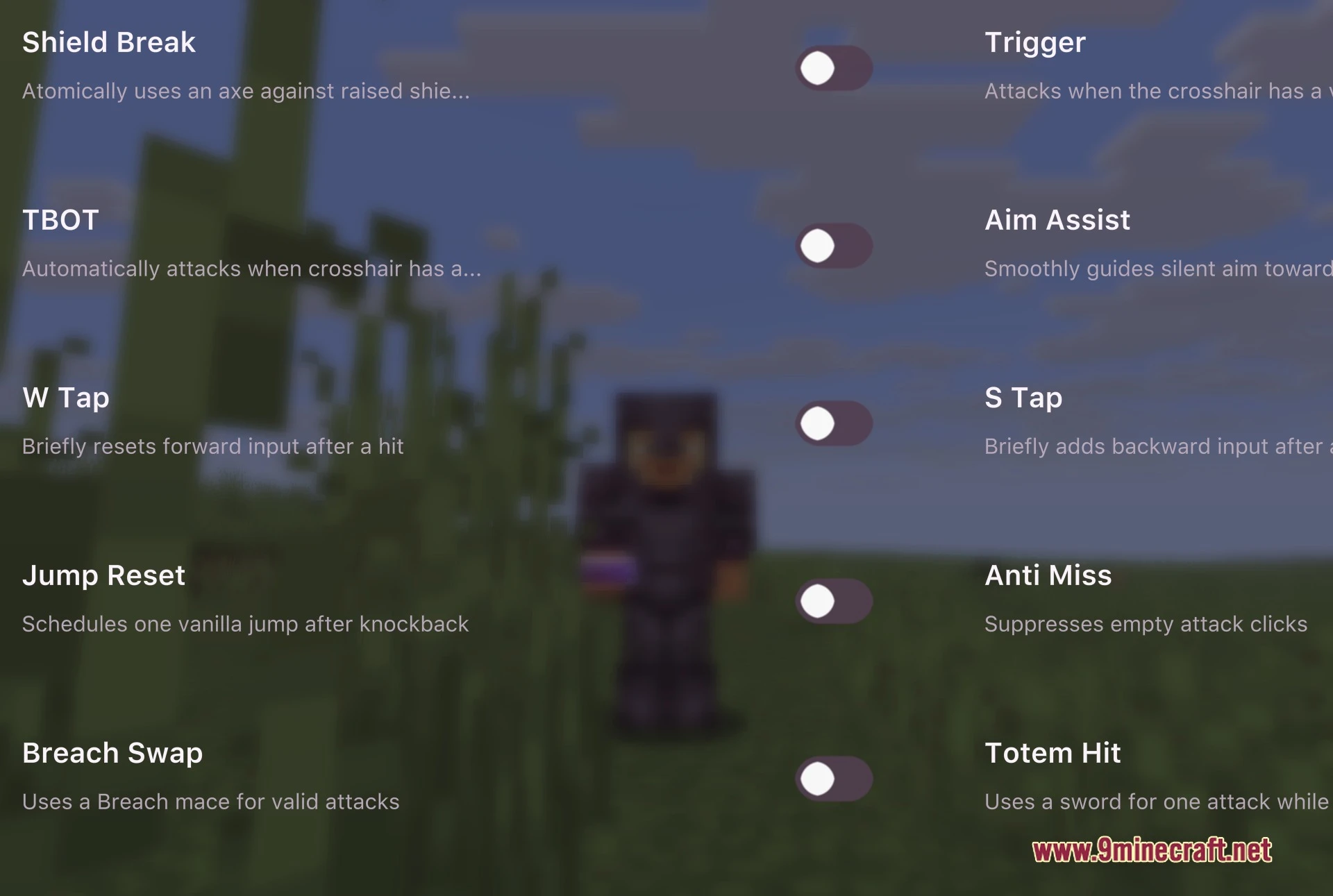
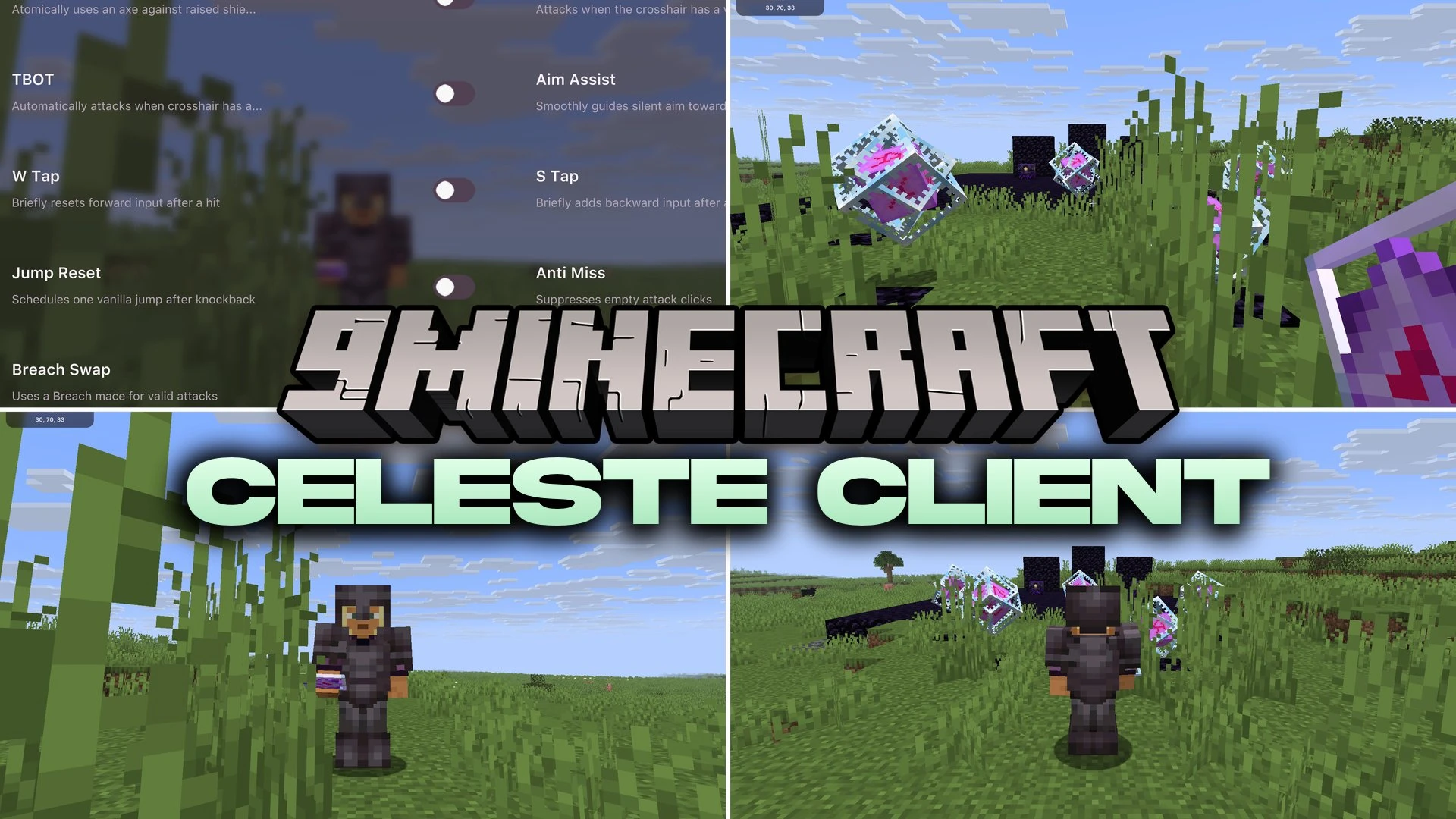
Celeste Client Mod equips you with a combat toolkit for fast player battles and crystal fights. The mod adds a clean, searchable menu filled with tools that help track targets, break enemy shields, and time weapon strikes. It manages movement inputs like reset jumps and tap resets during knockback exchanges. You can also edit screen overlays and check active music tracks during matches.
Features:
Combat Modules:
- Aim assist guides your crosshair toward targets in combat.
- Trigger bot attacks the instant an opponent enters your crosshair.
- Shield break switches to an axe when hitting raised shields.
- Totem hit helper assists with strike timing against totem holders.
- Breach swap switches your held item to a mace for valid attacks.
- Anti-miss stops empty swings when no target is in range.
Movement and Knockback:
- W-tap and S-tap tools manage sprint resets during attack exchanges.
- Jump reset times a normal jump after you take knockback.
HUD and Utilities:
- Searchable menu gives quick access to toggle all tools.
- On-screen HUD overlays show vital fight stats where you want them.
- Media readout displays your currently playing music tracks in game.
Screenshots:
Celeste Client Mod Download Links
- Edition: Minecraft Java
- File type: .jar
- Minecraft version listed: 1.21.11
- How to install: Install the matching mod loader (Forge, Fabric or NeoForge) for your Minecraft version. → Download the .jar. → Put it in the .minecraft/mods folder and launch that loader profile.
- Where to get it: Opens on the file's original source — not every file is mirrored on our own servers.
Install steps are the general flow for this file type — How to install Minecraft Java mods & modpacks walks through it step by step.
Celeste Client Mod (1.21.11) – Dominate Fast PvP and Crystal Fights is a free Minecraft Java mod. Compatible with Minecraft 1.21.11. Download it and open it directly in the game.