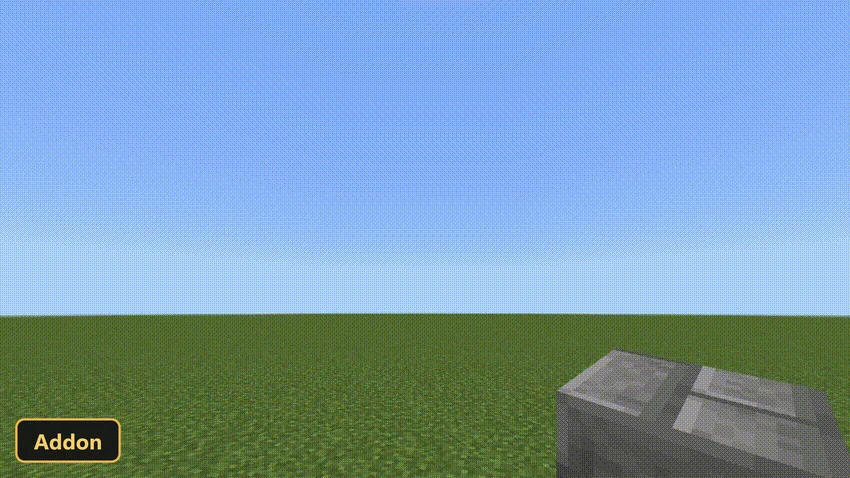
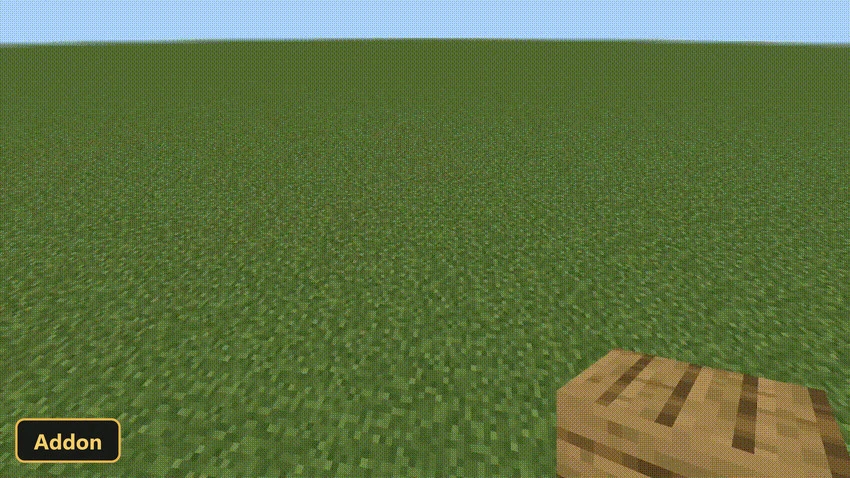
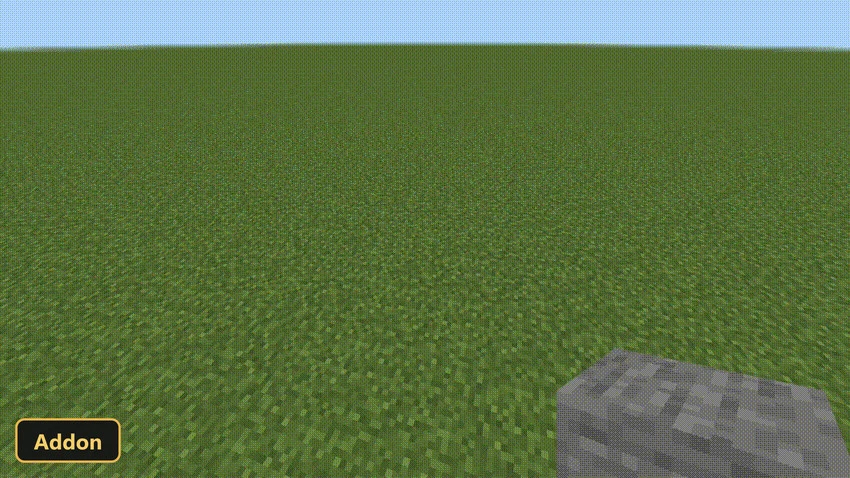
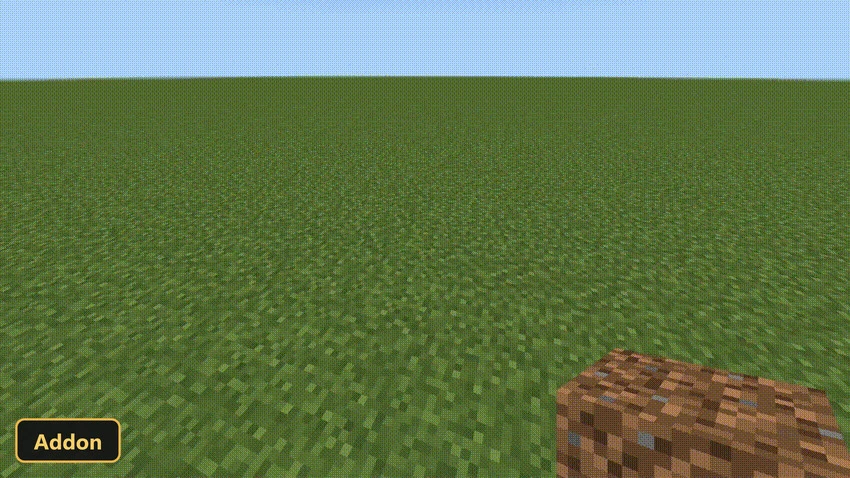
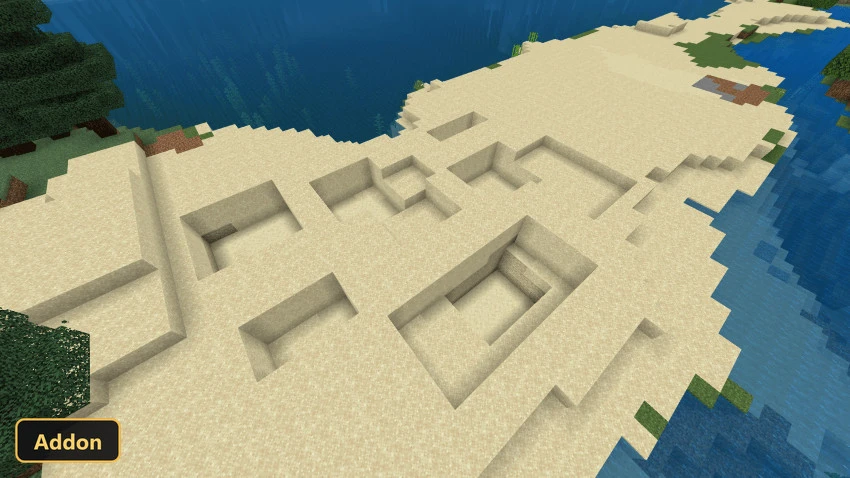
Building tools with a dedicated menu are the core of Easy Build, an add-on inspired by building tools popular on Java Edition. It uses scripting APIs, so Experimental Features must be turned on in the world settings.
The menu gives access to several building modes, such as Air Building for parkour-style creations and the Rectangular, Spherical and Conical modes for shaping structures. Matching destruction modes are included, and a clipboard lets players cut, copy and paste sections of a build. A Hologram Block shows placement previews, and the fill mode can be solid, hollow or outline. Undo and redo functions help fix mistakes during longer builds.
Requirements:
- MCPE/Bedrock 1.21.90 – 1.21.94
all 4 versions1.21.94, 1.21.93, 1.21.92, 1.21.90
- Turn on Experimental Features — this addon uses scripting APIs
Features:
- Easy Build
- Hologram Block
Screenshots:
- Edition: Minecraft Bedrock
- File type: .mcpack or .mcaddon
- Minecraft version listed: 1.21
- How to install: Download the .mcpack or .mcaddon file. → Open it — Minecraft imports it. → In your world: Behavior Packs → Available → Activate, then the same under Resource Packs.
- Where to get it: In MCModsHub, or directly above on this page.
Install steps are the general flow for this file type — How to install Minecraft Bedrock addons & mods walks through it step by step.
- Pack type: .mcaddon — behaviour and resource pack in one file
- Manifest requires Minecraft 1.21.90 or newer
- Complete pack — everything it depends on is inside the file
- Download link checked 27 Sept 2026 — working
- Mirrored on our own servers — the download does not depend on the original host
These come from our own check of the pack file, not from the source page.