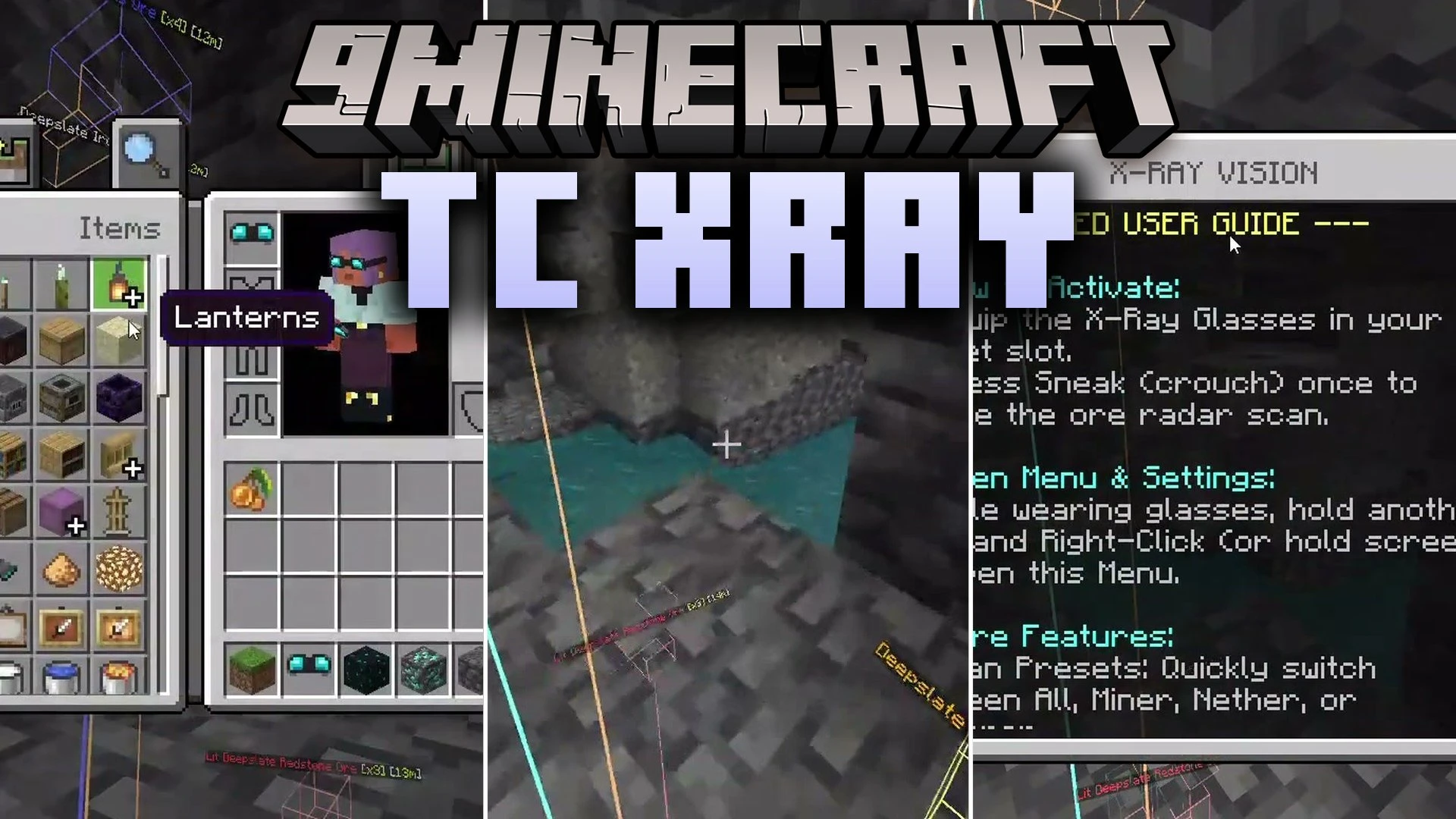


TC Xray Addon adds handy radar tracking tools to help you find valuable resources and entities in your world. It allows you to locate hidden ores, spawners, and buried treasure using visual highlight outlines and laser guides. You can also craft special tracking gear to detect specific blocks or target nearby mobs through solid walls.
Features:
- Highlights hidden ore veins and containers through solid blocks.
- Projects directional laser beams directly toward targeted items and mobs.
- Lets you craft custom glasses, an ore compass, and mob trackers.
- Displays glowing 3D wireframe boxes around detected underground targets.
- Allows tracking of over 75 categorized mob types effortlessly.
Commands:
- /tc:xray: Opens the main settings dashboard.
- /tc:xray toggle: Turns the radar display on or off.
- /tc:xray unequip: Removes your equipped glasses and returns them to your inventory.
- /tc:xray reset: Restores all radar options to their default settings.
Screenshots:


TC Xray Addon Download Links
Quick facts
- Edition: Minecraft Bedrock
- File type: .mcpack or .mcaddon
- How to install: Download the .mcpack or .mcaddon file. → Open it — Minecraft imports it. → In your world: Behavior Packs → Available → Activate, then the same under Resource Packs.
- Where to get it: In MCModsHub, or directly above on this page.
Install steps are the general flow for this file type — How to install Minecraft Bedrock addons & mods walks through it step by step.
Verified by MCModsHub
- Pack type: .mcaddon — behaviour and resource pack in one file
- Manifest requires Minecraft 1.21.30 or newer
- Complete pack — everything it depends on is inside the file
- Download size: 862 KB
- Download link checked 27 Sept 2026 — working
- Mirrored on our own servers — the download does not depend on the original host
These come from our own check of the pack file, not from the source page.