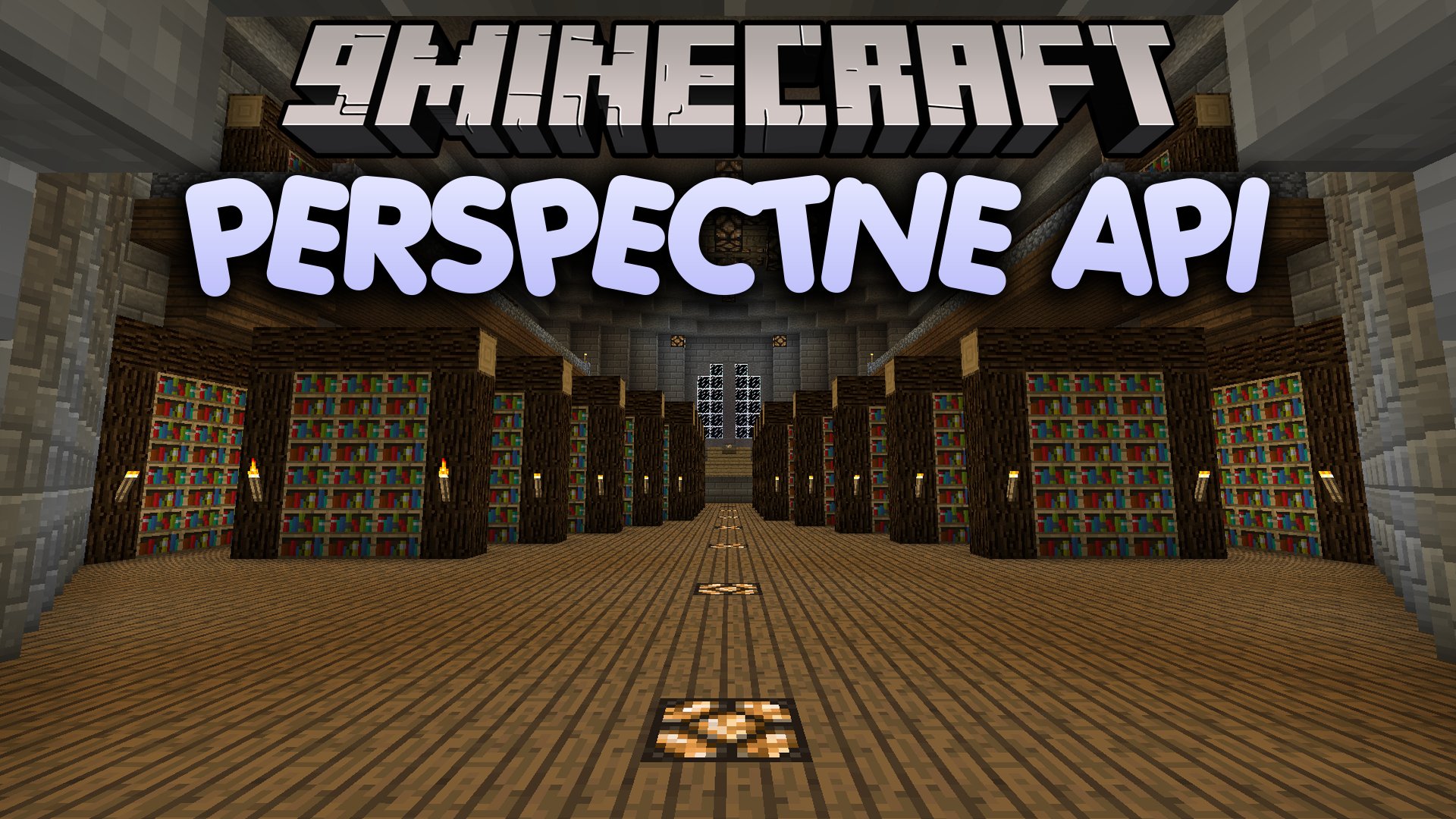

Perspective API Mod brings a camera management framework and a quick selection wheel to the game. It lets client mods add custom viewpoints, camera shakes, and smooth zoom effects. Players can switch viewpoints or open a radial menu to pick their favorite camera angle on the fly.
Features:
- Adds a radial selection wheel to switch between camera views quickly.
- Controls camera states including position, rotation, and field of view.
- Lets you drag icons to activate or turn off specific viewpoints.
- Serves as a base system for mods to build camera shakes and custom zooms.
How to Use:
- Hold F5 to open the perspective wheel menu.
- Right-click while holding F5 to open the setup screen and drag icons to activate or deactivate views.
- Press F5 quickly to switch to the next camera angle.
Perspective API Mod Download Links
Quick facts
- Edition: Minecraft Java
- File type: .jar
- Minecraft version listed: 1.20.1
- How to install: Install the matching mod loader (Forge, Fabric or NeoForge) for your Minecraft version. → Download the .jar. → Put it in the .minecraft/mods folder and launch that loader profile.
- Where to get it: In MC Java Mods, or directly above on this page.
Install steps are the general flow for this file type — How to install Minecraft Java mods & modpacks walks through it step by step.
Verified by MCModsHub
- Downloads as 516805.mcaddon
- Download size: 261 KB
- Download link checked 28 Sept 2026 — working
- Mirrored on our own servers — the download does not depend on the original host
These come from our own check of the pack file, not from the source page.