ShadersJava
PS FPS Shaders (26.3, 1.20.1) – Soft Block Shadows and Performance Presets
Java shader pack listed for Minecraft 1.20. Downloads from the MC Java Mods app on Android.
⬇ Download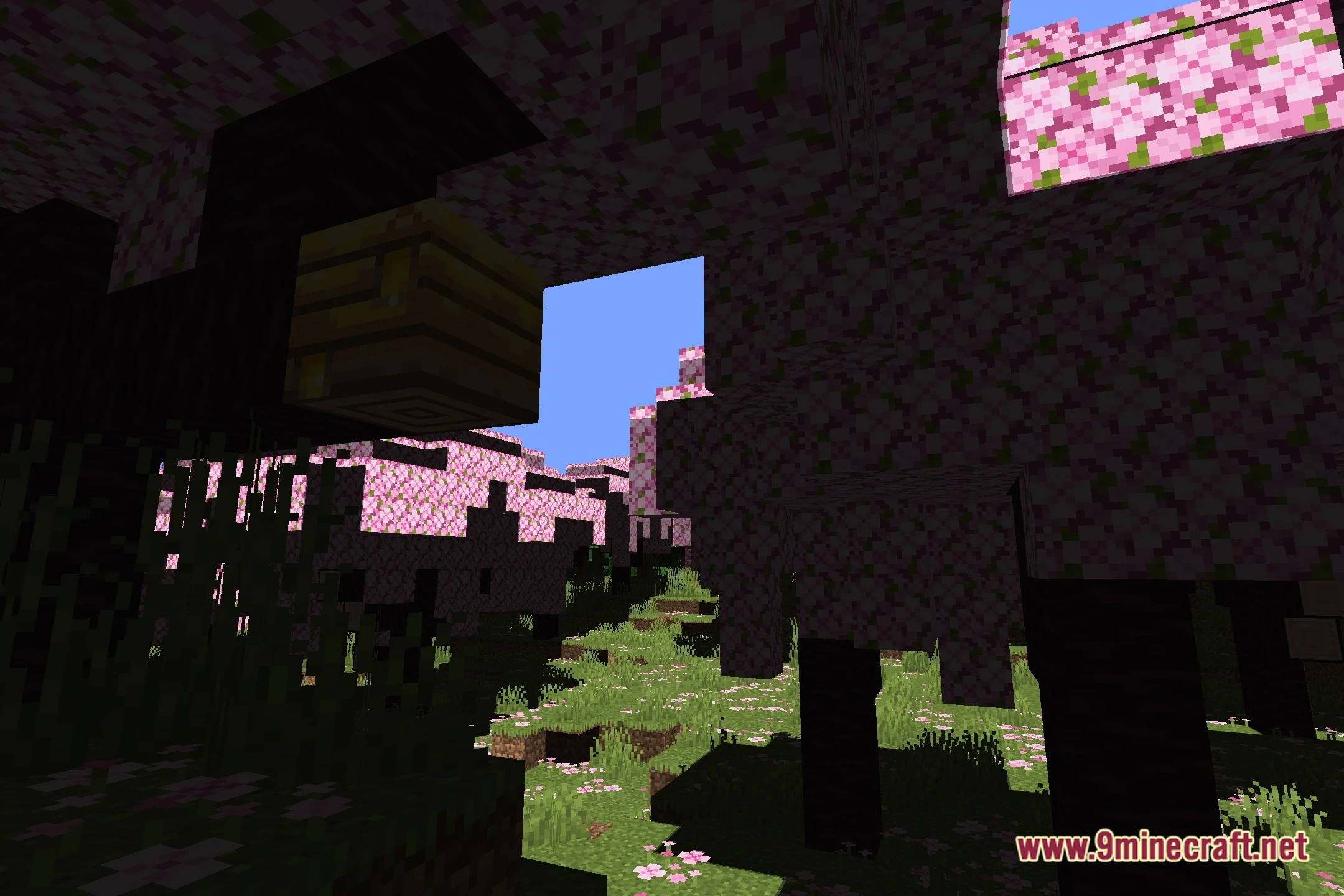
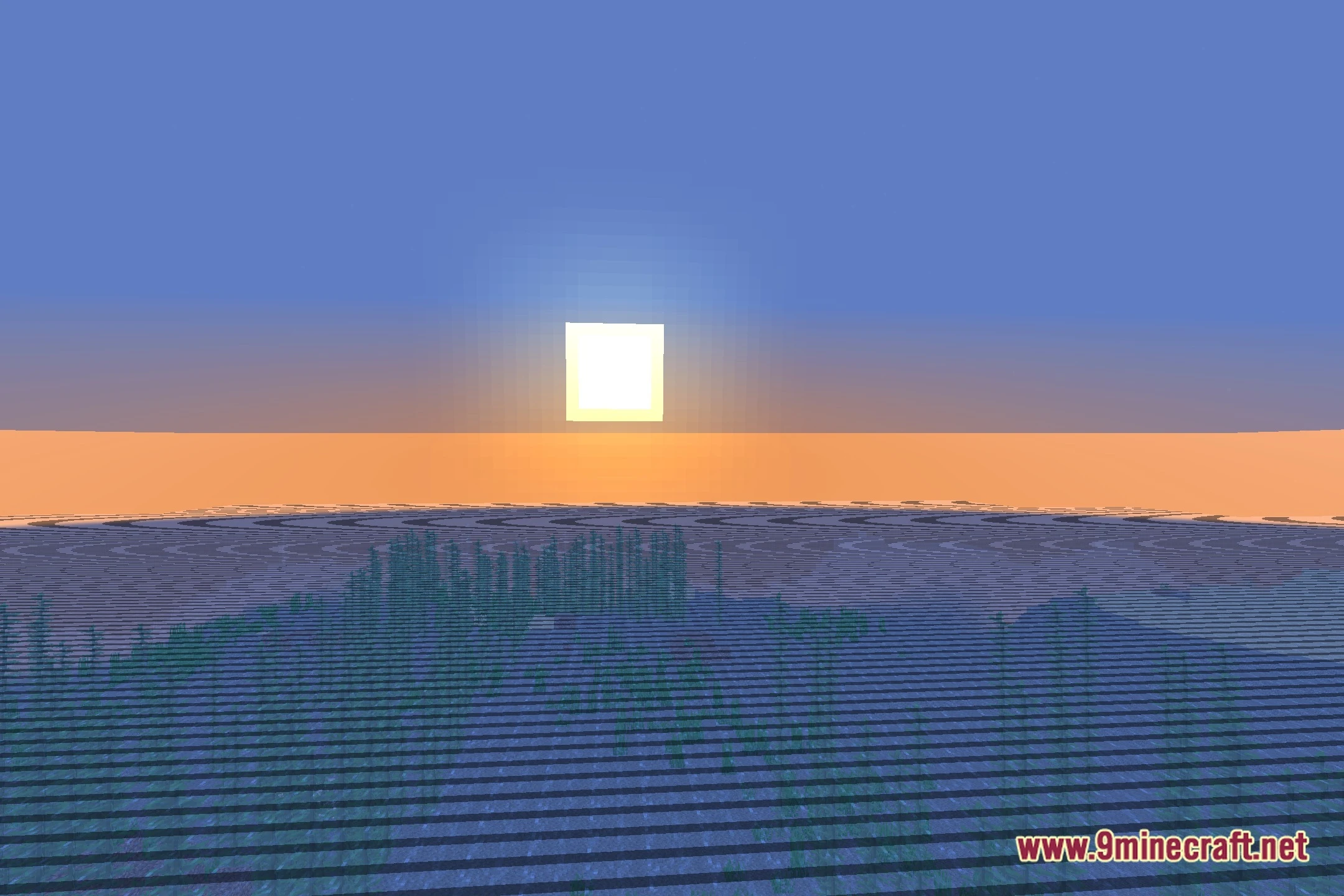
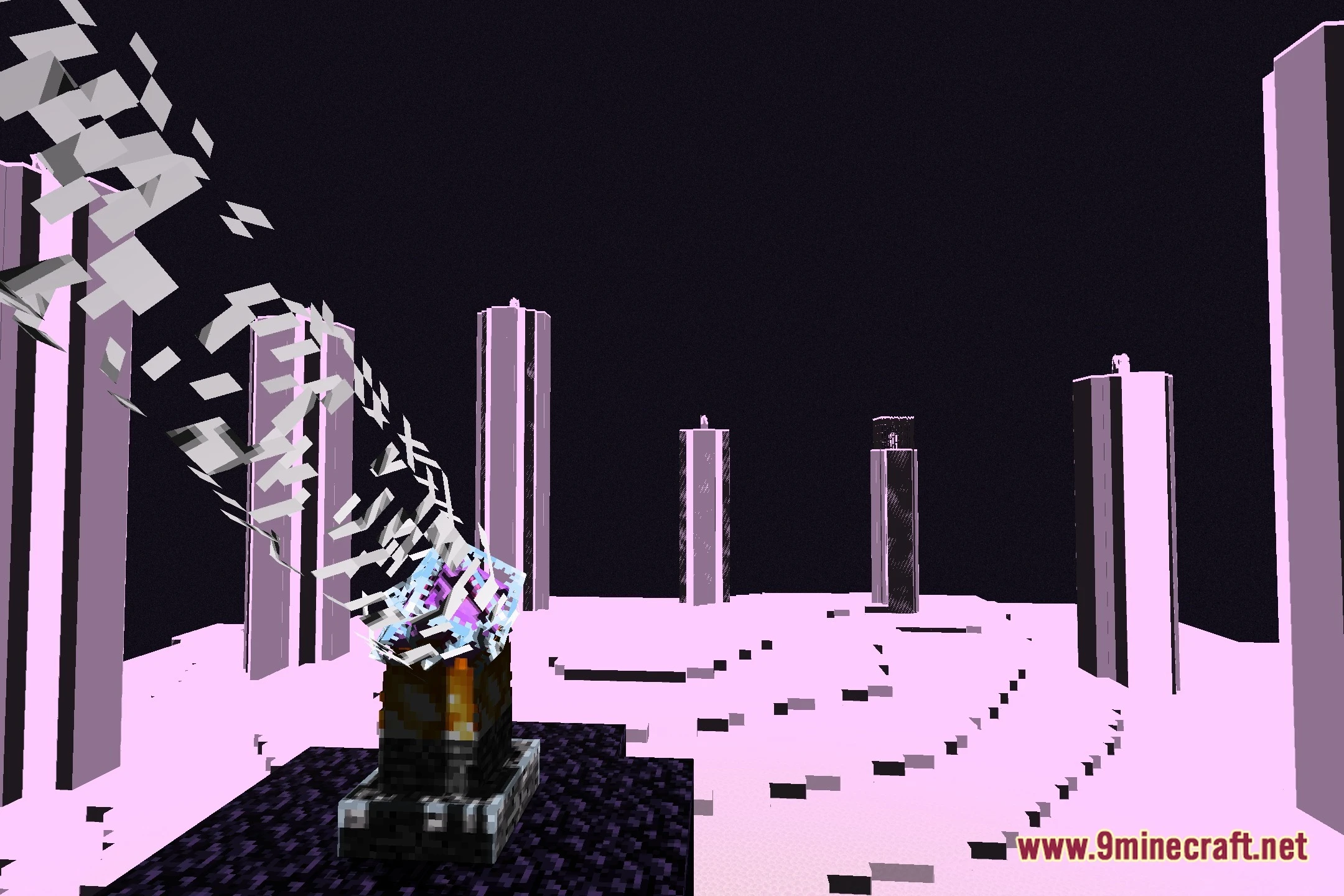
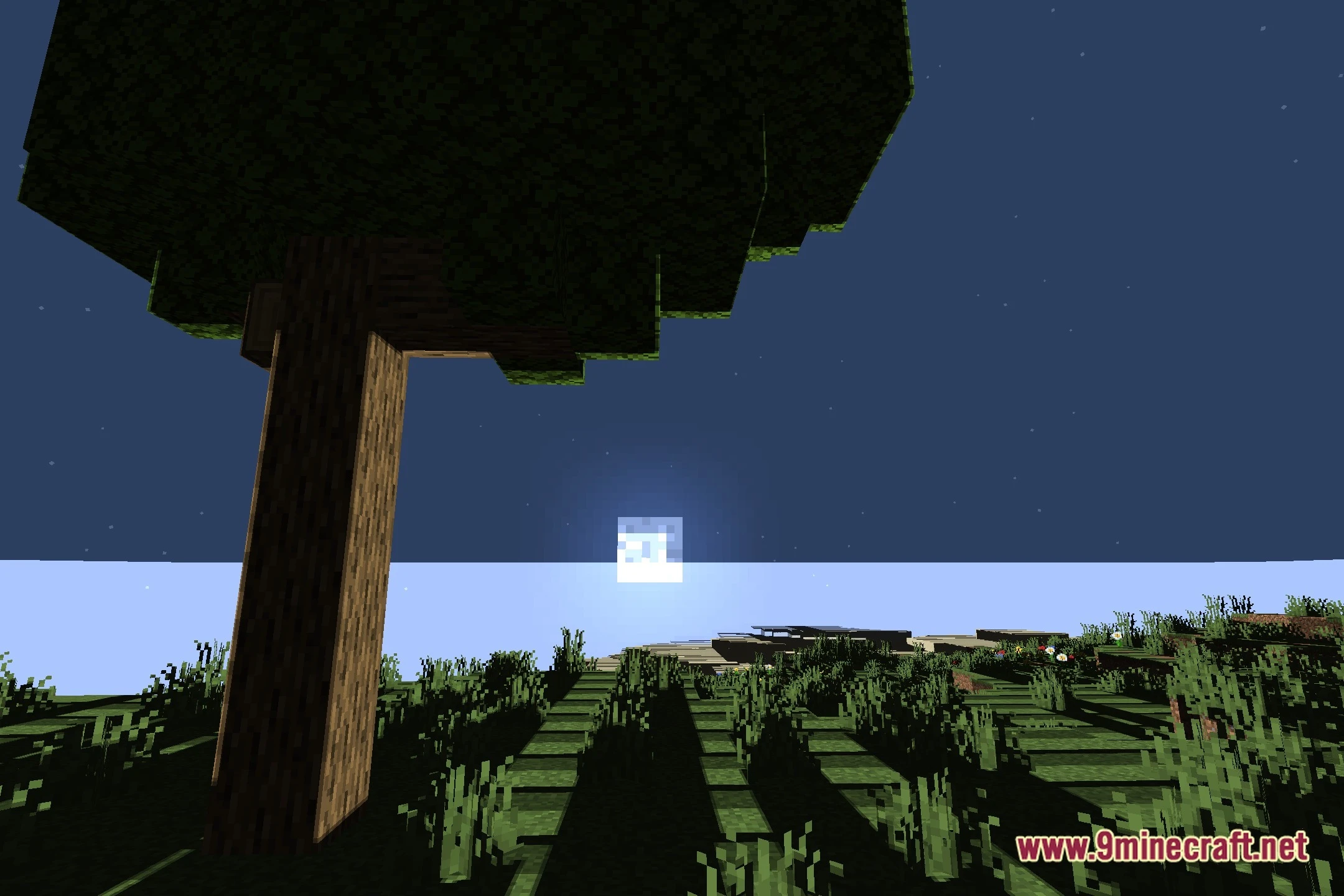
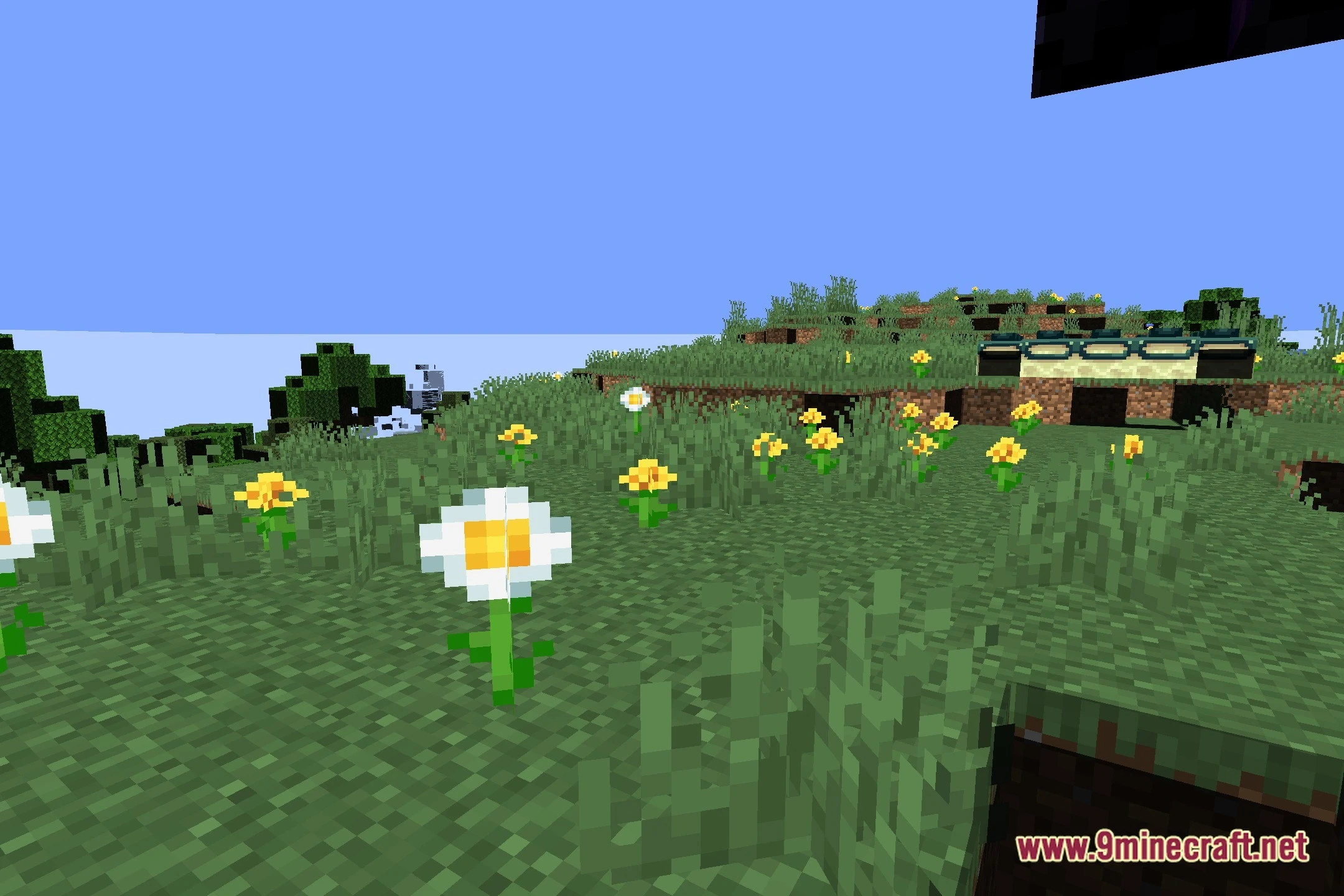

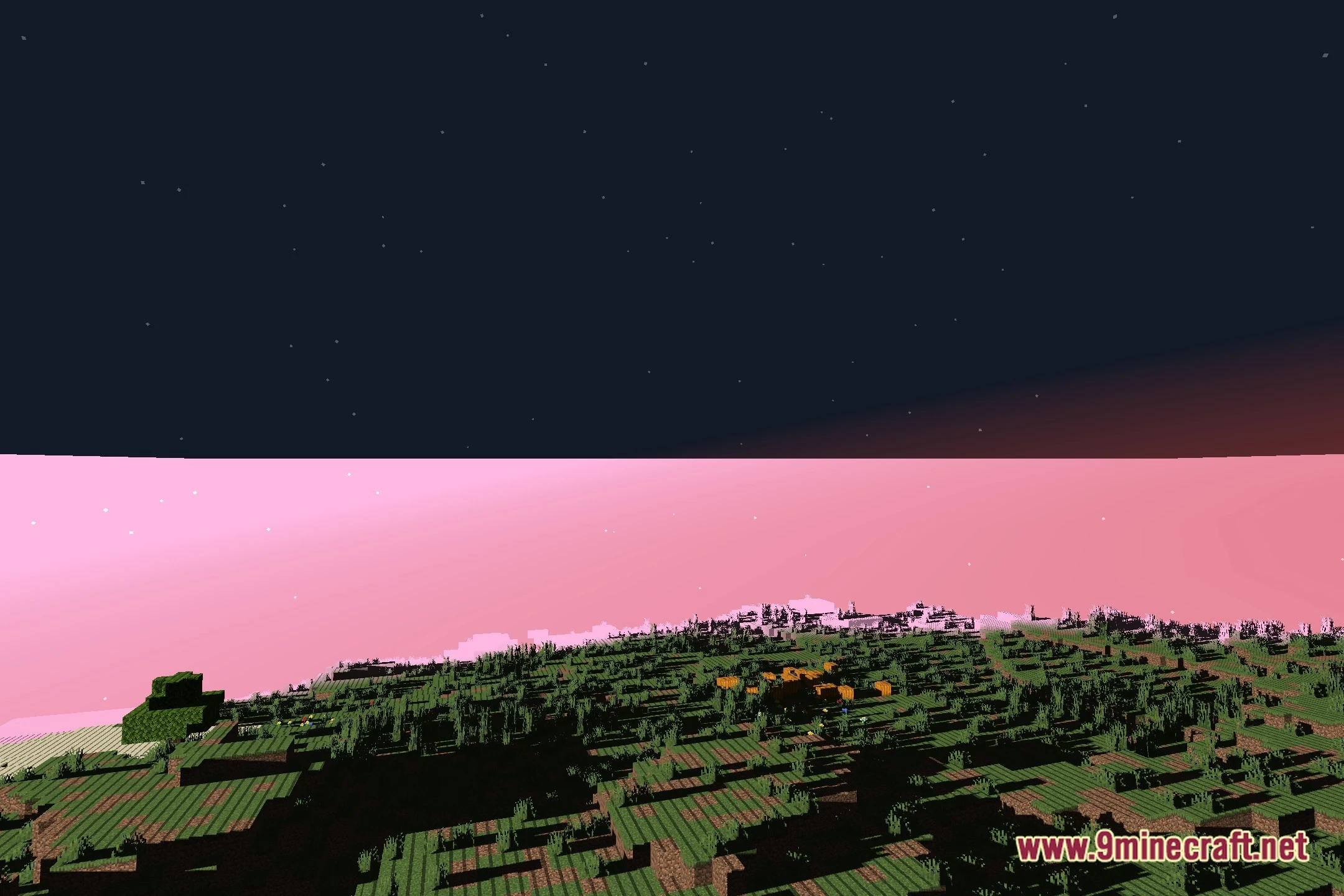
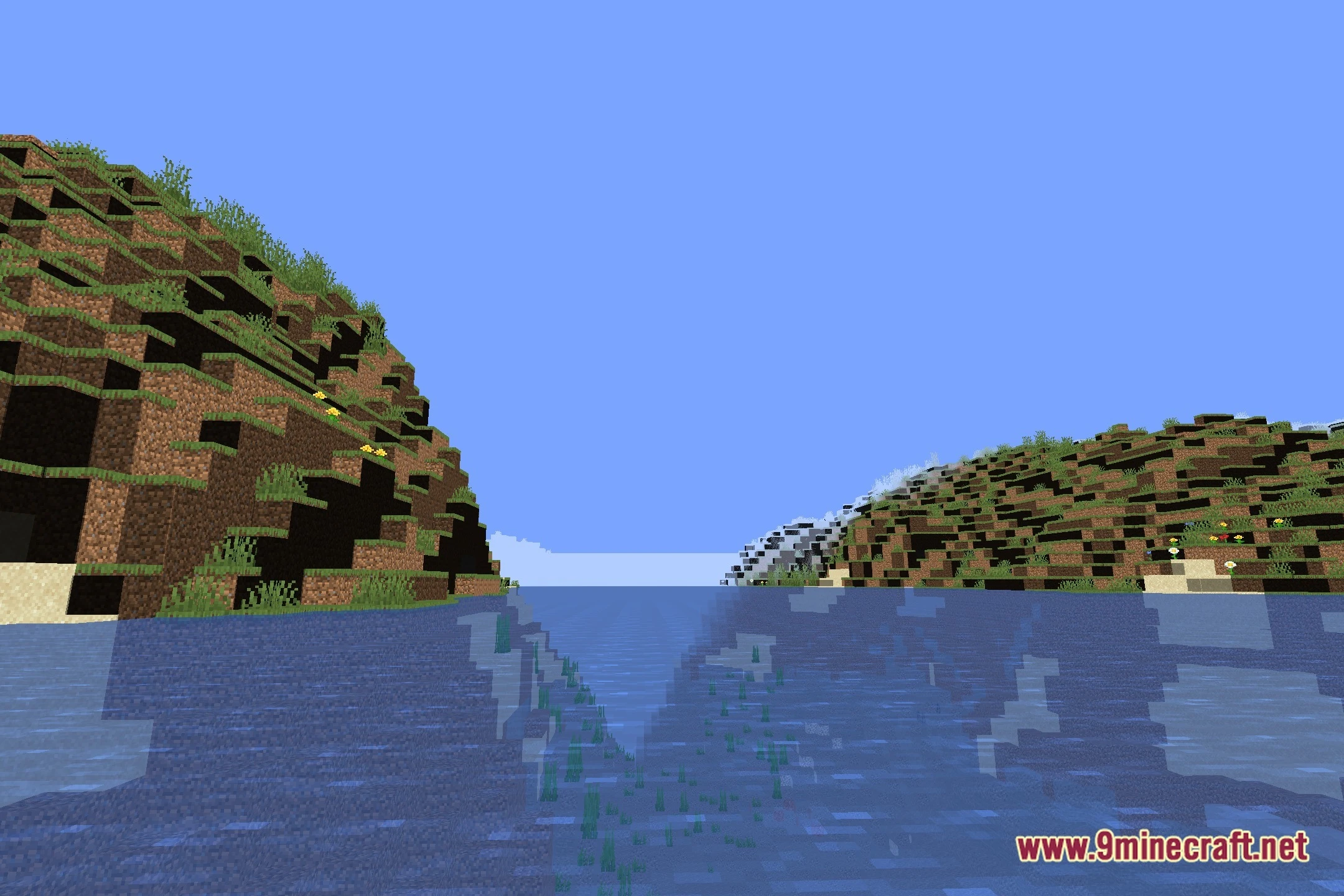
PS FPS Shaders brings clean lighting and smooth performance to your Minecraft worlds. It offers multiple visual settings, from low to high profiles, so it runs well on any system. The shader keeps a vanilla-like look while adding soft shadows and clear light to every block. You get improved visuals without losing frames during your adventures.
Features:
- Offers multiple performance presets for low, medium, and high setups.
- Keeps the classic vanilla art style while adding soft block shadows.
- Runs smoothly across different computer systems without dropping frame rates.
- Cleans up daytime brightness and nighttime visibility for simple navigation.
Screenshots:

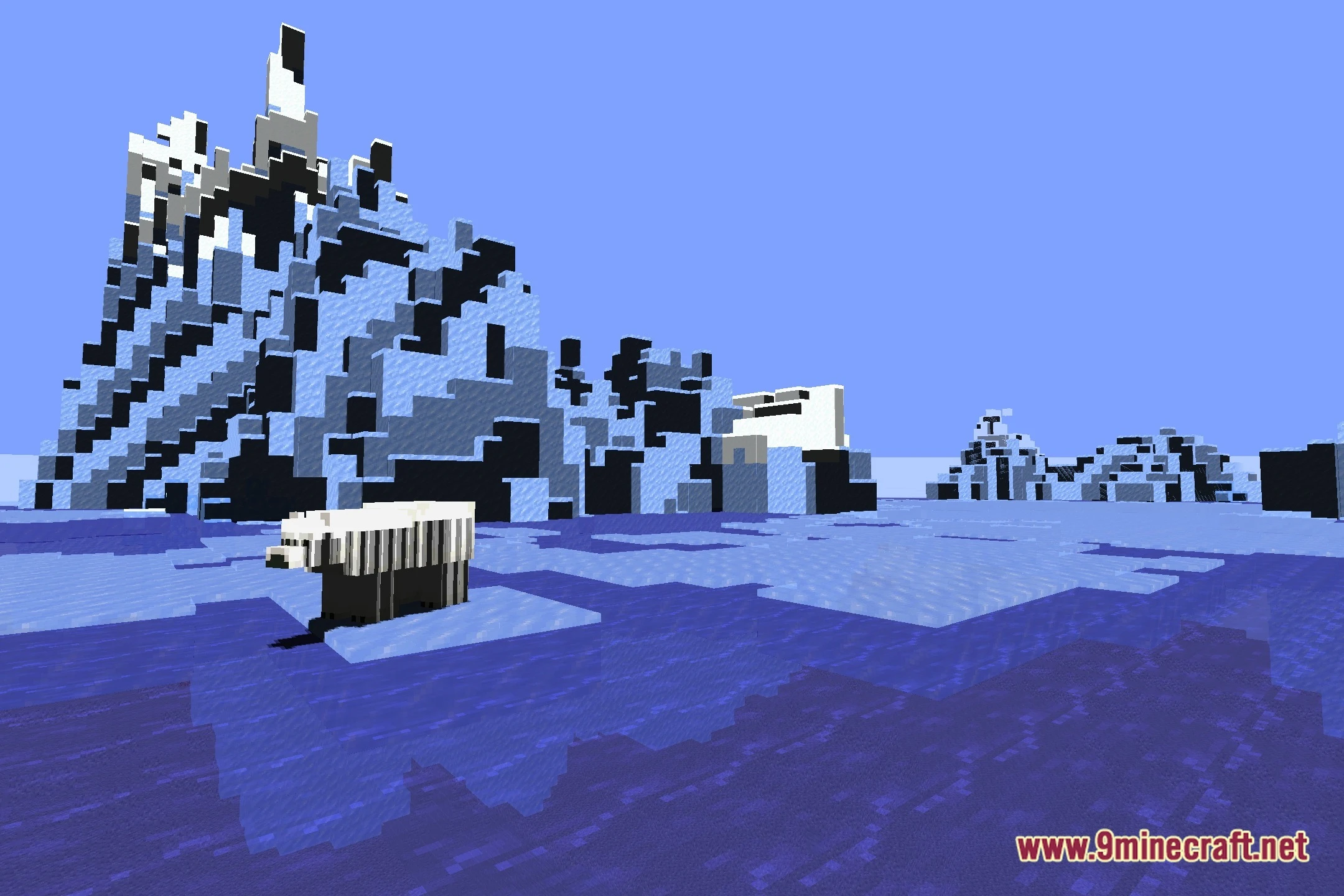
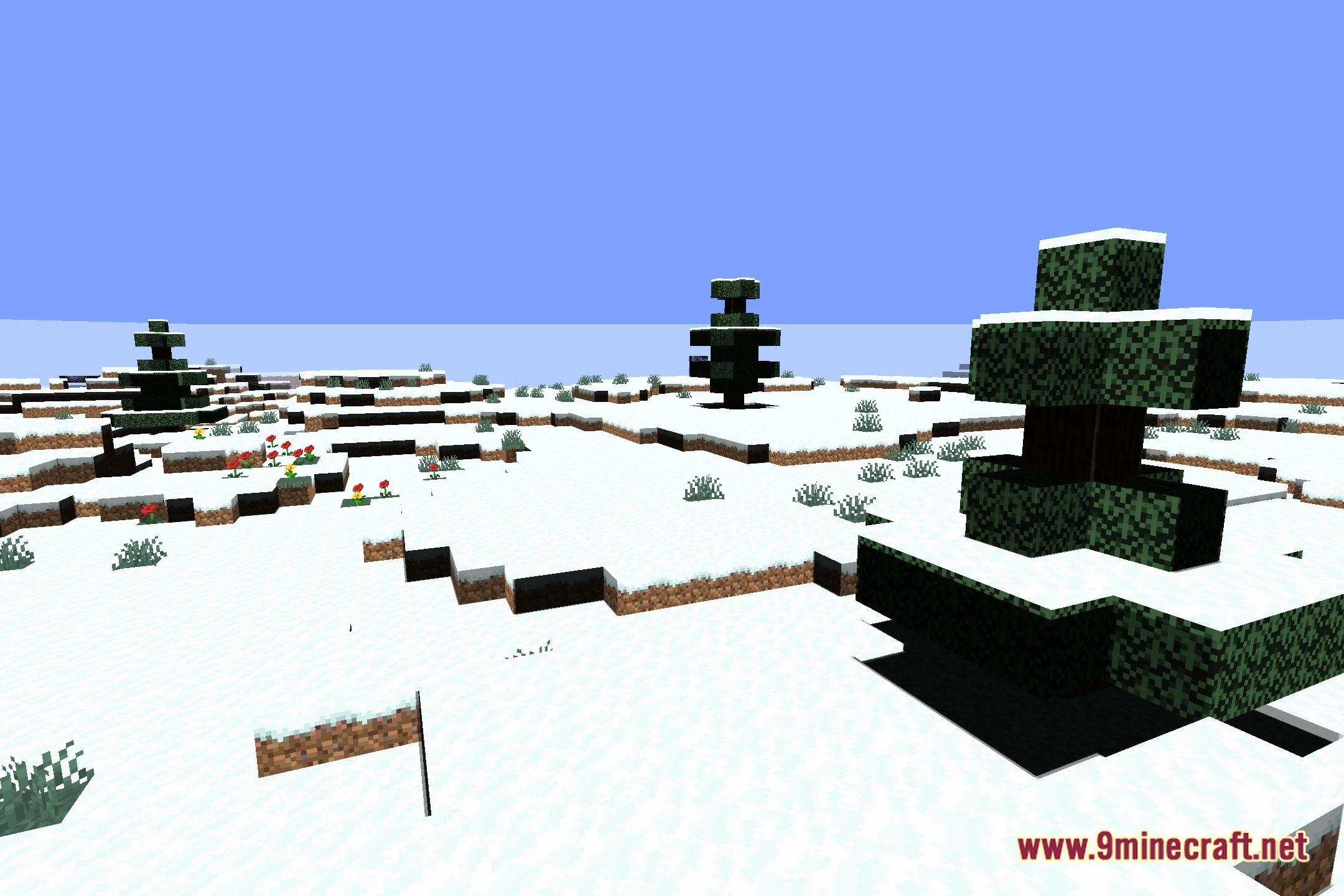
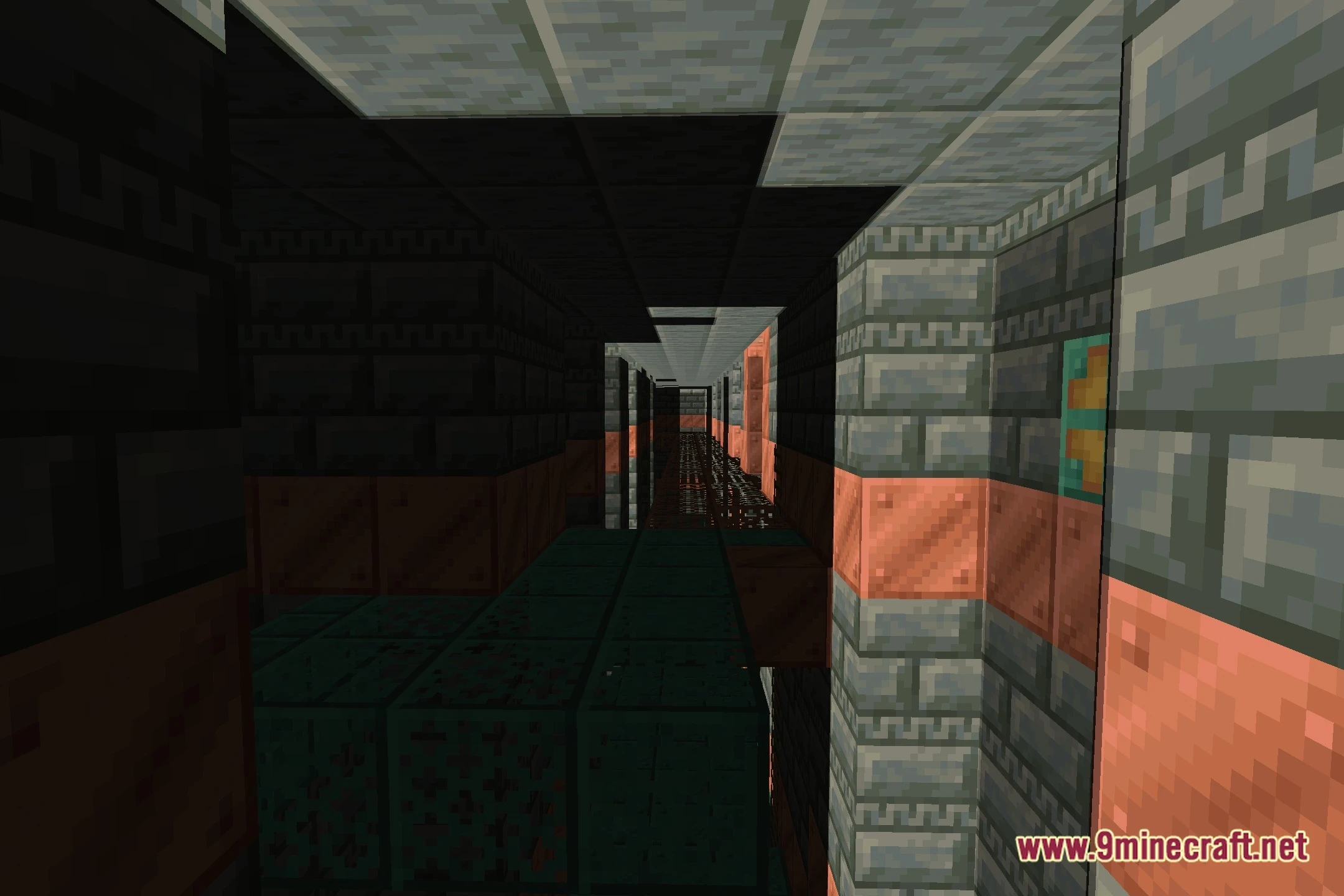
PS FPS Shaders Download Links
Quick facts
- Edition: Minecraft Java
- File type: .zip (resource pack)
- Minecraft version listed: 1.20.1
- How to install: Download the .zip resource pack — do not unzip it. → Put it in .minecraft/resourcepacks. → Enable it in Options → Resource Packs.
- Where to get it: In MC Java Mods, or directly above on this page.
Install steps are the general flow for this file type — see the MC Java Mods guides for the full walkthrough.
PS FPS Shaders (26.3, 1.20.1) – Soft Block Shadows and Performance Presets is a free Minecraft Java shader. Compatible with Minecraft 1.20.1. Download it and open it directly in the game.