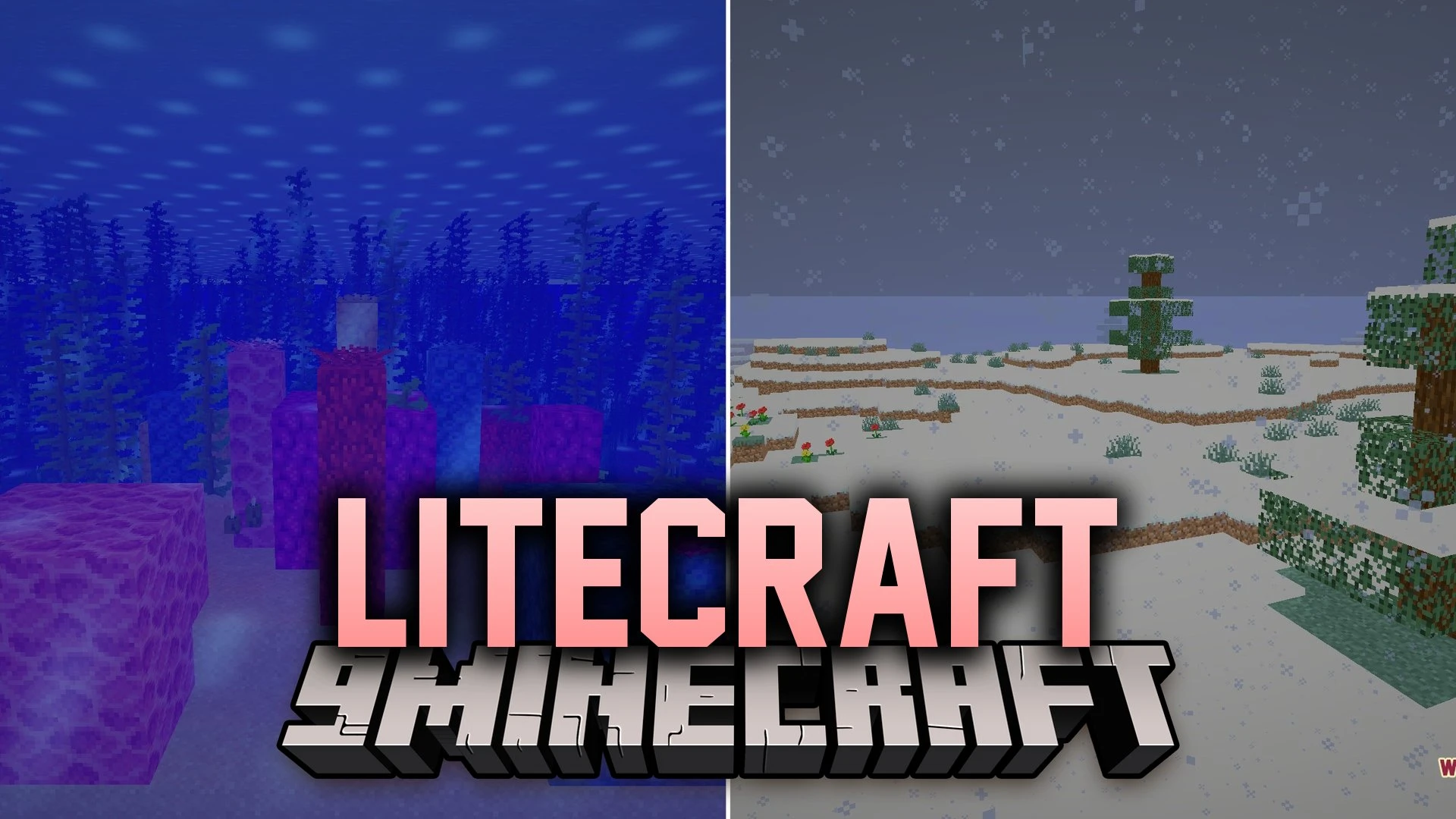
LiteCraft Shaders (26.3, 1.20.1) – Lightweight Bloom and Soft Shadows
Java shader pack listed for Minecraft 1.20. Downloads from the MC Java Mods app on Android.
⬇ Download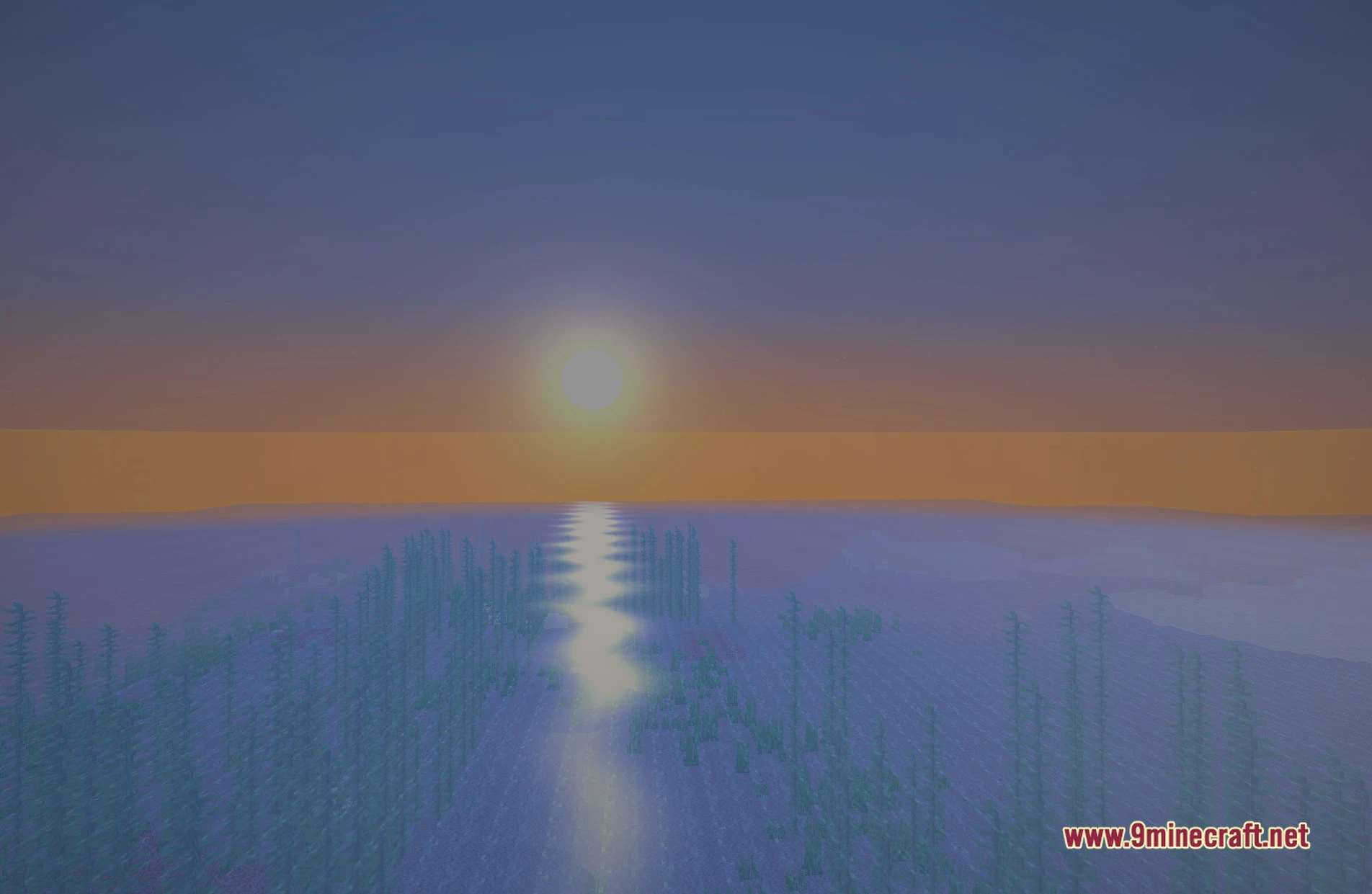
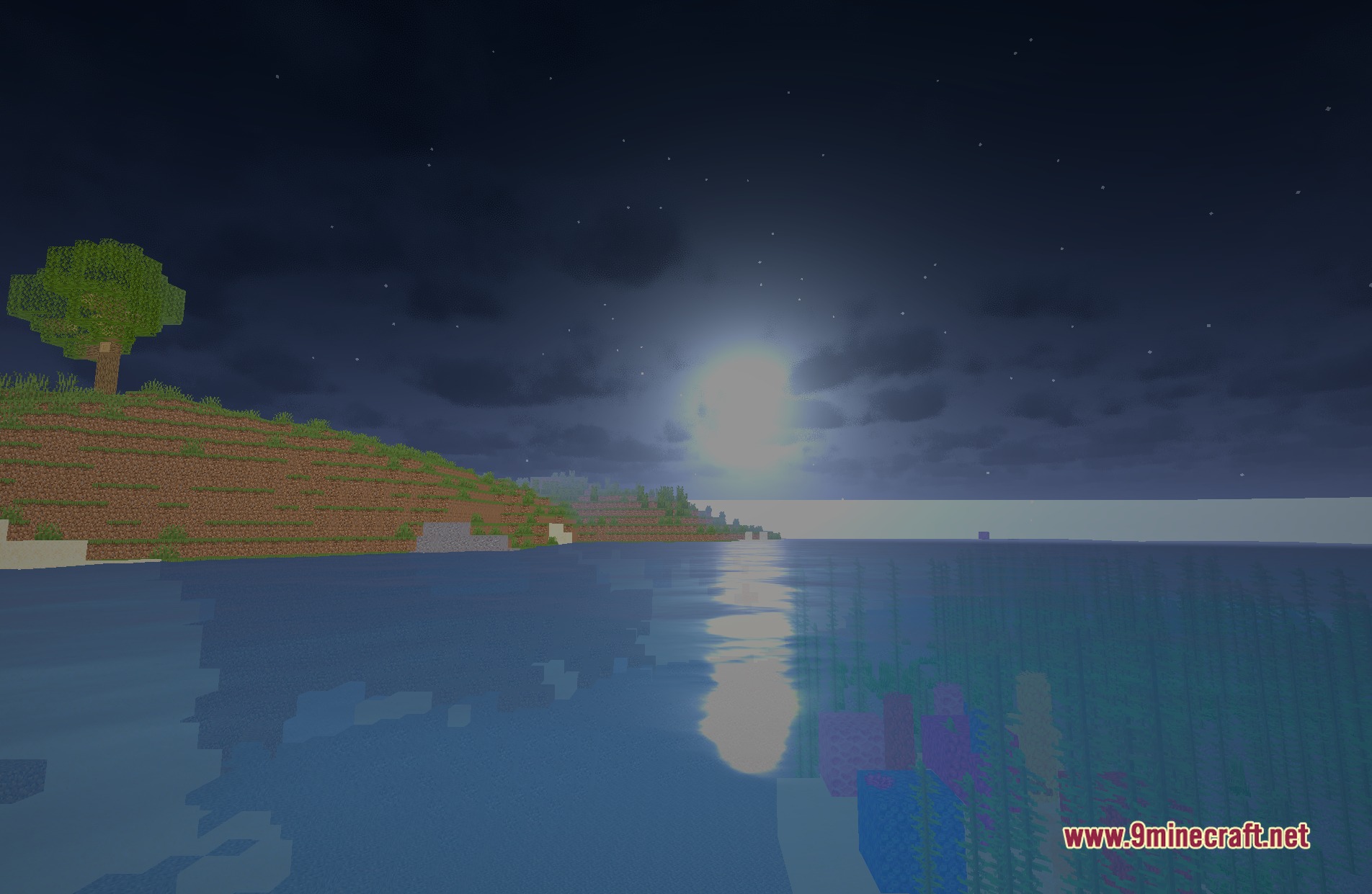
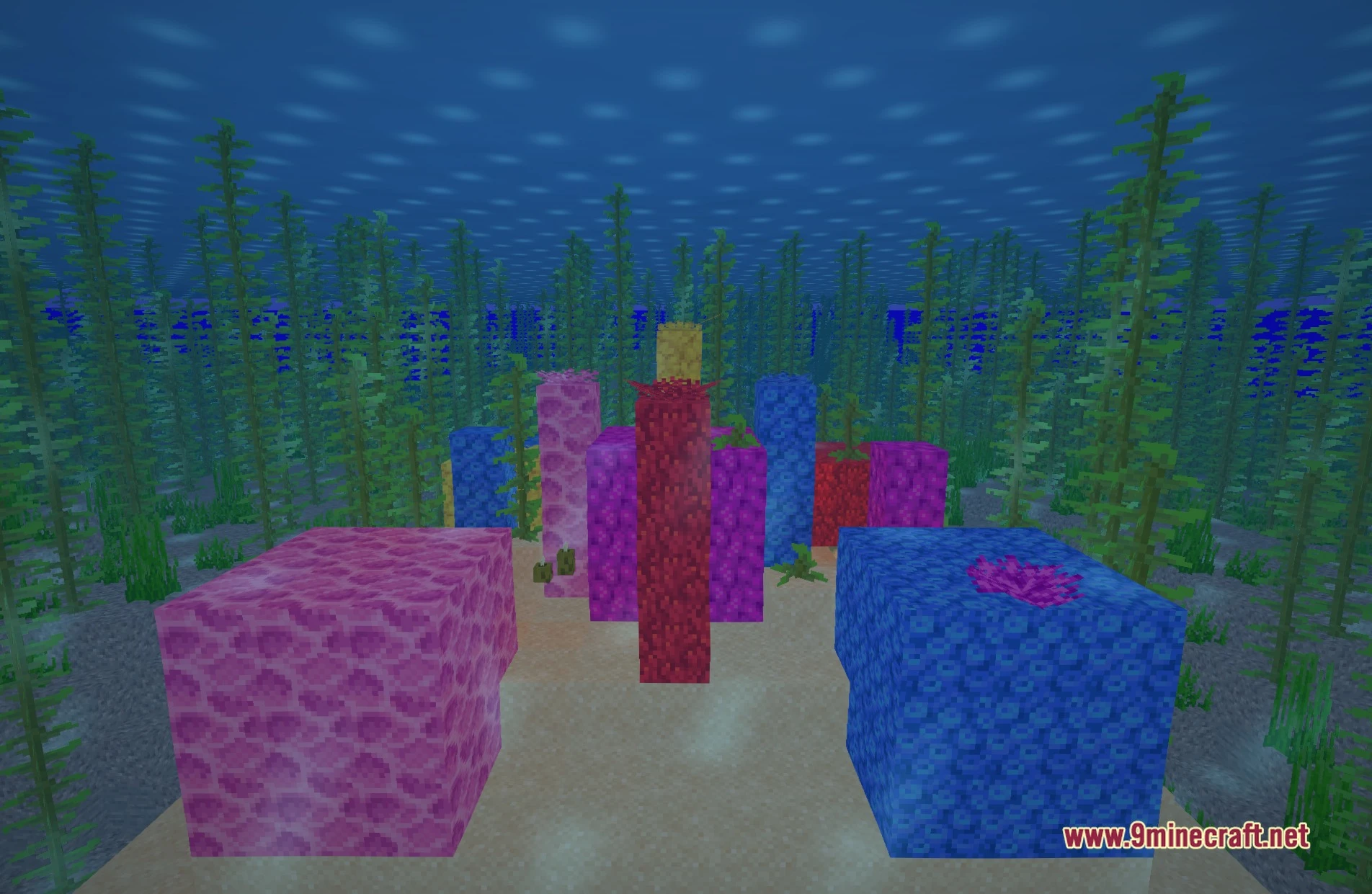
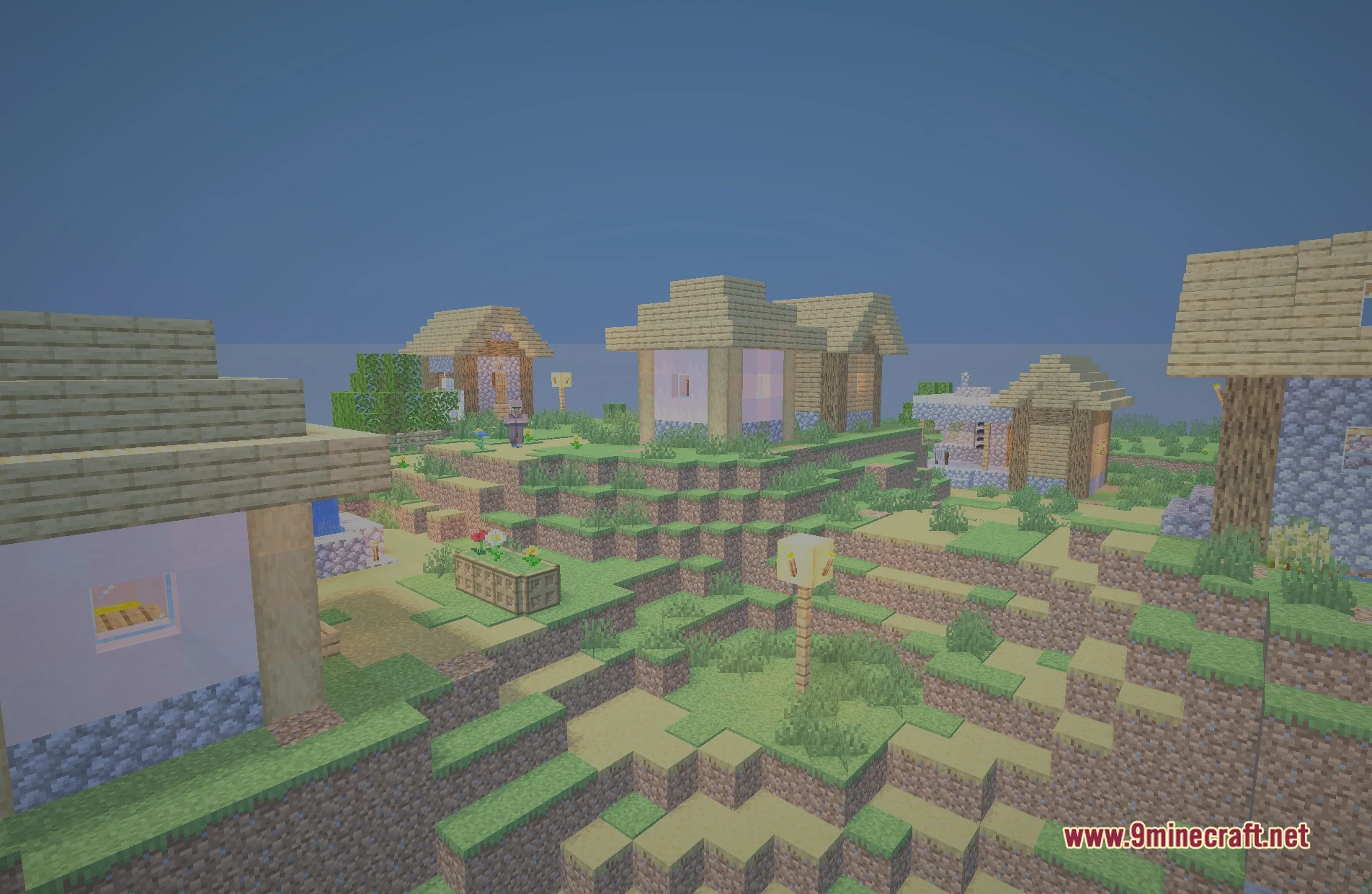
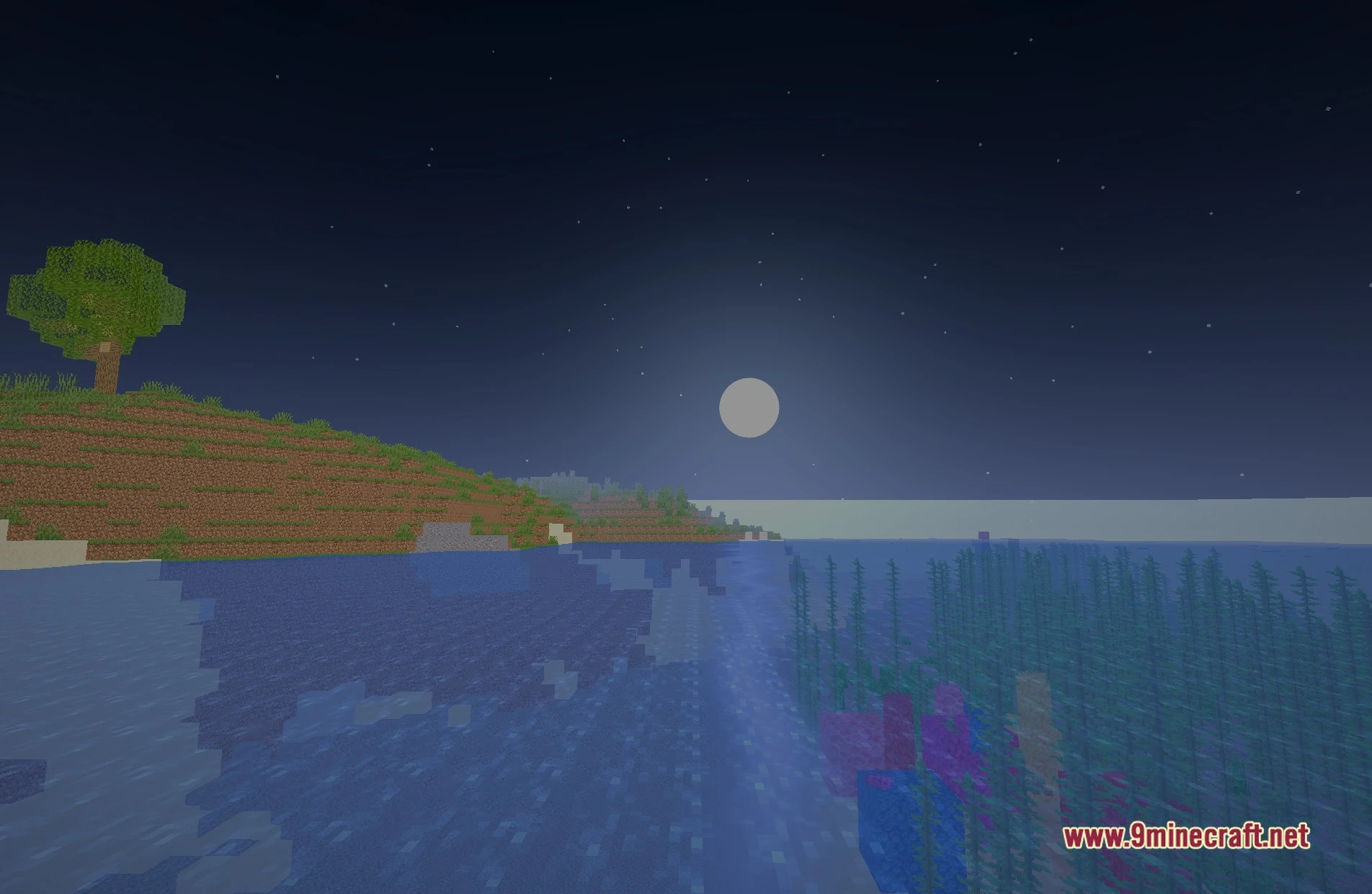
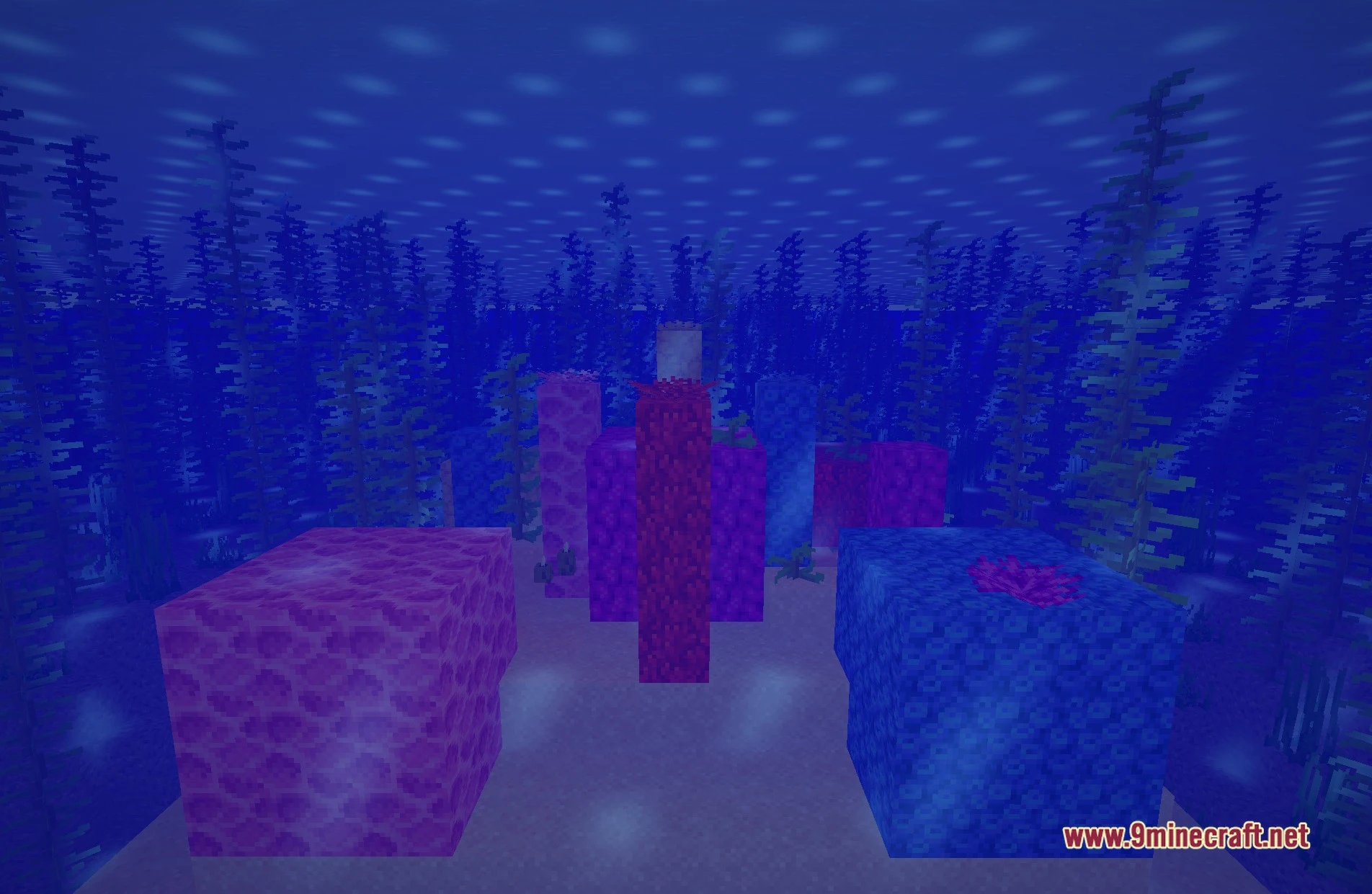
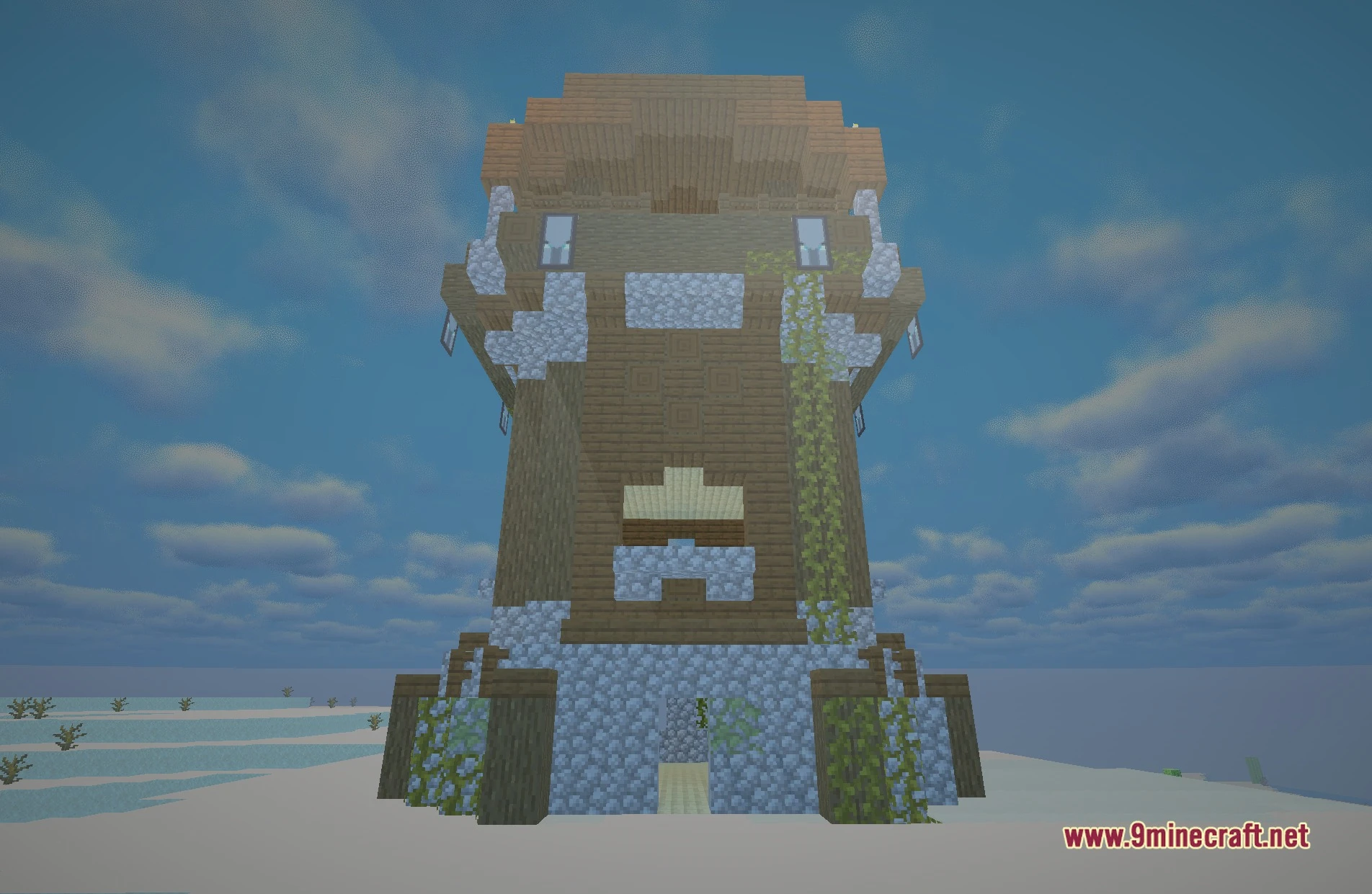
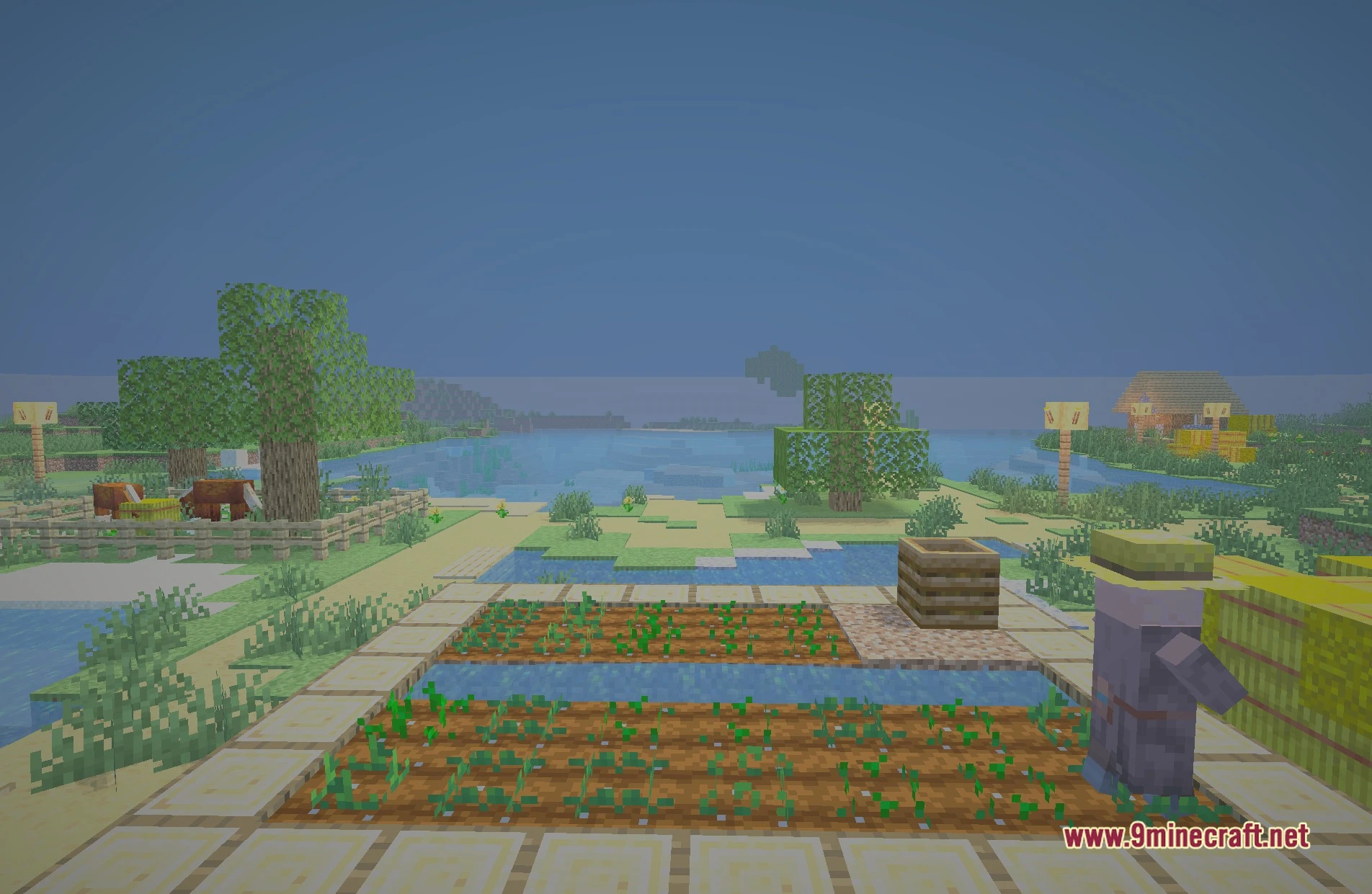
LiteCraft Shaders illuminates your Minecraft worlds with soft shadows and clean colored lighting while keeping frame rates high. This shader pack brings a semi-realistic look with warm bloom effects to standard blocks and landscapes. It runs smoothly on low-end PCs and laptops without dropping heavy performance costs. You can run this pack using either Iris or OptiFine.
Features:
- Adds clean lighting across the overworld during day and night cycles.
- Casts gentle, soft shadows around blocks and structures.
- Introduces colored lighting that reacts to different light sources.
- Brings warm bloom effects to bright areas and light blocks.
- Runs fast on budget computers, older hardware, and laptops.
- Supports both Iris and OptiFine.
Screenshots:
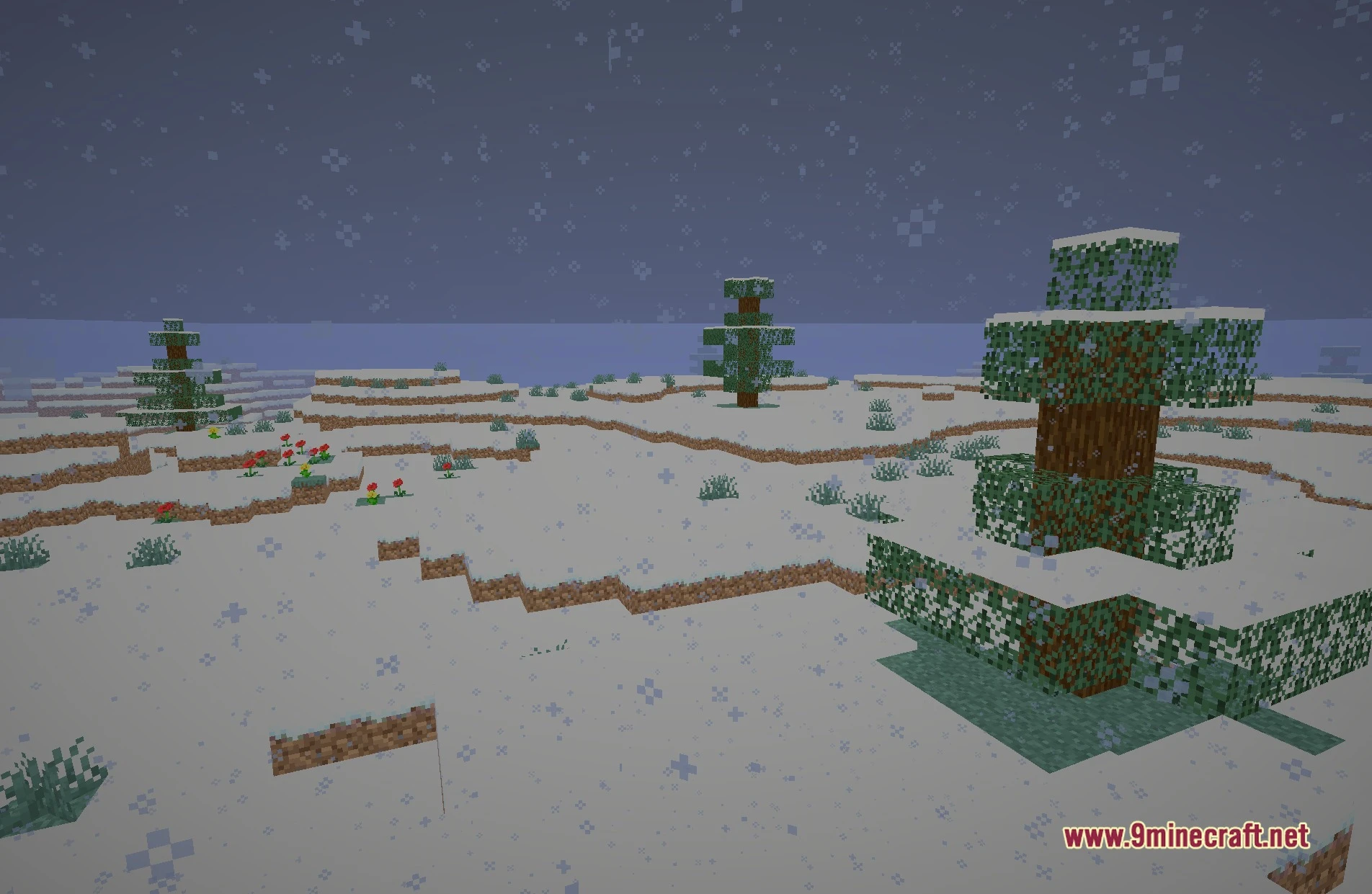
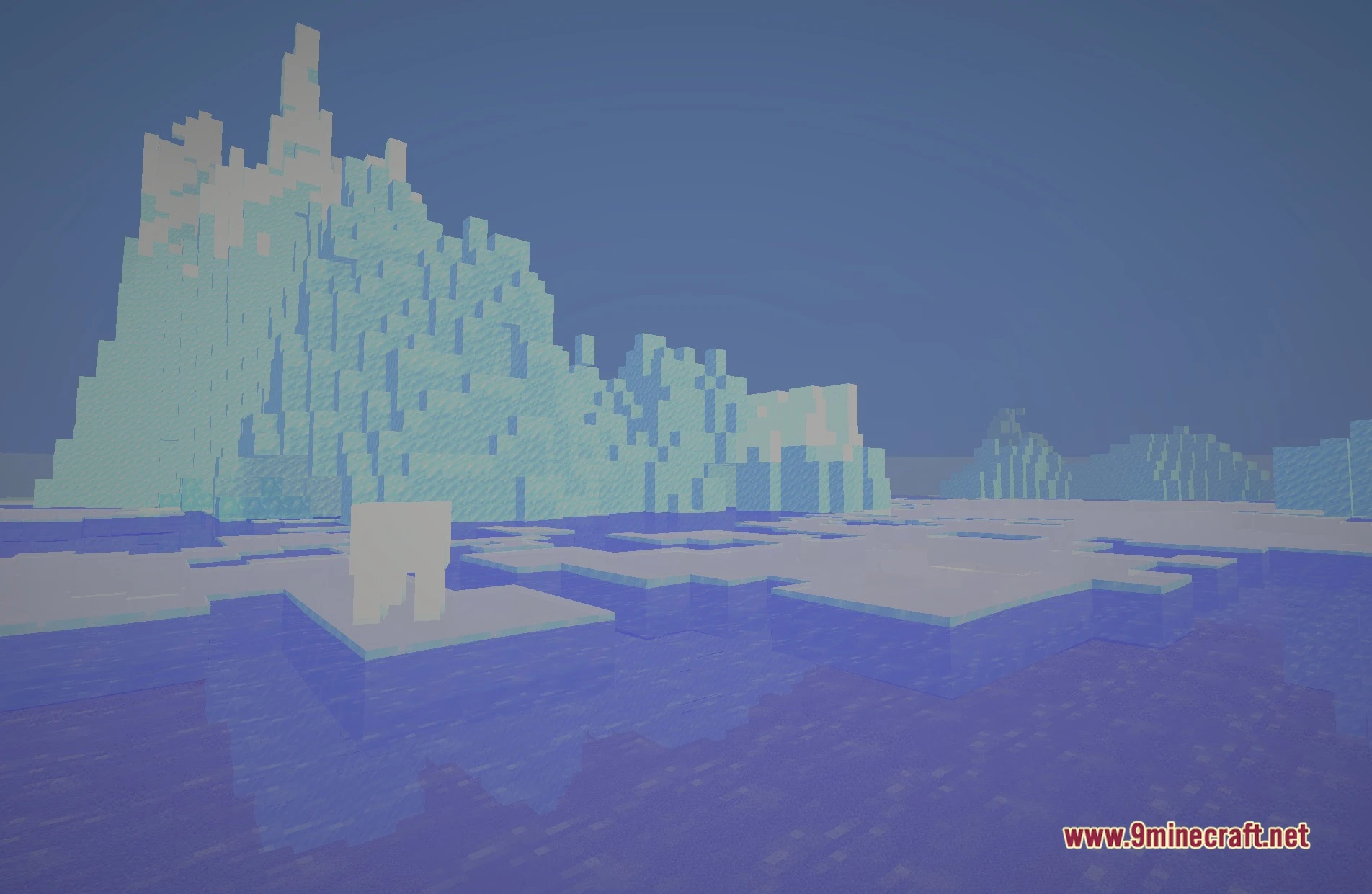
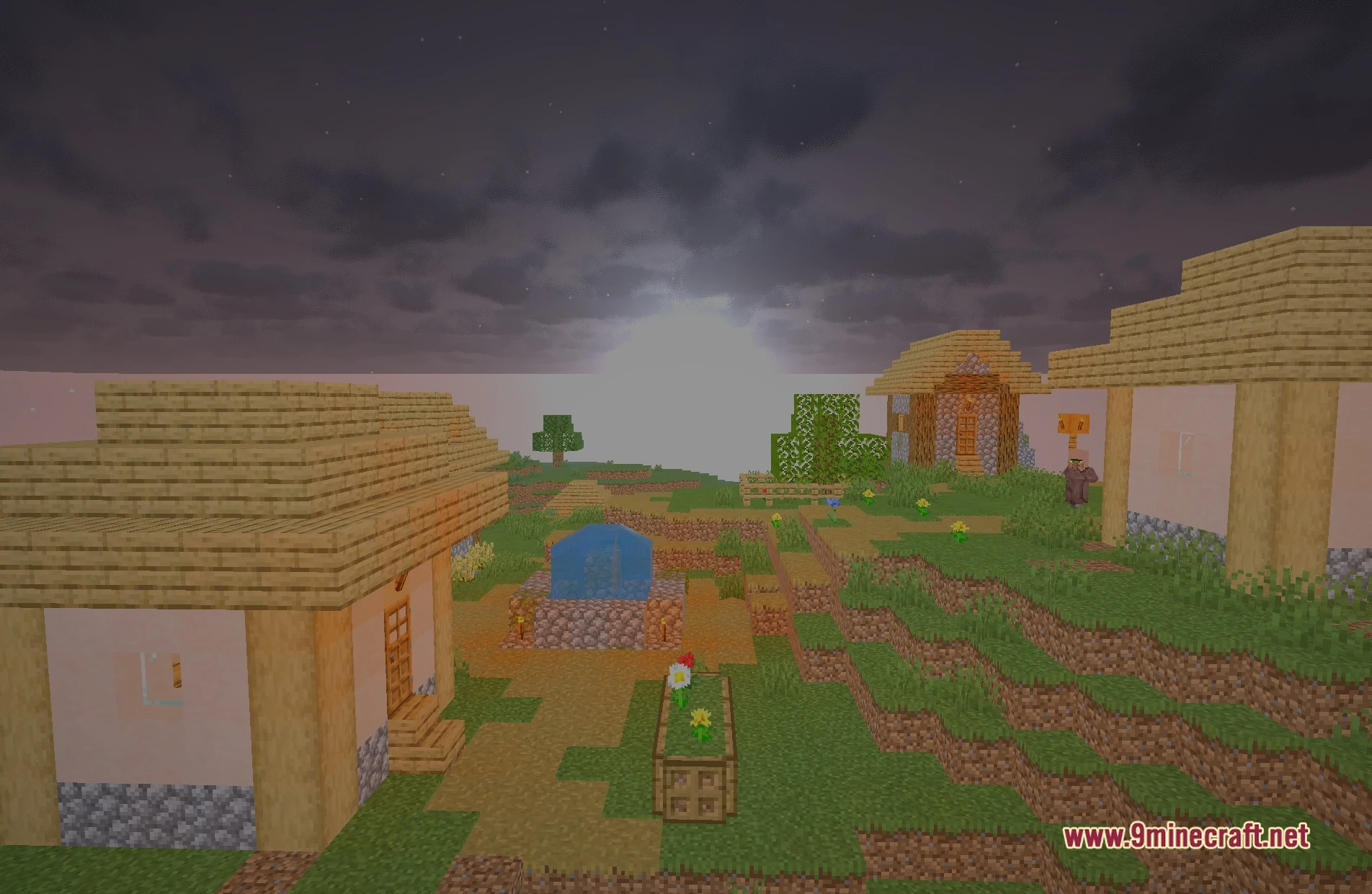
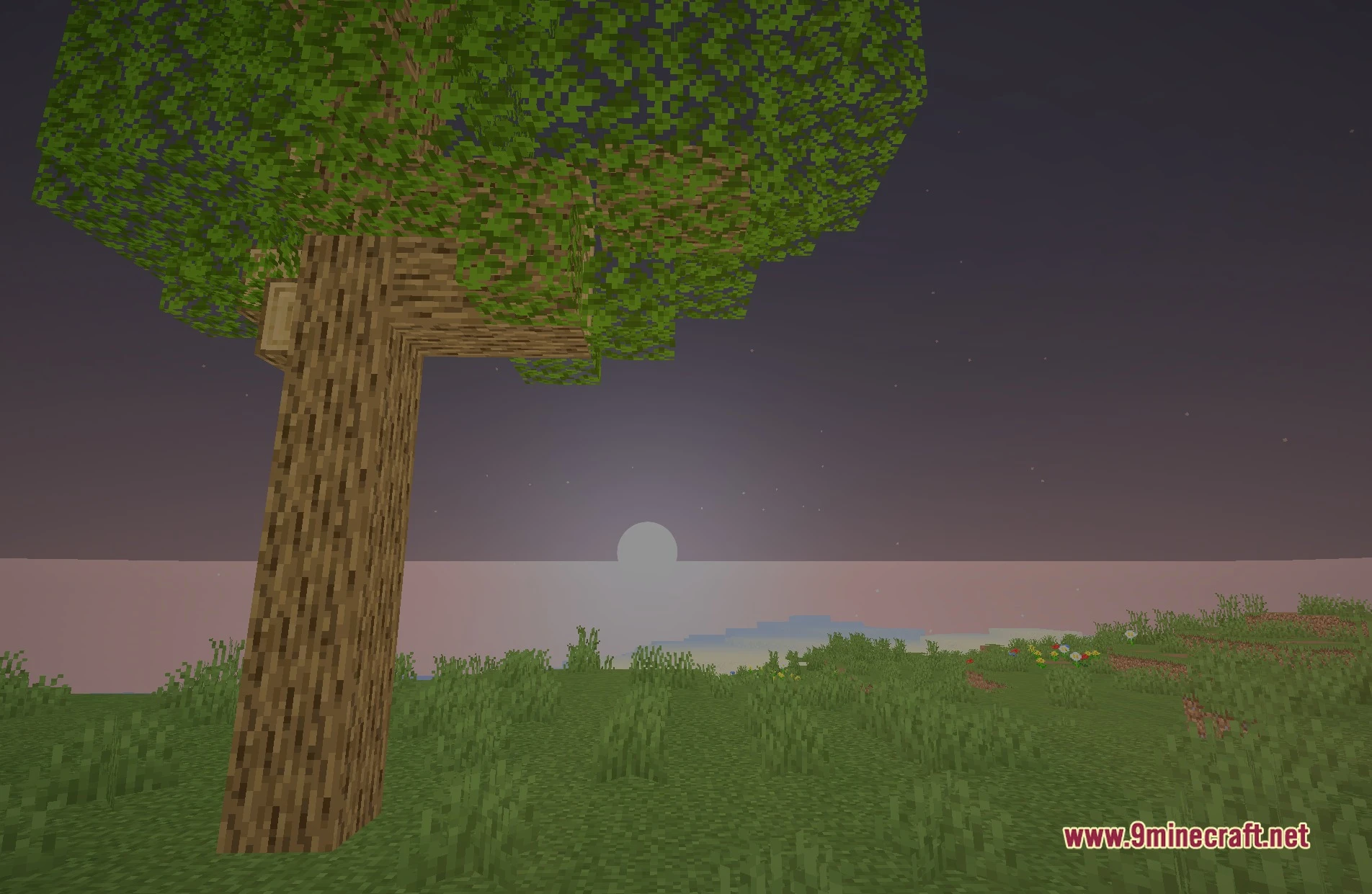
LiteCraft Shaders Download Links
- Edition: Minecraft Java
- File type: .zip (resource pack)
- Minecraft version listed: 1.20.1
- How to install: Download the .zip resource pack — do not unzip it. → Put it in .minecraft/resourcepacks. → Enable it in Options → Resource Packs.
- Where to get it: In MC Java Mods, or directly above on this page.
Install steps are the general flow for this file type — see the MC Java Mods guides for the full walkthrough.
LiteCraft Shaders (26.3, 1.20.1) – Lightweight Bloom and Soft Shadows is a free Minecraft Java shader. Compatible with Minecraft 1.20.1. Download it and open it directly in the game.