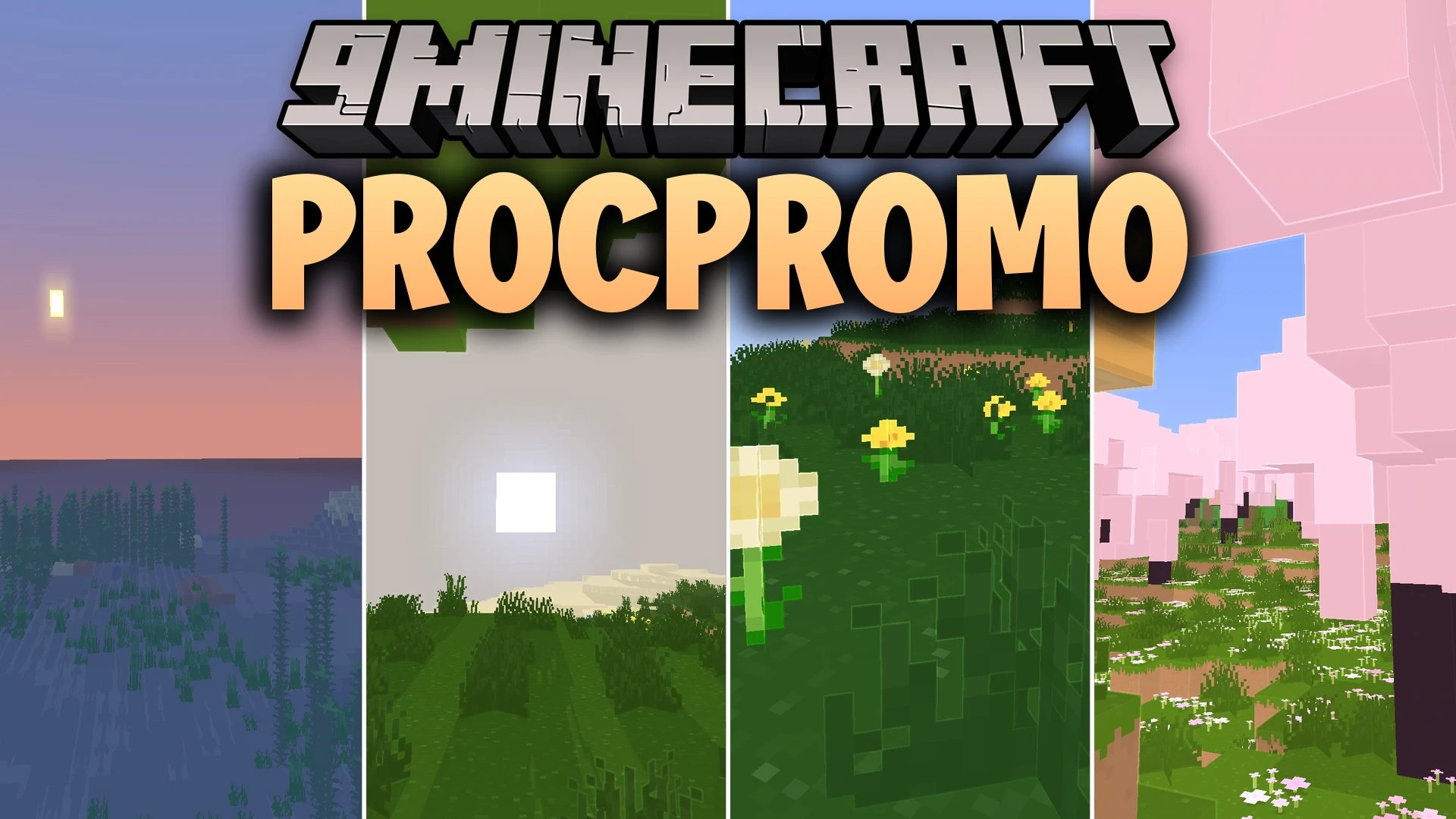
ProcPromo Shaders (26.3, 1.20.1) – Clean Promo Art Edge Highlights
Java shader pack listed for Minecraft 1.20. Downloads from the MC Java Mods app on Android.
⬇ Download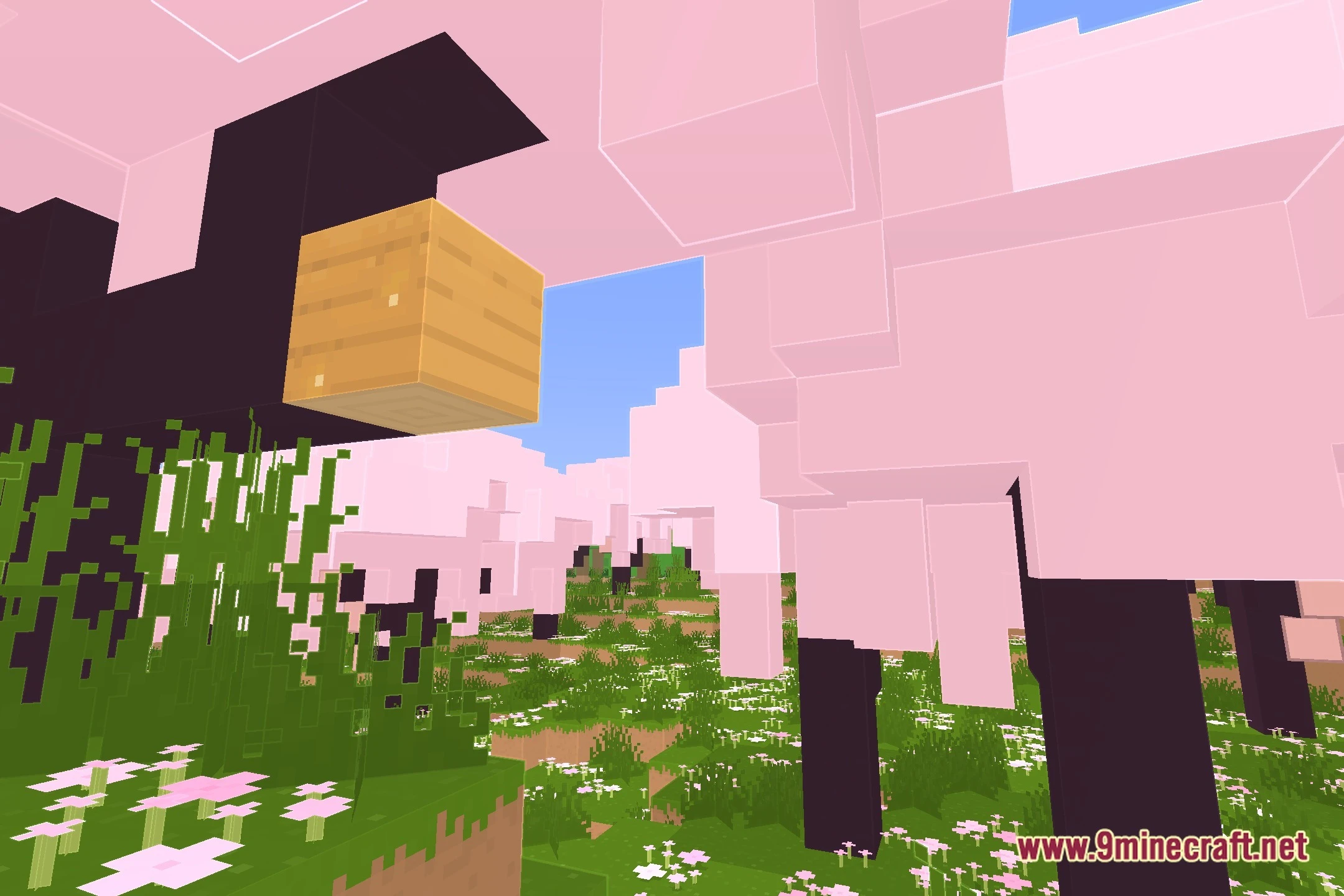
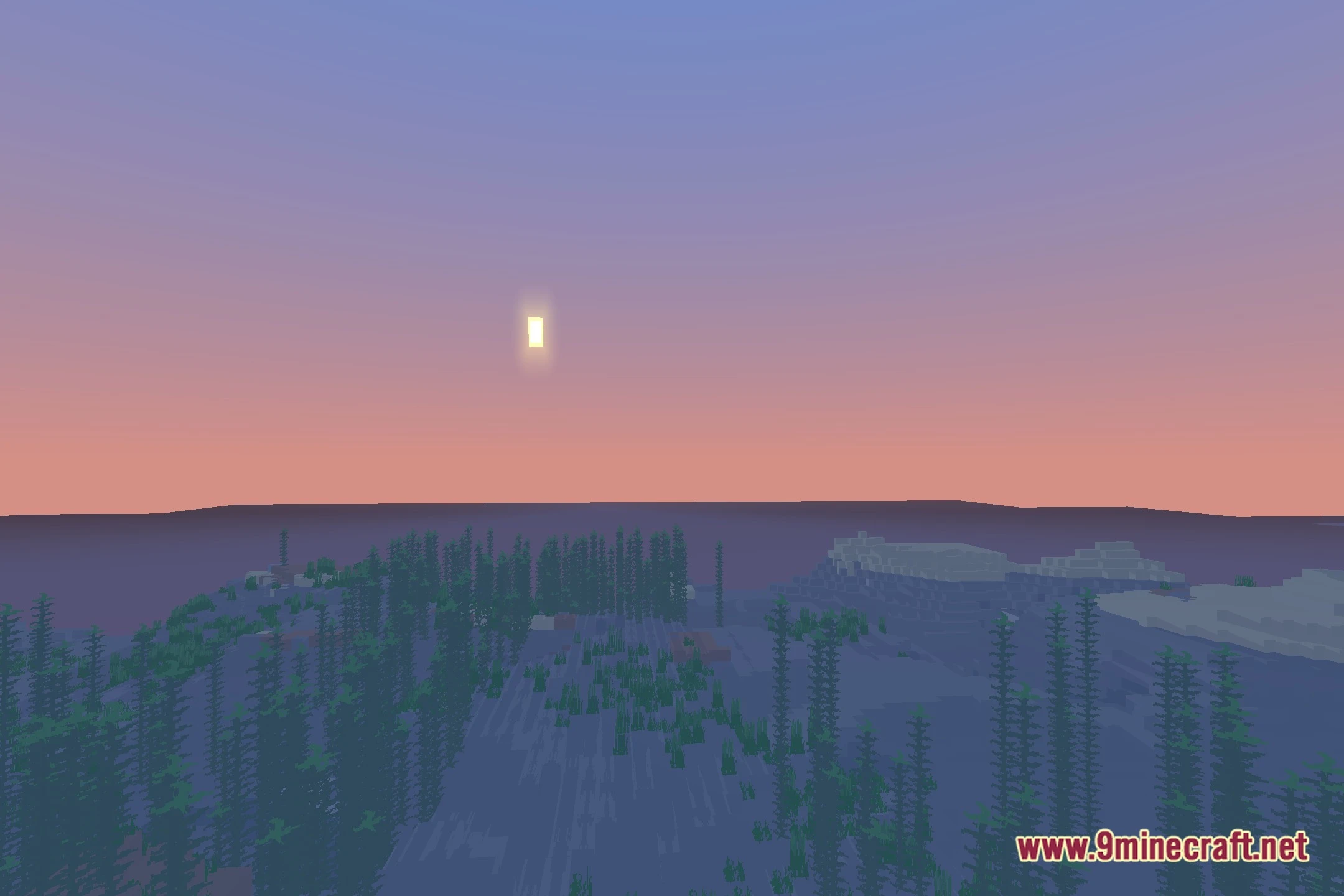
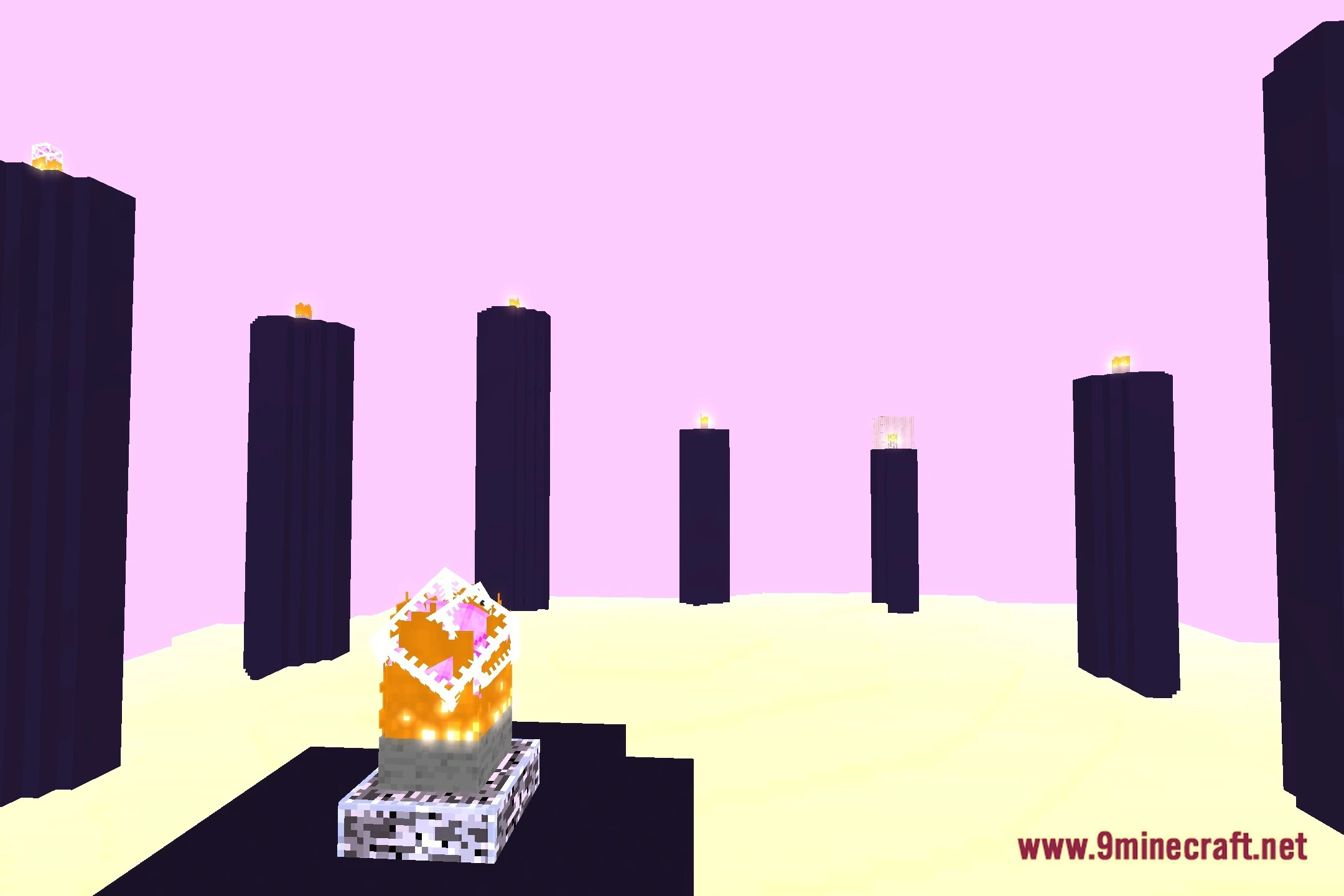
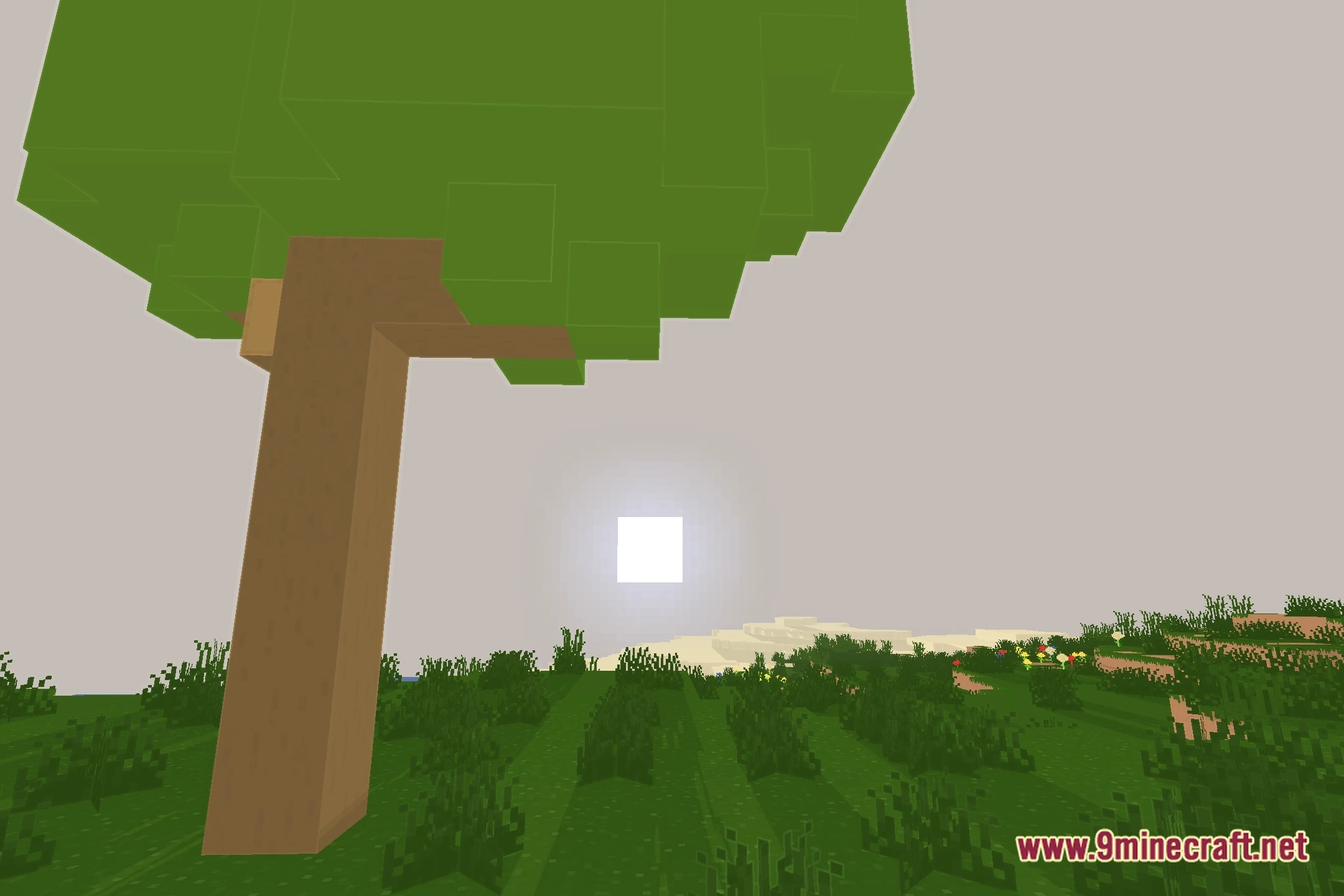
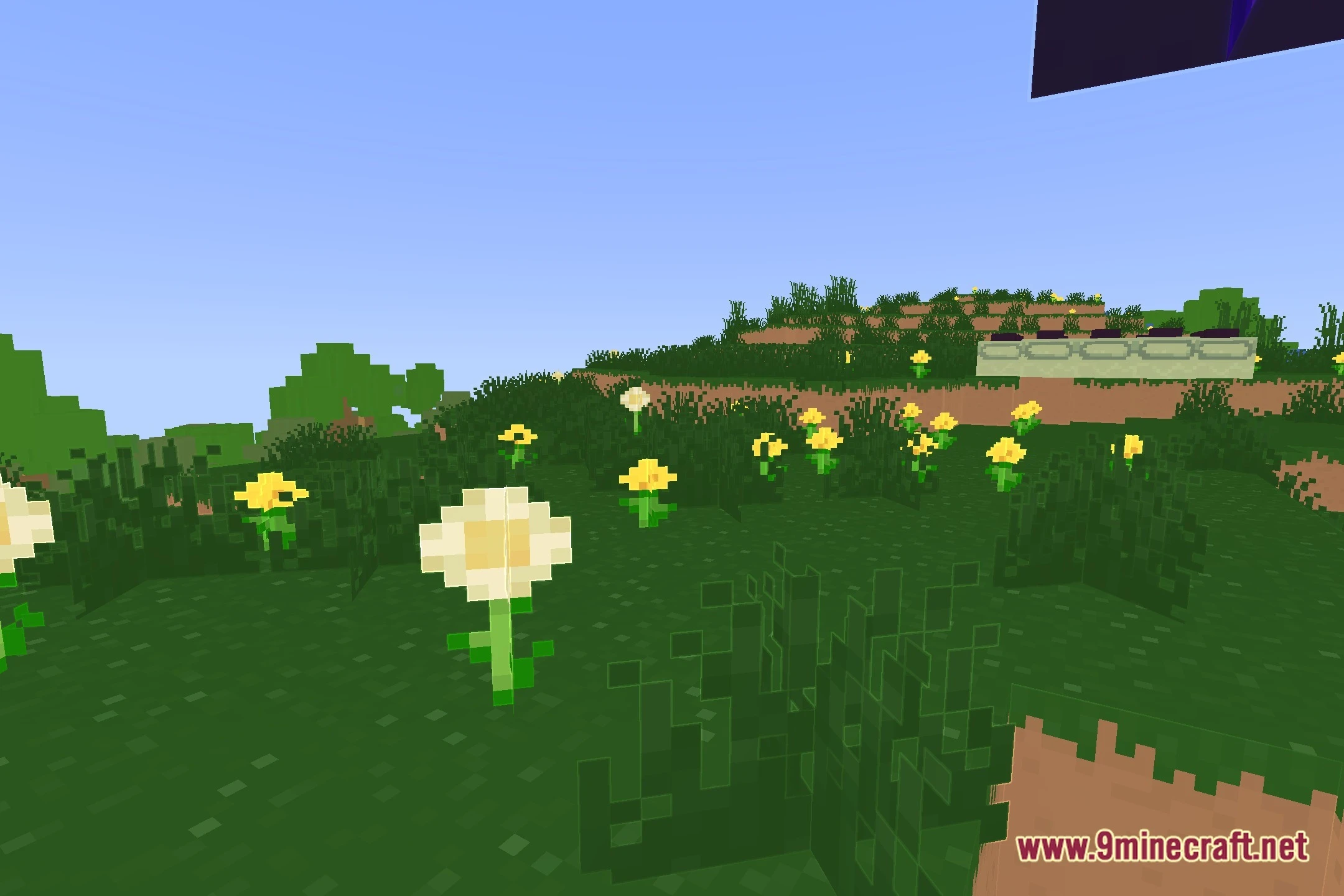
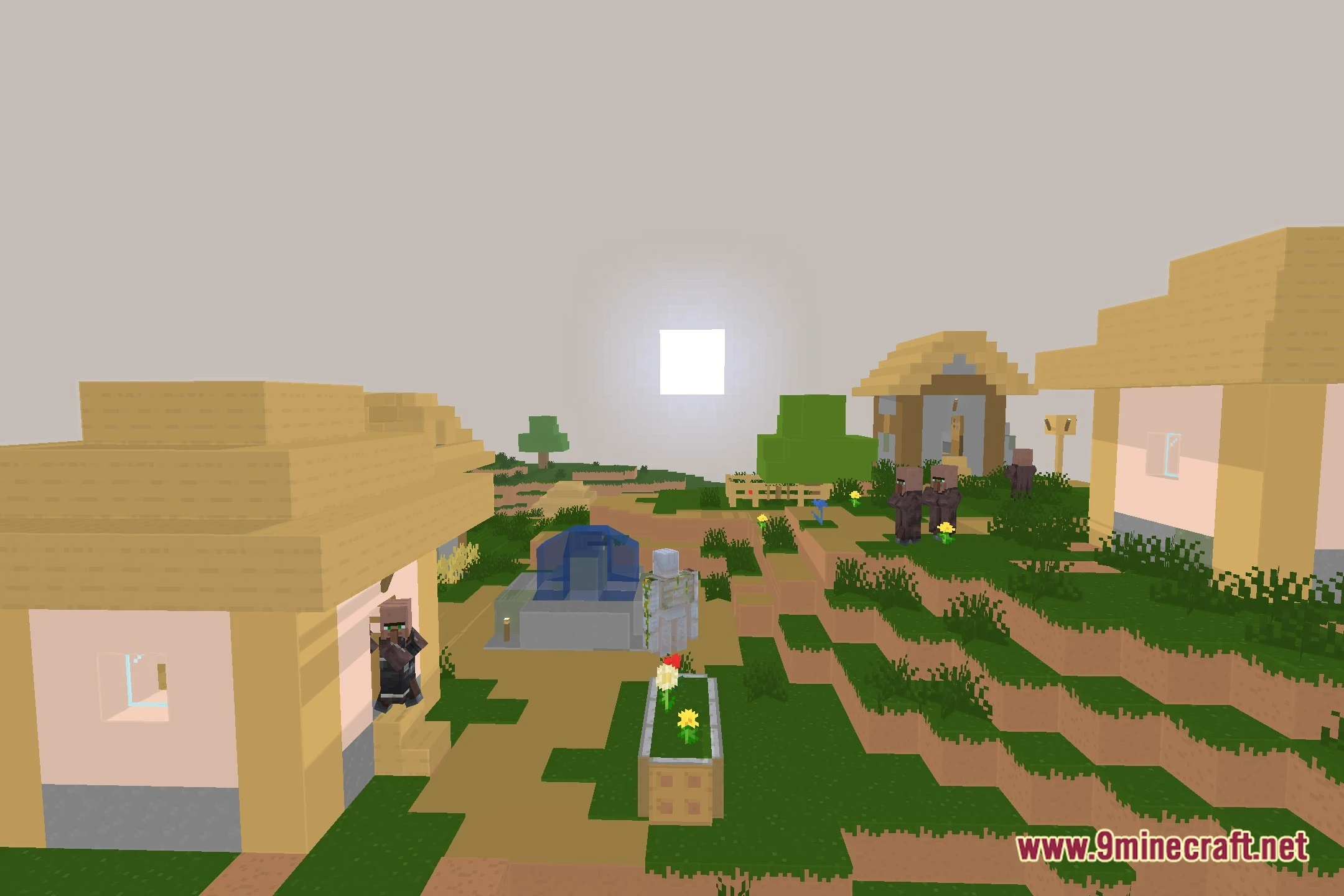
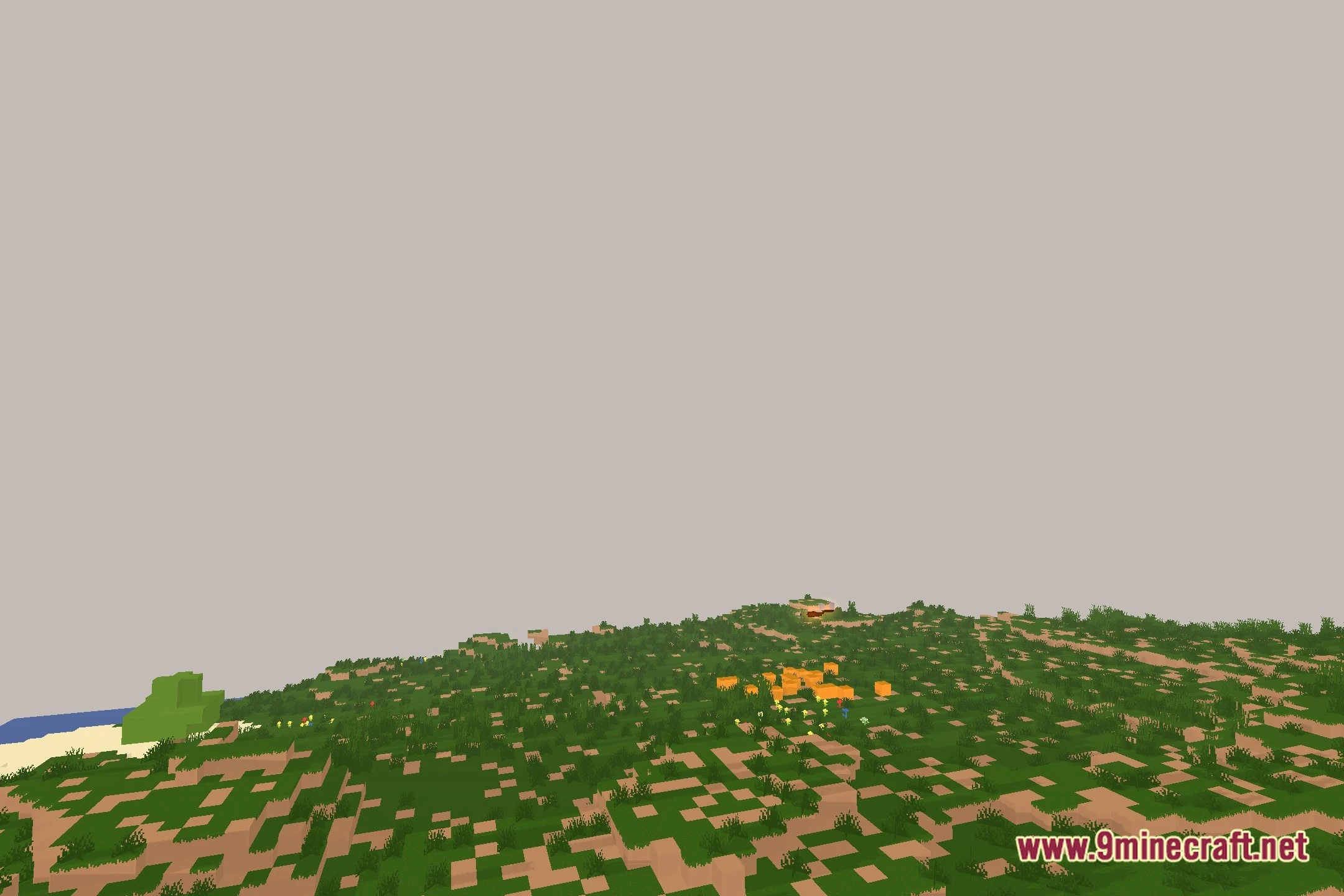
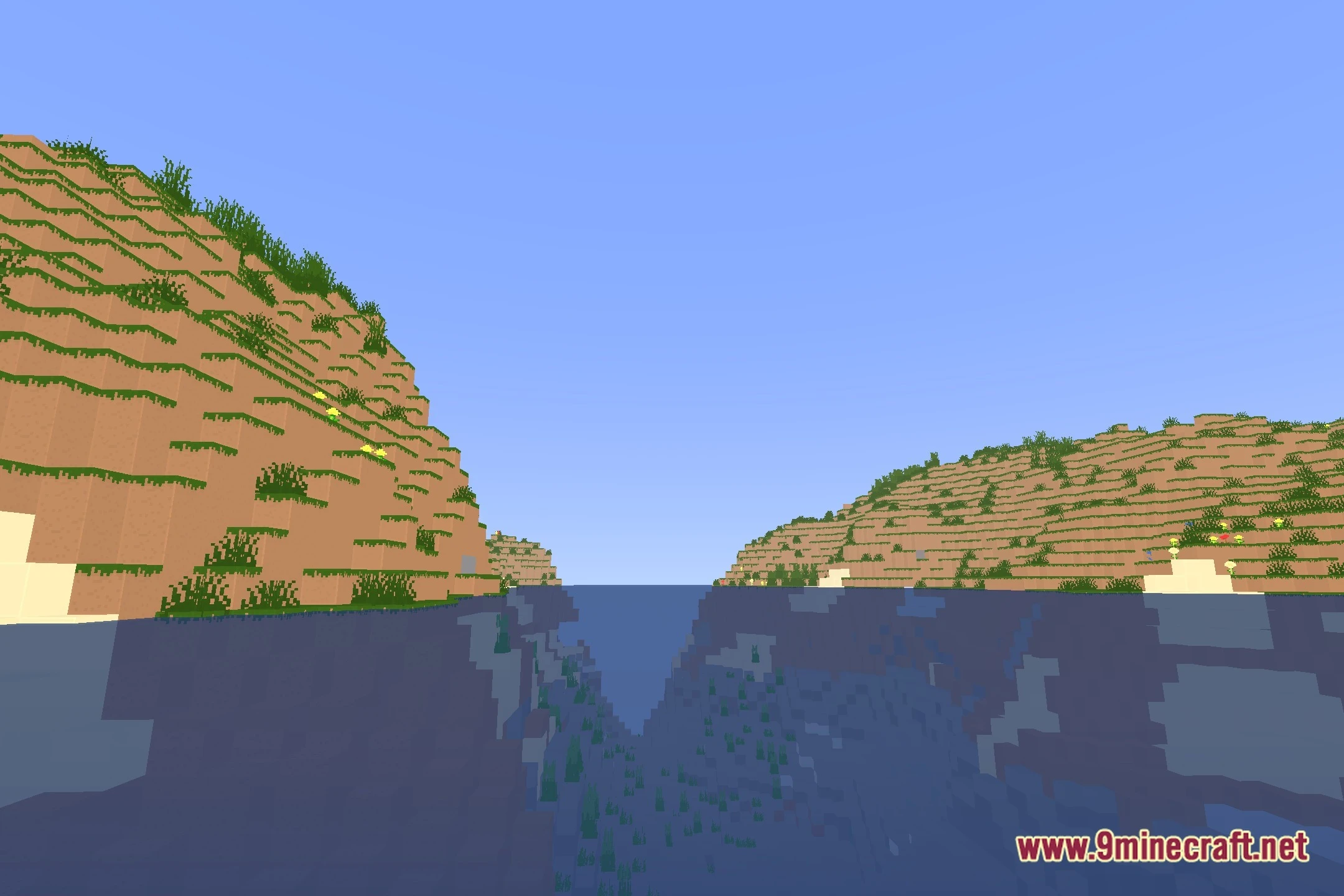
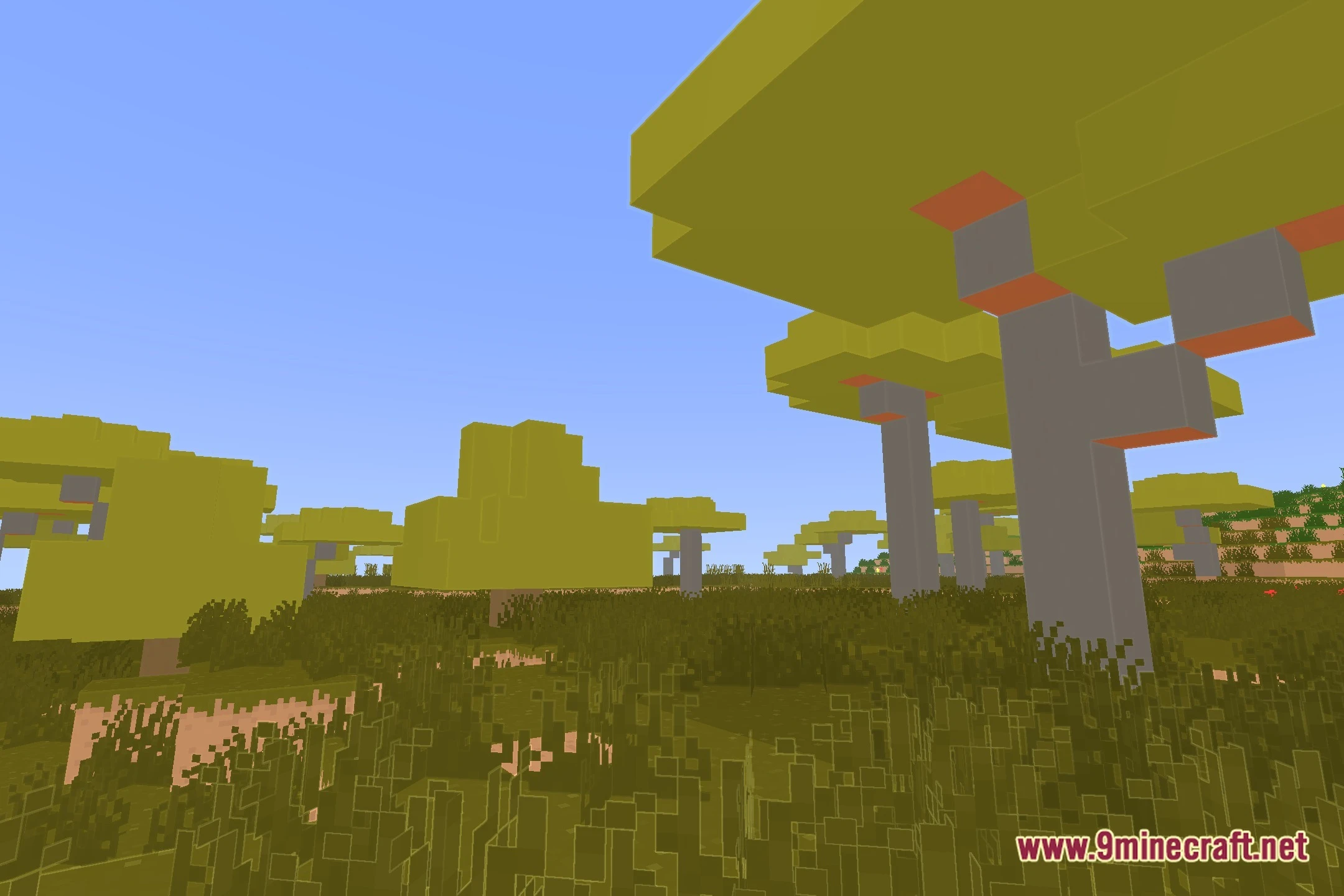
ProcPromo Shaders paints your Minecraft world in the clean style of official Mojang promotional art. This shader pack adds distinct edge highlights, smooth shadows, and colorful bubble-gum leaf blocks across every biome. It runs well through OptiFine or Iris and Sodium, giving players bright visuals that look great during regular gameplay and screenshot sessions.
Features:
- Promo Art Style: Recreates the clean visual look found in official Minecraft key art and trailers.
- Edge Highlights: Outlines block edges to give structures and terrain a crisp cartoon look.
- Stylized Foliage: Gives tree leaves a soft, rounded bubble-gum shape.
- Presents clean shadow rendering that keeps worlds bright and readable.
- Offers multiple performance presets from low to high quality.
- Works across both OptiFine and Iris shader loaders.
Screenshots:
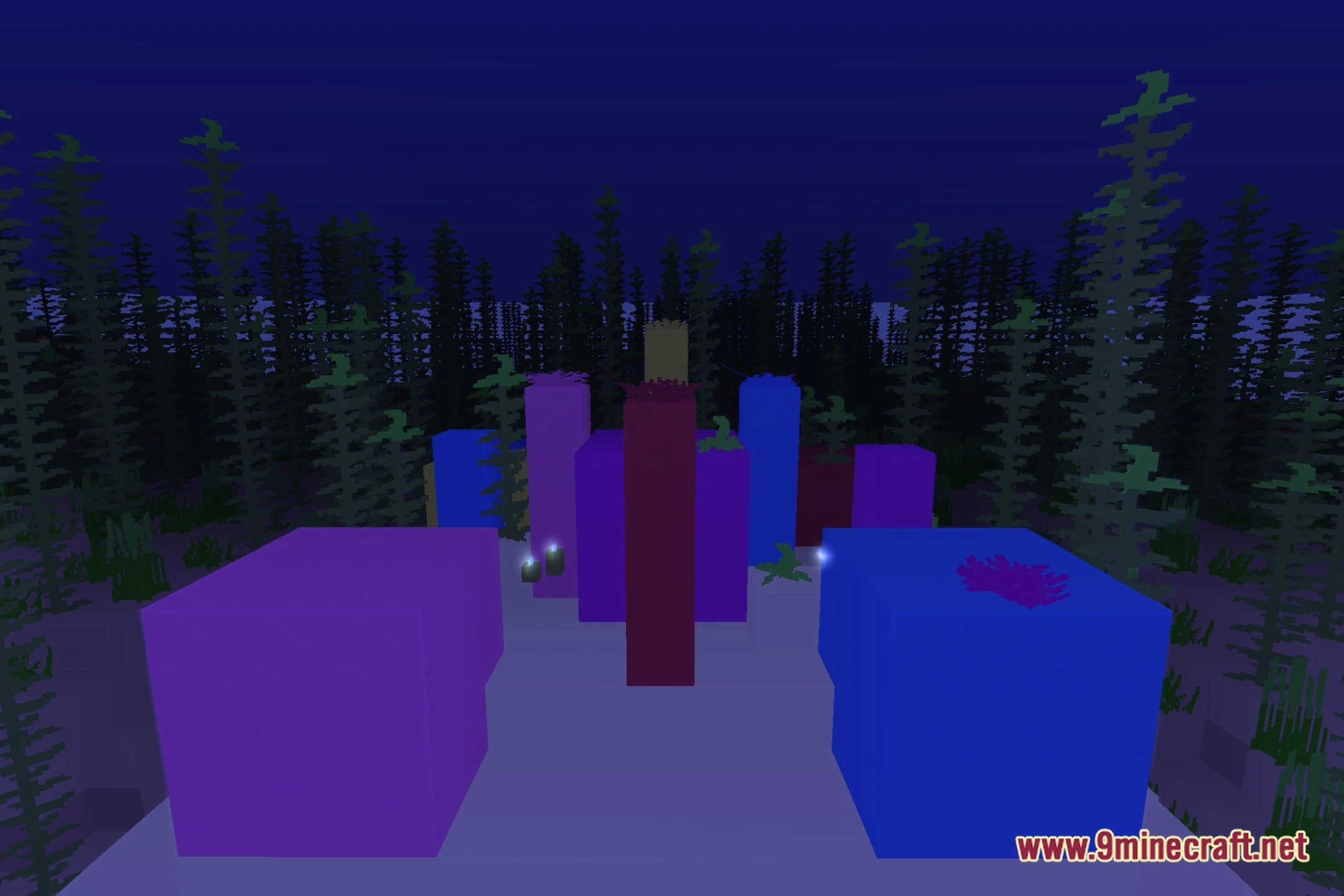
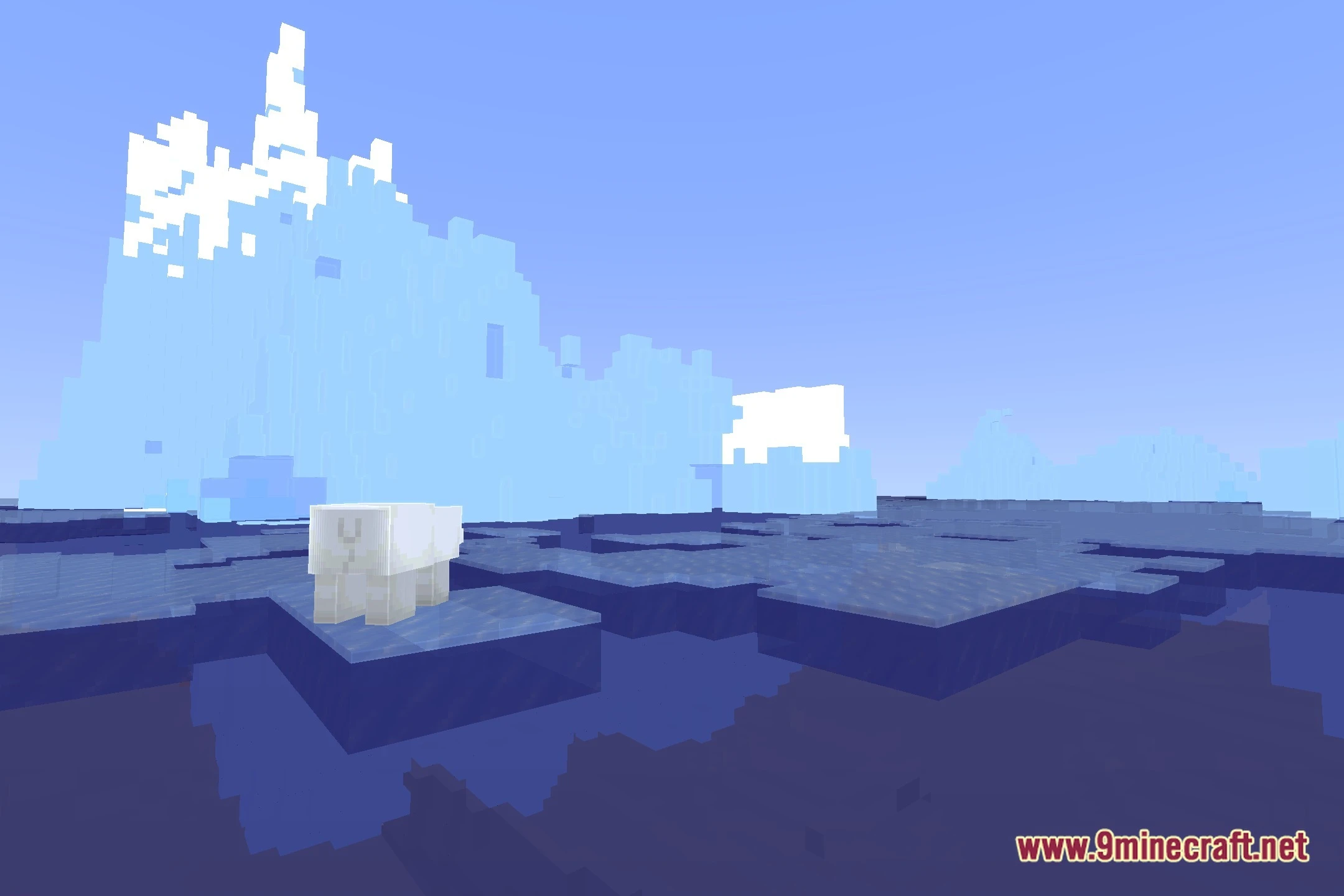
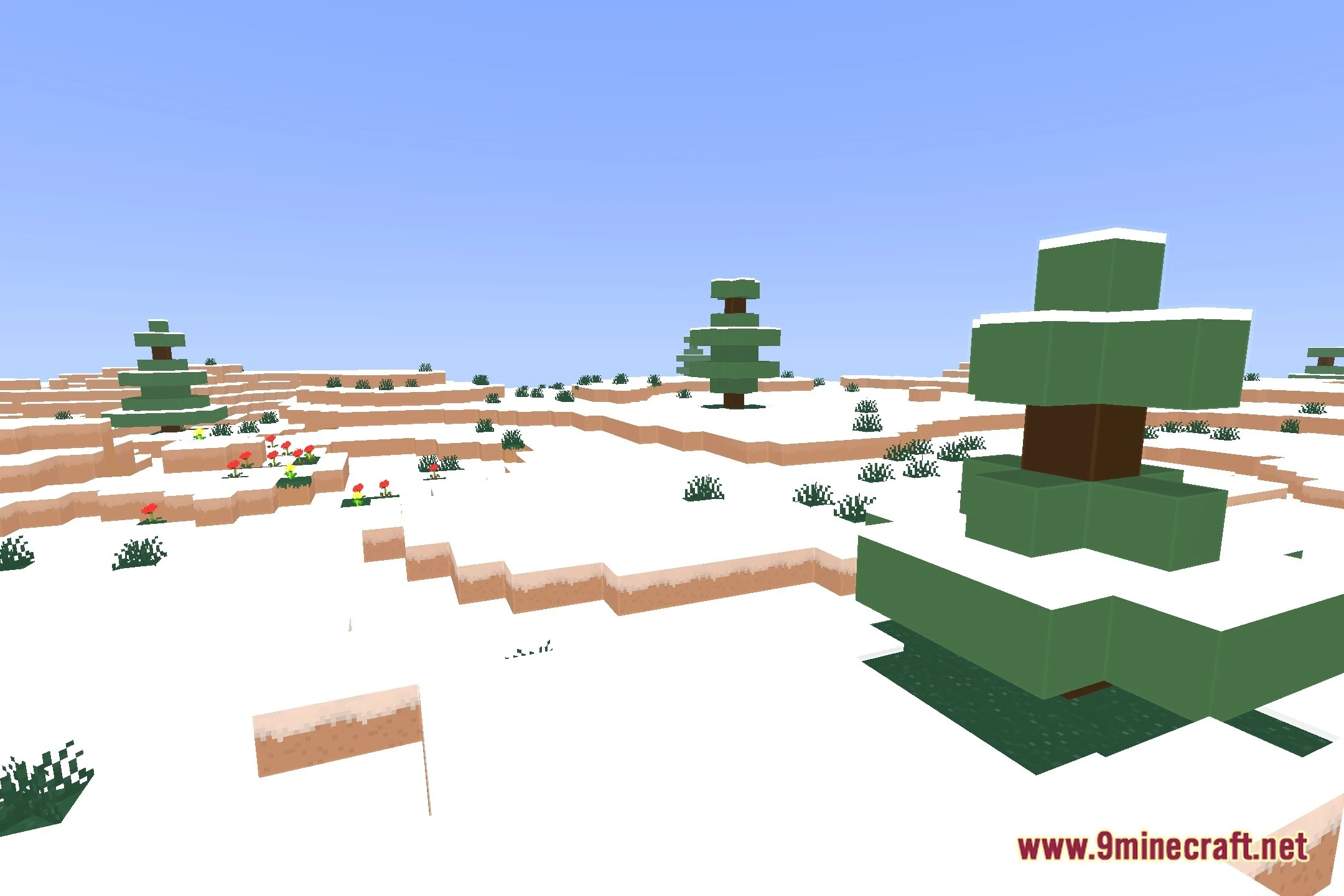
ProcPromo Shaders Download Links
- Edition: Minecraft Java
- File type: .zip (resource pack)
- Minecraft version listed: 1.20.1
- How to install: Download the .zip resource pack — do not unzip it. → Put it in .minecraft/resourcepacks. → Enable it in Options → Resource Packs.
- Where to get it: In MC Java Mods, or directly above on this page.
Install steps are the general flow for this file type — see the MC Java Mods guides for the full walkthrough.
ProcPromo Shaders (26.3, 1.20.1) – Clean Promo Art Edge Highlights is a free Minecraft Java shader. Compatible with Minecraft 1.20.1. Download it and open it directly in the game.