ModsJava
Creatures of Petrichor Mod (1.20.1) – Face Hostile Forest Spirits
Java mod listed for Minecraft 1.20. Downloads from the MC Java Mods app on Android.
⬇ Download


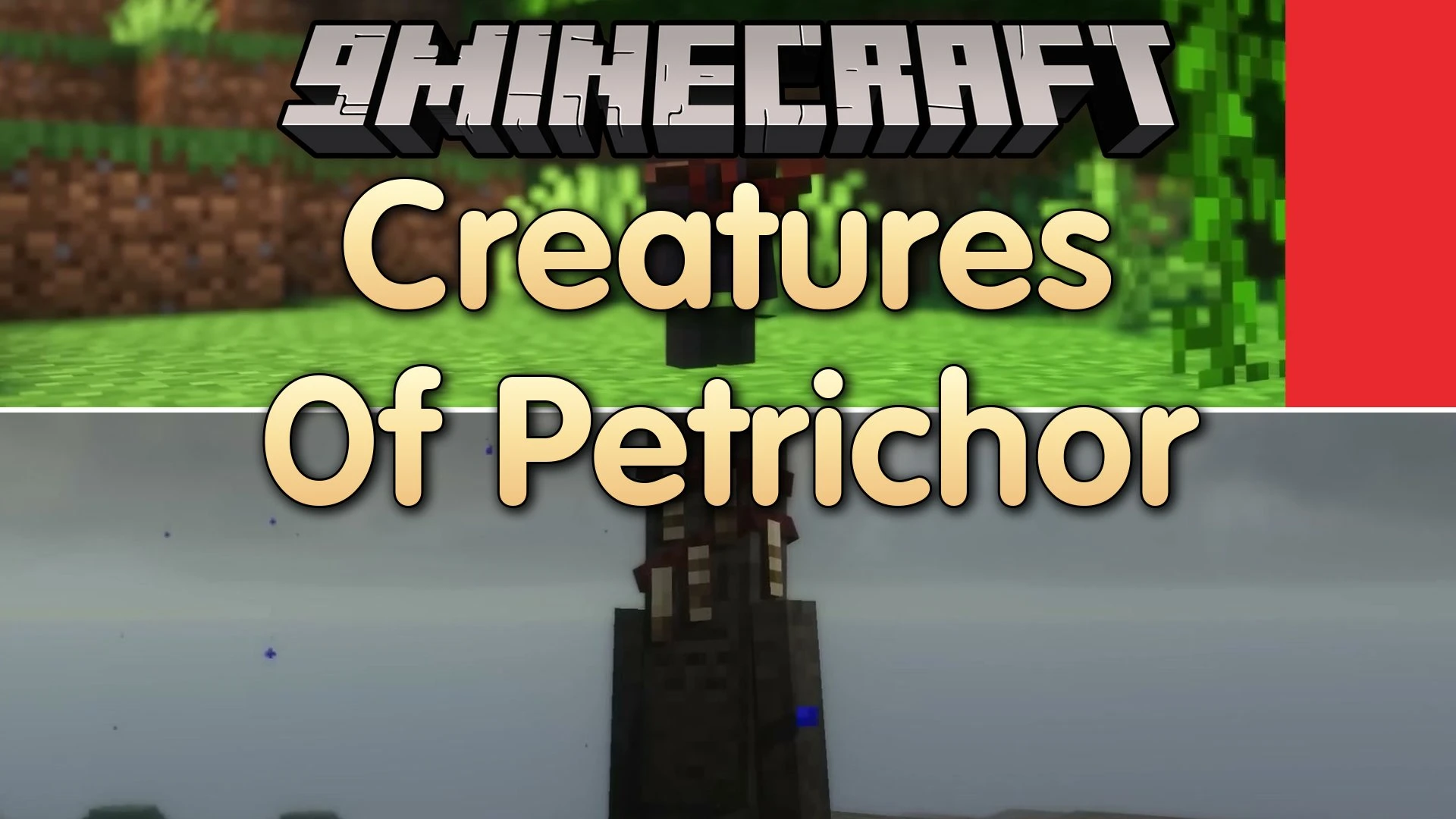
Creatures of Petrichor Mod populates your world with fantasy beasts and forest spirits. The mod introduces nine aggressive monsters alongside two peaceful ambient mobs to make wilderness exploration more dangerous. Every mob comes with custom models and fluid animations for different biomes. You can adjust where each monster appears and how often they spawn in the settings file.
Features:
- Adds nine hostile monsters that roam plains, forests, and dark areas at night.
- Adds two peaceful forest spirits that bring extra life to natural biomes.
- Lets you adjust spawn rates and locations for every mob in the settings file.
Creatures of Petrichor Mod – Video Showcase
Hostile Mobs:
- Shroomin: Attacks travelers by swinging its mushroom cap like a club.
- Direwolf: Hunts in fast packs across open terrain to chase down targets.
- Shade: An angry forest spirit that seeks revenge on intruders.
- Meadow Slime: A small slime variant that wanders plains biomes at night.
- Vengeful Gravestone: A walking tombstone that drops a placeable gravestone item when defeated.
- Specter: A ghostly figure that attacks your soul in the dark and drops slime.
- Wandering Lantern: A rare monster that carries a glowing lantern and drops glowstone blocks.
- Cursed Doll: A clay doll that casts magic spells from a distance, which you can block with a shield.
- Will O Wisp: A floating light that lures wanderers into deep forests.
Neutral and Ambient Mobs:
- Haunt: A neutral log spirit that stays calm unless provoked, calling nearby allies when hurt.
- Sprite: A small, harmless creature that hides in woods and sneaks around villages.
Screenshots:
Creatures of Petrichor Mod Download Links
Quick facts
- Edition: Minecraft Java
- File type: .jar
- Minecraft version listed: 1.20.1
- How to install: Install the matching mod loader (Forge, Fabric or NeoForge) for your Minecraft version. → Download the .jar. → Put it in the .minecraft/mods folder and launch that loader profile.
- Where to get it: In MC Java Mods, or directly above on this page.
Install steps are the general flow for this file type — How to install Minecraft Java mods & modpacks walks through it step by step.
File checked by MCModsHub
- Downloads as 516956.mcaddon
- Download size: 679 KB
- Download link checked 28 Sept 2026 — working
- Mirrored on our own servers — the download does not depend on the original host
These come from our own check of the pack file, not from the source page.