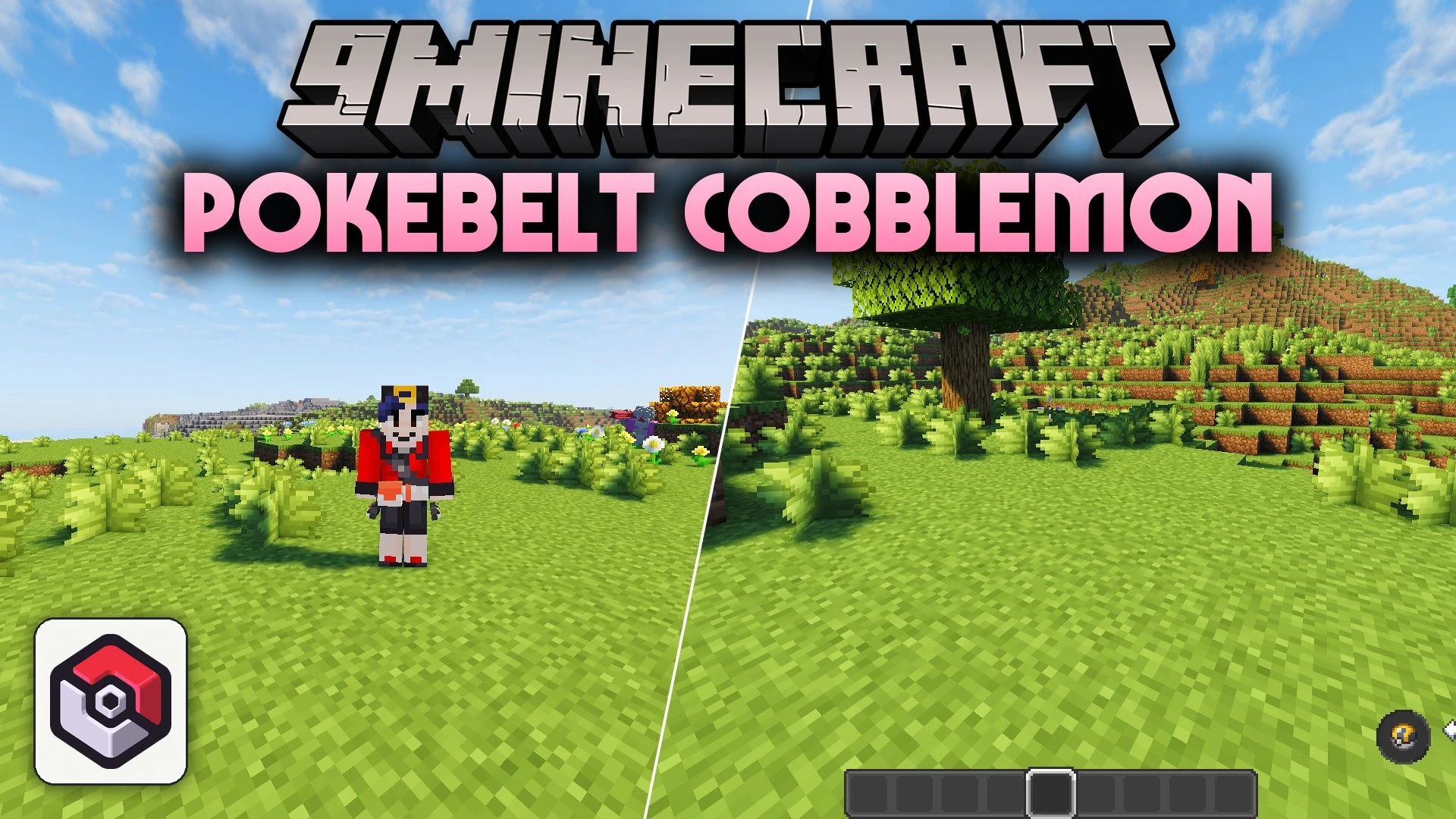


Pokebelt Cobblemon Mod adds a wearable trainer belt for Cobblemon. It gives you extra storage specifically for your Poké Balls so your main inventory stays clean. The belt equips directly into a dedicated accessory slot without replacing any armor pieces. Any catching balls picked up from the ground route straight into this pouch for quick access.
Features:
- Dedicated Ball Storage: Holds all types of Poké Balls, Great Balls, Ultra Balls, and custom balls in one place.
- Smart Auto-Pickup: Sends collected balls directly into belt slots instead of cluttering your main inventory.
- Equips into an accessory slot without taking up standard armor slots.
- Expands storage capacity through crafting table upgrades.
- Unlocks bonus slots automatically as you register unique species in your Pokédex.
- Displays a notification card whenever you hit a Pokédex catch milestone.
- Supports custom dye colors on both the leather base and individual belt elements.
- Mixes colors together when using multiple dyes, or washes clean in a water cauldron.
- Matches on-screen menu colors to your custom dyed belt.
How to Use:
- Press B to open or close the quick belt menu.
- Press Shift + B to view the full belt inventory screen.
- Hold Shift and right-click to transfer balls between your hand and the belt.
- Right-click while the belt menu is open to throw the selected ball.
- Press Q while the belt bar is open to drop balls on the ground.
Configuration:
Starting and Maximum slot capacity: adjusts how many slots the belt starts with and its maximum size.Unique Pokémon milestone requirement: sets how many unique catches are needed to unlock extra slots.Milestone notification position: switches milestone cards between top, bottom, left, right, or disabled.GUI theme: changes the menu style between dynamic, light, and dark modes.
Screenshots:
Pokebelt Cobblemon Mod Download Links
Quick facts
- Edition: Minecraft Java
- File type: .jar
- Minecraft version listed: 1.21.1
- How to install: Install the matching mod loader (Forge, Fabric or NeoForge) for your Minecraft version. → Download the .jar. → Put it in the .minecraft/mods folder and launch that loader profile.
- Where to get it: In MC Java Mods, or directly above on this page.
Install steps are the general flow for this file type — How to install Minecraft Java mods & modpacks walks through it step by step.
Verified by MCModsHub
- Downloads as 516995.mcaddon
- Download size: 1.1 MB
- Download link checked 28 Sept 2026 — working
- Mirrored on our own servers — the download does not depend on the original host
These come from our own check of the pack file, not from the source page.