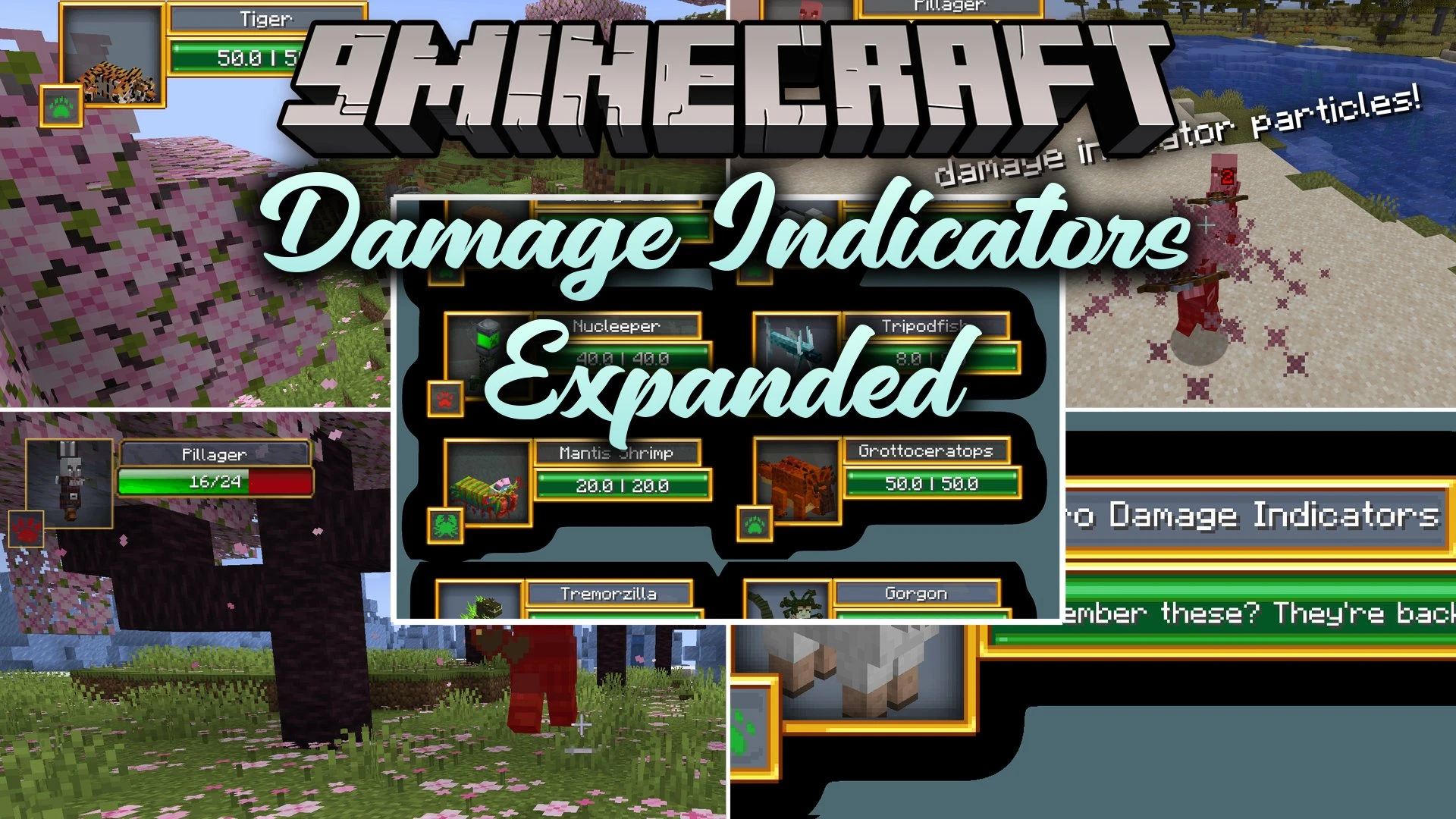


Damage Indicators Expanded Mod brings real-time health displays and floating damage numbers to your combat encounters. It lets you switch between classic HUD layouts and retro visual designs when fighting vanilla or modded mobs. The mod works entirely on the client side, meaning you can join multiplayer worlds without needing server-side changes. You can track monster health, check hit numbers accurately, and pick the look that fits your game.
Features:
- Displays real-time health bars for vanilla and modded mobs when you look at them.
- Shows floating damage numbers every time you land a hit on an enemy.
- Includes classic HUD designs inspired by older combat indicator versions.
- Offers a modern retro visual style with custom particle pop-offs.
- Runs entirely on the client side without changing core game rules.
- Works inside custom modpacks and across multiplayer servers.
How to Use:
- Target any mob with your crosshair to view its current health bar.
- Attack targets to spawn floating damage numbers during combat.
- Open the configuration menu to switch between the available HUD visual styles.
Screenshots:

Damage Indicators Expanded Mod Download Links
Quick facts
- Edition: Minecraft Java
- File type: .jar
- Minecraft version listed: 1.20.1
- How to install: Install the matching mod loader (Forge, Fabric or NeoForge) for your Minecraft version. → Download the .jar. → Put it in the .minecraft/mods folder and launch that loader profile.
- Where to get it: In MC Java Mods, or directly above on this page.
Install steps are the general flow for this file type — How to install Minecraft Java mods & modpacks walks through it step by step.
Verified by MCModsHub
- Downloads as 517000.mcaddon
- Download size: 504 KB
- Download link checked 28 Sept 2026 — working
- Mirrored on our own servers — the download does not depend on the original host
These come from our own check of the pack file, not from the source page.