ModsJava
Stop Unloading My Resourcepacks SUMR Mod (26.3, 1.21.11)
Java mod listed for Minecraft 1.21. Downloads from the MC Java Mods app on Android.
⬇ Download


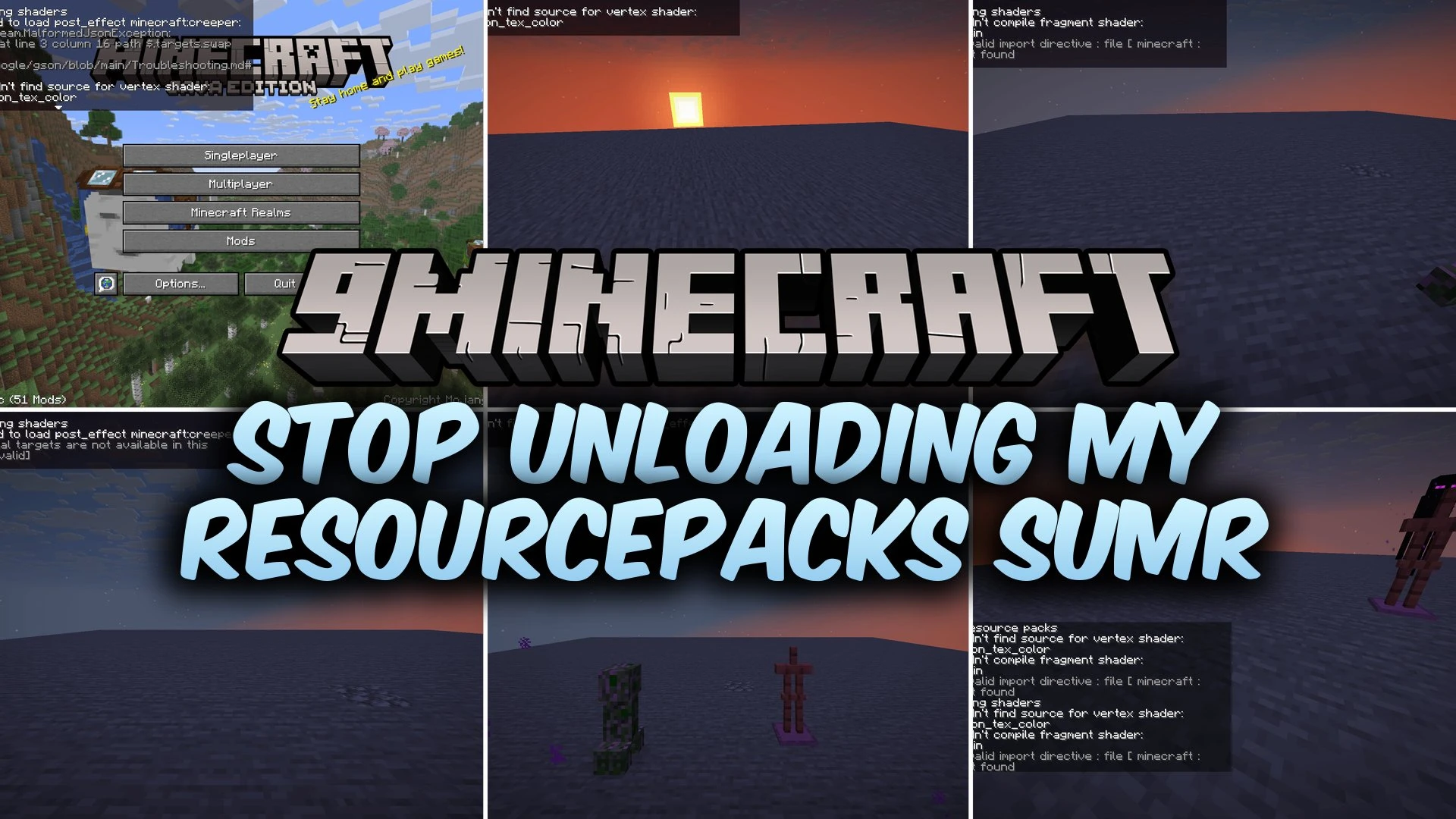
Stop Unloading My Resourcepacks SUMR Mod prevents the game from turning off your active resource packs when shader errors occur. In standard Minecraft, broken shader files or missing programs force all resource packs to unload immediately. This mod keeps your packs loaded by using fallbacks and shows the exact error messages right on your screen. It also adds a quick hot-reload key to speed up testing while working on custom shaders.
Features:
- Fallback Protection: Loads default shaders or dummy shaders when errors occur so resource packs stay active.
- Displays shader errors directly on your screen through the in-game chat, a top-left box, or both.
- Catches missing shader programs, compilation failures, and shader linking problems.
- Handles missing or invalid post effect JSON files without turning off your pack list.
- Provides clear error messages for missing shader imports instead of generic crash errors.
- Offers an option to hide shader linker info logs to clean up your log files.
How to Use:
- Press F3 + R on your keyboard to reload your shaders without reloading the entire resource pack.
- Use this hotkey directly from the title screen or while playing inside a world.
- Check the on-screen error boxes or chat messages to identify and fix broken shader files.
Screenshots:

Stop Unloading My Resourcepacks SUMR Mod Download Links
Quick facts
- Edition: Minecraft Java
- File type: .jar
- Minecraft version listed: 1.21.11
- How to install: Install the matching mod loader (Forge, Fabric or NeoForge) for your Minecraft version. → Download the .jar. → Put it in the .minecraft/mods folder and launch that loader profile.
- Where to get it: In MC Java Mods, or directly above on this page.
Install steps are the general flow for this file type — How to install Minecraft Java mods & modpacks walks through it step by step.
File checked by MCModsHub
- Downloads as 517001.mcaddon
- Download size: 53 KB
- Download link checked 12 Oct 2026 — working
- Mirrored on our own servers — the download does not depend on the original host
These come from our own check of the pack file, not from the source page.