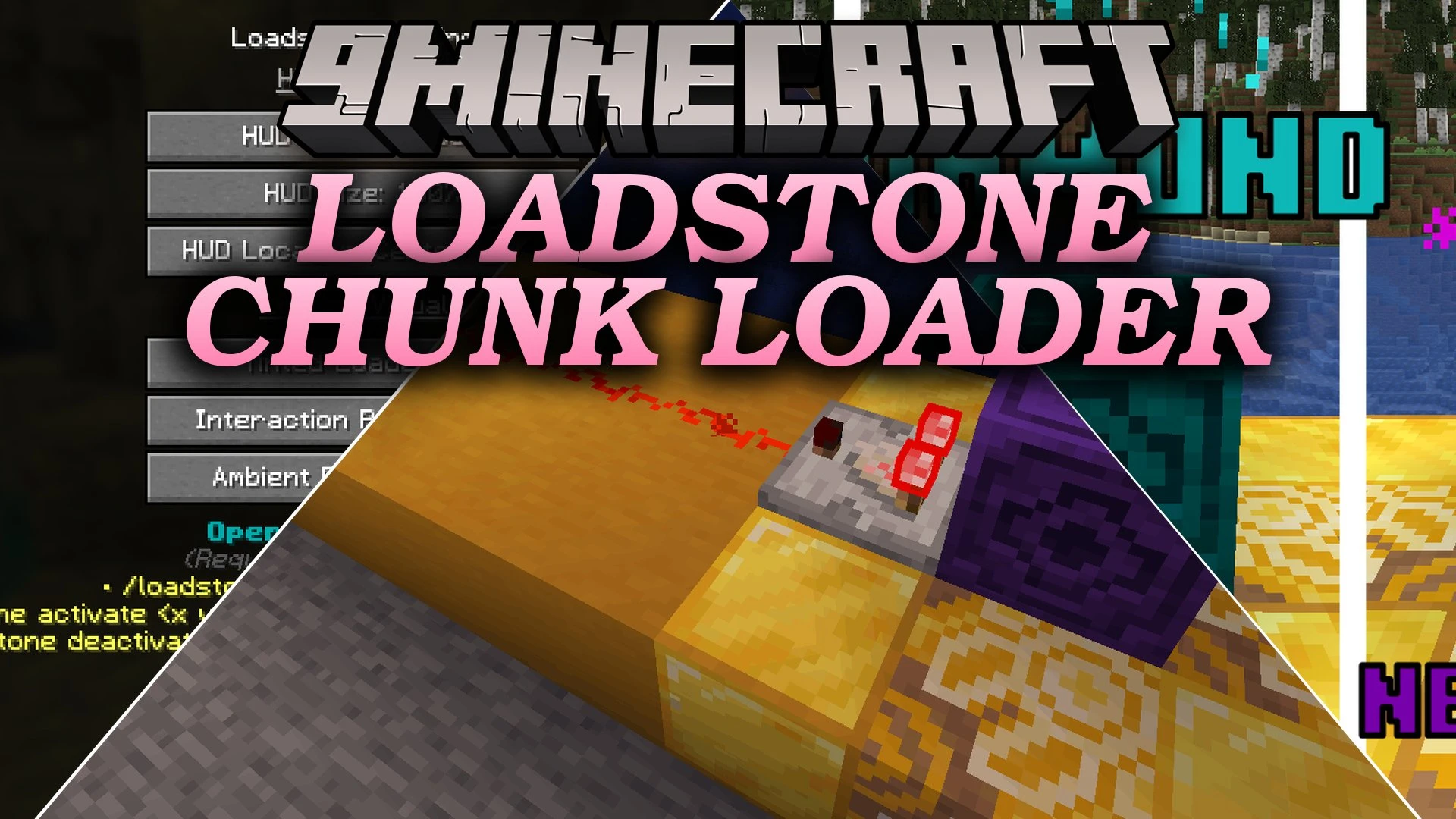


Loadstone Chunk Loader Mod turns regular Lodestones into chunk loaders to keep farms and redstone machines running when you walk away. By holding an iron ingot, diamond, or netherite ingot and right-clicking a block, you choose how much land stays loaded. The mod saves loaded chunks to disk so everything stays active even after server restarts. You can swap materials at any time to change area size without losing your original items.
Features:
- Tiered Chunk Loading: Place materials onto a Lodestone to keep 1×1, 3×3, or 5×5 chunks active around the block.
- Smart Item Recovery: Activation items drop safely when you turn off a loader or switch to another tier.
- Loaders save directly to disk and stay active across server restarts.
- Comparators read active loaders and output redstone signal strength based on the current tier.
- Particle effects and block color tints change depending on the active tier.
- Shows an on-screen display with loader status, tier level, and chunk borders.
- Maintains entity processing so redstone wiring, item movers, and farm machines continue working without player presence.
Commands:
/loadstone list: View all active chunks across the world with quick teleport links./loadstone activate <x y z> <tier>: Remotely activate or change the tier of a Lodestone block./loadstone deactivate <x y z>: Turn off a specific chunk loader remotely./loadstone deactivate all: Clear all active chunk loader tickets on the server immediately.
How to Use:
- Place a vanilla Lodestone block on the ground.
- Hold an Iron Ingot for 1×1 chunks, a Diamond for 3×3 chunks, or a Netherite Ingot for 5×5 chunks.
- Right-click the block to turn on chunk loading.
- Right-click with an empty hand to turn off the loader and retrieve your item.
- Right-click with another tier item to change the loading range directly.
Screenshots:
Loadstone Chunk Loader Mod Download Links
Quick facts
- Edition: Minecraft Java
- File type: .jar
- Minecraft version listed: 1.21.11
- How to install: Install the matching mod loader (Forge, Fabric or NeoForge) for your Minecraft version. → Download the .jar. → Put it in the .minecraft/mods folder and launch that loader profile.
- Where to get it: In MC Java Mods, or directly above on this page.
Install steps are the general flow for this file type — How to install Minecraft Java mods & modpacks walks through it step by step.
Verified by MCModsHub
- Downloads as 517008.mcaddon
- Download size: 126 KB
- Download link checked 28 Sept 2026 — working
- Mirrored on our own servers — the download does not depend on the original host
These come from our own check of the pack file, not from the source page.