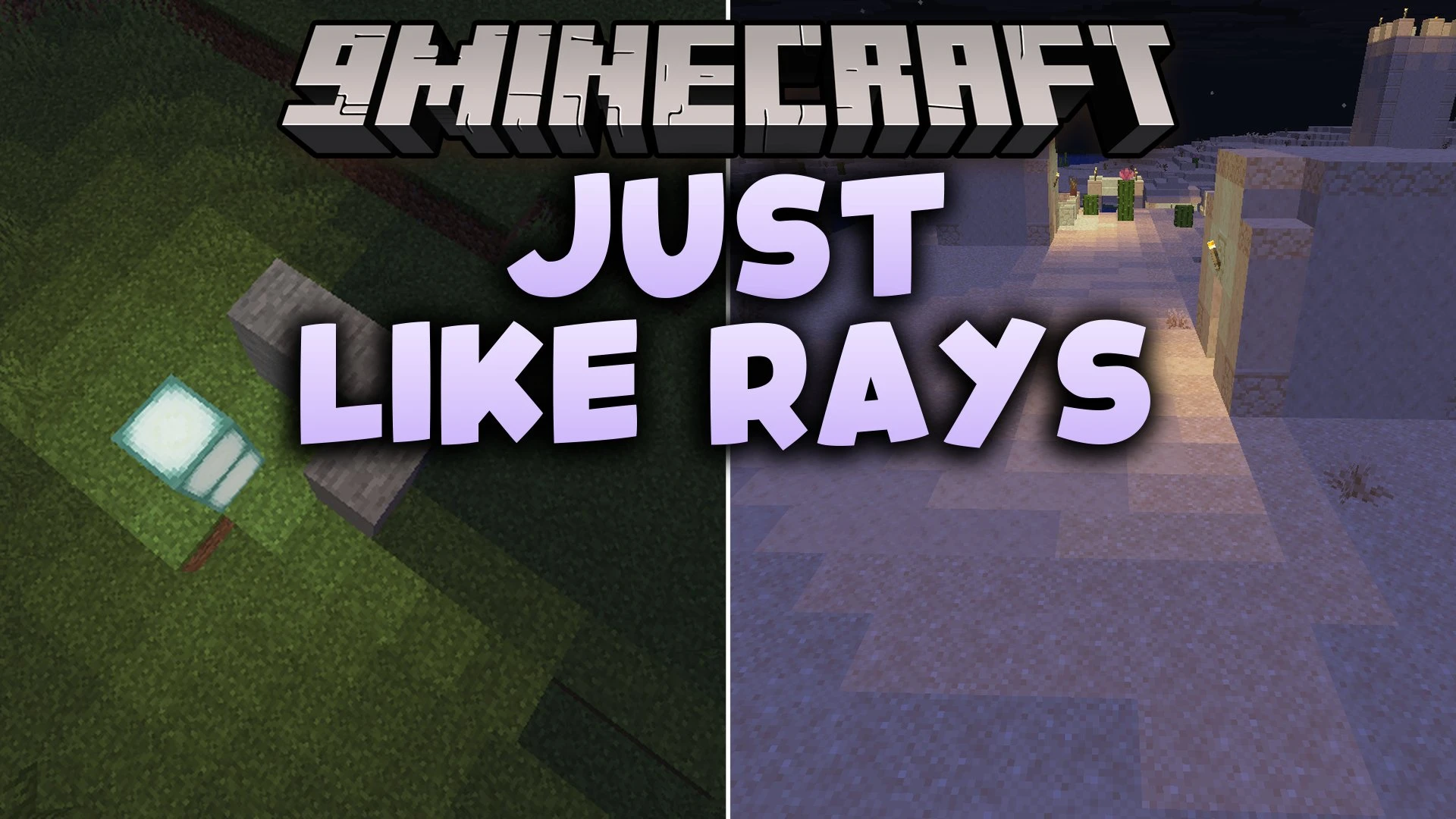


Just Like Rays Mod reworks standard block lighting so light spreads more like real light in your world. Torches and glow blocks cast circular light shapes instead of square blocks, while solid walls block the rays to create dark shadows behind them. This mod runs on the server side and changes how save files store light, meaning you do not need shaders to see realistic shadow shapes around your base.
Features:
- Light from torches and lanterns spreads outward in smooth round shapes.
- Solid walls and building blocks cast dark shadows by blocking the path of light rays.
- Stairs and corners correctly cast shadow shapes behind them.
- Works directly through the server and world saves without needing custom shader packs.
- Changes block light behavior across biomes, from desert villages to underground caves with glow lichen.
How to Use:
- Make a backup of your existing save or start a new world before loading in.
- When adding, removing, or updating this mod, select your world in the menu and click Edit.
- Select Optimize World and choose Erase Cached Data to refresh light calculations.
Screenshots:
Just Like Rays Mod Download Links
Quick facts
- Edition: Minecraft Java
- File type: .jar
- Minecraft version listed: 1.20.1
- How to install: Install the matching mod loader (Forge, Fabric or NeoForge) for your Minecraft version. → Download the .jar. → Put it in the .minecraft/mods folder and launch that loader profile.
- Where to get it: In MC Java Mods, or directly above on this page.
Install steps are the general flow for this file type — How to install Minecraft Java mods & modpacks walks through it step by step.
Verified by MCModsHub
- Downloads as 517018.mcaddon
- Download size: 91 KB
- Download link checked 28 Sept 2026 — working
- Mirrored on our own servers — the download does not depend on the original host
These come from our own check of the pack file, not from the source page.