CG shaders (E-LITE and MakeUp edit)
Java shader pack listed for Minecraft 1.16–1.21. Downloads from the MC Java Mods app on Android.
⬇ Download on CurseForge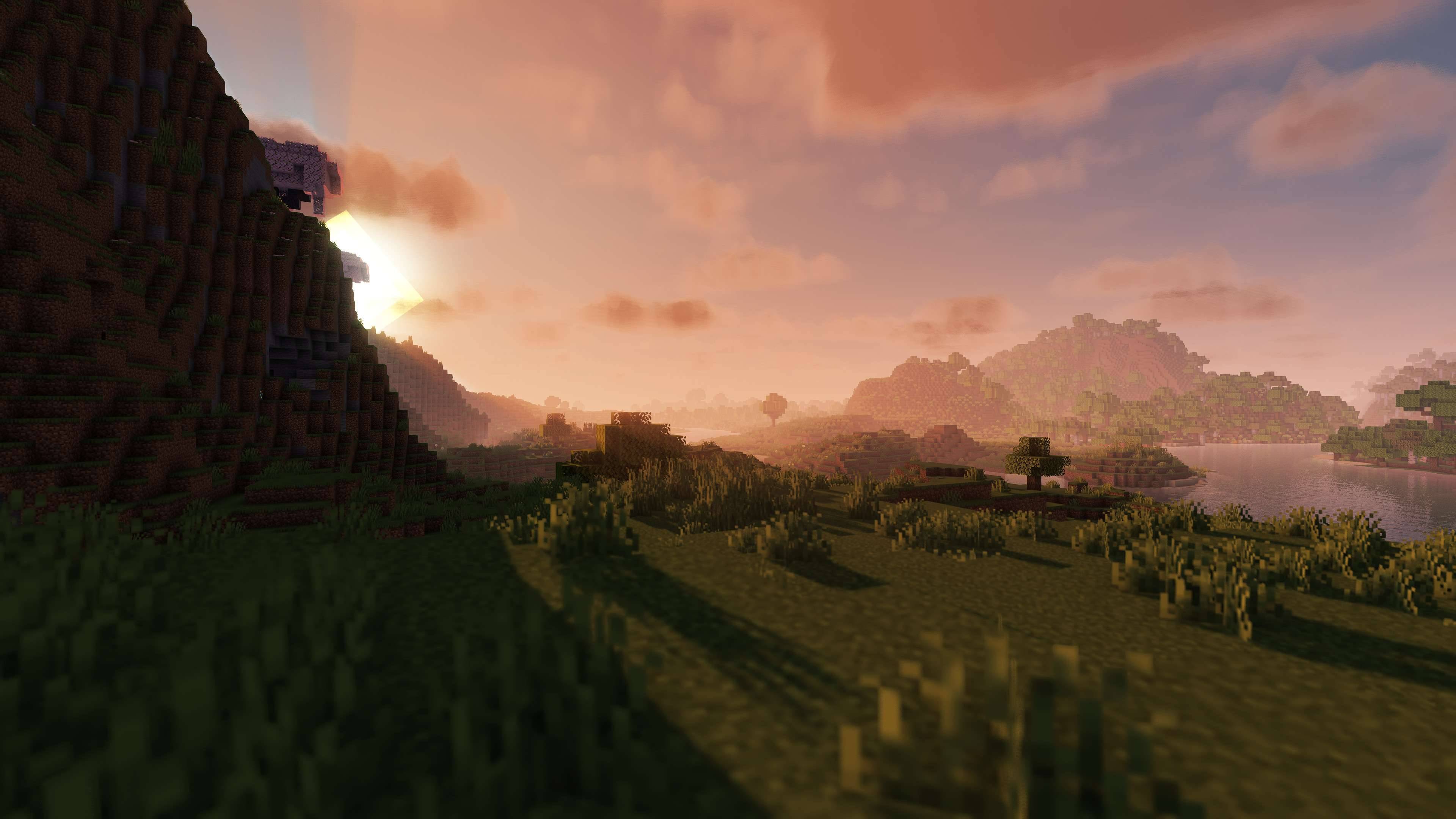
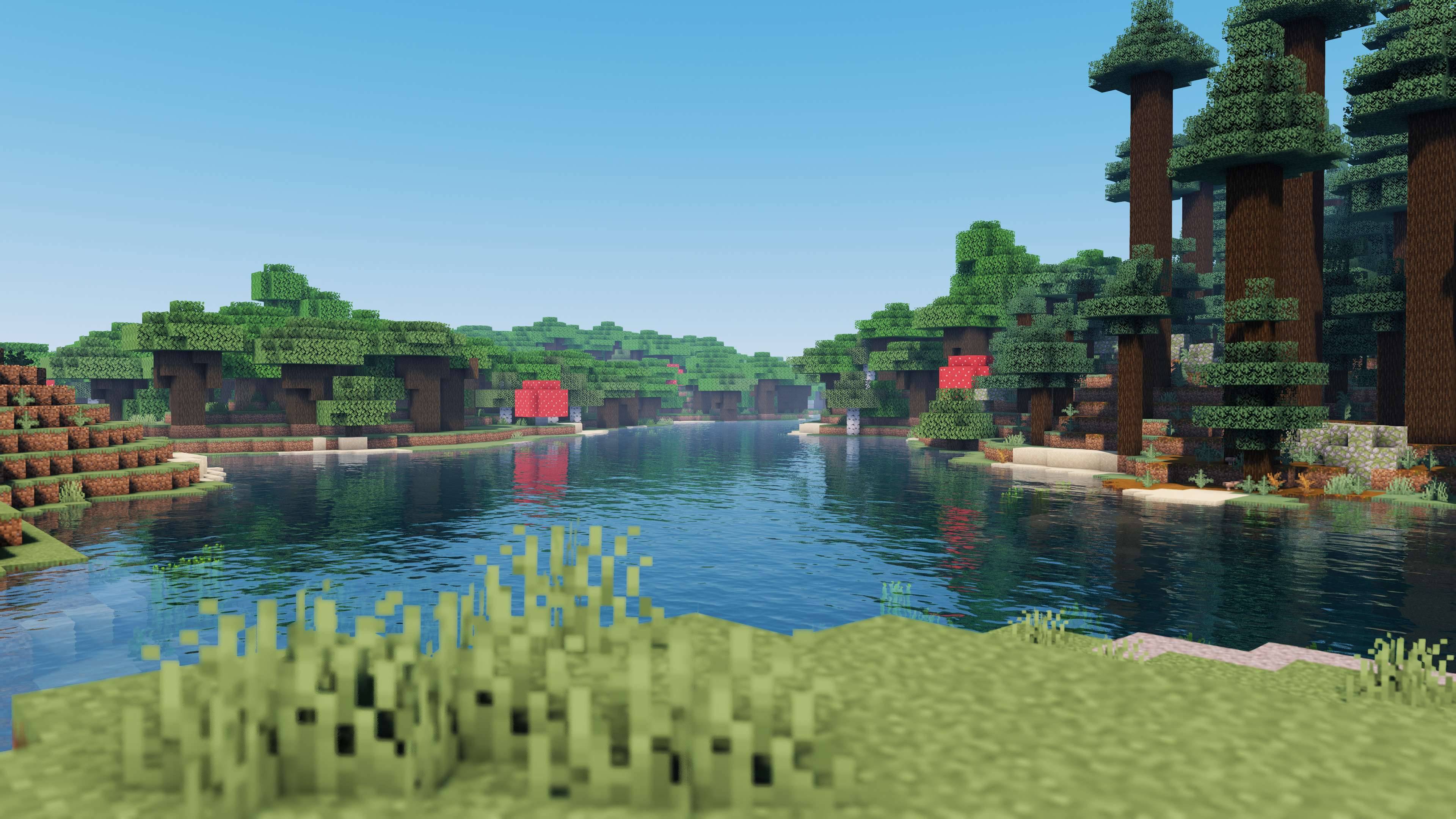
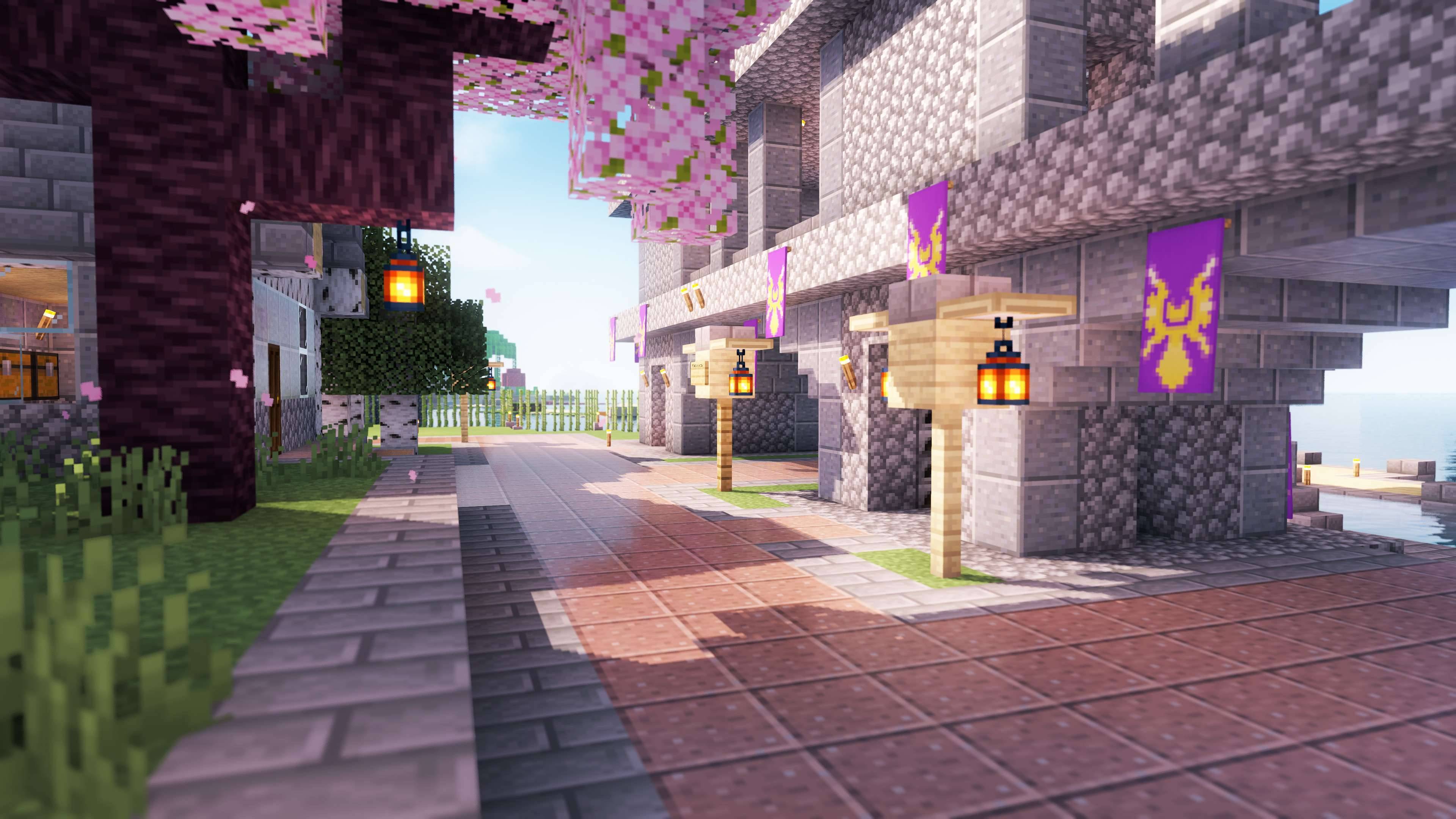
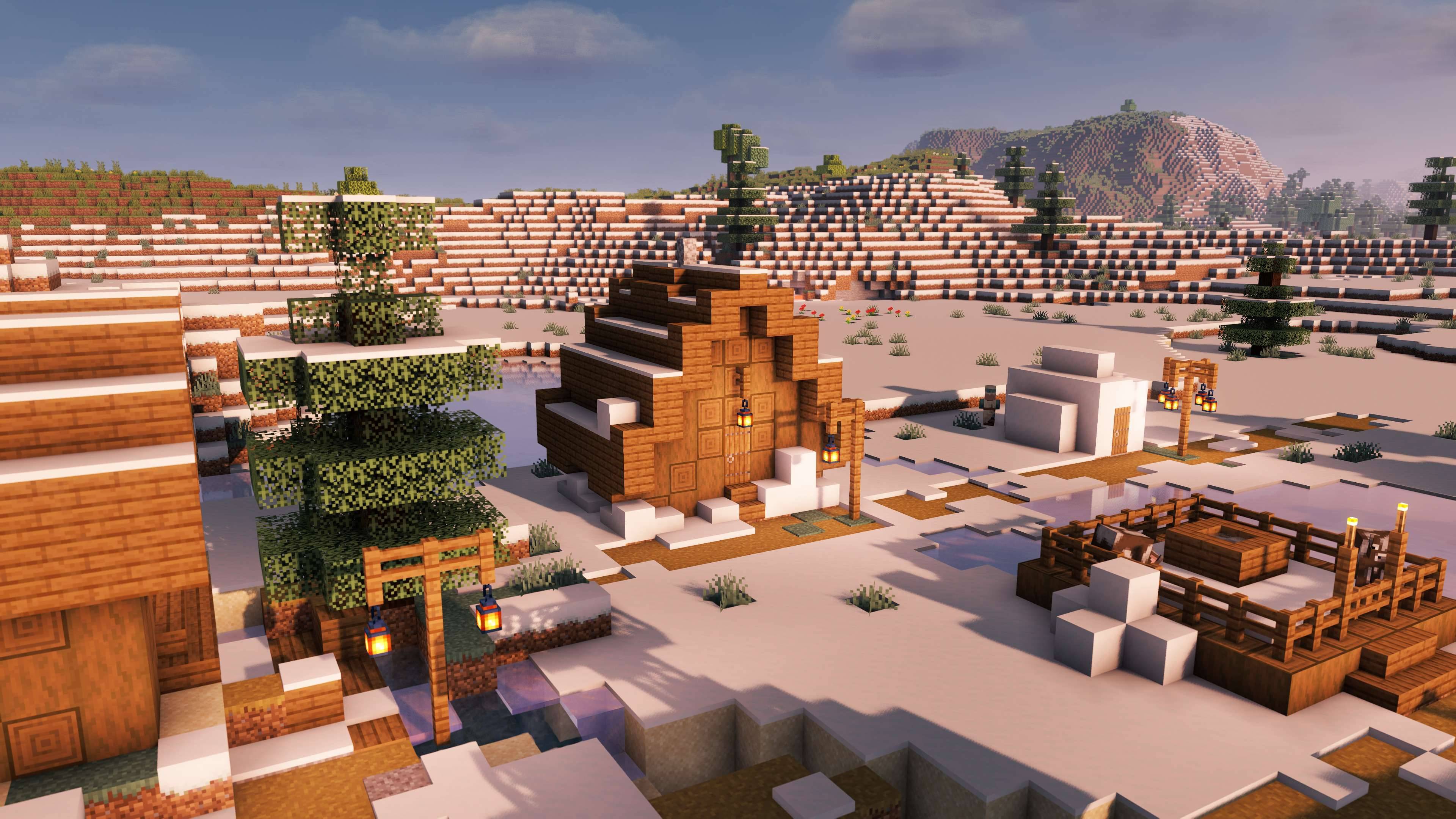
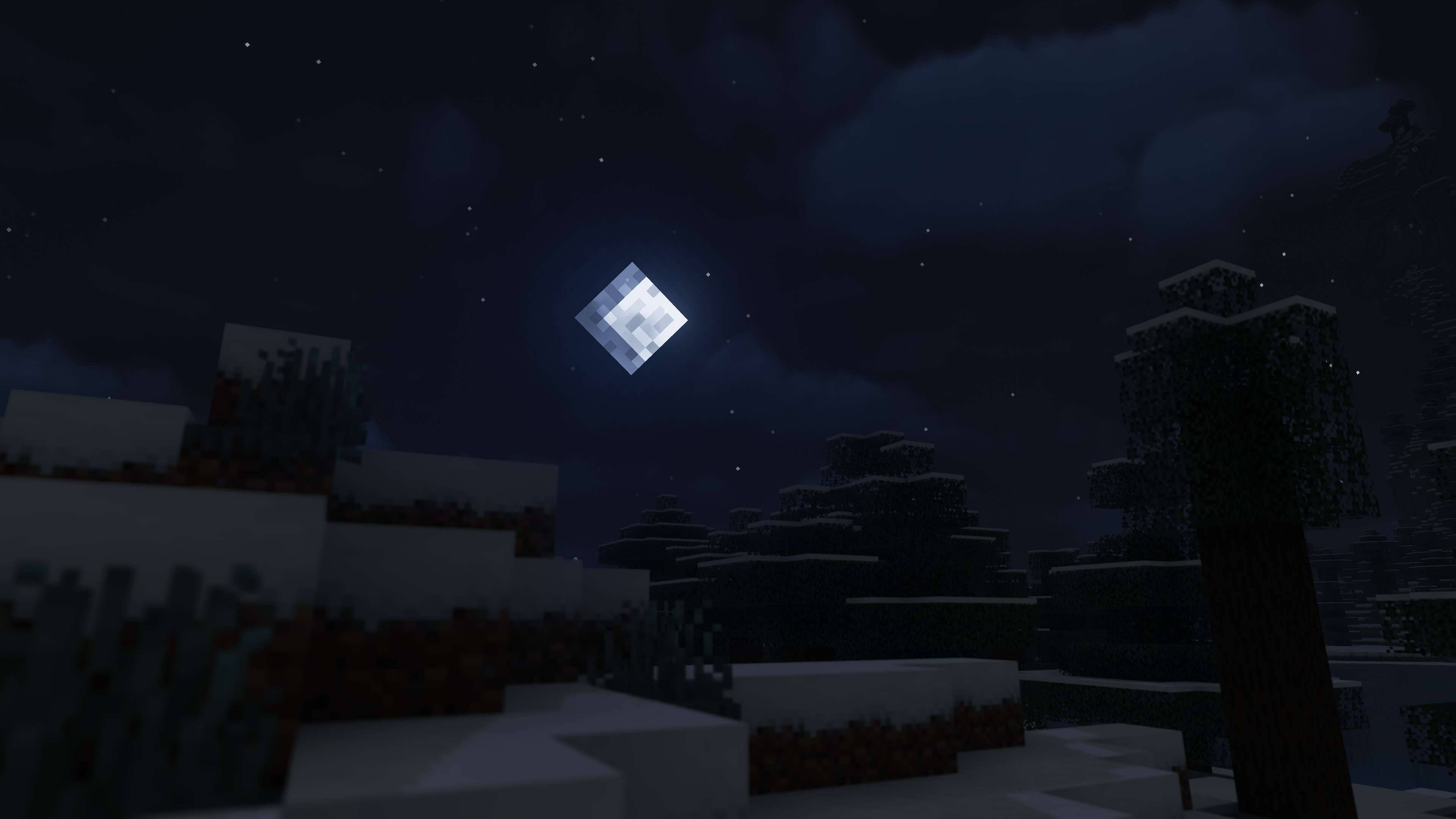
ABOUT
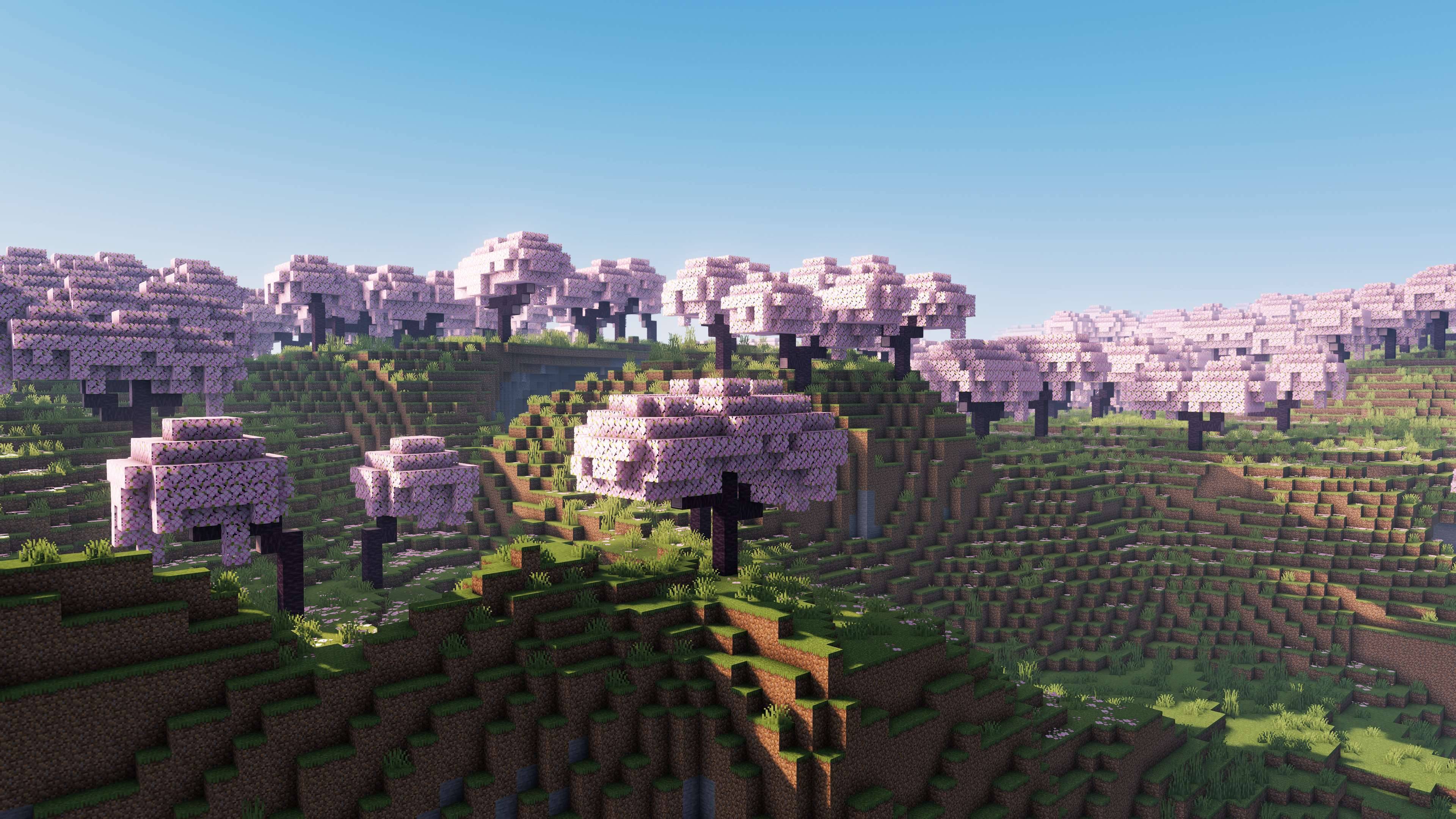
CG shaders is a modification of E-LITE that aims to make it fancier while maintaining great performance. It adds a lot of customisation, and is ideal for use on most PCs, with highly adaptable graphics profiles.
DO NOT use OptiFine preview versions, they are very buggy.
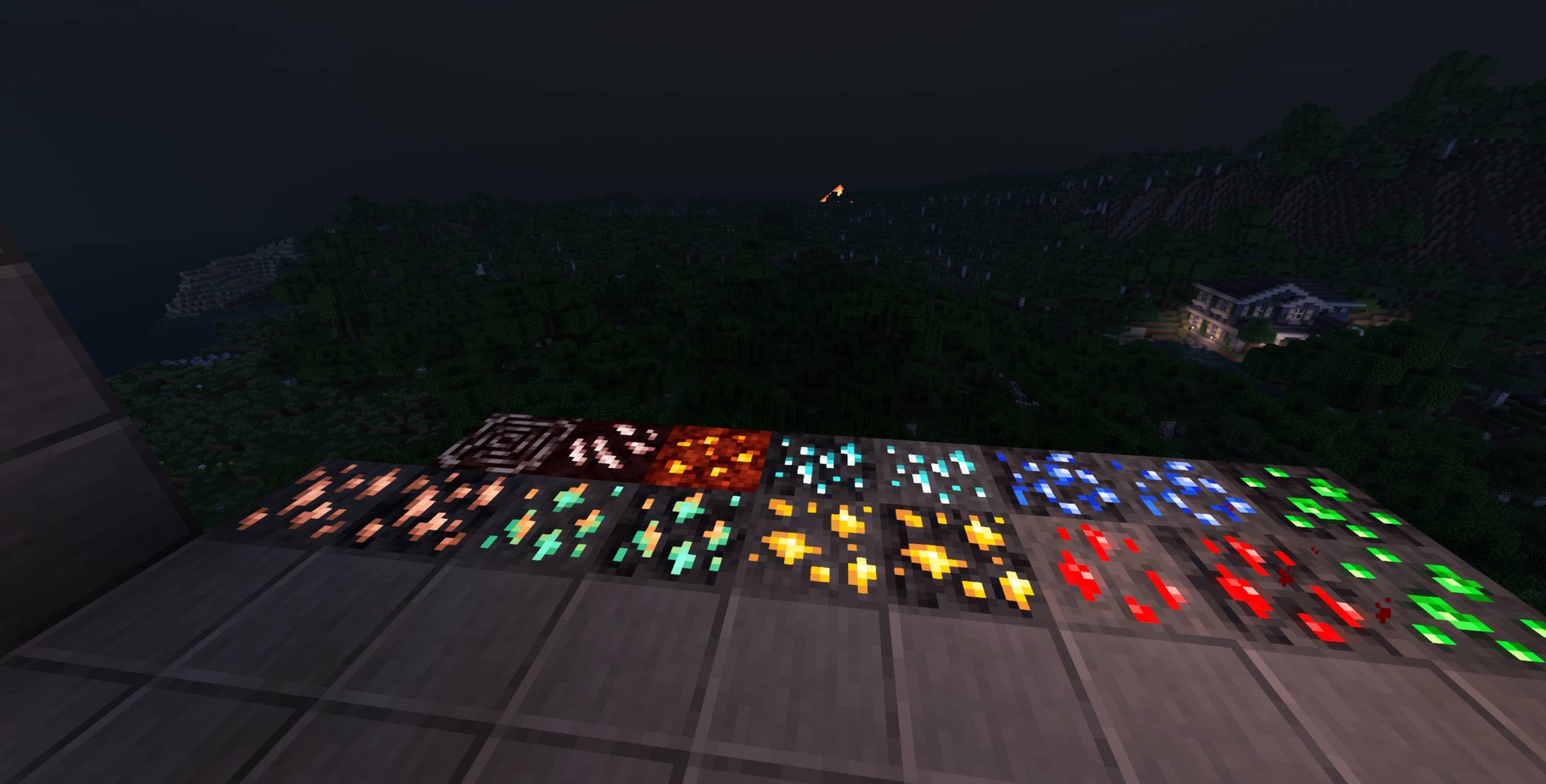
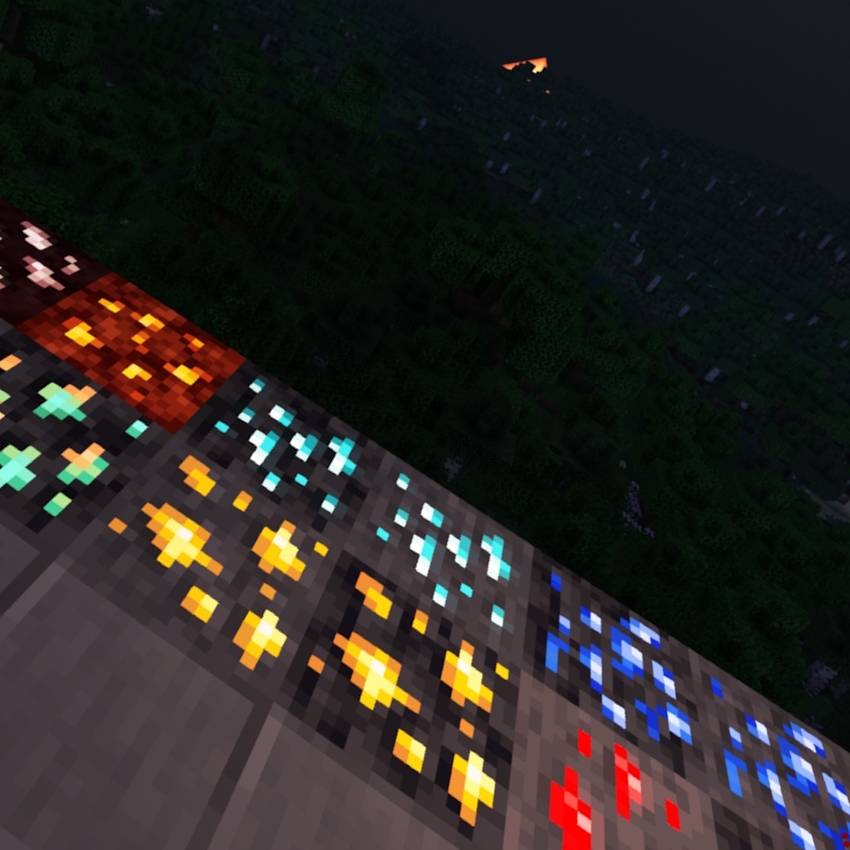
🚀 What's New in This Version- Glowing Ores Menu Overhaul: Reorganized and expanded the glowing ores configuration menu. You can now toggle individual ore types and fine-tune the overall glow intensity.
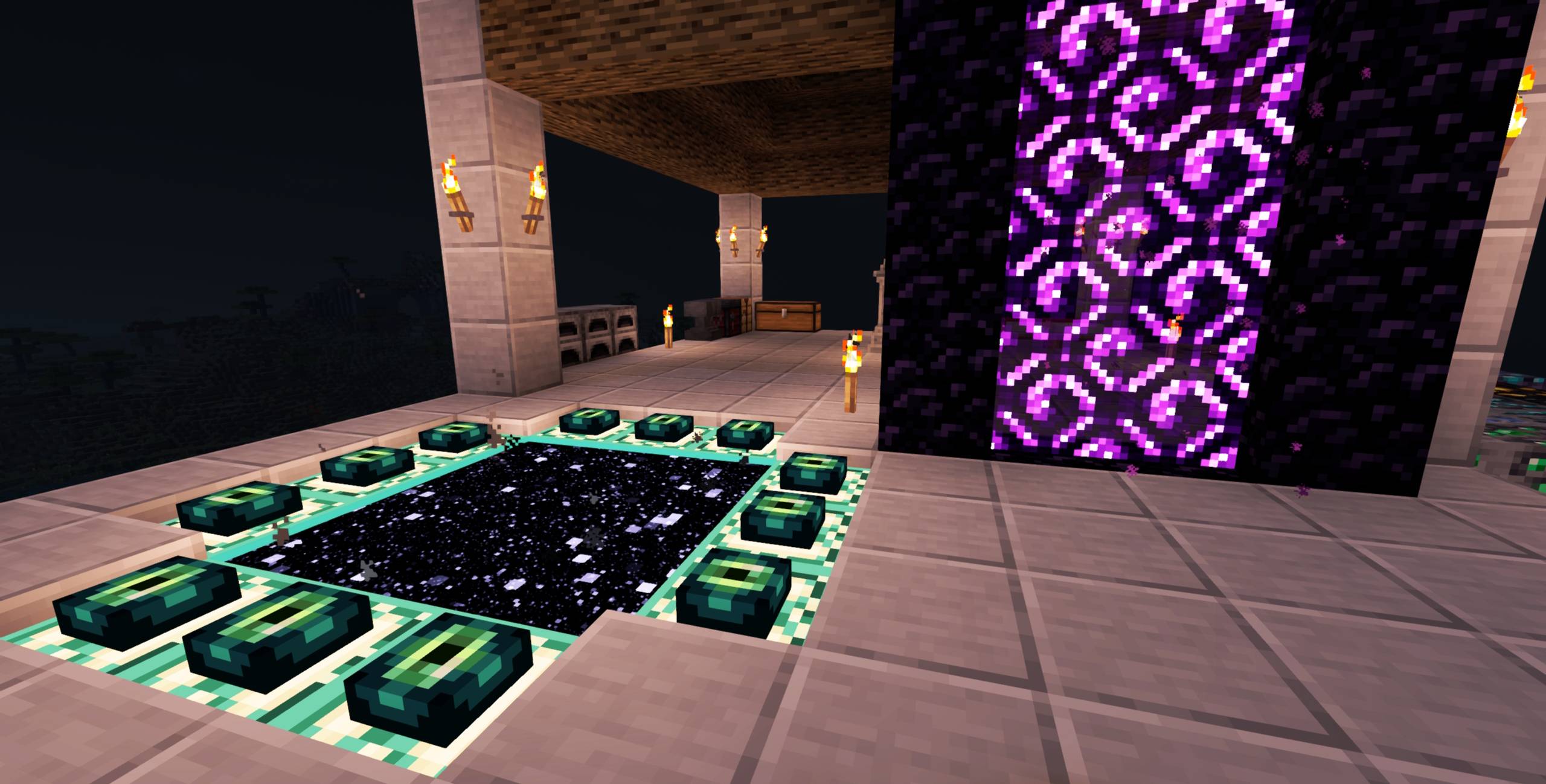
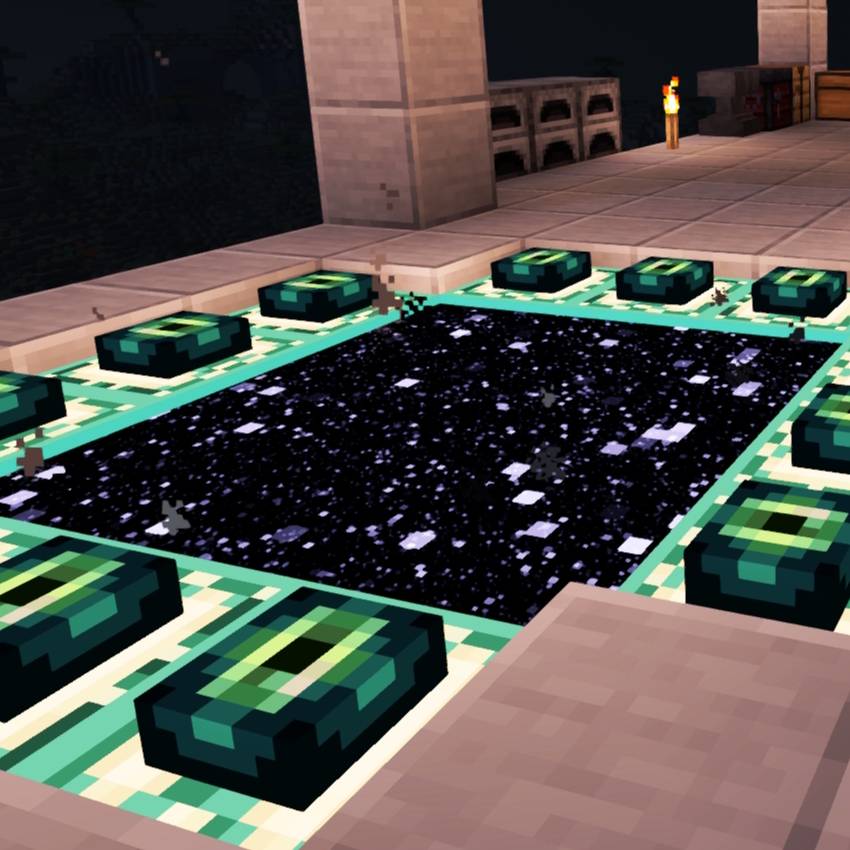
- End Portal Frame Fix: Fixed visual and rendering artifacts on the End Portal frame.
- Sun Rendering Fix: Resolved an issue with sun duplication when using custom skybox or astronomy mods (such as Cosmic Horizon).
TESTED ON:
- Minecraft 1.12.2 - 26.1
- NVIDIA, AMD and Intel, NO warranty that it works on all hardware.
- Windows 10 and 11.
Features:
Majority of these features can be turned off or reduced to enhance performance.
- Shadow casting and colored shadows.
- Style button for fast switching of Realistic looks and Vanilla.
- Godrays.
- Smart sharpening TAA and FXAA.
- Screen-Space reflections on blocks and water.
- Realistic and Vanilla clouds/water.
- Ambient occlusion.
- Bloom, Motion blur and Depth of Field.
- +5 customized color schemes.
- Optional auto-exposure.
- Distant horizons and Voxy support (Iris only)
- LabPBR support.
- And more…
How to config?
PROFILES:
- Minimum: Pure shader.
- Very low - MAX: Progressively increase the quality and amount of effects at the cost of performance.
- Choose the best for you!
COLOR SCHEME:
- Change the color of sky and lighting. Realistic+ is the default and most recommended.
STYLE:
- By clicking on the style button, you switch between Enhanced and Vanilla, Enhanced aims to be realistic, and Vanilla preserves the Minecraft aesthetic.
SCREENS:
- Basic: Basic features of shader.
- Lighting: Shadow quality, distance, light intensity, etc.
- Effects: Majority of options of shader, separed into sub-screens, such as Rendering, Camera, etc.
- Misc: Extra options, like seasons, selection line, etc.
- Info: Information about the shader.
How to install?
- First, you need Iris shaders or OptiFine: https://irisshaders.dev/ https://optifine.net/downloads
- Put CG shaders.zip folder at .minecraft/your_instance/shaderpacks
- Launch Minecraft with Iris or OptiFine installed.
- Open: "Options -> Video Settings -> Shaders"
- Choose CG shaders.
Recommendations:
- Minecraft Java 1.12.2, previous versions works but with some bugs.
- "Medium" profile.
- Smart leaves turned off, as it can break lighting.
CREDITS:
Credits for forks of CG shaders:
- Add the credits of CG and these links: (https://www.youtube.com/@CosmoGeorge) (https://www.curseforge.com/minecraft/shaders/cg-shaders)
MakeUp - Ultrafast original creator: Javier Garduño. Links:
https://www.planetminecraft.com/mod/makeup-ultra-fast-shader https://www.curseforge.com/minecraft/customization/makeup-ultra-fast-shader https://github.com/javiergcim/MakeUpUltraFast
Modified and translated by Entokito.
Credits for forks of E-LITE shaders:
- Add the credits of MakeUp and these links: (https://modrinth.com/shader/lite-shaders) (https://www.curseforge.com/minecraft/shaders/lite-shaders) plus creator credit: Modified and translated by @Entokito
WARNING:
This shader is only available on MODRINTH, CURSEFORGE and PLANET MINECRAFT. Downloading it from any other site may not be safe. I haven't officially uploaded it to any other site.
- Edition: Minecraft Java
- File type: .zip (resource pack)
- Minecraft versions listed: 1.16.3, 1.17.1, 1.21
- How to install: Download the .zip resource pack — do not unzip it. → Put it in .minecraft/resourcepacks. → Enable it in Options → Resource Packs.
- Where to get it: Opens on CurseForge — not every file is mirrored on our own servers.
Install steps are the general flow for this file type — see the MC Java Mods guides for the full walkthrough.
- Downloads as CG shaders 1.1.3.zip
- Download size: 530 KB
- Download link checked 8 Nov 2026 — working
These come from our own check of the pack file, not from the source page.