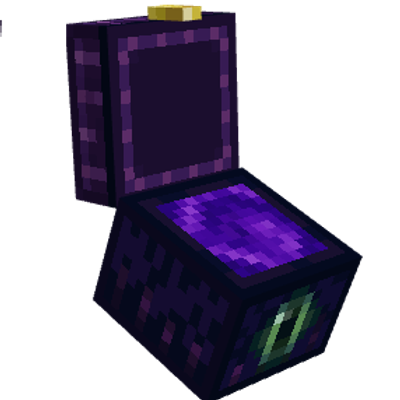
Pocket Dimension - Advanced Ender Chest
This addon adds advanced ender chest that store pocket dimensions instead of items where you can build and keep whatever you need.
⬇ Download on CurseForgeThe author built this one for Minecraft 26.50. On other versions it may install and then do nothing.
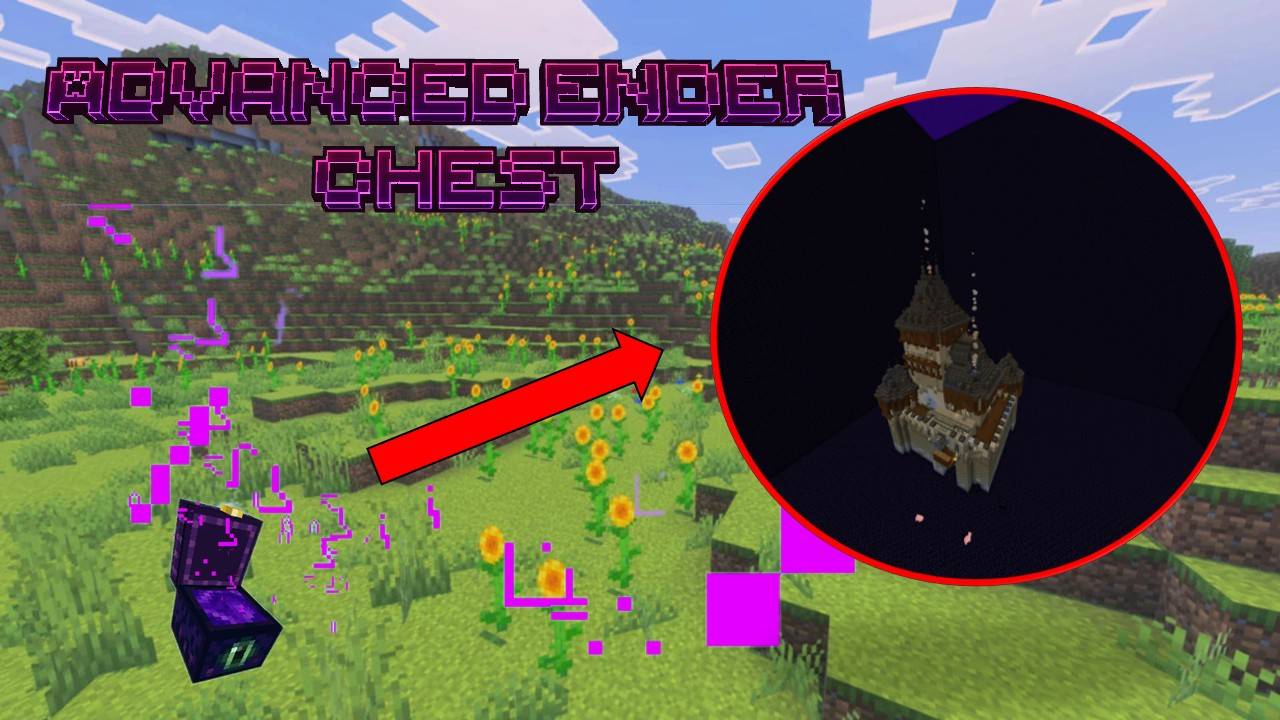
This addon adds the advanced ender chest, which allows the creation of player-linked pocket dimensions that persist through dimensions and multiple ender chest same way the standard ender chest inventory does.
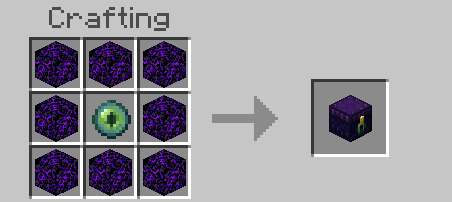
The advanced ender chest is crafted the same way as a standard one, only using crying obsidian.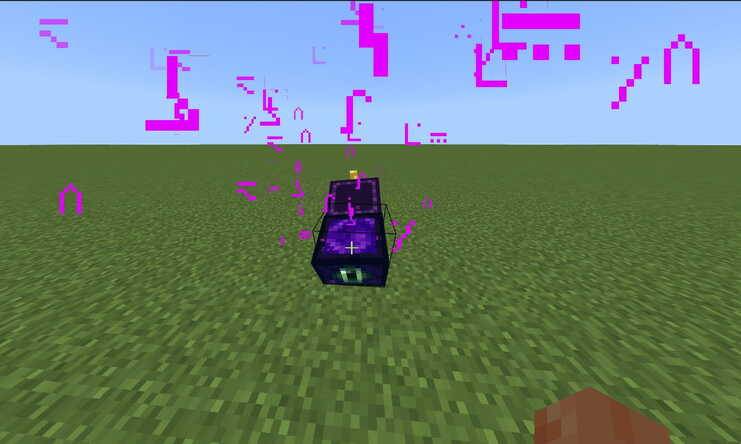
Once placed and interacted with, the chest opens, getting linked to the player who did it and providing access to their personal pocket dimension; any entity or player that steps into the opened chest will enter.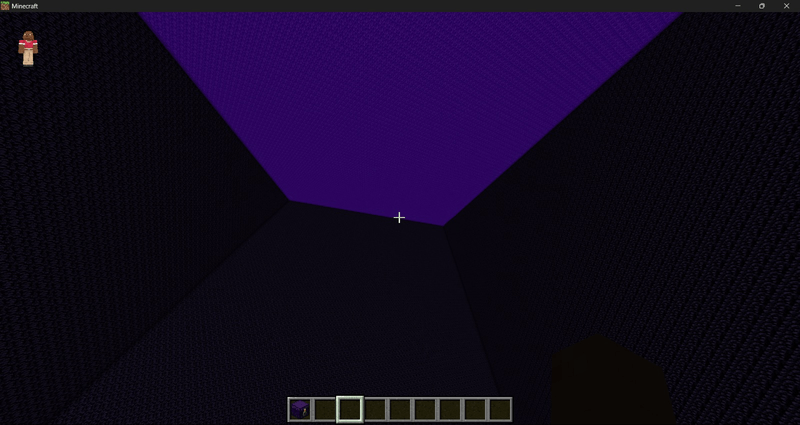
Each pocket dimension is a 100x100x100 block space, encased in unbreakable obsidian blocks with a portal at the top. Inside the pocket dimensions, fall damage in general is negated; players can't suffer damage or gain ill effects, and they can fly upwards by holding jump or activate slow falling by sneaking.
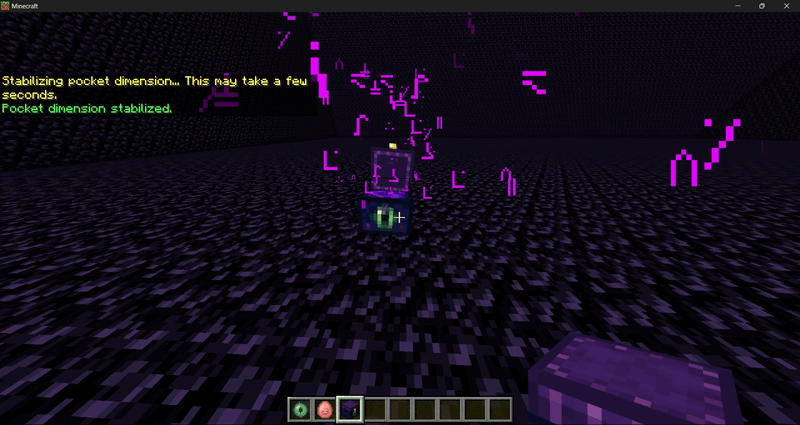
By getting through the ceiling portal, players can exit back to the original dimension and the position they entered the pocket dimension from. Even if the original chest was removed, buildings and entities inside the pocket dimension will persist inside, and the same one can be accessed by placing the chest and having the same player open it.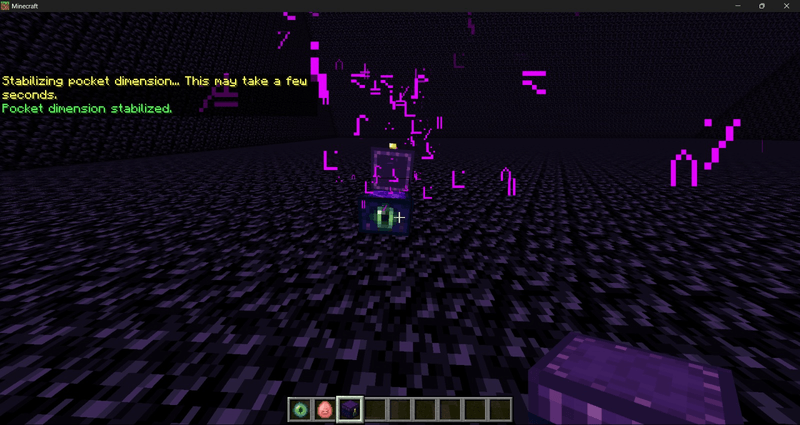
When inside a pocket dimension you own, it is possible to open another chest and create subdimensions; this will persist even if the chest is broken and placed again, but can only be accessed through their "parent" sublevel. Exiting a subdimension brings you to the "level above" instead of exiting the ender chest. 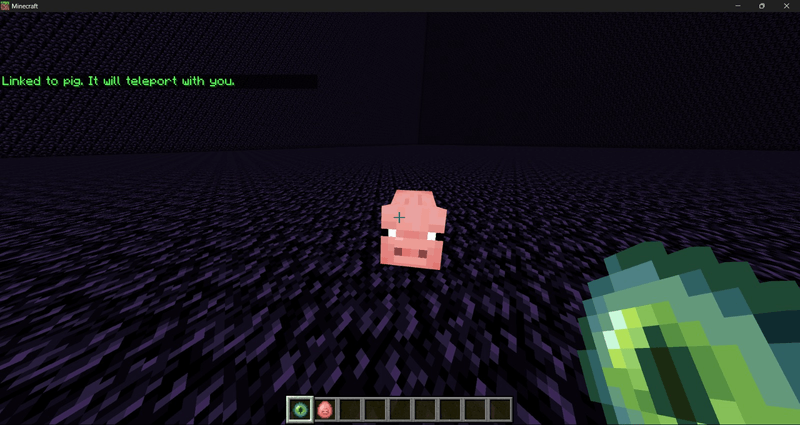
Non-player entities that enter the pocket dimension cannot exist on their own, even through the portal ceiling, but hitting them with an Eye of Ender will link or unlink them to the player hitting them. When a player goes up or down subdimensions, or exits the pocket dimension altogether, linked entities will be teleported with them. But when exiting the pocket dimension, the link will be broken.
Leashed entities will also follow the player when moving through subdimensions, and unlike Eye of Ender linkage, leashed entities will enter the pocket dimension with the player from the exterior
Multiplayer Functionality
There are a few key notes about pocket dimensions regarding multiplayer scenarios. To begin with, much like stander ender chest inventory, all pocket dimensions belong to their specific players, rather than the chest itself, with this only working as portals.
When a player opens a chest, this one will provide access to their pocket dimension until this one closes; a second player closing and reopening the same chest will link it to their own pocket dimension. The chest also closes on its own when no players are nearby (except when inside subdimensions) or if the owner of the dimension enters, so if you wanna bring friends, you need to open the chest yourself and wait to enter last.
Inside the pocket dimensions, things work differently: an advanced ender chest remains open until a player, any player, closes it; all players can also open the chest so long as the sublevel below has been generated by the owner, or the owner is opening it (which generates the sublevel if it doesn't exist). If there´s no sublevel, the chest will remain closed.
To put things more clearly, advanced ender chests allow you to go "down" the sublevels of a player´s pocket dimension once inside it, but can´t be used to generate more unless you are the owner. Players cannot go into their own pocket dimensions unless they exit the other player's first.
In a multiplayer setting, pocket dimensions also work as safe areas controlled by the player who owns them. Using the /aec:pocketsettings command (which works even for non-operator players) the following menu will appear, allowing you to toggle different permissions for guests in their pocket dimensions, as well as manage a whitelist.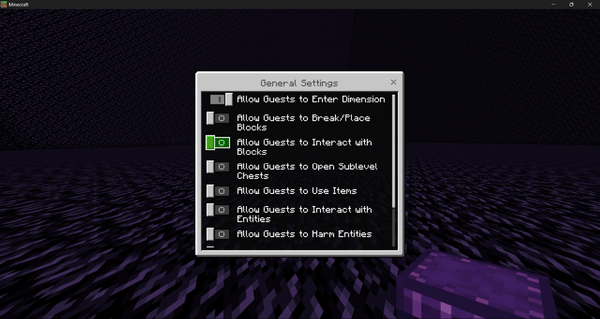
First, there are guest rules; a guest refers to any player inside a pocket dimension sublevel you own that isn't specified in your whitelist. Using the toggles, you can prevent them from entering your subdimensions using a chest, harm, or interacting with entities; placing, breaking, or interacting with blocks; using items; or even force them into adventure mode while inside your subdimensions (their original gamemode is restored when exiting).
Advanced ender chest can be restricted individually from general block interaction, in case you want to "keep the doors locked" to your deeper sublevels, as otherwise any chest can be used by guests to go deeper.
Players on the whitelist, on the other hand, will ignore all guest restrictions; they cannot modify other players' pocket dimensions, or even enter them without the owner's assistance.
Finally, hitting a player with an Eye of Ender inside a pocket dimension you own kicks them out of the pocket dimension; this is not the same as banning, and they will still be able to access your dimension if allowed
Operator Tools
As for operators and admins, there are 2 exclusive commands that can be used to more freely access and modify pocket dimensions and their sublevels if need be.
/aec:ignoreperm brings up a menu of all online players to toggle on and off permission bypass for a specific player, including yourself. Players with this bypass can ignore all guest and whitelist permissions and are unable to be kicked out by the dimension owner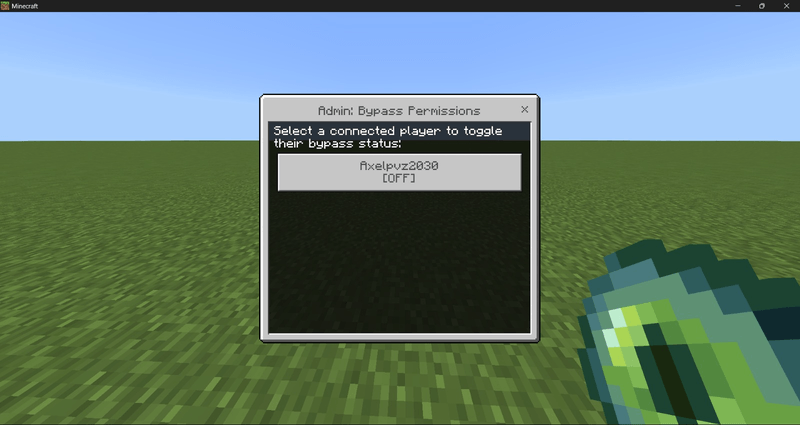
/aec:gotopocket lets you see a list of pocket dimensions currently created, as well as select and teleport to specific sublevels, this works regardless if the owner is actually conected or not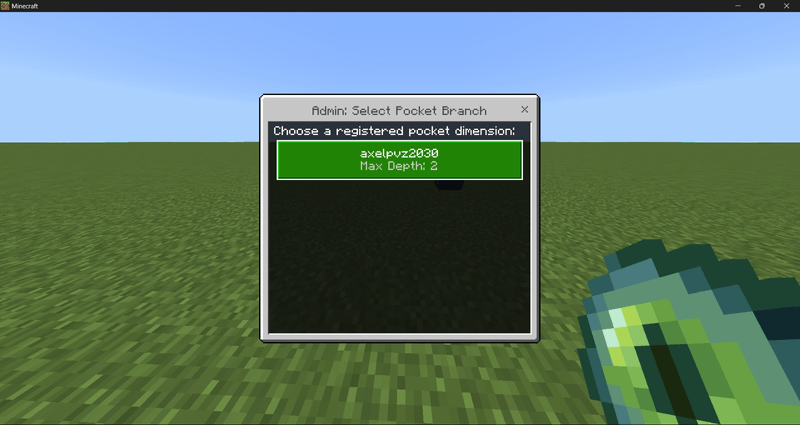
Unlike /aec:pocketsettings, which can be used by all players, these 2 commands can only be used by operator-level players or above
Project Trailers
- Edition: Minecraft Bedrock
- File type: .mcpack or .mcaddon
- Minecraft version listed: 26.50
- How to install: Download the .mcpack or .mcaddon file. → Open it — Minecraft imports it. → In your world: Behavior Packs → Available → Activate, then the same under Resource Packs.
- Where to get it: Opens on CurseForge — not every file is mirrored on our own servers.
Install steps are the general flow for this file type — How to install Minecraft Bedrock addons & mods walks through it step by step.
- Pack type: .mcaddon — behaviour and resource pack in one file
- Manifest requires Minecraft 1.26.50 or newer
- Complete pack — everything it depends on is inside the file
- Download size: 66 KB
- Download link checked 28 Sept 2026 — working
These come from our own check of the pack file, not from the source page.