BRG Pixel Pals HUD
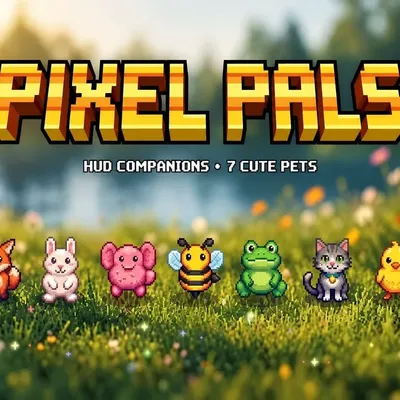
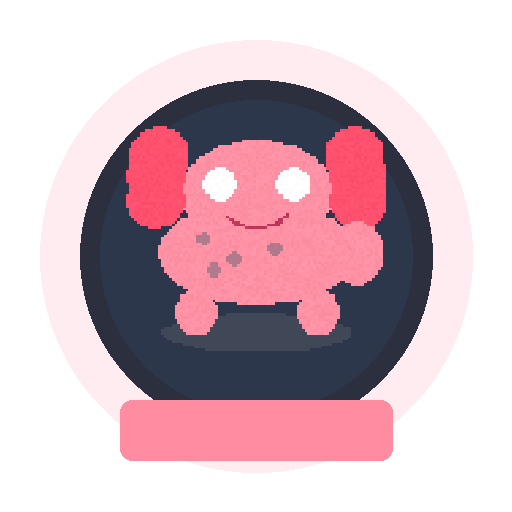
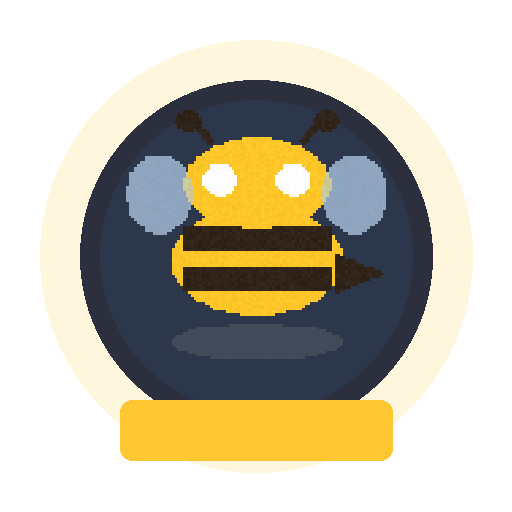
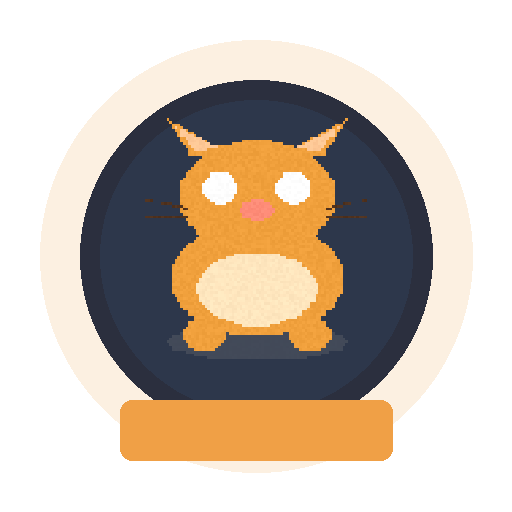
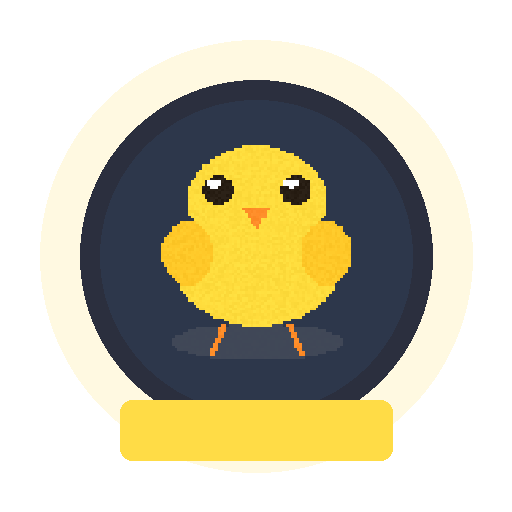
Cute original HUD companions for your screen! Choose from Fox, Bunny, Axolotl, Bee, Frog, Cat or Chick. Purely visual resource pack – no gameplay changes…
⬇ Download on CurseForge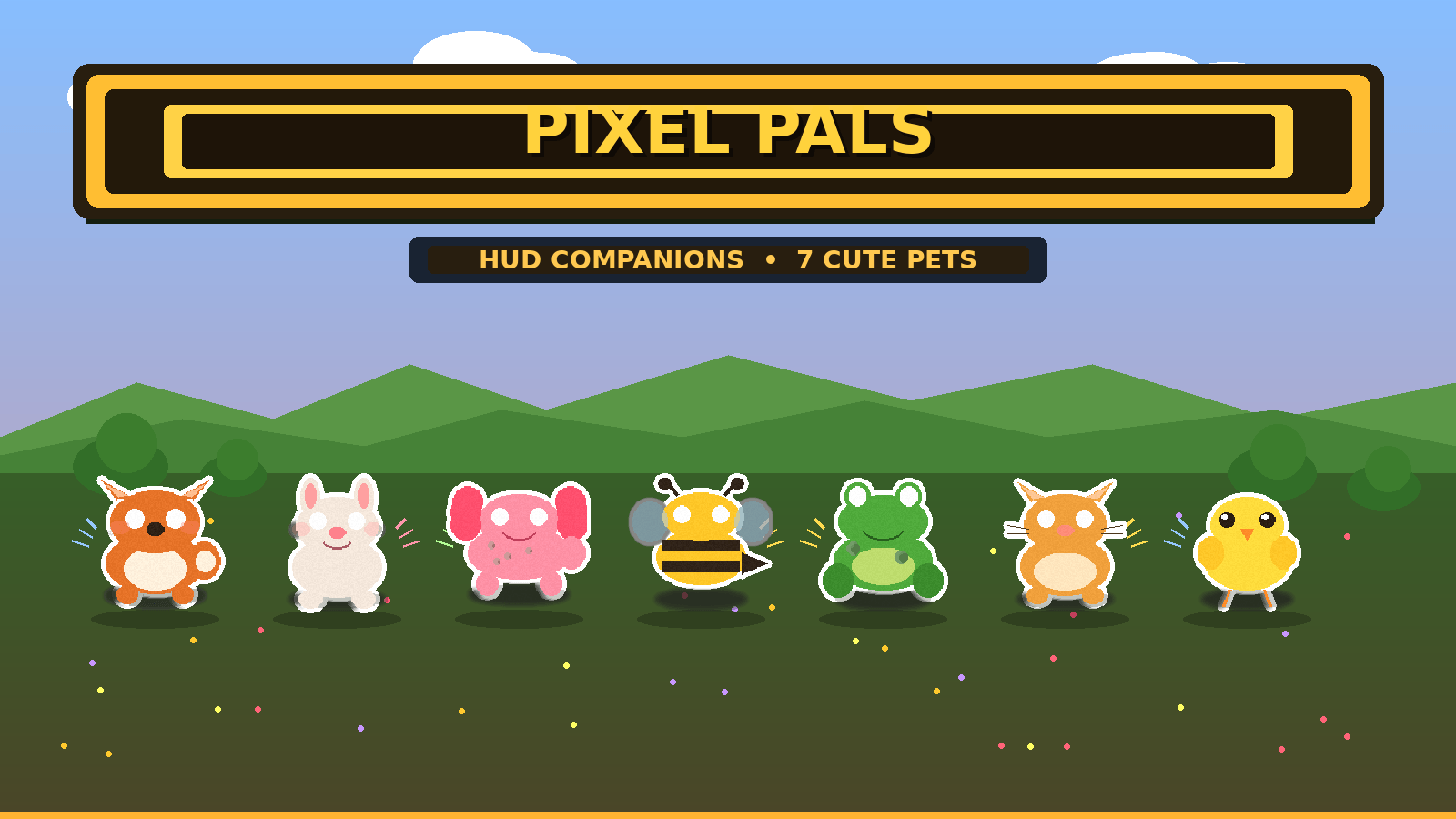


PIXEL PALS HUD
◀ CUTE SCREEN COMPANIONS ▶
A LITTLE FRIEND FOR EVERY ADVENTURE
7 ADORABLE PETS
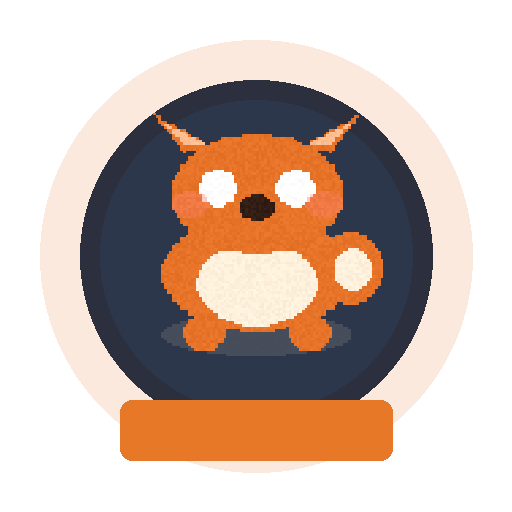
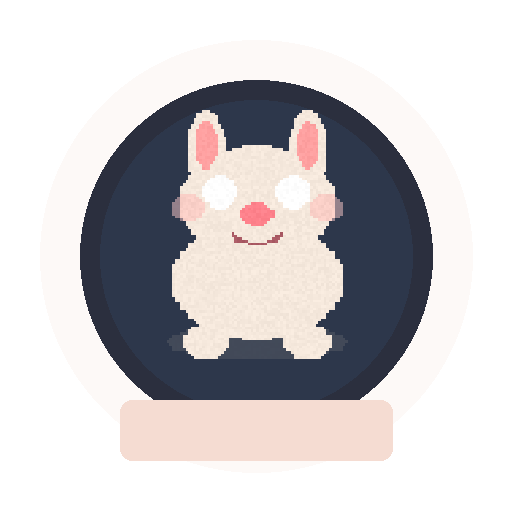
Fox • Bunny • Axolotl • Bee • Frog • Cat • Chick
Pick your favorite from the pack settings.
SITS ON YOUR HUD
Your companion appears in the corner of the screen.
Purely visual — no gameplay changes, no lag, no commands needed.
ORIGINAL ART • LIGHTWEIGHT
Custom pixel pets • Clean UI • Subpack selection
Works on mobile, Windows, Realms & servers
NO EXPERIMENTS REQUIRED
BEDROCK 1.21+
Just activate the resource pack and choose your pet.
Safe for normal gameplay & achievements.
HOW TO USE
1. Activate Pixel Pals HUD in Resource Packs
2. Open pack settings (gear icon)
3. Select your favorite pet
4. Enjoy your new screen companion!
Original pack. All artwork created for Pixel Pals. Not affiliated with any other HUD pet pack.
Pixel Pals HUD
- Edition: Minecraft Bedrock
- File type: .mcpack or .mcaddon
- Minecraft versions listed: 1.21.2, 1.21.20, 1.21
- How to install: Download the .mcpack or .mcaddon file. → Open it — Minecraft imports it. → In your world: Behavior Packs → Available → Activate, then the same under Resource Packs.
- Where to get it: Opens on CurseForge — not every file is mirrored on our own servers.
Install steps are the general flow for this file type — How to install Minecraft Bedrock addons & mods walks through it step by step.
- Save it as Pixel_Pals_HUD (2).mcaddon before opening — it downloads as .mcpack, but it is a .mcaddon pack
- Manifest requires Minecraft 1.21.0 or newer
- Complete pack — everything it depends on is inside the file
- Download size: 606 KB
- Download link checked 28 Sept 2026 — working
These come from our own check of the pack file, not from the source page.