Mined Block Shards
Break any block and watch it explode into a burst of glowing, texture-matched shards — no config, no lag, just satisfying mining particles for every block…
⬇ Download on CurseForge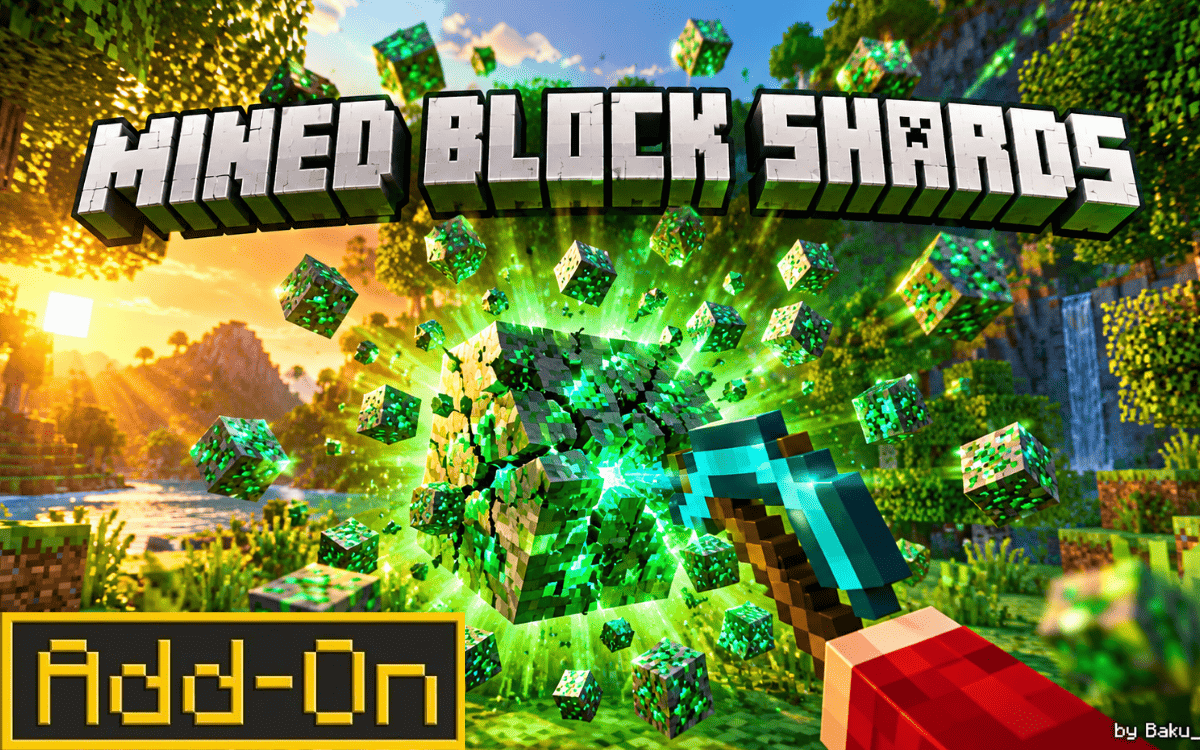
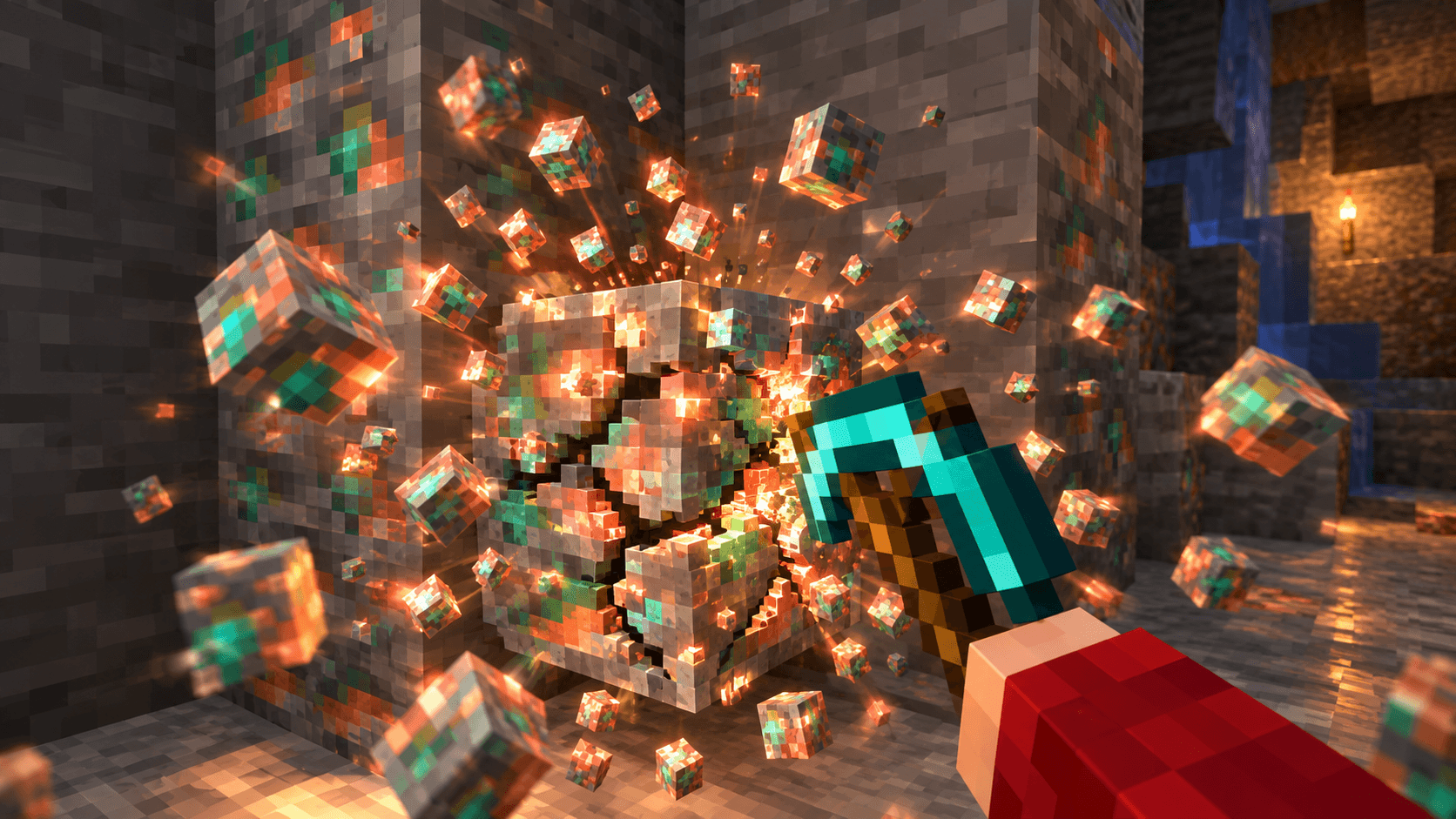
Mining in Minecraft Bedrock has never looked this good. Mined Block Shards is a lightweight, script-powered add-on that gives every single block break a dramatic, eye-catching burst of shard particles — using the block's own real texture and color, so ores glow like ore, wood splinters like wood, and stone crumbles like stone.
No resource pack swap, no config screen, no commands to type. Just enable the add-on and start mining.
🌟 Features
- Works on every block — overworld, Nether, End, ores, wood, stone, wool, concrete, you name it.
- True-to-block particles — the shard burst always matches the exact block you broke, including its color and variant.
- Zero setup — enable it in your world and it just works, in Survival or Creative.
- Survival-safe — real drops and XP are completely untouched; the extra effect never duplicates or deletes items.
- Lightweight — built entirely with the official Minecraft Scripting API, no heavy loops, no lag.
- Multiplayer friendly — every nearby player sees the same burst.
⚙️ How It Works
Every time a player breaks a block, Minecraft already plays a small, easy-to-miss particle puff. Mined Block Shards makes that moment count: right after the real break happens, the add-on briefly restores the exact same block (same type, same color, same state) for a single tick, then shatters it again. That second break is what triggers a full, fresh burst of that block's own texture shards — bigger, brighter, and far more satisfying than the vanilla default. Any extra items or XP orbs created by that second break are automatically cleaned up in the background, so your inventory only ever fills with your real, honest drops.
📋 Compatibility
- Minecraft Bedrock / Pocket Edition
- Supports version 1.21.20 up to 1.26 and beyond
- Works in Survival and Creative
- Safe to use alongside most other add-ons
🚫 Known Limitations
A small number of multi-part blocks — beds, doors, and tall two-block plants (sunflowers, peonies, etc.) — are intentionally skipped to avoid a visual glitch. These still show Minecraft's normal break particles, just without the extra burst.
📥 Installation
- Download the
.mcpackfile. - Tap it to import into Minecraft.
- Open your world's settings → Behavior Packs → activate Mined Block Shards.
- Start mining!
📜 Credits
Created by Baku_Studio.
Please don't re-upload or re-host this add-on without permission — link back to the original post instead.
🔄 Changelog
v1.0.1 — Fixed a timing issue that caused shard particles to occasionally show the wrong texture/color; the burst now always matches the mined block perfectly.
v1.0.0 — Initial release.
- Edition: Minecraft Bedrock
- File type: .mcpack or .mcaddon
- Minecraft versions listed: 1.21.100, 26.0
- How to install: Download the .mcpack or .mcaddon file. → Open it — Minecraft imports it. → In your world: Behavior Packs → Available → Activate, then the same under Resource Packs.
- Where to get it: Opens on CurseForge — not every file is mirrored on our own servers.
Install steps are the general flow for this file type — How to install Minecraft Bedrock addons & mods walks through it step by step.
- Pack type: .mcpack — a single pack
- Manifest requires Minecraft 1.21.20 or newer
- Complete pack — everything it depends on is inside the file
- Download size: 8 KB
- Download link checked 28 Sept 2026 — working
These come from our own check of the pack file, not from the source page.