Poggys Whats That Tooltip Addon (26+, 1.20) – MCPE/Bedrock Addon
Bedrock add-on listed for Minecraft 1.20 (behavior + resource pack). Needs Beta APIs. File opened and checked on 28 Sep 2026; installs from the MC Bedrock Mods app on Android.
⬇ Download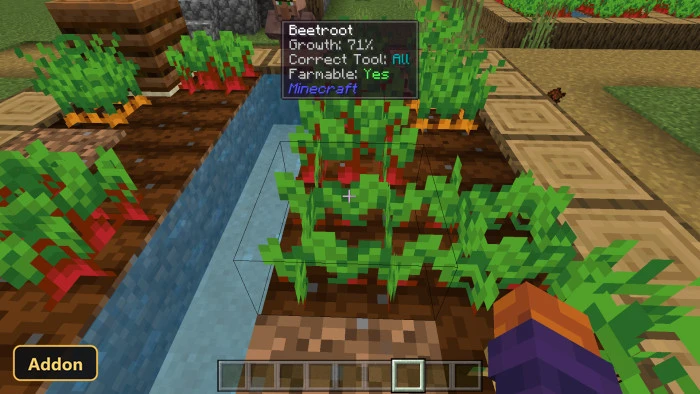
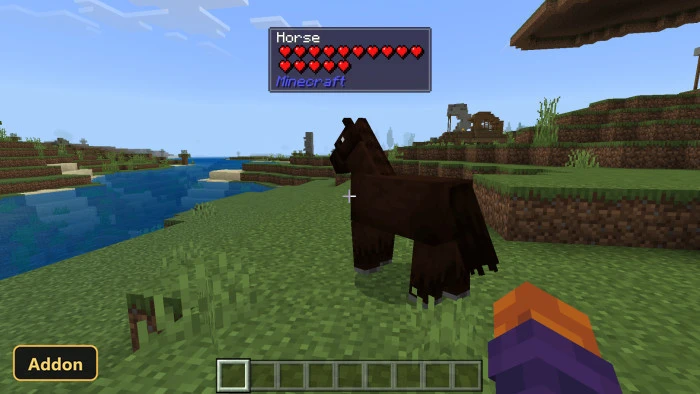
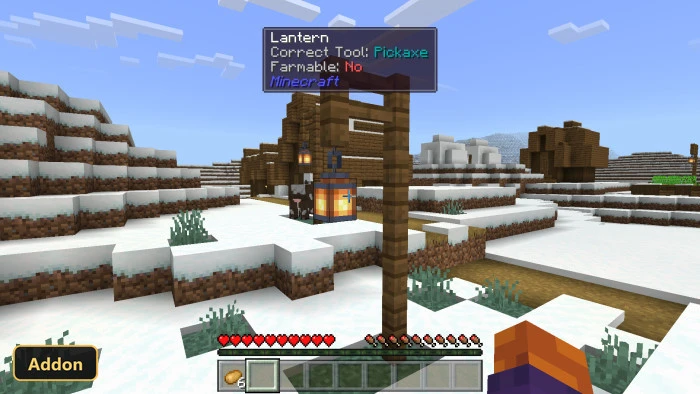
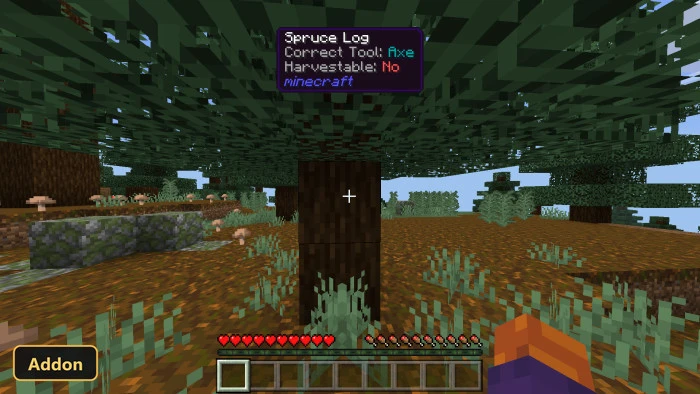
Pointing the cursor at a block or entity shows a tooltip of details with Poggys Whats That Tooltip Addon, so players do not need to look things up on a wiki. It uses scripting APIs, so Experimental Features must be enabled in the world settings.
The tooltip lists the official name, the internal ID, the correct tool for harvesting and, for entities, health shown as heart icons. It also covers blocks and entities from other add-ons, showing their IDs with no setup, and it shows crop growth stages and redstone power levels. The tooltip is handy for new players learning the game and for anyone who wants a quick check without interrupting play in Minecraft Bedrock.
Requirements:
- MCPE/Bedrock 1.20.80
- Turn on Experimental Features — this addon uses scripting APIs
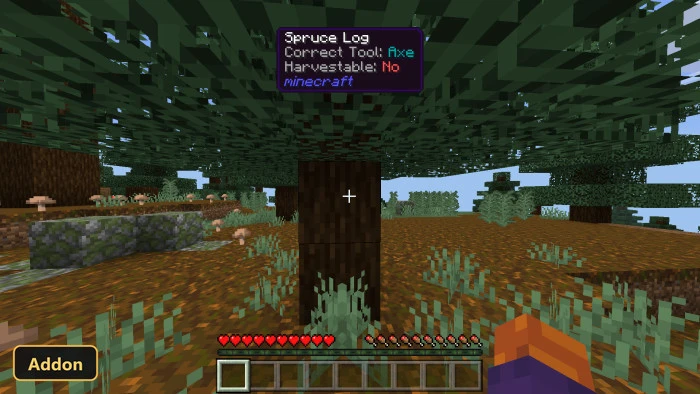
Screenshots:
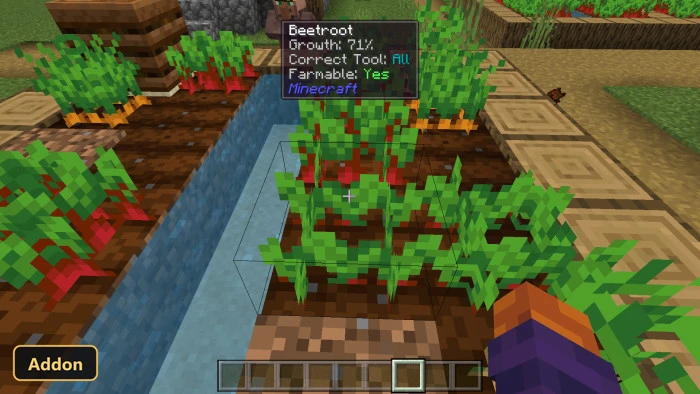
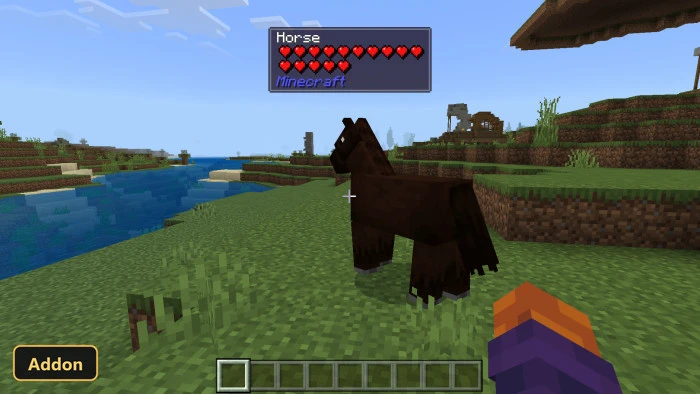
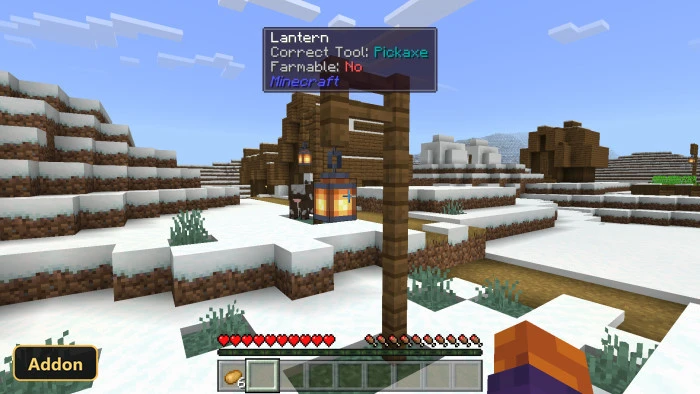
- Edition: Minecraft Bedrock
- File type: .mcpack or .mcaddon
- Minecraft version listed: 1.20
- How to install: Download the .mcpack or .mcaddon file. → Open it — Minecraft imports it. → In your world: Behavior Packs → Available → Activate, then the same under Resource Packs.
- Where to get it: In MCModsHub, or directly above on this page.
Install steps are the general flow for this file type — How to install Minecraft Bedrock addons & mods walks through it step by step.
- Pack type: .mcaddon — behaviour and resource pack in one file
- Manifest requires Minecraft 1.20.50 or newer
- Needs Beta APIs switched on in the world settings
- Complete pack — everything it depends on is inside the file
- Download link checked 28 Sept 2026 — working
- Mirrored on our own servers — the download does not depend on the original host
These come from our own check of the pack file, not from the source page.