Home›Java›Resourcepacks›Create Style Sophisticated Backpacks 9minecraft Resource Pack (26.3) – Sophisticated Backpacks in Create's Copper and Brass
ResourcepacksJava
Create Style Sophisticated Backpacks 9minecraft Resource Pack (26.3) – Sophisticated Backpacks in Create's Copper and Brass
Minecraft Java resource pack. Download on the author's site.
⬇ Download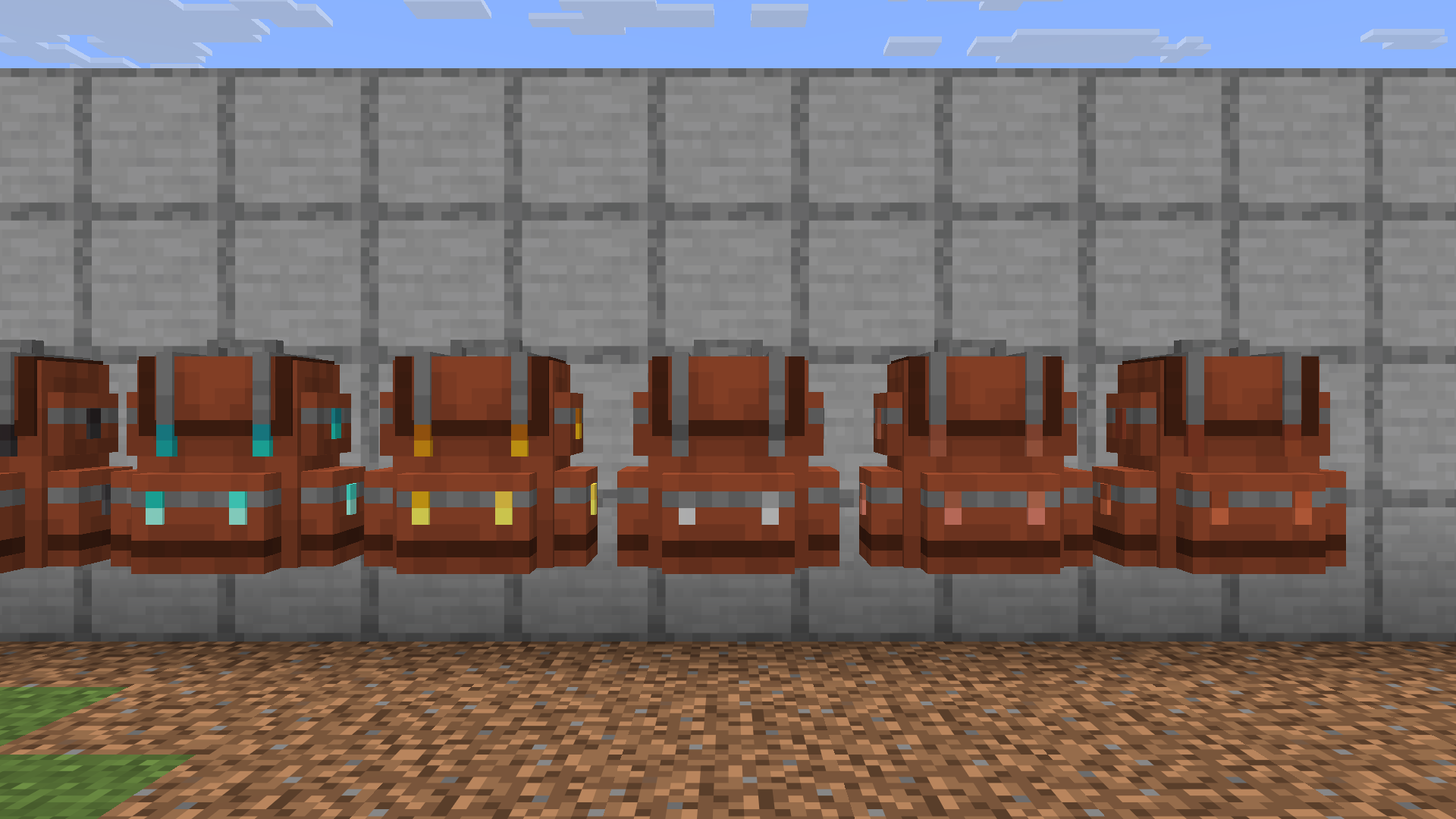
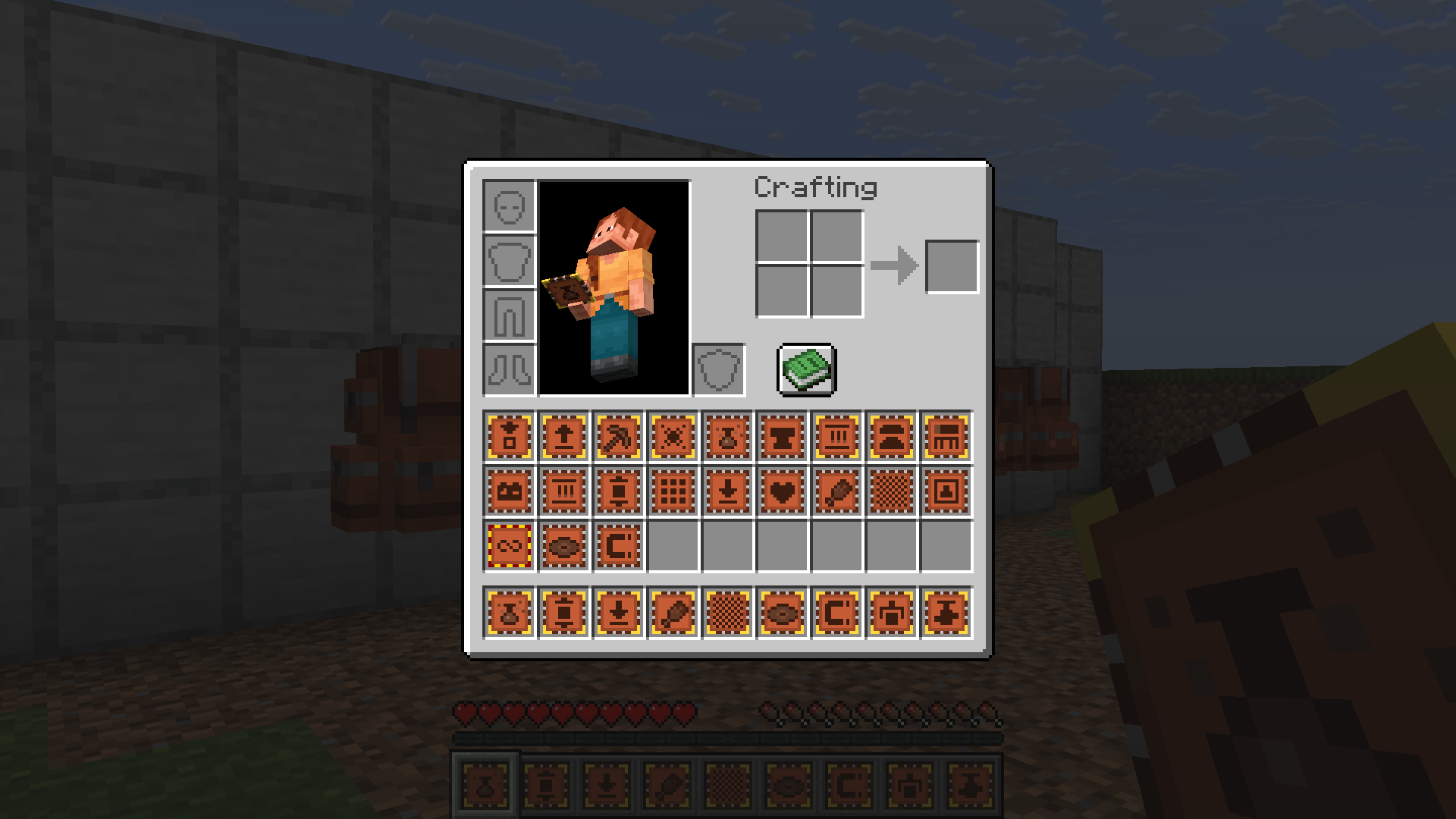
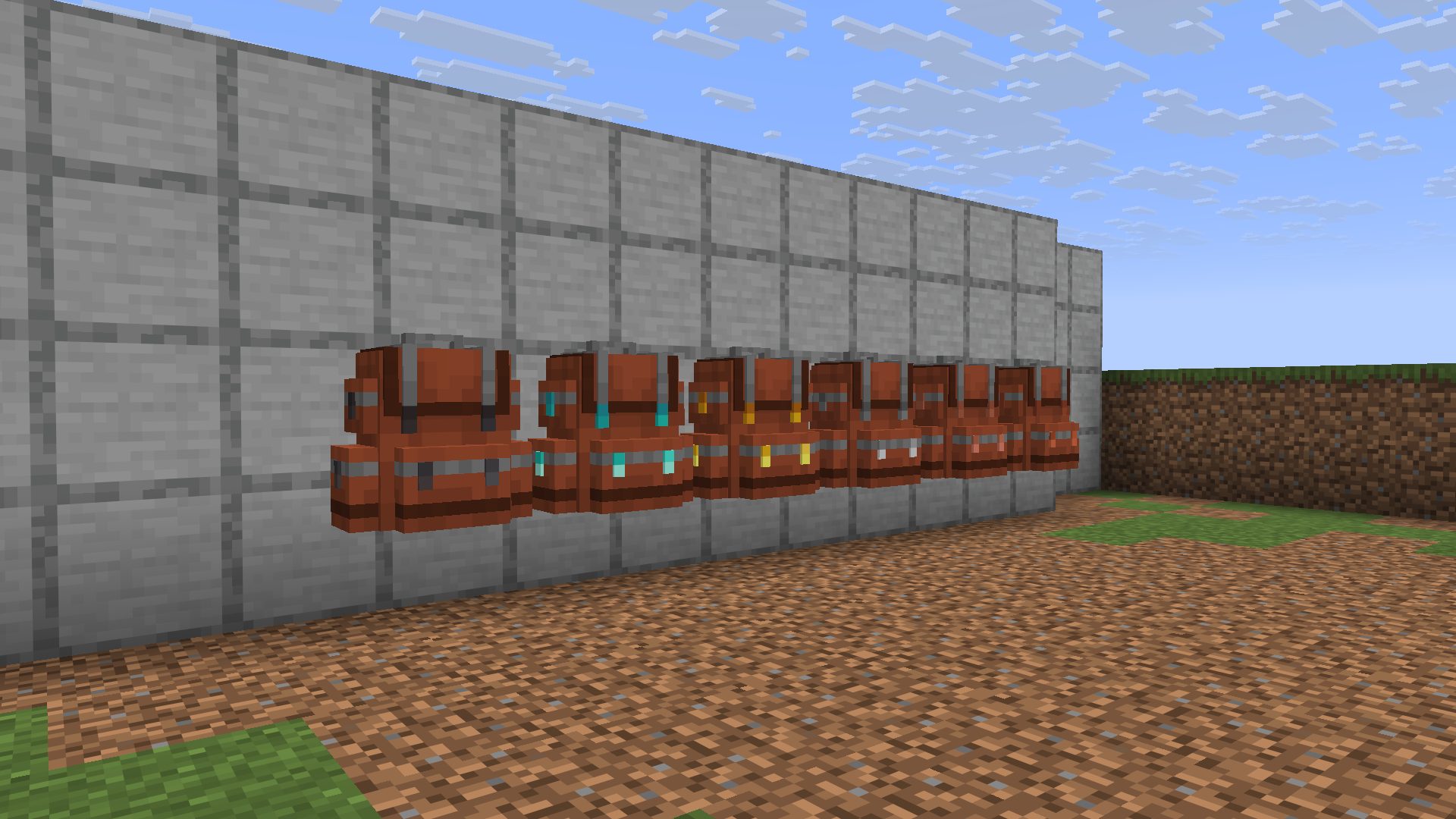
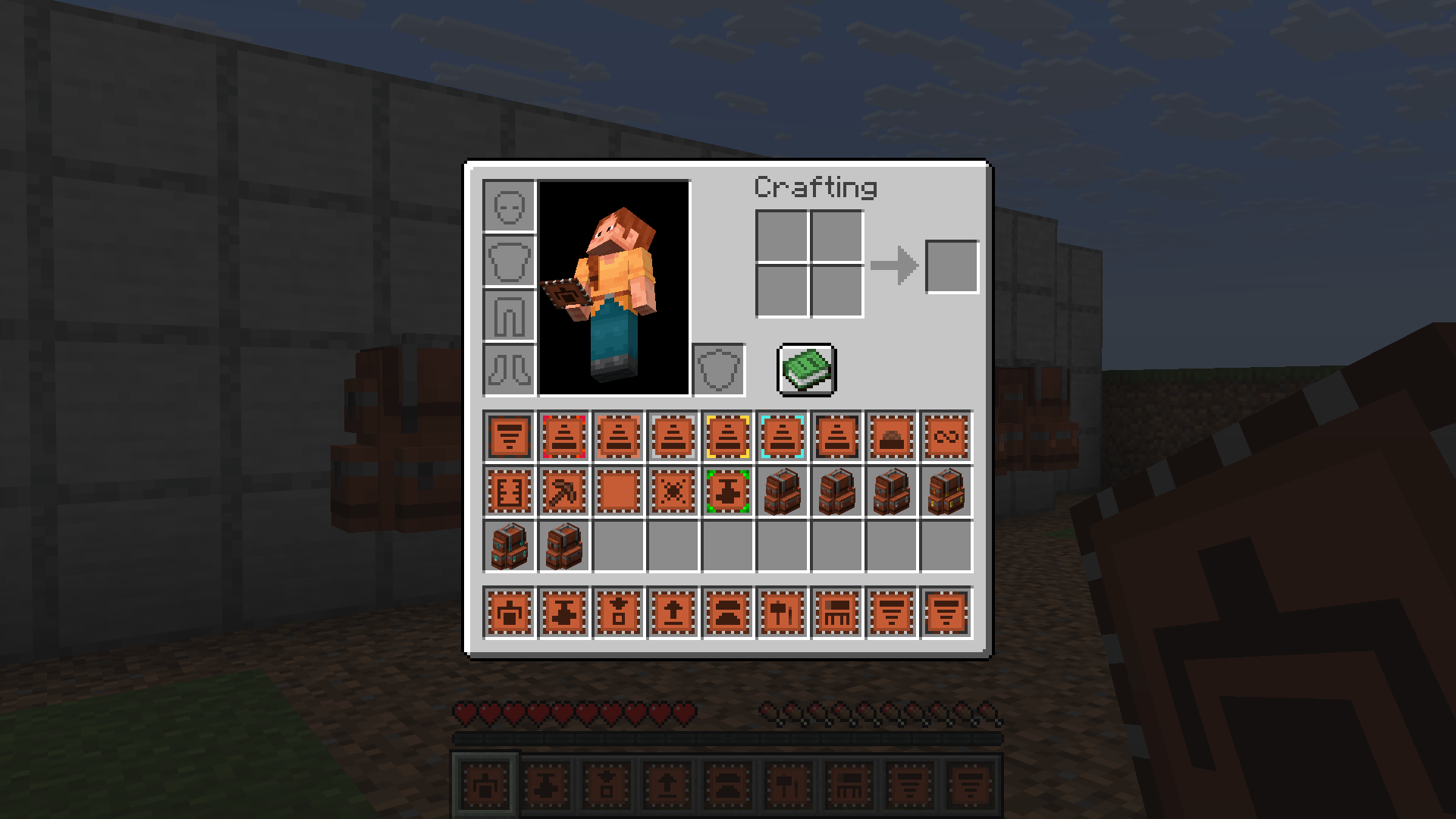
Create Style Sophisticated Backpacks Resource Pack reskins items from the Sophisticated Backpacks mod to match the visual style of Create. It replaces default bag textures and upgrade icons with industrial brass and mechanical details. This pack lets your storage gear blend right into your factory builds and automated setups.
Features:
- Changes backpack textures and models to fit the copper and brass look of Create.
- Updates upgrade item icons with matching mechanical details.
- Helps all your wearable storage items match industrial workshops and machinery builds.
Create Style Sophisticated Backpacks 9minecraft Resource Pack – Video Showcase
Screenshots:
Create Style Sophisticated Backpacks 9minecraft Resource Pack Download Links
Quick facts
- Edition: Minecraft Java
- File type: .zip (resource pack)
- How to install: Download the .zip resource pack — do not unzip it. → Put it in .minecraft/resourcepacks. → Enable it in Options → Resource Packs.
- Where to get it: Opens on the file's original source — not every file is mirrored on our own servers.
Install steps are the general flow for this file type — How to install Minecraft Java resource packs walks through it step by step.
Create Style Sophisticated Backpacks 9minecraft Resource Pack (26.3) – Sophisticated Backpacks in Create's Copper and Brass is a free Minecraft Java resourcepack. Download it and open it directly in the game.