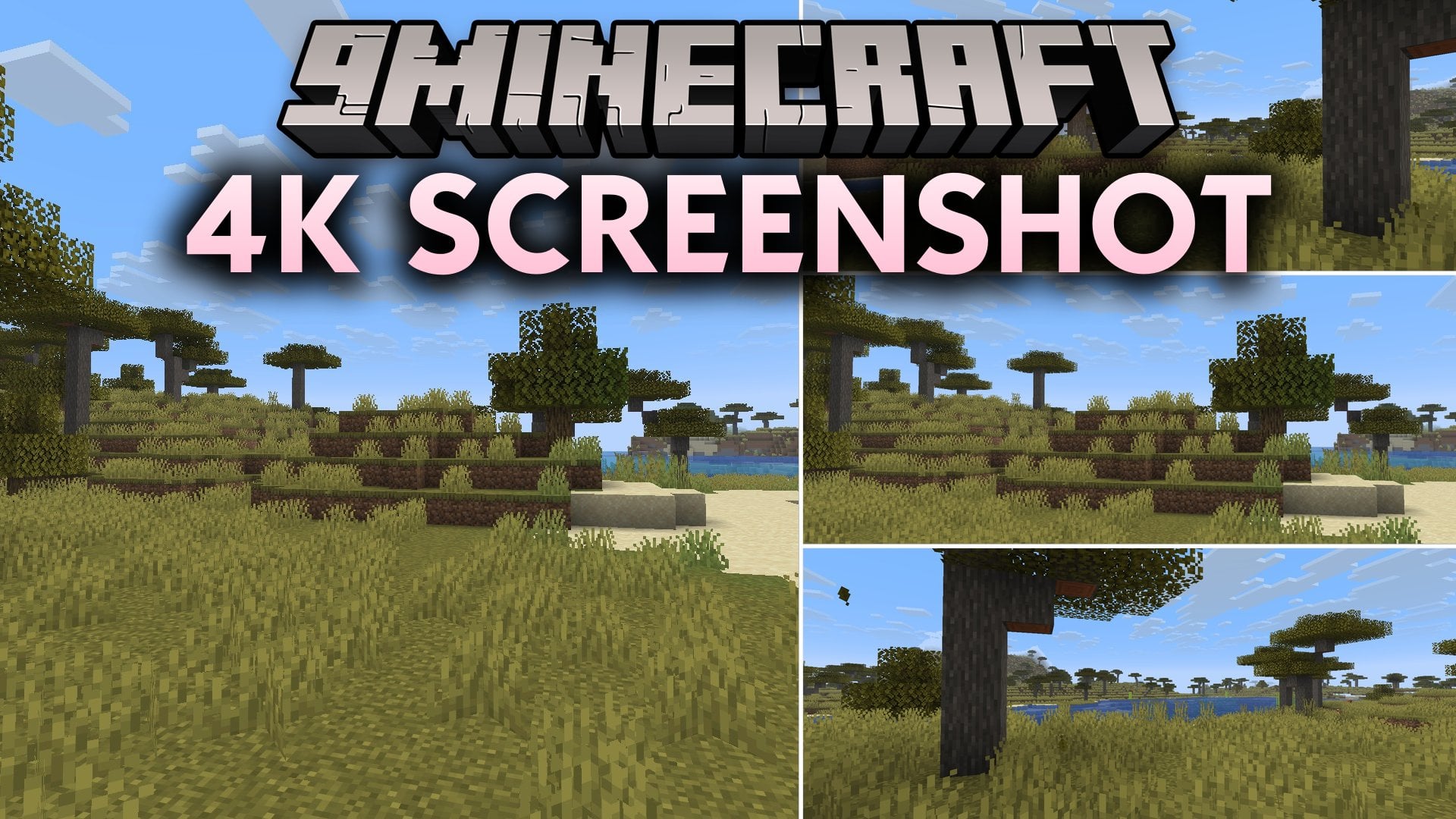
4K Screenshot 9minecraft Mod (26.3, 26.2) – Take Ultra High Resolution Photos
Minecraft Java mod. Download on the author's site.
⬇ Download


4K Screenshot 9minecraft Mod lets you capture super crisp pictures of your world far beyond your monitor display size. It renders the frame at the exact size you pick instead of stretching a small image later. Block edges stay clean and detailed every time you snap a photo. This mod helps you create clear wallpapers and show off your builds without blurry pixels.
Features:
- Lets you set any custom image width and height, or pick quick 1x, 2x, 3x, and 4x size presets.
- Renders the game world directly at the target resolution so details stay crisp.
- Hides your hotbar, hand, and crosshair automatically when you snap a shot.
- Lets you assign a separate keybind or replace the standard screenshot key.
- Creates custom file names using real time and world name tags.
- Includes an adjustable capture delay so shaders have time to finish lighting the frame.
4K Screenshot 9minecraft Mod – Video Showcase
How to Use:
- Open the Controls menu to check or change your capture keybind.
- Choose your desired resolution multiplier such as 2x, 3x, or 4x.
- Set your preferred capture delay if you play with active shaders.
- Press your capture key to take the picture and save it directly to your screenshots folder.
Controls:
F9– Take large screenshot. Rebind it under Options → Controls → Key Binds if that key is already taken.
Configuration:
Open the settings screen from the in-game mods list, or edit config/fabrishot.properties by hand. Every option below is stored there.
width/height– Output size in pixels,3840by2160out of the box. The one-click 1x / 2x / 3x / 4x buttons fill these in from your current window size.delay– How many frames to wait after the frame is resized,3by default. Raise it when shaders need longer to settle so the exposure comes out right.file_format–PNGby default, orJPG,TGA,BMP.custom_file_name– Filename pattern,huge_%time%by default.%time%becomes the timestamp and%world%the world or server name.hide_hud– Hides the hotbar, crosshair and chat for the capture only, then puts them straight back. Off by default.override_screenshot_key– Makes your normal screenshot key take the large capture instead, so you keep the key you already know. Off by default.save_file– Writes the finished image into your screenshots folder. On by default.
Screenshots:


4K Screenshot 9minecraft Mod Download Links
- Edition: Minecraft Java
- File type: .jar
- How to install: Install the matching mod loader (Forge, Fabric or NeoForge) for your Minecraft version. → Download the .jar. → Put it in the .minecraft/mods folder and launch that loader profile.
- Where to get it: Opens on the file's original source — not every file is mirrored on our own servers.
Install steps are the general flow for this file type — How to install Minecraft Java mods & modpacks walks through it step by step.
4K Screenshot 9minecraft Mod (26.3, 26.2) – Take Ultra High Resolution Photos is a free Minecraft Java mod. Download it and open it directly in the game.