ModsJava
Selene Client Mod (1.21.11) – Spot Hidden Targets and Win PvP Battles
Java mod listed for Minecraft 1.21. Downloads from the MC Java Mods app on Android.
⬇ Download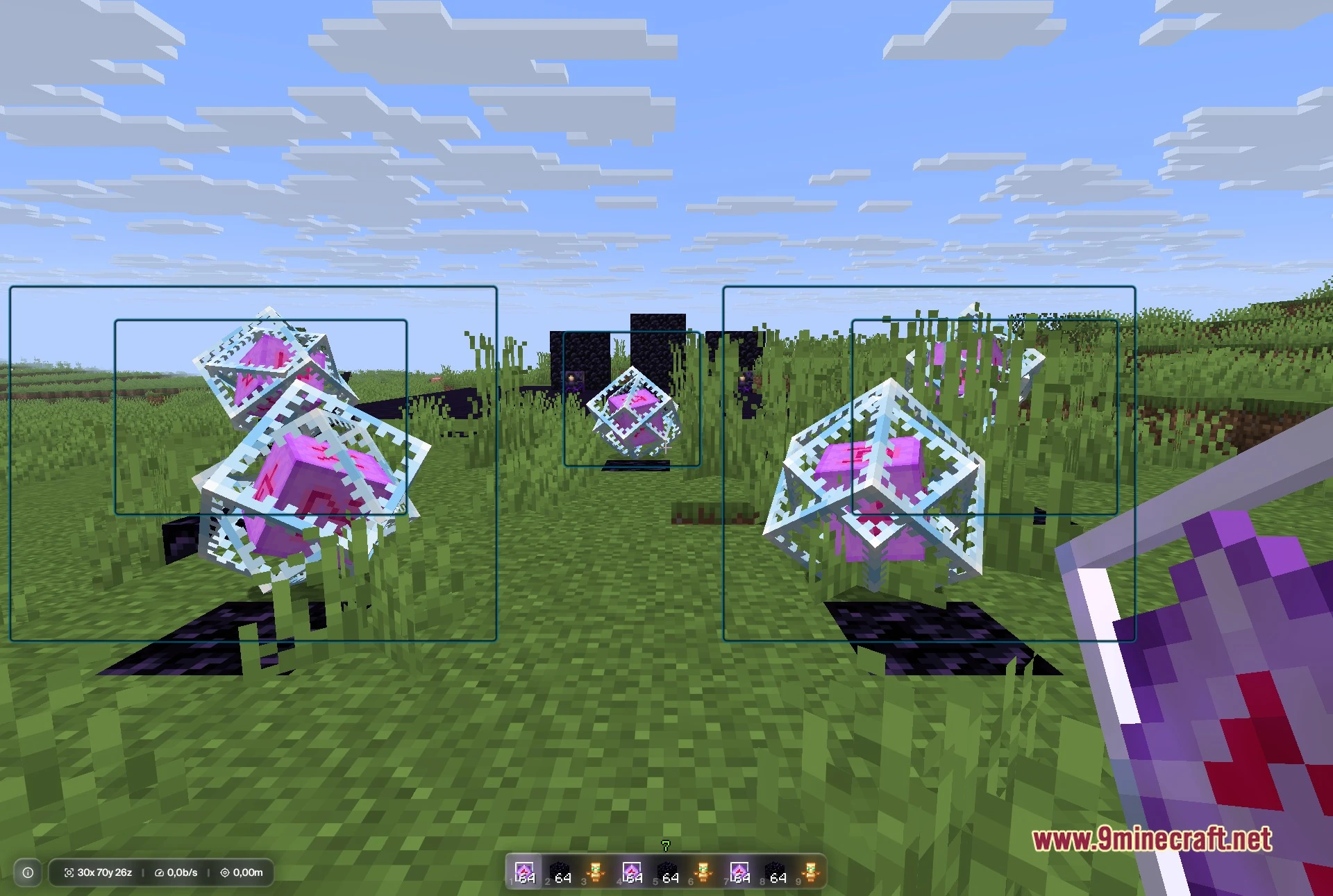
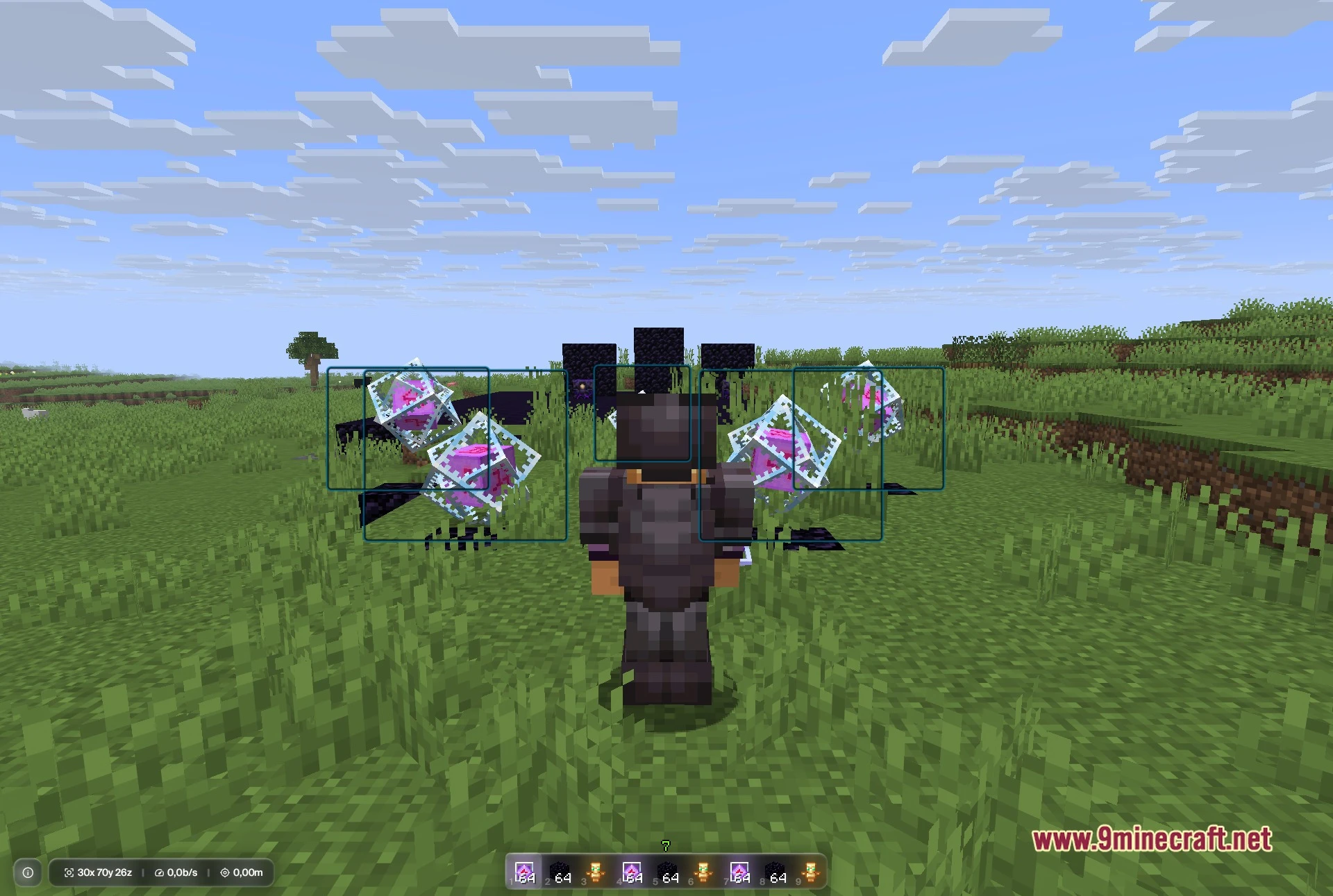
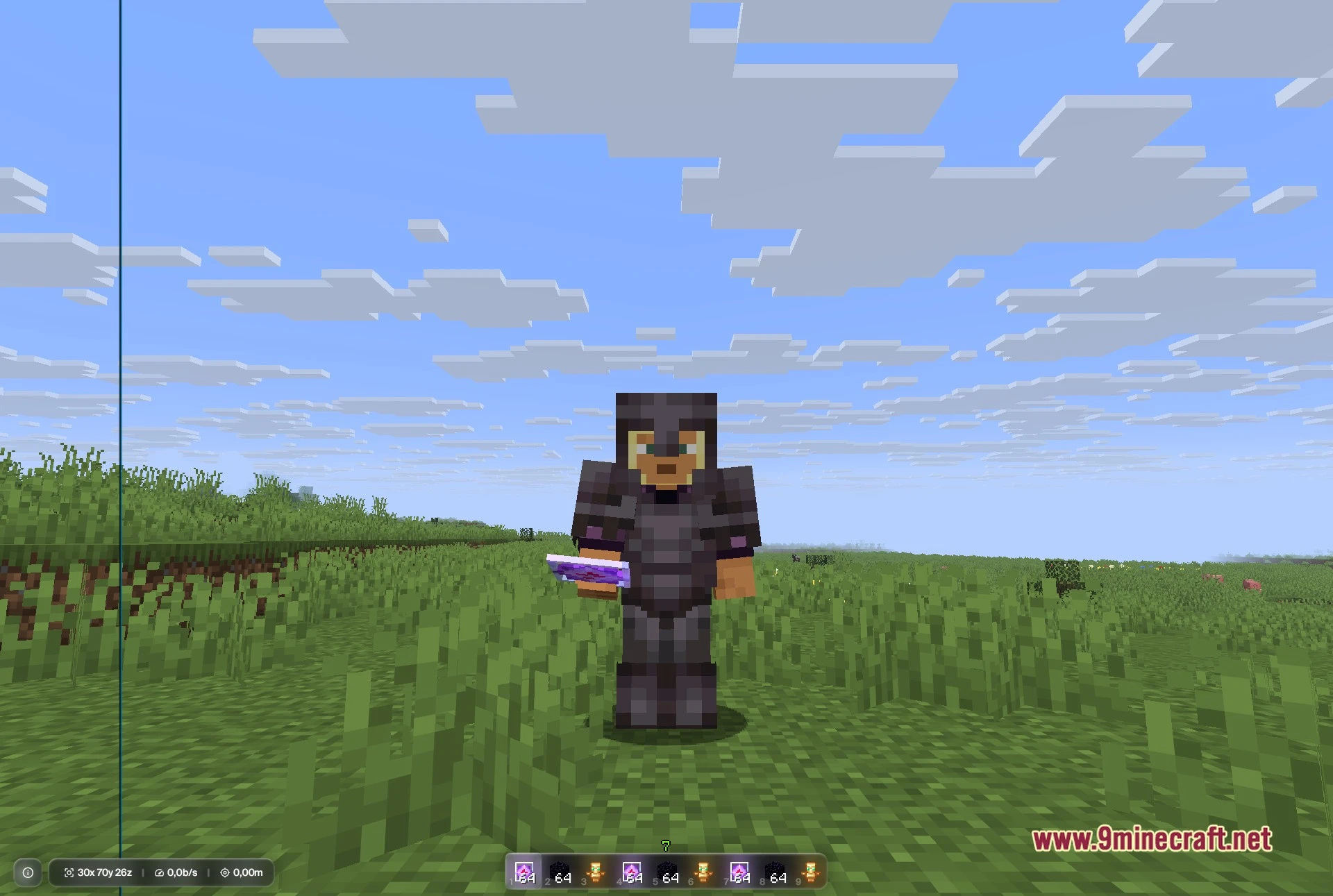
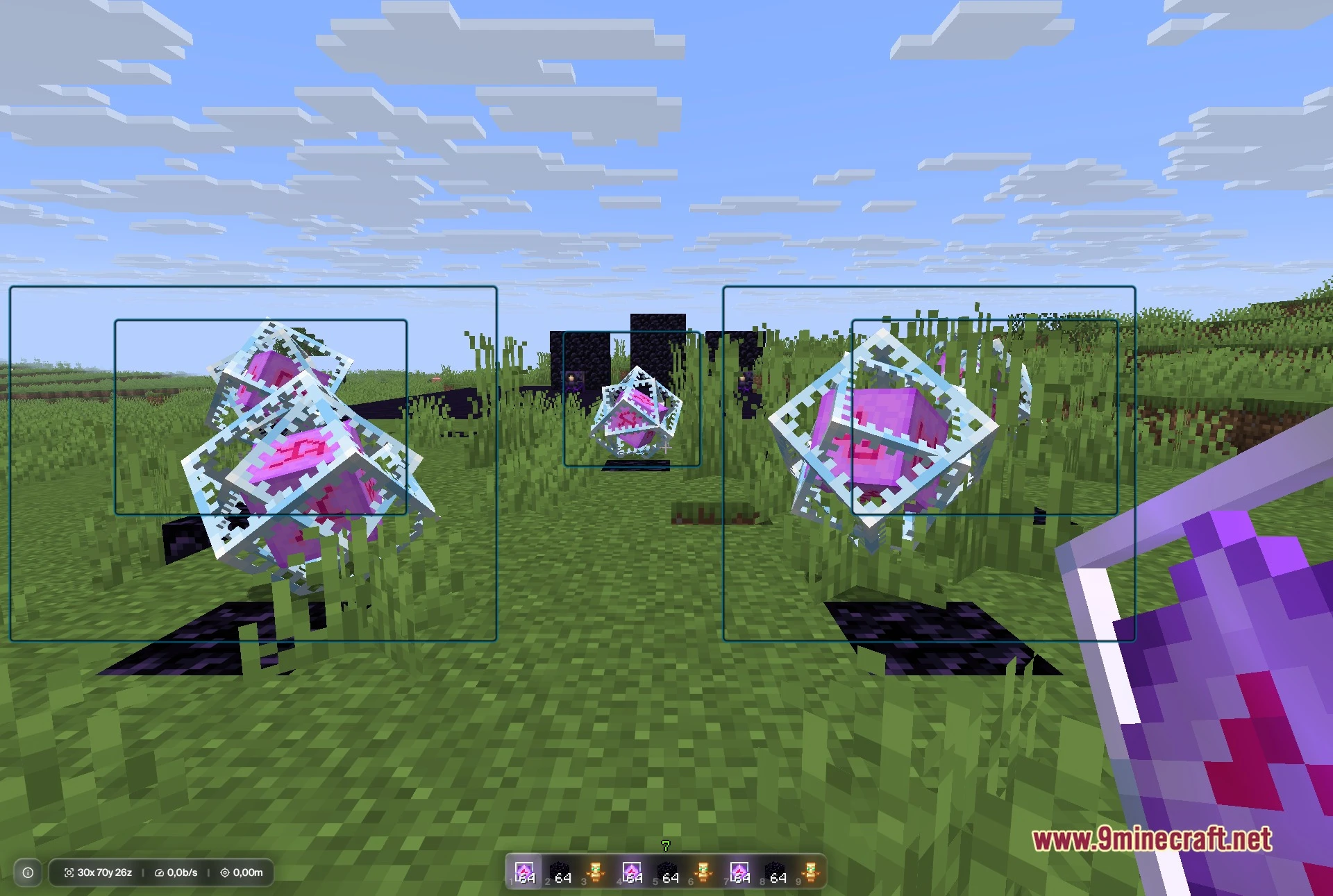
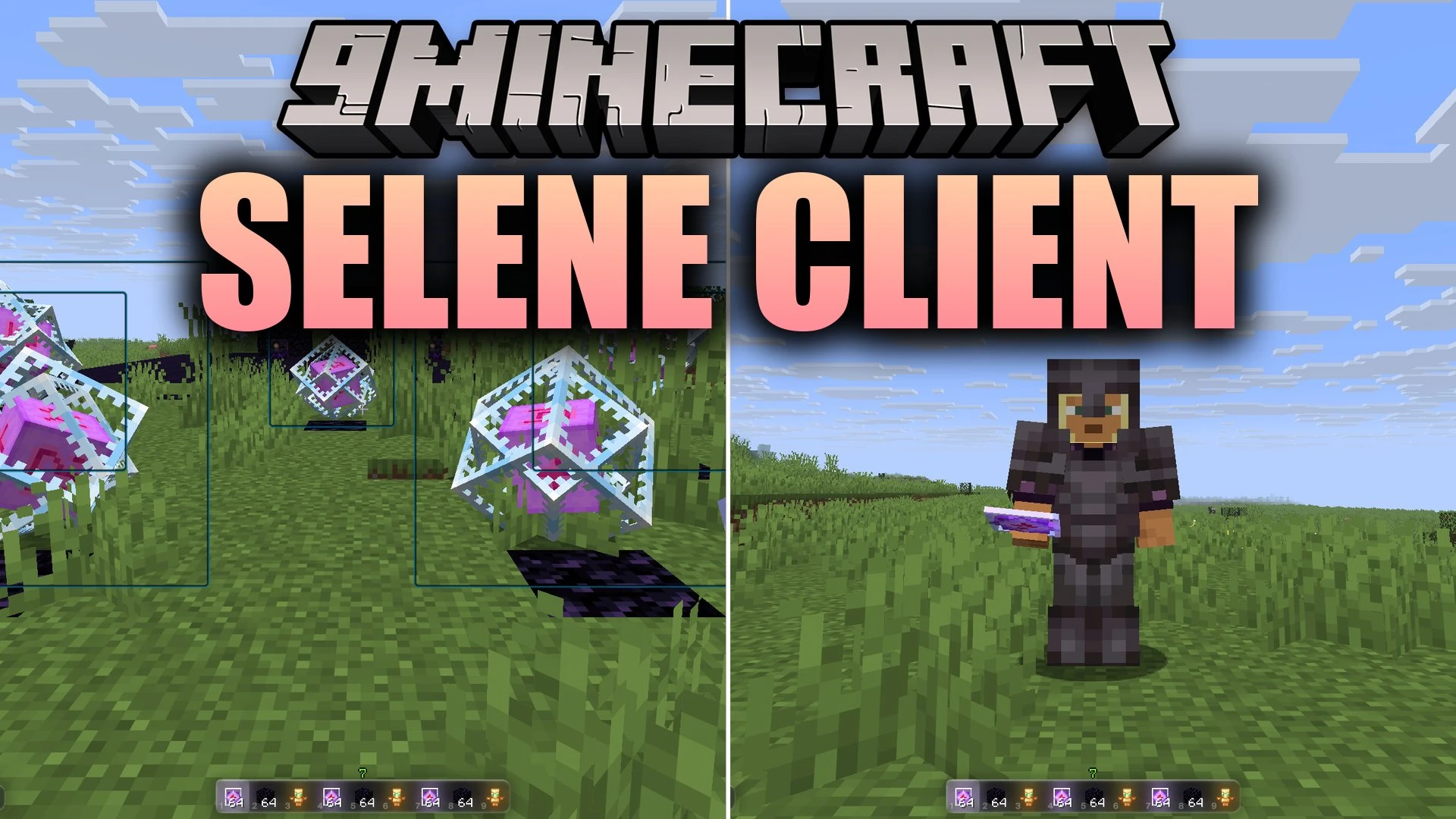
Selene Client Mod delivers a lightweight set of visual overlays, combat aids, and screen tweaks for multiplayer gameplay. It draws clean outlines around items, players, and storage containers so you always spot targets right away. The mod includes a HUD editor that lets you drag and place information widgets anywhere on your screen. You also get movement helpers and scouting tools to stay ahead during competitive matches.
Features:
- ESP Outlines: Highlights players, dropped items, chests, shulker boxes, and amethyst clusters through solid walls.
- SMP Finder Tools: Scans nearby chunks, marks safe holes, and hides names on screen for private recording.
- Custom HUD Editor: Stacks active module lists, potion timers, keystrokes, target stats, and totem counts with drag-and-drop placement.
- Combat and Movement Helpers: Offers Aim Assist, Trigger Bot, Shield Breaker, Auto Mace, W-Tap, and Toggle Sprint.
- Renders projectile paths and jump markers directly in the world to help line up shots.
- Packs in Freecam mode and Zoom to scout distant terrain or enemy bases safely.
- Displays live server map tiles directly on your screen as a handy minimap.
- Lets you manage custom friend and target lists with quick chat commands.
- Assigns custom keybinds to any module for instant toggle during gameplay.
Best Used For:
- Spotting hidden loot and enemy players from far away.
- Surviving and raiding on Donut SMP style economy servers.
- Practicing crystal PvP and fast combat mechanics.
- Building a clean, personalized HUD layout that fits your screen.
- Scouting enemy bases safely using the Freecam tool.
Screenshots:
Selene Client Mod Download Links
Quick facts
- Edition: Minecraft Java
- File type: .jar
- Minecraft version listed: 1.21.11
- How to install: Install the matching mod loader (Forge, Fabric or NeoForge) for your Minecraft version. → Download the .jar. → Put it in the .minecraft/mods folder and launch that loader profile.
- Where to get it: In MC Java Mods, or directly above on this page.
Install steps are the general flow for this file type — How to install Minecraft Java mods & modpacks walks through it step by step.
File checked by MCModsHub
- Downloads as 517916.mcaddon
- Download size: 14.5 MB
- Download link checked 29 Sept 2026 — working
- Mirrored on our own servers — the download does not depend on the original host
These come from our own check of the pack file, not from the source page.