ModsJava
Boze Standard Client Mod (26.2) – Dominate Crystal PvP on Anarchy Servers
Minecraft Java mod. Downloads from the MC Java Mods app on Android.
⬇ Download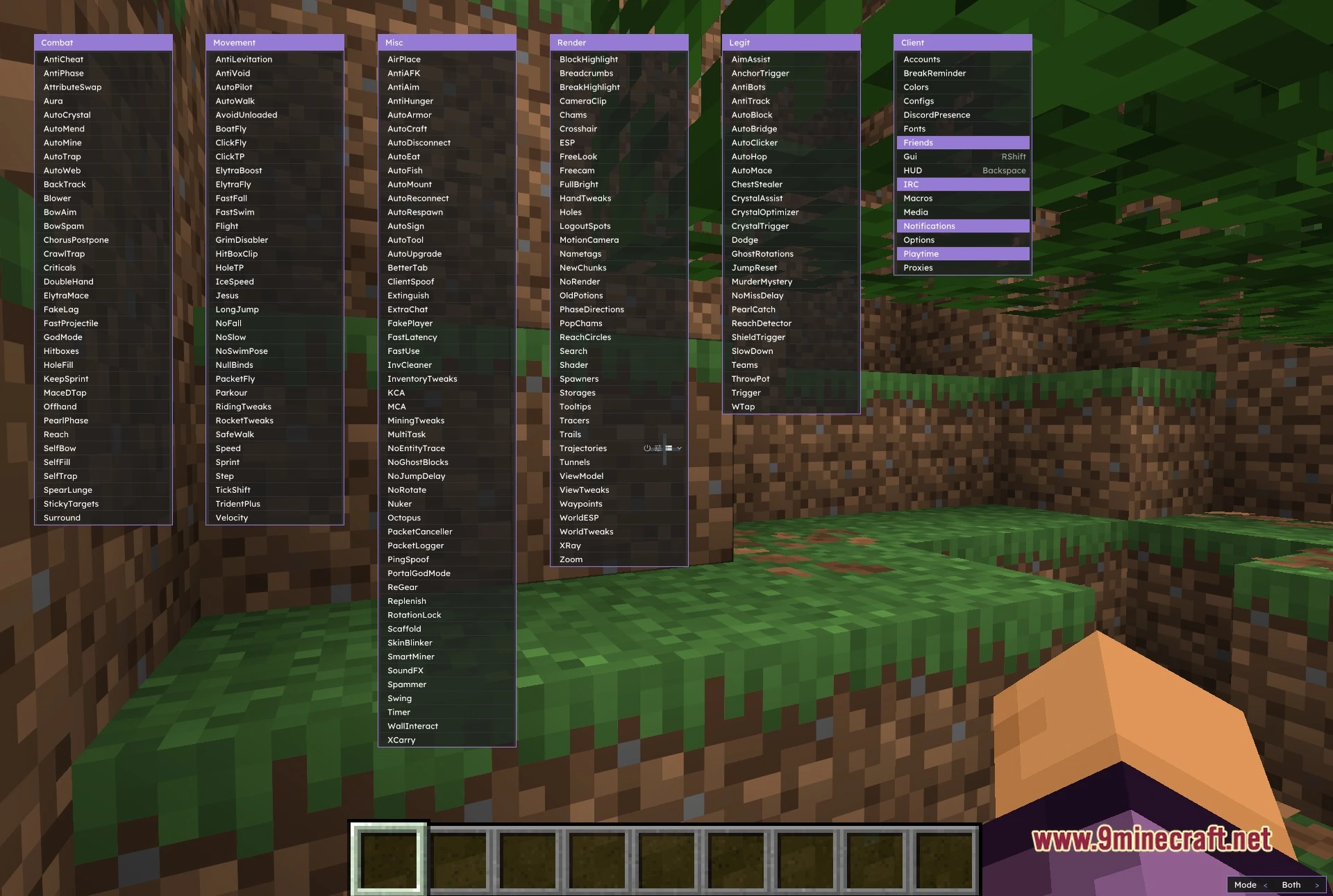
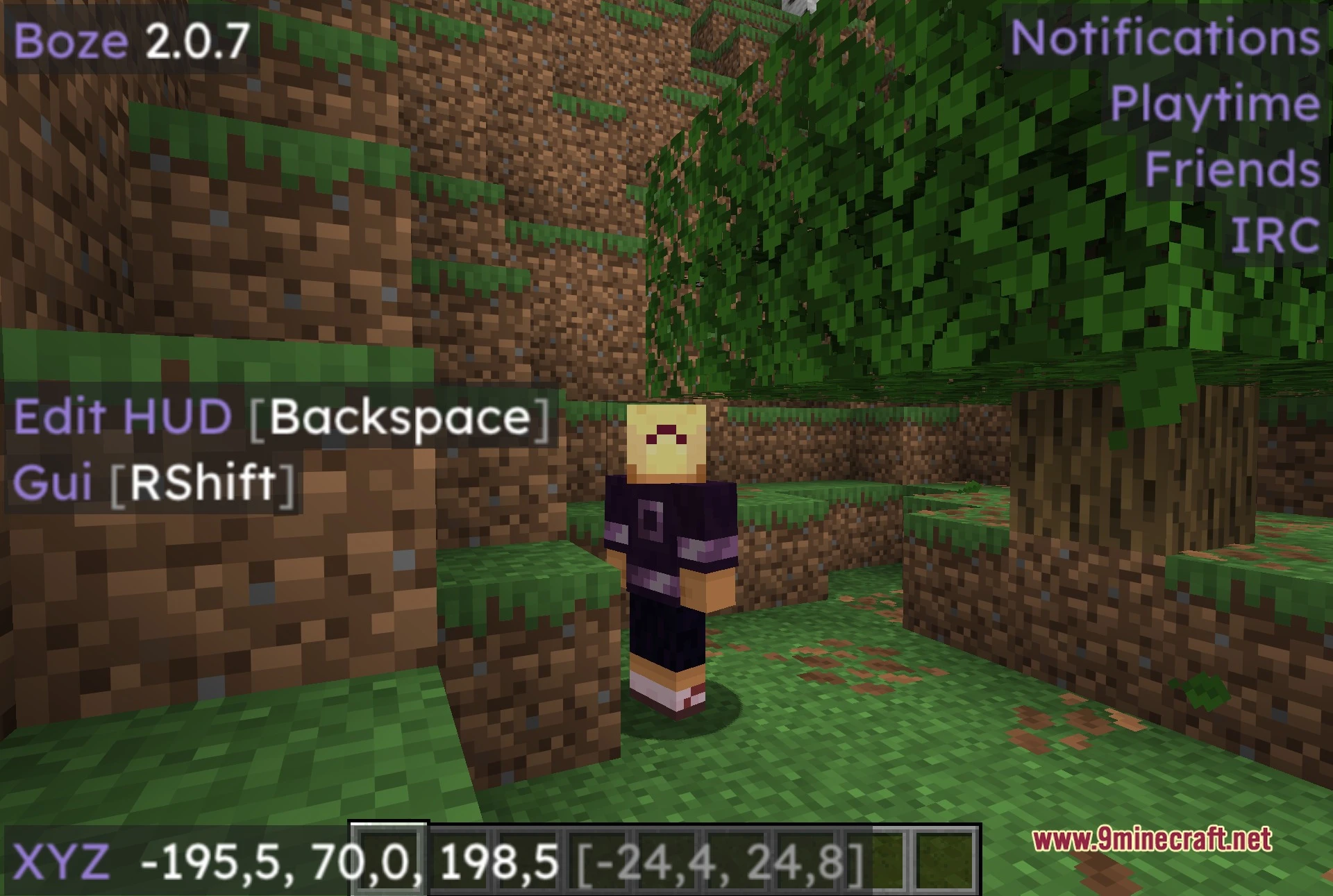
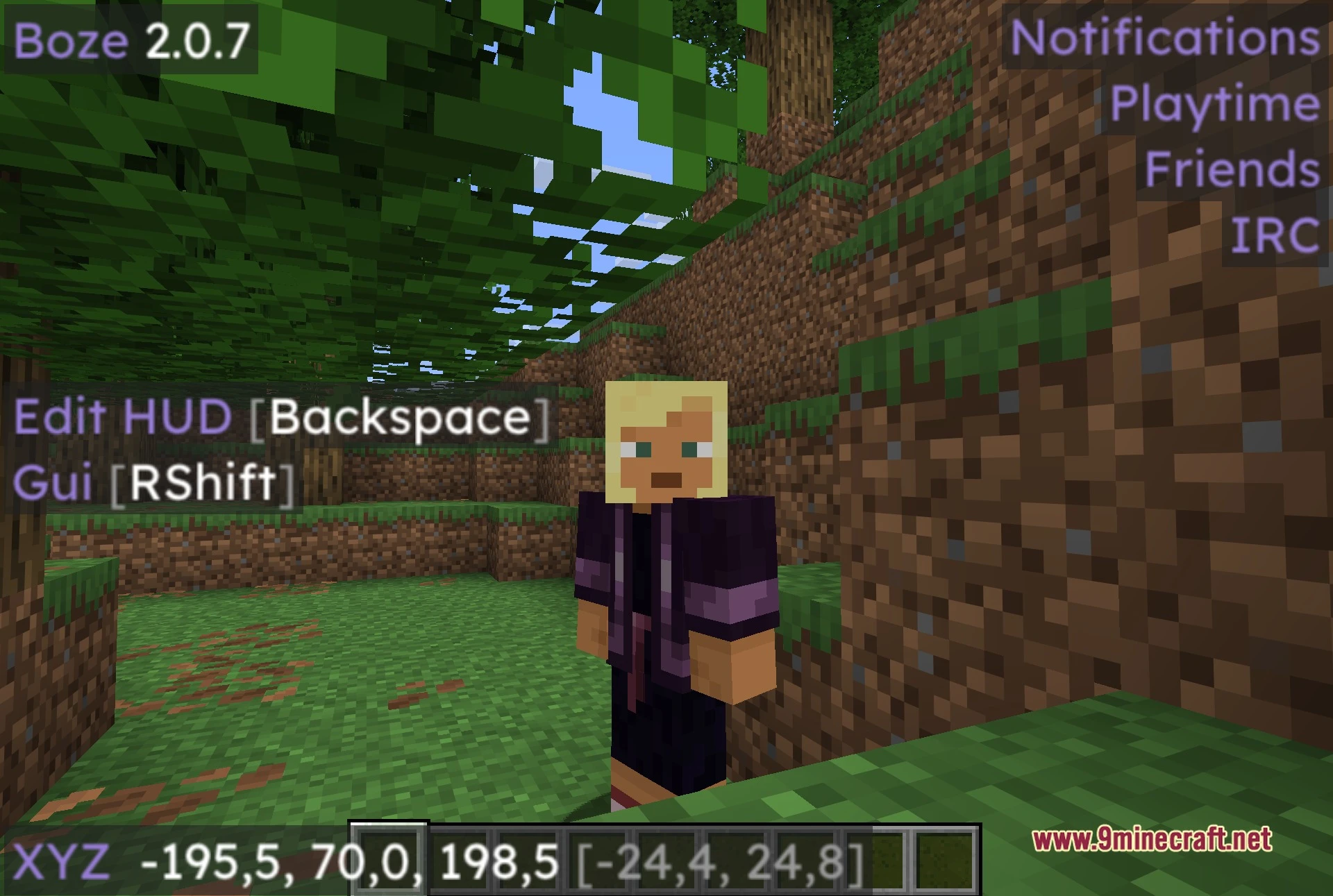
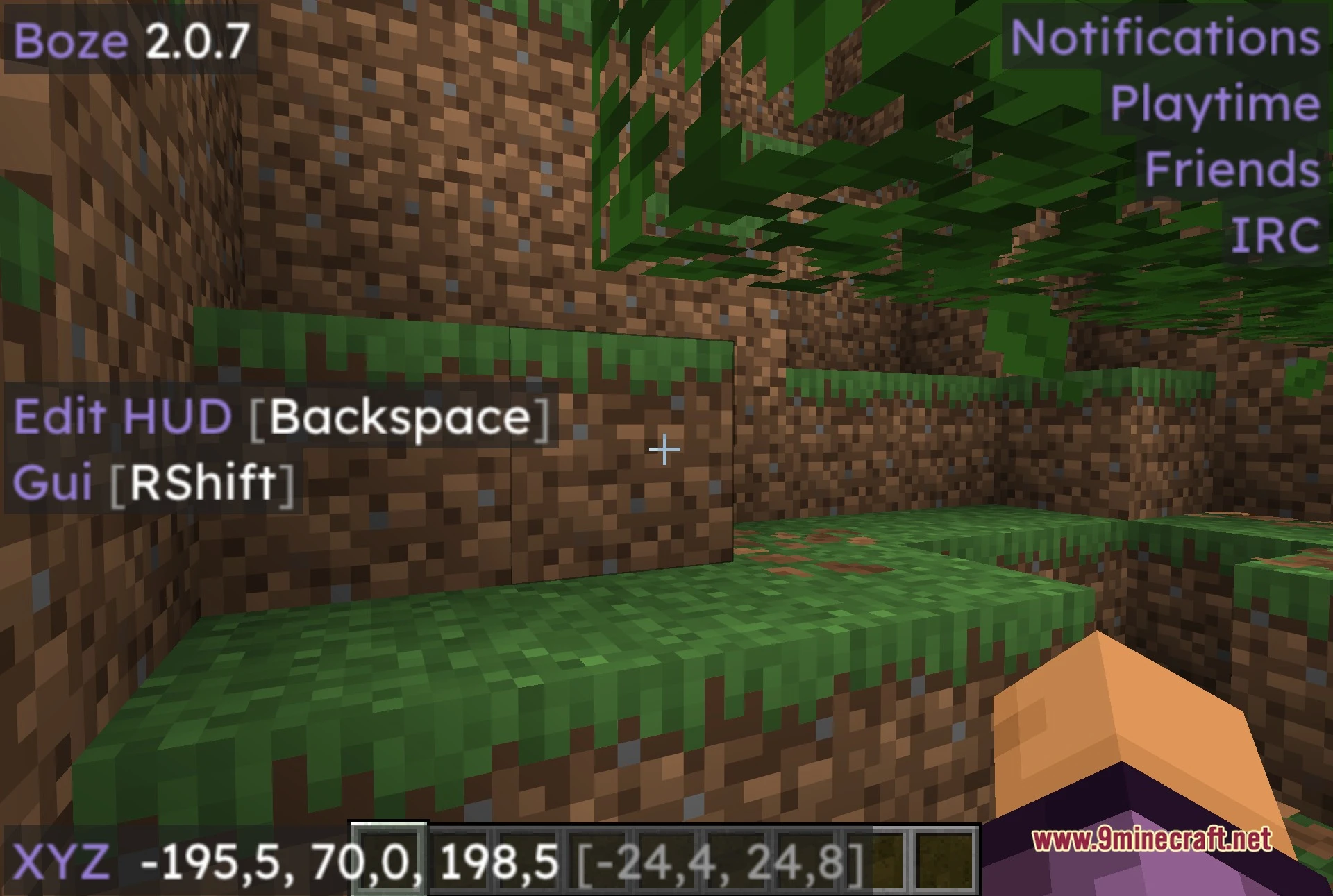
Boze Standard Client Mod equips you with a huge array of tools and visual options for multiplayer gameplay. It divides its tools into clear columns so you can find what you need quickly. You can adjust combat helpers, travel abilities, block scanners, and screen overlays to match your playstyle. Everything runs right from an on-screen menu with custom keybinds for every module.
Features:
- Six Column Menu: Organizes all tools neatly into Combat, Movement, Misc, Render, Legit, and Client categories.
- Combat Toolkit: Supplies tools like Aura, AutoCrystal, Surround, AutoTrap, and Criticals for fast-paced fights.
- Render Suite: Highlights chests, players, spawners, and search targets across the terrain with custom outlines and tracers.
- Grants travel options like Flight, ElytraFly, LongJump, Speed, and SafeWalk to help you cross large landscapes.
- Provides a separate Legit category with AimAssist, AutoClicker, and JumpReset for smoother, low-profile gameplay.
- Helps you manage multiple alt accounts and proxy settings directly inside the game interface.
- Lets you build a custom HUD overlay with draggable elements to monitor ping, armor, and active modules.
- Lets you save and load distinct profile configs for different servers.
- Allows you to bind custom keyboard shortcuts to any individual module for instant access.
Best Used For:
- Surviving and fighting on anarchy servers.
- Practicing and mastering fast crystal PvP.
- Locating underground bases, stashes, and storage rooms.
- Managing multiple accounts and saved setting profiles.
- Keeping a clean and informative on-screen HUD.
Screenshots:
Boze Standard Client Mod Download Links
Quick facts
- Edition: Minecraft Java
- File type: .jar
- How to install: Install the matching mod loader (Forge, Fabric or NeoForge) for your Minecraft version. → Download the .jar. → Put it in the .minecraft/mods folder and launch that loader profile.
- Where to get it: In MC Java Mods, or directly above on this page.
Install steps are the general flow for this file type — How to install Minecraft Java mods & modpacks walks through it step by step.
File checked by MCModsHub
- Downloads as 517917.mcaddon
- Download size: 8.5 MB
- Download link checked 29 Sept 2026 — working
- Mirrored on our own servers — the download does not depend on the original host
These come from our own check of the pack file, not from the source page.