# Moroccan Translation
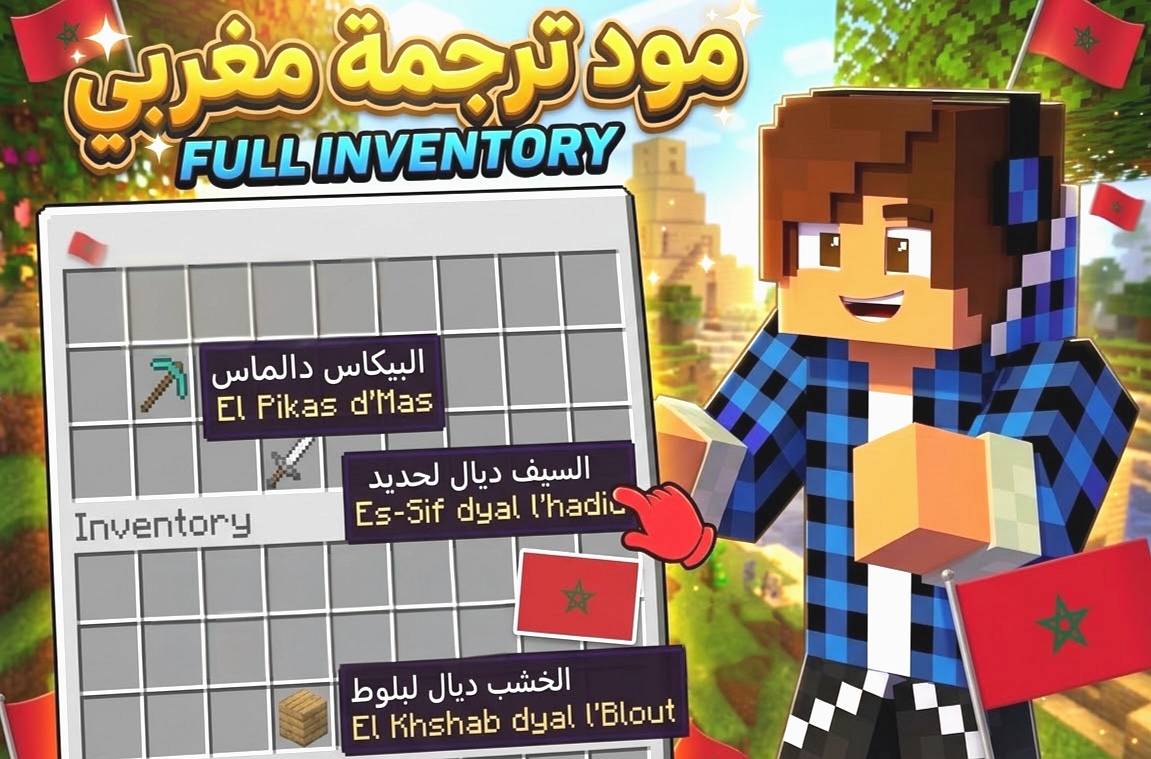
This resource pack translates Minecraft Bedrock Edition into Moroccan Arabic (Darija) — items, blocks, mobs, potions, enchantments, and most of the game's UI.
## How to Install
1. Download the .mcpack file
2. Open it — it will install automatically into Minecraft
3. Apply it as a Global Resource Pack (or add it to your world)
4. Go to Settings > Language and select Arabic (العربية)
## Credits
This mod was made by YouTuber @2KAYRS
Telegram: @KAYRS9
## Notes
This translation is still being expanded — feedback and suggestions are welcome via Telegram.
- Edition: Minecraft Bedrock
- File type: .mcpack or .mcaddon
- Minecraft versions listed: 26.0.02, 26.0, 26.3
- How to install: Download the .mcpack or .mcaddon file. → Open it — Minecraft imports it. → In your world: Behavior Packs → Available → Activate, then the same under Resource Packs.
- Where to get it: Opens on CurseForge — not every file is mirrored on our own servers.
Install steps are the general flow for this file type — How to install Minecraft Bedrock addons & mods walks through it step by step.
- Pack type: .mcpack — a single pack
- Manifest requires Minecraft 1.20.0 or newer
- Complete pack — everything it depends on is inside the file
- Download size: 3.5 MB
- Download link checked 29 Sept 2026 — working
These come from our own check of the pack file, not from the source page.