Lucky Blocks (26+, 1.21) – MCPE/Bedrock Addon
Bedrock add-on listed for Minecraft 1.19–1.21 (behavior + resource pack). File opened and checked on 29 Sep 2026; installs from the MC Bedrock Mods app on Android.
⬇ Download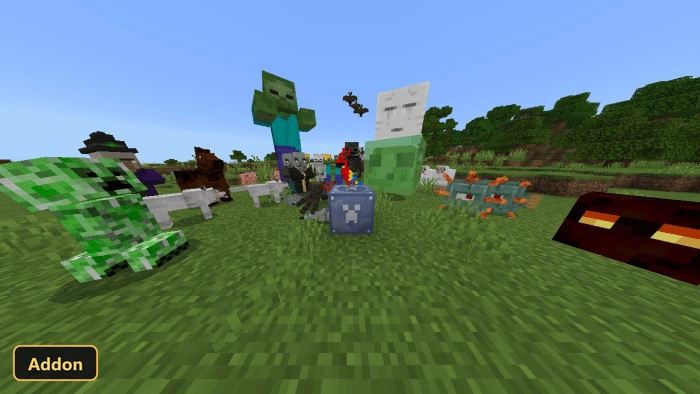
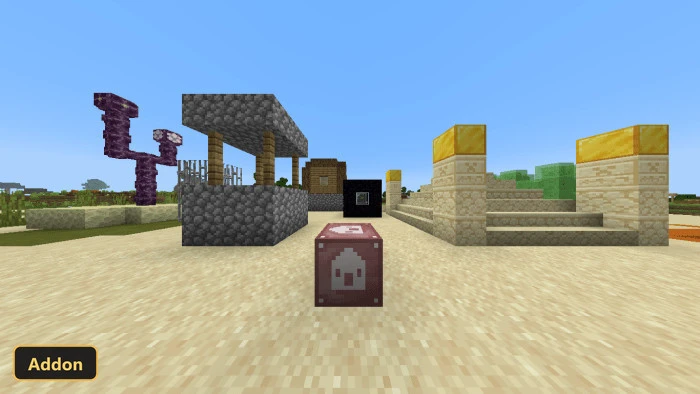
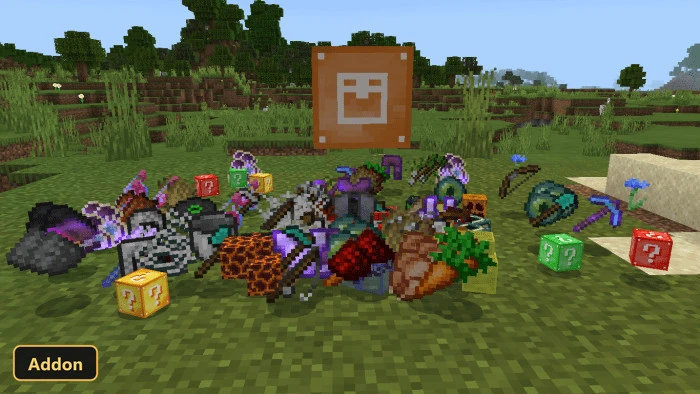
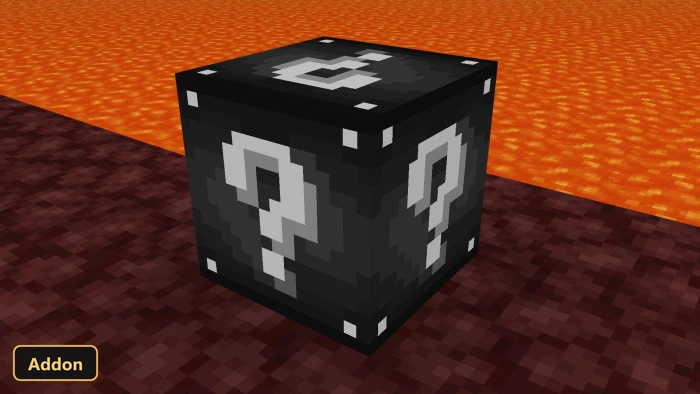
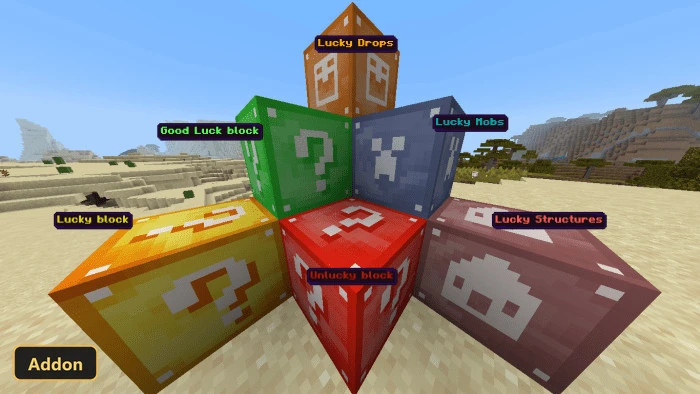
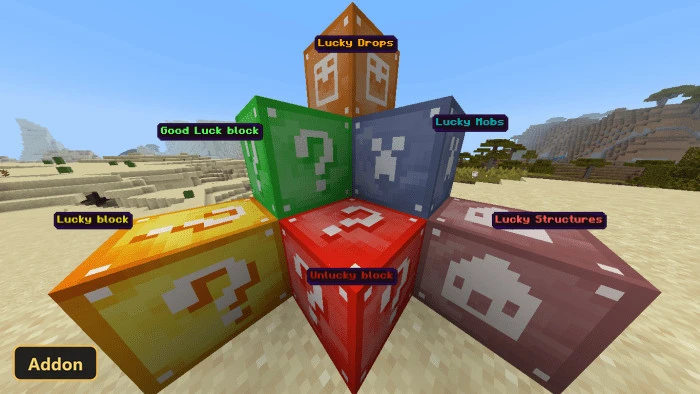
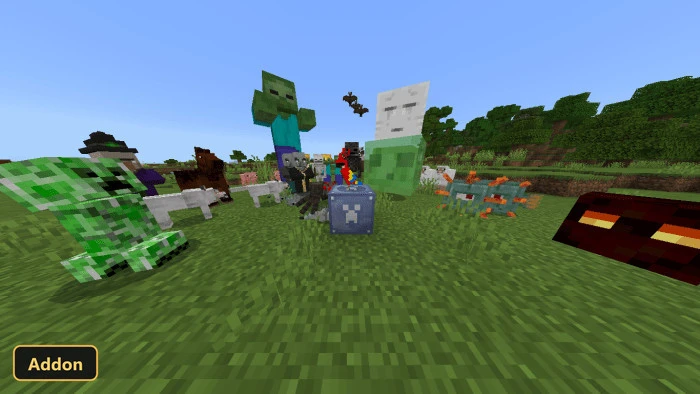
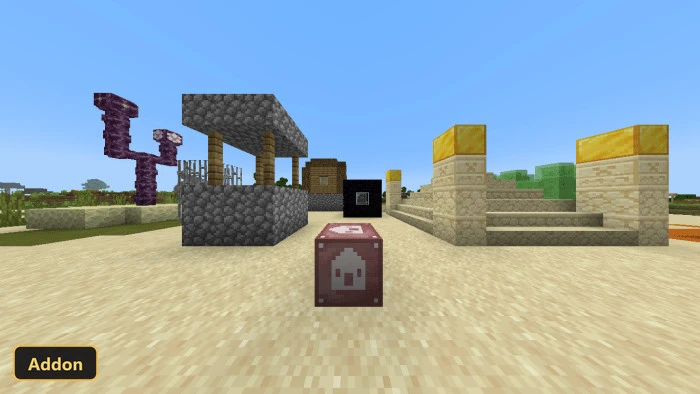
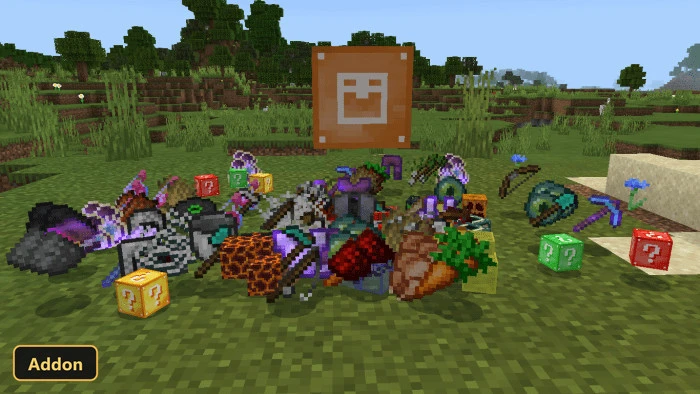
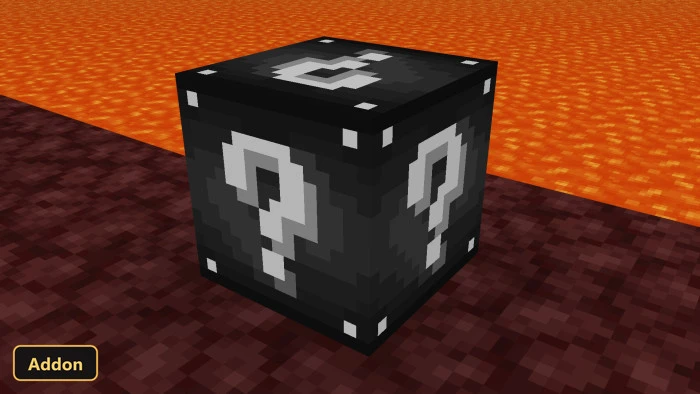
The Lucky Blocks addon introduces a variety of new interactive blocks and items to the game, significantly expanding the possibilities within any world where experimental features are enabled. Players can discover or craft several distinct types of these blocks, each designed to produce a different range of outcomes upon interaction. Alongside the original lucky block, new variants include blocks that lean towards either beneficial or detrimental results, as well as specialized blocks that generate only mobs, structures, or drops. A particularly unique withered lucky block also exists, known for yielding distinctive weapons.
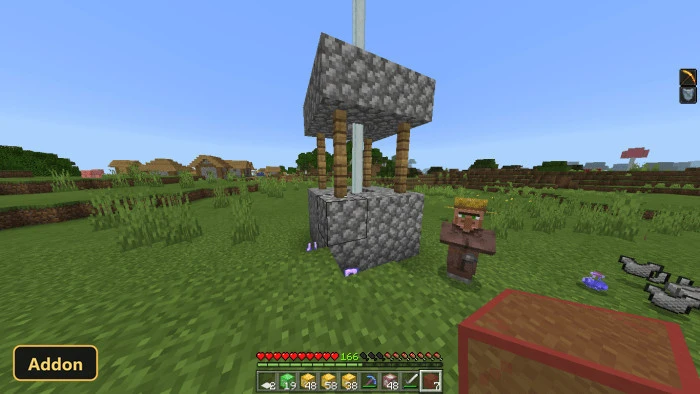
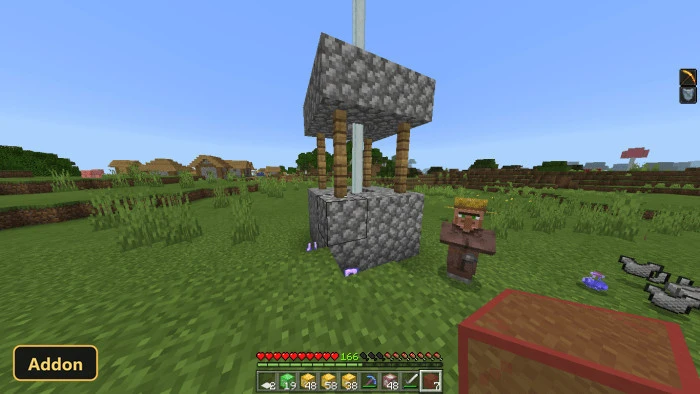
In addition to the blocks themselves, the addon also integrates a fully functional fountain. By throwing an item into its water, players can activate various effects. Crafting specific lucky blocks involves unique in-game interactions, such as using an experience bottle on a standard lucky block to create a good luck block, or having lightning strike a lucky block to yield an unlucky block. The withered lucky block, conversely, is acquired by defeating wither skeletons. The addon also adds new armor and a sword of luck, which players can find during their adventures. These additions aim to introduce an element of chance and surprise to every gameplay session, whether in single-player or multiplayer environments.
Requirements:
- MCPE/Bedrock 1.21.20 – 1.21.93
all 11 versions1.21.93, 1.21.90, 1.21.82, 1.21.81, 1.21.80, 1.21.70, 1.21.60, 1.21.50, 1.21.40, 1.21.30, 1.21.20
- Turn on Experimental Features — this addon uses scripting APIs
Features:
- damage
- Christmas Grenade
- Name
- Tnt
- Events
- explotion
- Fake Fireball
- Fire
- Grenade
- Plus 21 more items, mobs and blocks
Screenshots:
- Edition: Minecraft Bedrock
- File type: .mcpack or .mcaddon
- Minecraft version listed: 1.21
- How to install: Download the .mcpack or .mcaddon file. → Open it — Minecraft imports it. → In your world: Behavior Packs → Available → Activate, then the same under Resource Packs.
- Where to get it: In MCModsHub, or directly above on this page.
Install steps are the general flow for this file type — How to install Minecraft Bedrock addons & mods walks through it step by step.
- Pack type: .mcaddon — behaviour and resource pack in one file
- Manifest requires Minecraft 1.19.70 or newer
- Complete pack — everything it depends on is inside the file
- Download link checked 29 Sept 2026 — working
- Mirrored on our own servers — the download does not depend on the original host
These come from our own check of the pack file, not from the source page.