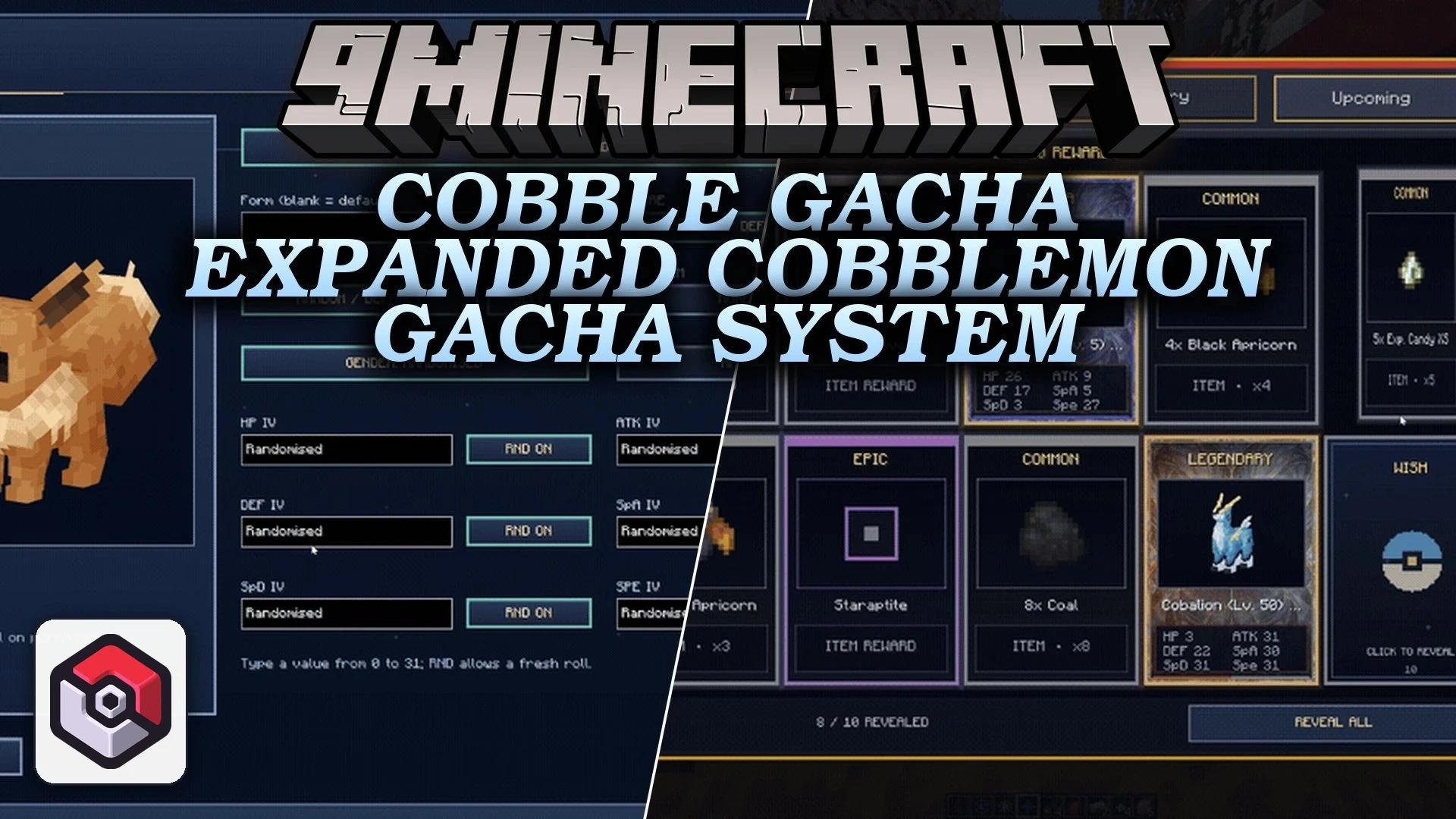


Cobble Gacha Expanded Cobblemon Gacha System Mod extends Cobblemon with animated banner pulls, pity guarantees, and reward shops. Players collect currencies like Wishlight and Wishprism to pull for featured Pokémon with custom stats, forms, and shiny chances. The mod includes daily login gifts, pull history tracking, and built-in editor screens to manage banner schedules without leaving your world.
Features:
- Runs multiple limited-time banners at the same time for different Pokémon groups.
- Features a pity and fifty-fifty guarantee system so players always get high-rarity rewards.
- Plays animated pull sequences with rarity card reveals whenever you spend currencies.
- Schedules upcoming banners to rotate automatically on set timers.
- Includes an in-game banner editor to build custom banners directly from the menu.
- Customizes individual Pokémon rewards including IVs, abilities, natures, genders, held items, and shiny odds.
- Adds Wishlight and Wishprism currencies that players earn directly from gacha pulls.
- Features a Wish Exchange shop where players trade earned currencies for items and Pokémon.
- Places active banner Pokémon into the exchange shop automatically.
- Offers daily login rewards with customizable drop pools and rarity weights.
- Displays detailed pull history logs and lists upcoming banners.
Commands:
/gacha: Opens the main banner interface./gachamenu: Opens the gacha menu window.
How to Use:
- Press Enter and type
/gachaor/gachamenuto open the banner screen. - Pick an active banner and spend your Wishlight or Wishprism to start pulling.
- Watch the pull animation to see your newly acquired Pokémon and bonus items.
- Open the Wish Exchange menu to trade leftover tokens for specific items and Pokémon.
Screenshots:

Cobble Gacha Expanded Cobblemon Gacha System Mod Download Links
Quick facts
- Edition: Minecraft Java
- File type: .jar
- Minecraft version listed: 1.21.1
- How to install: Install the matching mod loader (Forge, Fabric or NeoForge) for your Minecraft version. → Download the .jar. → Put it in the .minecraft/mods folder and launch that loader profile.
- Where to get it: In MC Java Mods, or directly above on this page.
Install steps are the general flow for this file type — How to install Minecraft Java mods & modpacks walks through it step by step.
Verified by MCModsHub
- Downloads as 518315.mcaddon
- Download size: 19.2 MB
- Download link checked 30 Sept 2026 — working
- Mirrored on our own servers — the download does not depend on the original host
These come from our own check of the pack file, not from the source page.