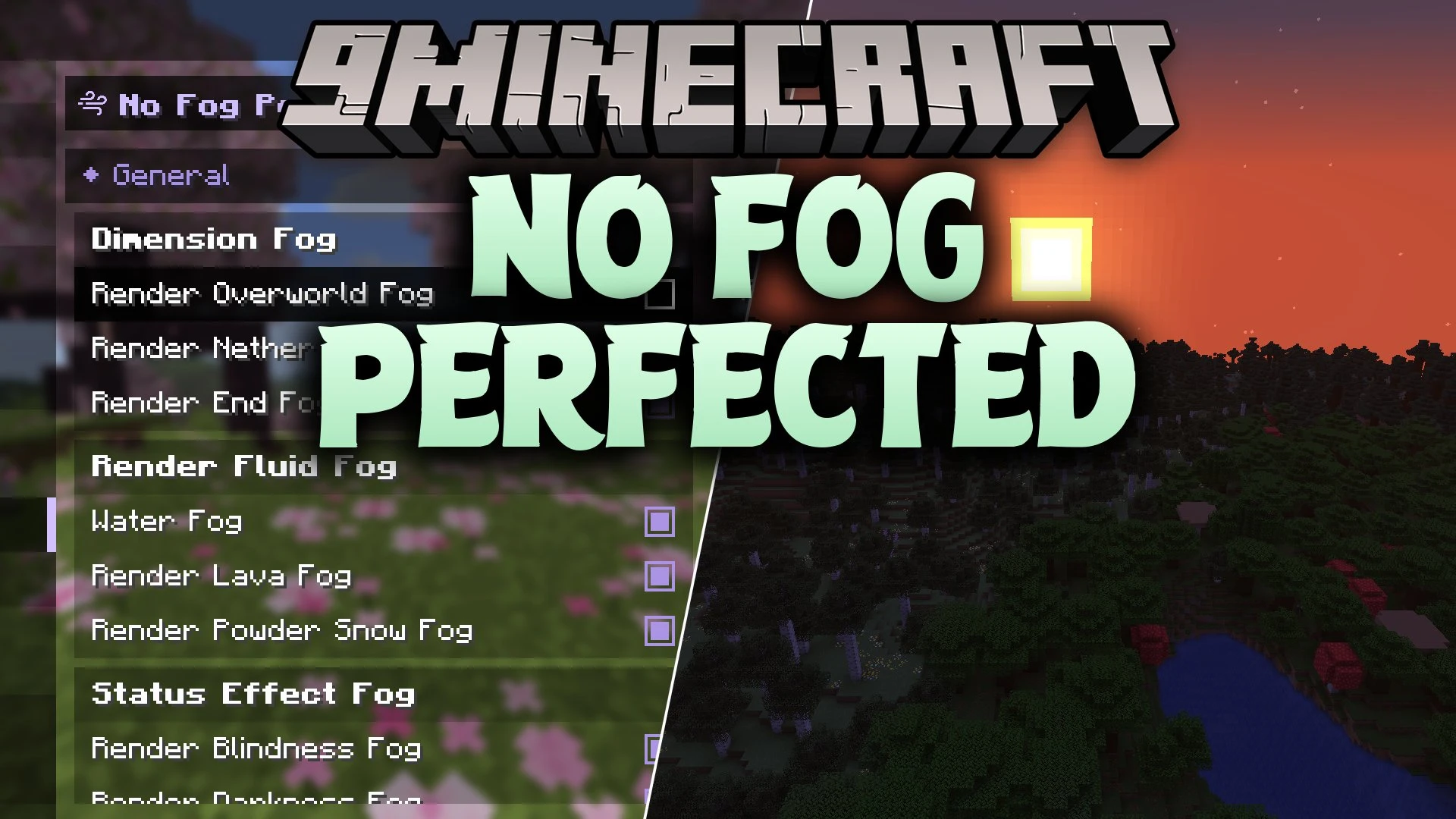


No Fog Perfected Mod removes thick haze from your world without creating harsh lines across the sky. The mod turns off fog in the Overworld, the Nether, and the End so you can see far into the distance. It lets you customize water, lava, powder snow, and status effects. You can push the fog boundary further back with sliders or commands instead of turning it off completely. Everything blends into the horizon naturally to keep your view clean.
Features:
- Removes standard fog in the Overworld, the Nether, and the End.
- Eliminates harsh sky cut-offs so the horizon blends smoothly.
- Provides separate controls for water, lava, and powder snow visibility.
- Lets you turn off vision fog caused by blindness and darkness effects.
- Includes distance sliders ranging from 0% to 100% to push fog back instead of removing it completely.
- Works directly inside the Sodium video settings menu when Sodium is present.
- Saves all personal preferences automatically to a local file.
Commands:
/nofog: Shows the current status of all fog settings./nofog <type>: Displays the current status of a single fog category./nofog <type> toggle: Turns a specific fog type on or off./nofog <type> set: Sets the fog distance or multiplier value from 0 to 100.
How to Use:
- Open the Sodium video settings menu and look for the mod settings if Sodium is installed.
- Adjust the distance sliders or turn off fog for specific dimensions and fluids.
- Type
/nofogin the chat window if playing without Sodium to check your active settings. - Use commands like
/nofog overworld toggleor/nofog water set 75to change visibility on the fly.
Screenshots:
No Fog Perfected Mod Download Links
Quick facts
- Edition: Minecraft Java
- File type: .jar
- Minecraft version listed: 1.21.11
- How to install: Install the matching mod loader (Forge, Fabric or NeoForge) for your Minecraft version. → Download the .jar. → Put it in the .minecraft/mods folder and launch that loader profile.
- Where to get it: In MC Java Mods, or directly above on this page.
Install steps are the general flow for this file type — How to install Minecraft Java mods & modpacks walks through it step by step.
Verified by MCModsHub
- Downloads as 518317.mcaddon
- Download size: 54 KB
- Download link checked 30 Sept 2026 — working
- Mirrored on our own servers — the download does not depend on the original host
These come from our own check of the pack file, not from the source page.