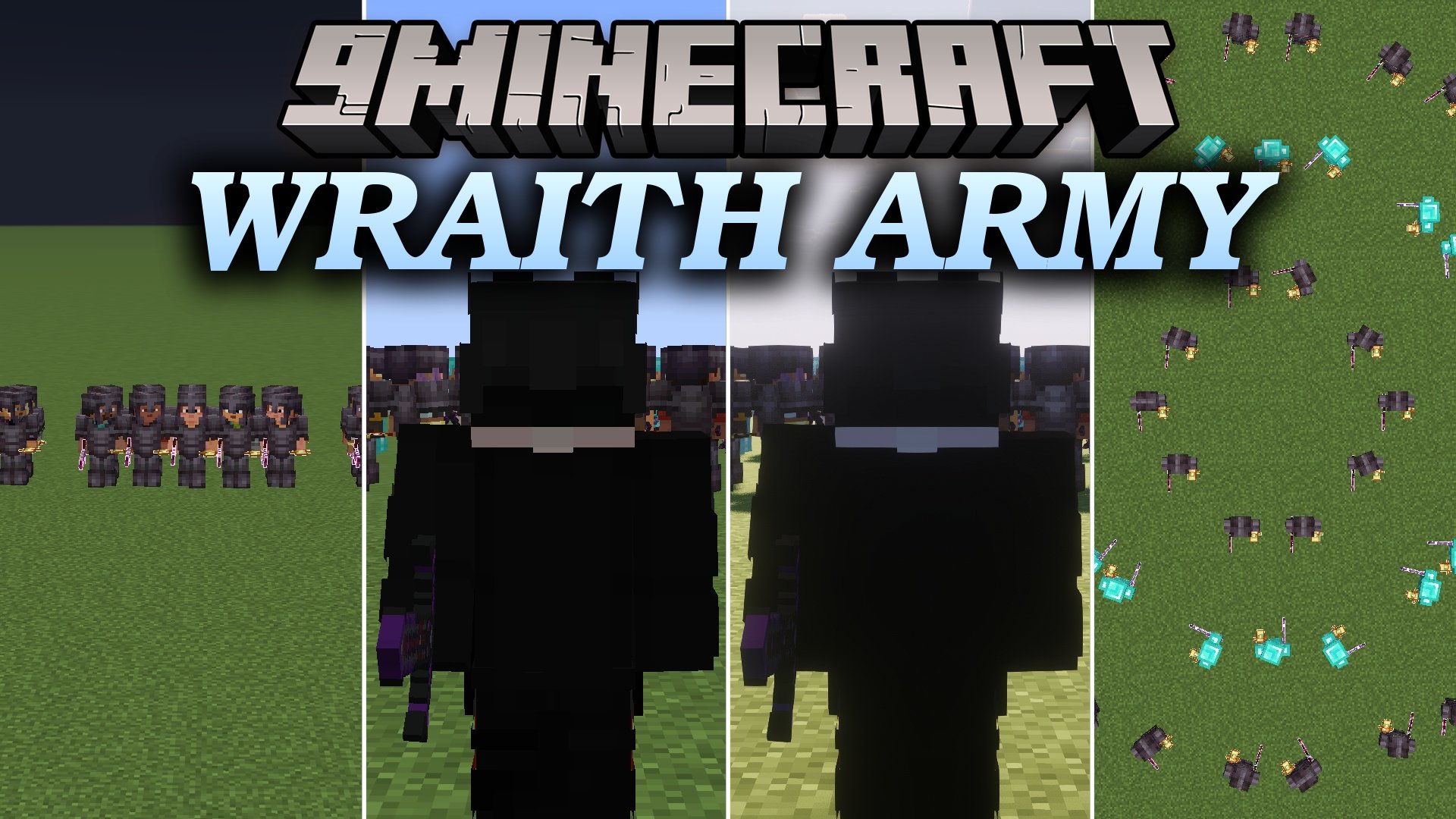


Wraith Army Mod adds smart AI combat bots to Minecraft for training and large battle simulations. These bots run smoothly without server lag and fight using realistic player tactics like strafing, quick totem swaps, and potion drinking. You can control single fighters or entire armies across four difficulty tiers. The mod lets you test your combat skills against fast fighters or stage massive battles in tactical formations.
Features:
- Adds custom AI fighters that use real PvP tactics like potion drinking, totem swapping, and fast strafing.
- Runs smoothly on the core game engine without creating server lag or relying on heavy background commands.
- Supports four combat difficulty tiers from basic grunts to frame-perfect duelists.
- Lets you arrange bots into tactical formations including walls, lines, circles, grids, spearheads, and squares.
- Allows you to spawn custom named bots with specific player skins and nametags for roleplay or testing.
- Equips bots with diamond or netherite armor sets tuned for competitive potion fights.
- Gives you full battlefield control with quick commands to make armies attack, follow as bodyguards, or freeze on the spot.
AI Difficulty Tiers:
- Low Tier (lt): Basic grunts with slower reaction times, best for large armies.
- Medium Tier (mt): Balanced fighters with standard pathfinding and combat logic.
- High Tier (ht): Expert AI with frame-perfect reactions and fast potion and totem management.
- Solo Tier (sl): Focused duelists tuned for one-on-one combat practice.
Commands:
/<tier> spawn <count> <pvp_mode> <armor> <formation>: Spawns a specific tier of bots in your chosen setup./<tier> attack <player_name>: Orders a specific tier of bots to hunt and attack a player./<tier> follow <player_name>: Sets a specific tier of bots to act as bodyguards for a player./<tier> passive: Forces a specific tier of bots to stop attacking and turn peaceful./<tier> stop: Freezes all movement and actions for a specific tier./<tier> formation <formation>: Rearranges surviving bots of that tier into a new formation mid-battle./wraith attack <player_name>: Orders every active bot on the battlefield to attack a target./wraith follow <player_name>: Orders all active bots to follow a target player./wraith tp: Teleports every active bot directly to your position./wraith stop: Freezes every active bot in the world at once./wraith spawn <player_name> <tier> <pvp_mode> <count> <armor> <formation>: Spawns custom bots with a specific player nametag.
How to Use:
- Open the chat box in your world by pressing T or /.
- Type
/lt spawn 10 nethpot diamond gridto spawn a squad of 10 low-tier bots in a grid. - Use
/lt attack <player_name>to set their target, or/lt follow <player_name>to make them follow you. - Change their battle layout anytime using
/lt formation circleor another formation name. - Type
/wraith stopwhenever you want to pause all bot movement instantly.
Screenshots:
Wraith Army Mod Download Links
Quick facts
- Edition: Minecraft Java
- File type: .jar
- Minecraft version listed: 1.21.11
- How to install: Install the matching mod loader (Forge, Fabric or NeoForge) for your Minecraft version. → Download the .jar. → Put it in the .minecraft/mods folder and launch that loader profile.
- Where to get it: In MC Java Mods, or directly above on this page.
Install steps are the general flow for this file type — How to install Minecraft Java mods & modpacks walks through it step by step.
Verified by MCModsHub
- Downloads as 518436.mcaddon
- Download size: 219 KB
- Download link checked 30 Sept 2026 — working
- Mirrored on our own servers — the download does not depend on the original host
These come from our own check of the pack file, not from the source page.