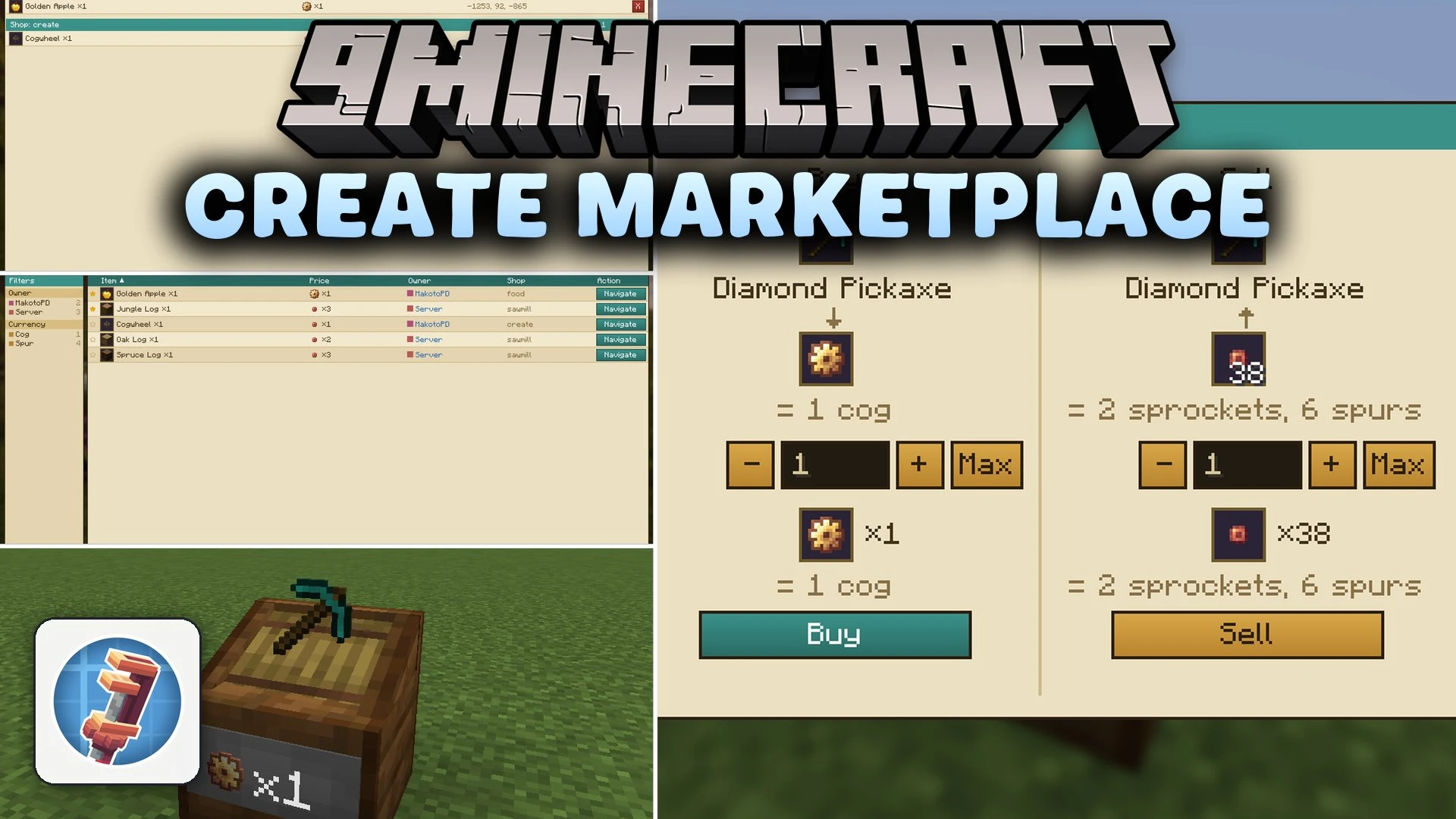


Create Marketplace Mod extends Create and Create: Numismatics with a global trade board for multiplayer worlds. It lets players list their automated shops in a central catalog so everyone on the server can find items quickly. Buyers can compare prices, check item stock levels, and send waypoints directly to their minimap with one click.
Features:
- Press the default M key to open the global marketplace window from anywhere.
- Search for specific items, shop names, or player usernames using the built-in search bar.
- Star preferred shops to pin them at the top of your market list.
- Shows live stock indicators on listings so you know if an item is available before traveling.
- Places a direct waypoint on Xaero’s Minimap when you click the location button on any listing.
- Adds the Server Vendor block for server-wide trades and administrative shops.
- Includes language translations for English, Polish, German, Spanish, and French.
Configuration:
waypointSymbolMode: Changes how shop waypoints look on the minimap using icons, first letters, or custom characters.useCardDurability: Sets whether Registration Cards are consumed after registering a shop.
How to Use:
- Place down a Vendor or Trade Station block from Create: Numismatics.
- Right-click the trade block while holding a Registration Card.
- Type a name for your shop to publish the listing to the server.
- Press M to open the market board and view active shops.
- Click the location button on any offer to add a waypoint on your minimap.
Screenshots:
Create Marketplace Mod Download Links
Quick facts
- Edition: Minecraft Java
- File type: .jar
- Minecraft versions listed: 1.21.11, 1.20.1
- How to install: Install the matching mod loader (Forge, Fabric or NeoForge) for your Minecraft version. → Download the .jar. → Put it in the .minecraft/mods folder and launch that loader profile.
- Where to get it: In MC Java Mods, or directly above on this page.
Install steps are the general flow for this file type — How to install Minecraft Java mods & modpacks walks through it step by step.
Verified by MCModsHub
- Downloads as 518441.mcaddon
- Download size: 805 KB
- Download link checked 30 Sept 2026 — working
- Mirrored on our own servers — the download does not depend on the original host
These come from our own check of the pack file, not from the source page.