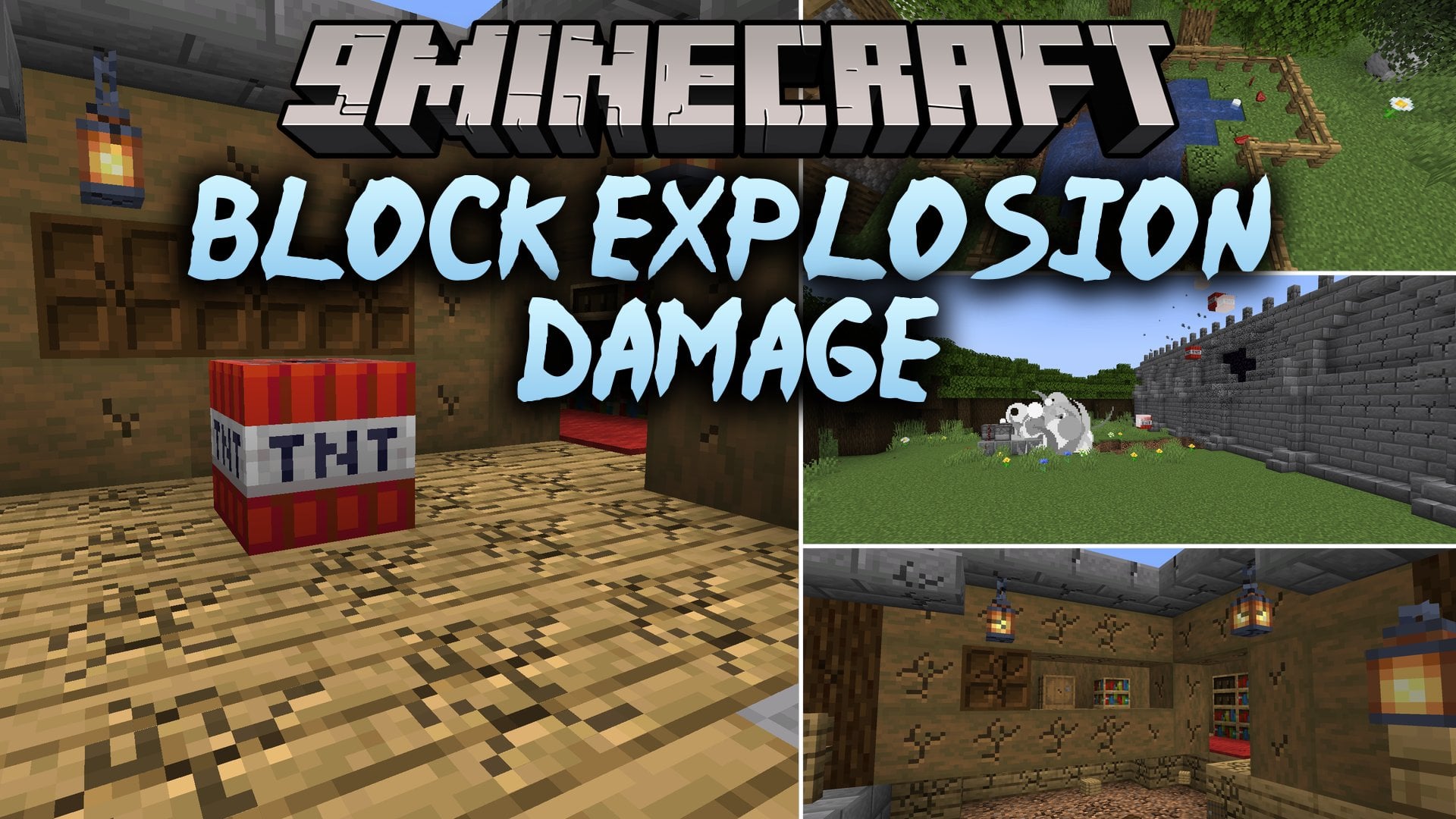


Block Explosion Damage Mod changes the way blasts affect blocks in Minecraft by requiring multiple hits before blocks break. Instead of destroying entire structures in a single blast, explosions cause progressive damage that slowly heals over time. This mod works with TNT, creepers, beds, and modded blast sources to make defenses and raiding more balanced.
Features:
- Gradual Block Damage: Blocks take progressive damage from blasts and need multiple hits to break completely.
- Blocks slowly heal their blast damage over time to keep builds safe from minor attacks.
- Distance matters, meaning blocks closer to the center of an explosion take more damage than blocks further away.
- Tough blocks like obsidian can now break if they take enough continuous explosion hits.
- Works across all explosion sources, including TNT blocks, creepers, respawn anchors, beds, and modded blasts.
- Multiplayer base defenses and TNT cannons become more balanced during raids.
- Includes compatibility settings for Sable sub-levels and moving contraptions.
Commands:
/block_explosion_damage reload: Reloads the mod configuration file./block_explosion_damage cleardamage: Resets all explosion damage on blocks in the world./gamerule tntblockdamagedecay true: Turns automatic block healing on or off./gamerule block_explosion_damage:tnt_block_damage_decay true: Manages block healing gamerule in newer versions.
How to Use:
- Ignite TNT or trigger any explosion near blocks to deal partial damage.
- Trigger repeated blasts on the same spot to fully destroy harder blocks.
- Wait between explosions if you want damaged blocks to heal naturally over time.
- Adjust block resistance values and healing speed in the config file to fit your server setup.
Screenshots:

Block Explosion Damage Mod Download Links
Quick facts
- Edition: Minecraft Java
- File type: .jar
- Minecraft version listed: 1.21.1
- How to install: Install the matching mod loader (Forge, Fabric or NeoForge) for your Minecraft version. → Download the .jar. → Put it in the .minecraft/mods folder and launch that loader profile.
- Where to get it: In MC Java Mods, or directly above on this page.
Install steps are the general flow for this file type — How to install Minecraft Java mods & modpacks walks through it step by step.
Verified by MCModsHub
- Downloads as 518463.mcaddon
- Download size: 40 KB
- Download link checked 30 Sept 2026 — working
- Mirrored on our own servers — the download does not depend on the original host
These come from our own check of the pack file, not from the source page.