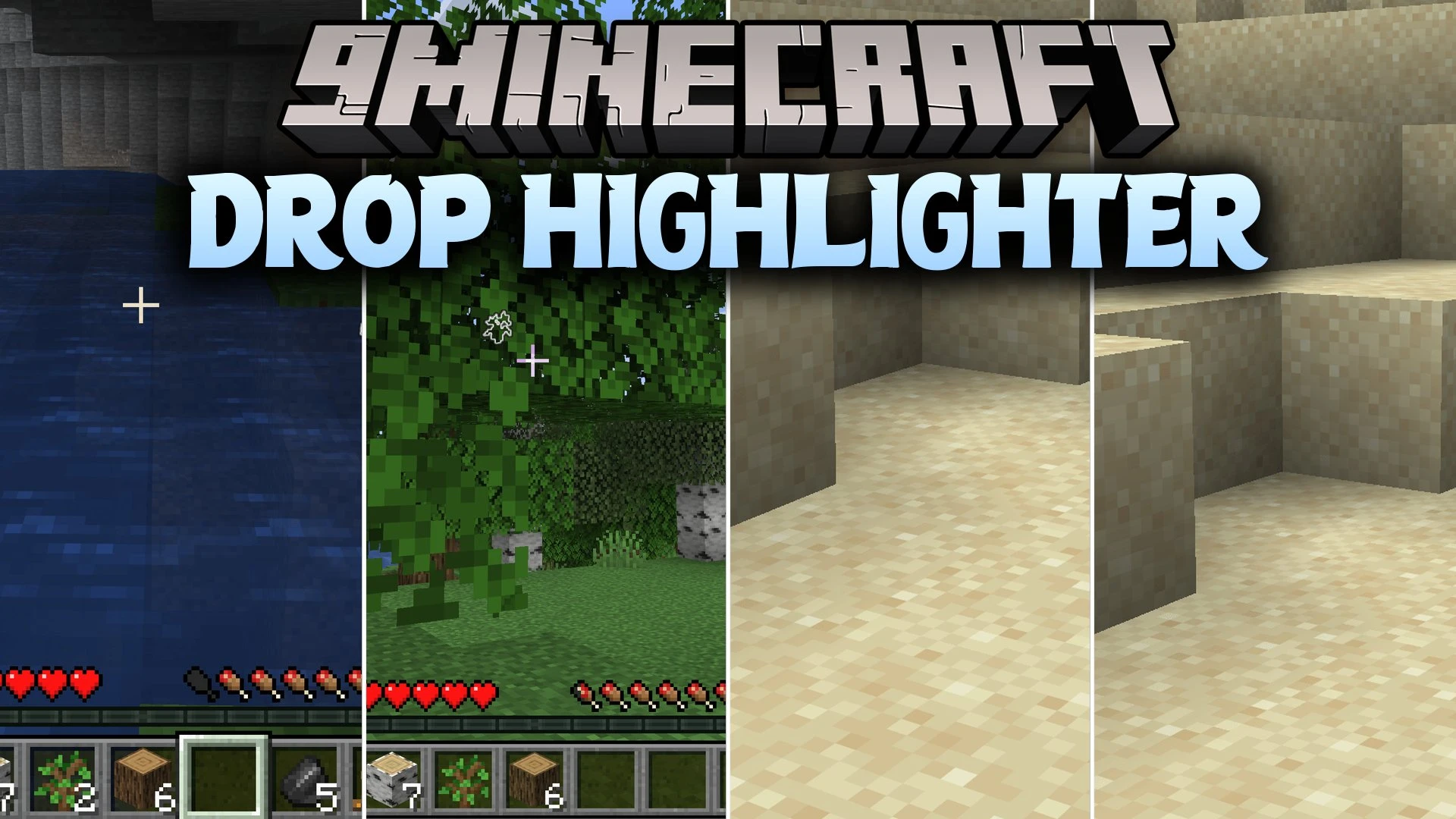


Drop Highlighter Mod adds glowing outlines around dropped items so you never lose your loot. It makes finding dropped blocks and tools simple when they fall behind obstacles or blend into matching terrain like sand. The mod also includes custom item filtering to ignore unwanted junk on the ground.
Features:
- Drop Outlines: Adds clear visible outlines around dropped item entities in your world.
- Item Filtering: Lets you choose which items to highlight so you can ignore junk like rotten flesh.
- Prevents you from losing important gear that falls behind blocks or gets washed away by water.
- Helps you spot blocks that blend directly into identical surfaces like sand or gravel.
- Lets you toggle the highlighting effect on or off at any moment.
How to Use:
- Drop any item on the ground to see the glowing outline around it.
- Press O on your keyboard to quickly toggle the highlight effect on or off.
- Adjust your filter list to decide which item drops you want highlighted.
Screenshots:
Drop Highlighter Mod Download Links
Quick facts
- Edition: Minecraft Java
- File type: .jar
- Minecraft version listed: 1.21.1
- How to install: Install the matching mod loader (Forge, Fabric or NeoForge) for your Minecraft version. → Download the .jar. → Put it in the .minecraft/mods folder and launch that loader profile.
- Where to get it: In MC Java Mods, or directly above on this page.
Install steps are the general flow for this file type — How to install Minecraft Java mods & modpacks walks through it step by step.
Verified by MCModsHub
- Downloads as 518467.mcaddon
- Download size: 122 KB
- Download link checked 30 Sept 2026 — working
- Mirrored on our own servers — the download does not depend on the original host
These come from our own check of the pack file, not from the source page.