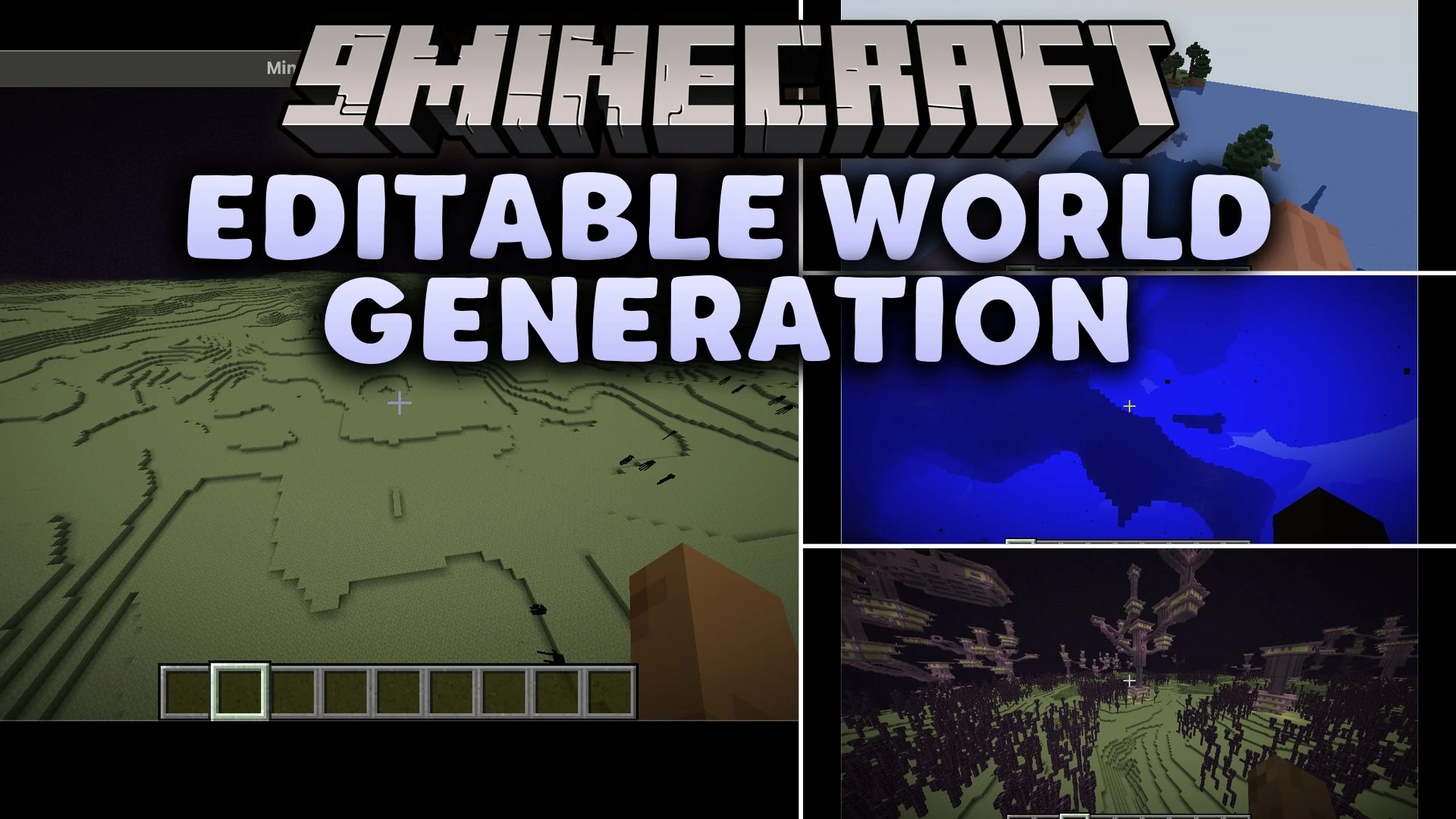


Editable World Generation Mod adds a custom world type with an in-game rules editor for world creation. You can adjust terrain shape, cave sizes, biome settings, surface vegetation, ore deposits, and structures across the Overworld, Nether, and End. The mod provides a live seed preview window along with simple file import and export tools for your custom presets. It also includes an in-game editing mode where world generation values update chunks as you play.
Features:
- Adds a new Custom world type directly in the world creation menu.
- Customizes terrain heights, cave shapes, and underwater caverns.
- Controls biome frequency, foliage distribution, and surface decoration.
- Adjusts ore generation rates and structure spacing across all dimensions.
- Replaces or removes specific block types during world generation.
- Supports separate custom rules for the Overworld, Nether, and End.
- Generates a spinning 3D preview of a random seed to check your rules.
- Imports and exports generation presets through a dedicated settings folder.
- Lets you update world generation rules in real time while walking around in-game.
How to Use:
- Click Create New World and switch the world type to Custom.
- Click Edit rules to open the editor menu.
- Choose categories like Terrain, Caves, Biomes, or Structures to tweak specific values.
- Click Generate Preview to see how your rules generate a test landscape.
- Click Open Settings Folder if you want to back up or load preset files.
- Finish creating your world and explore your custom generation rules.
Screenshots:
Editable World Generation Mod Download Links
Quick facts
- Edition: Minecraft Java
- File type: .jar
- Minecraft version listed: 1.20.1
- How to install: Install the matching mod loader (Forge, Fabric or NeoForge) for your Minecraft version. → Download the .jar. → Put it in the .minecraft/mods folder and launch that loader profile.
- Where to get it: In MC Java Mods, or directly above on this page.
Install steps are the general flow for this file type — How to install Minecraft Java mods & modpacks walks through it step by step.
Verified by MCModsHub
- Downloads as 518469.mcaddon
- Download size: 244 KB
- Download link checked 30 Sept 2026 — working
- Mirrored on our own servers — the download does not depend on the original host
These come from our own check of the pack file, not from the source page.