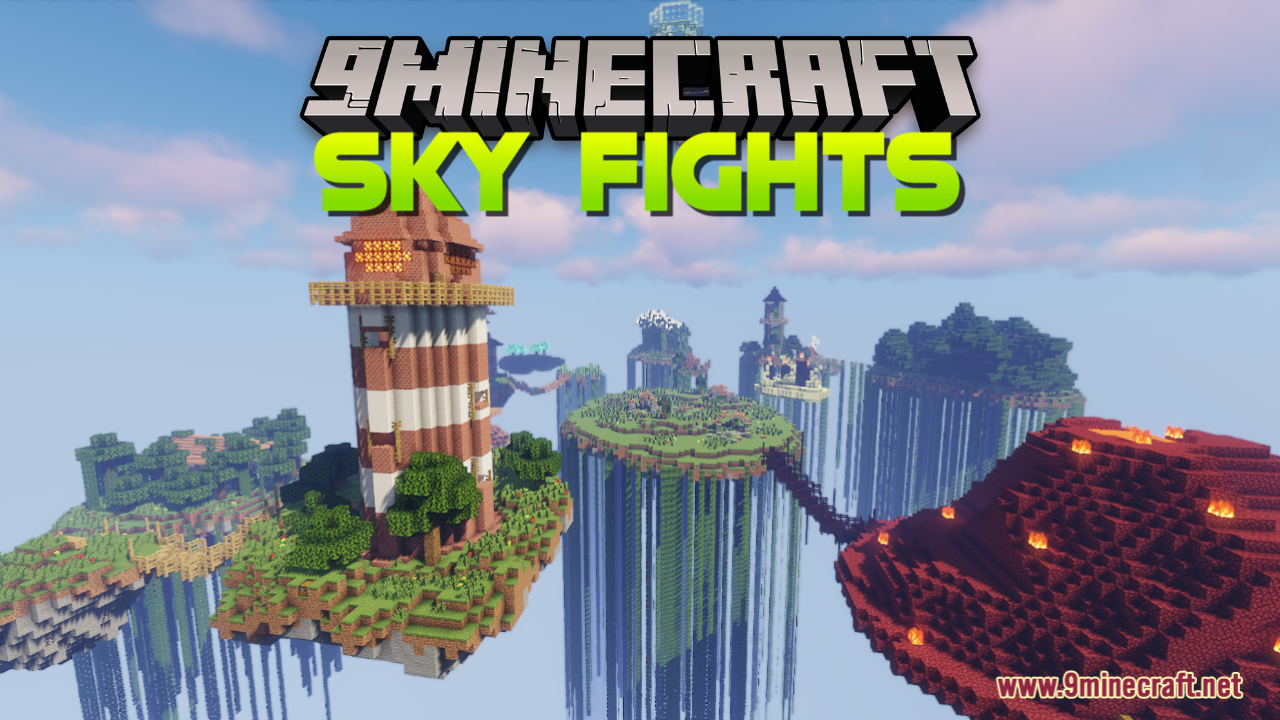
Sky Fights Map (26.2, 1.20.1) – Fight Among The Clouds
Sky Fights Map is a PvP Arena map created by CobaltKatana. "Sky Fights" is a thrilling PvP Survival game designed to test your combat skills and strategic…
⬇ Download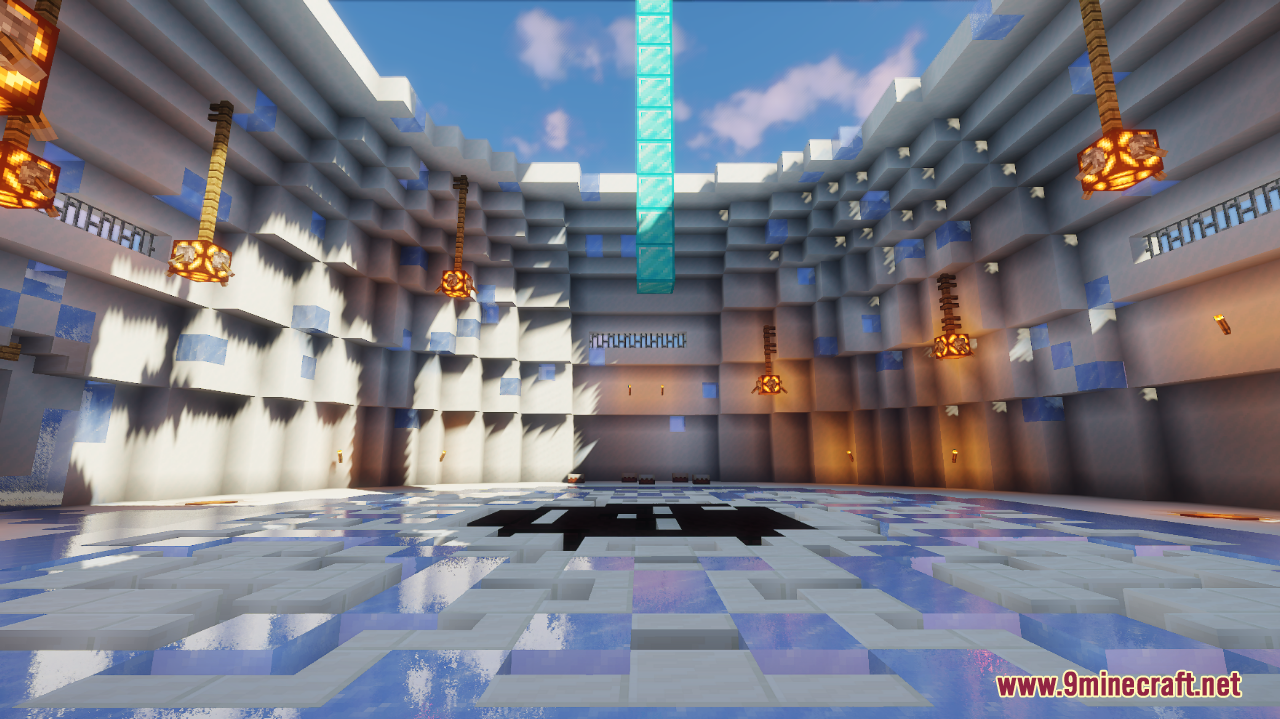
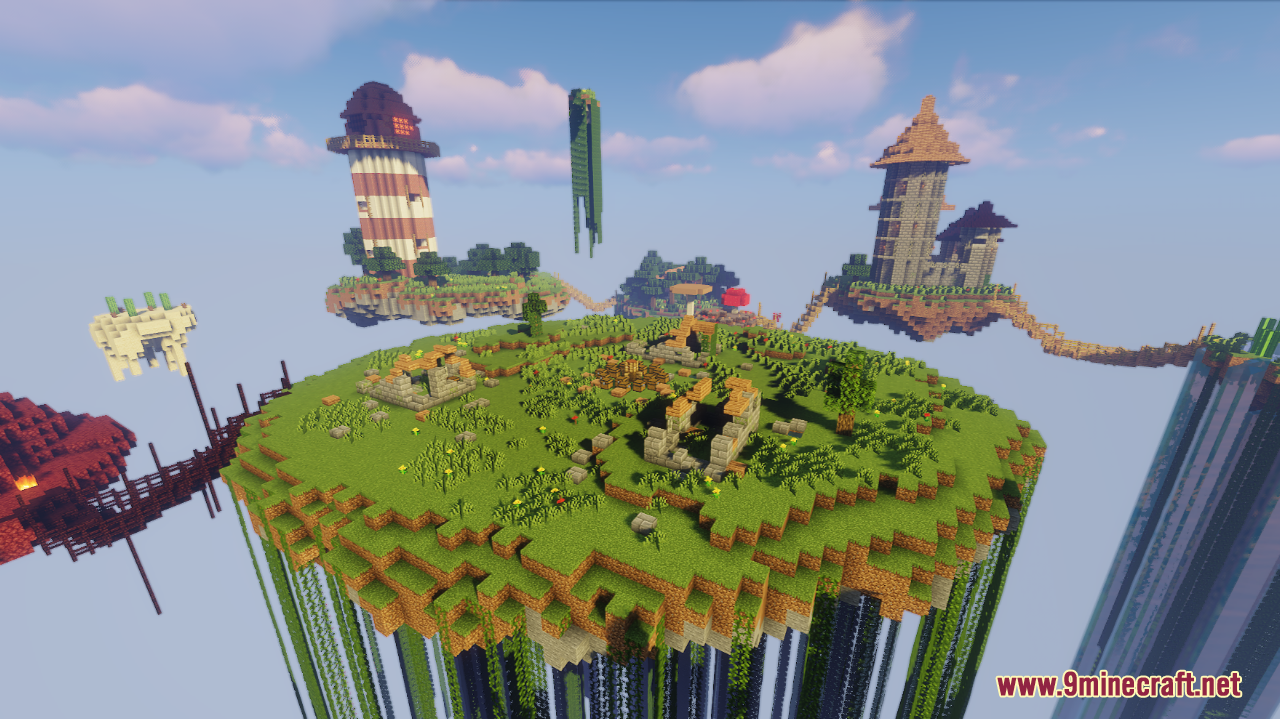
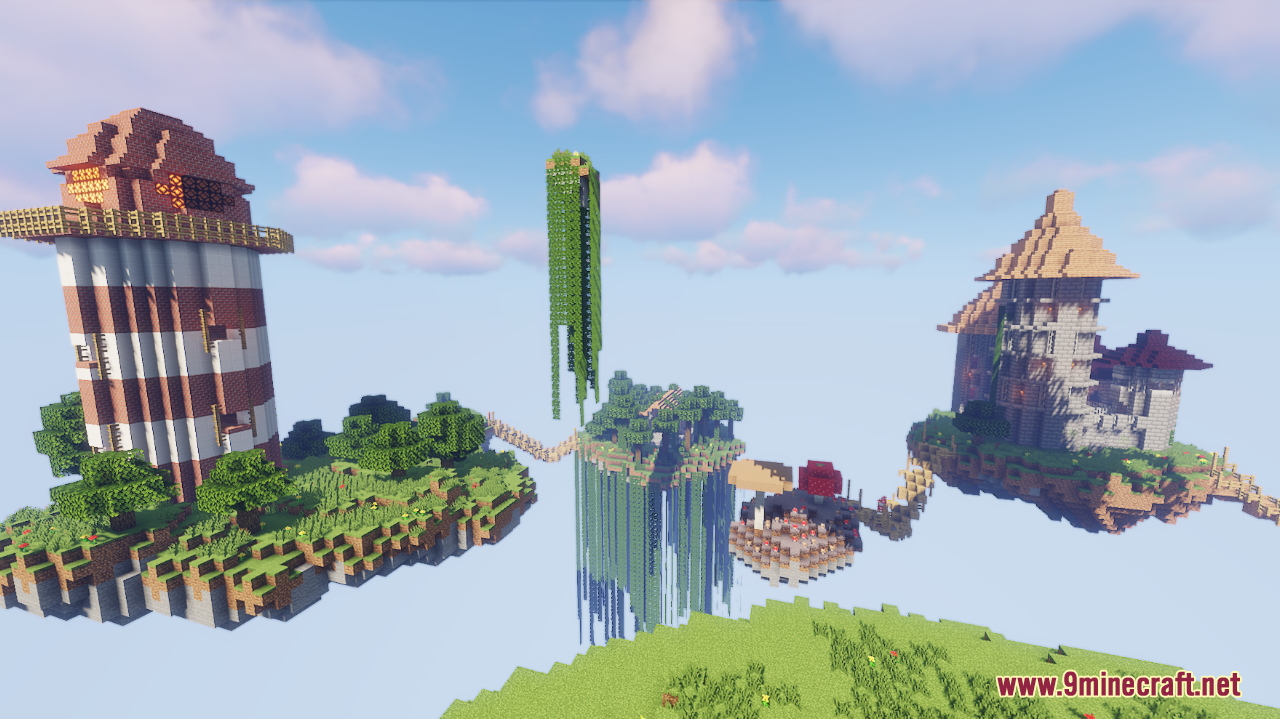
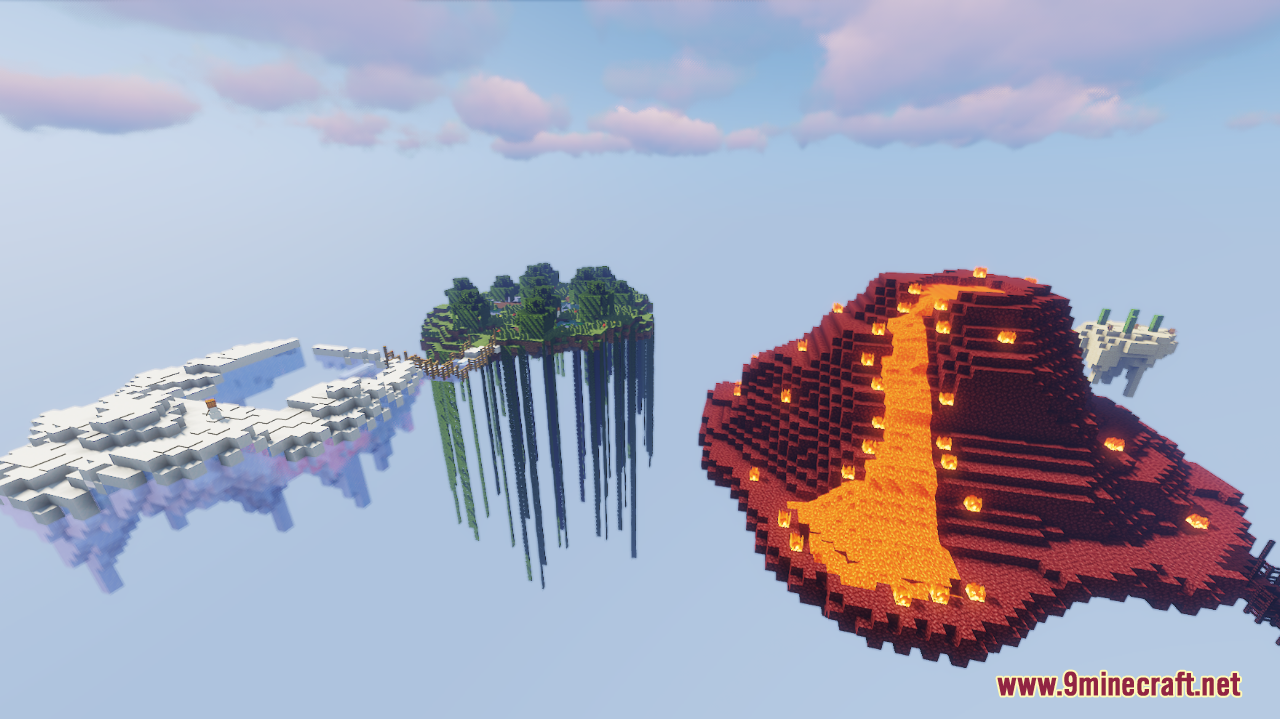
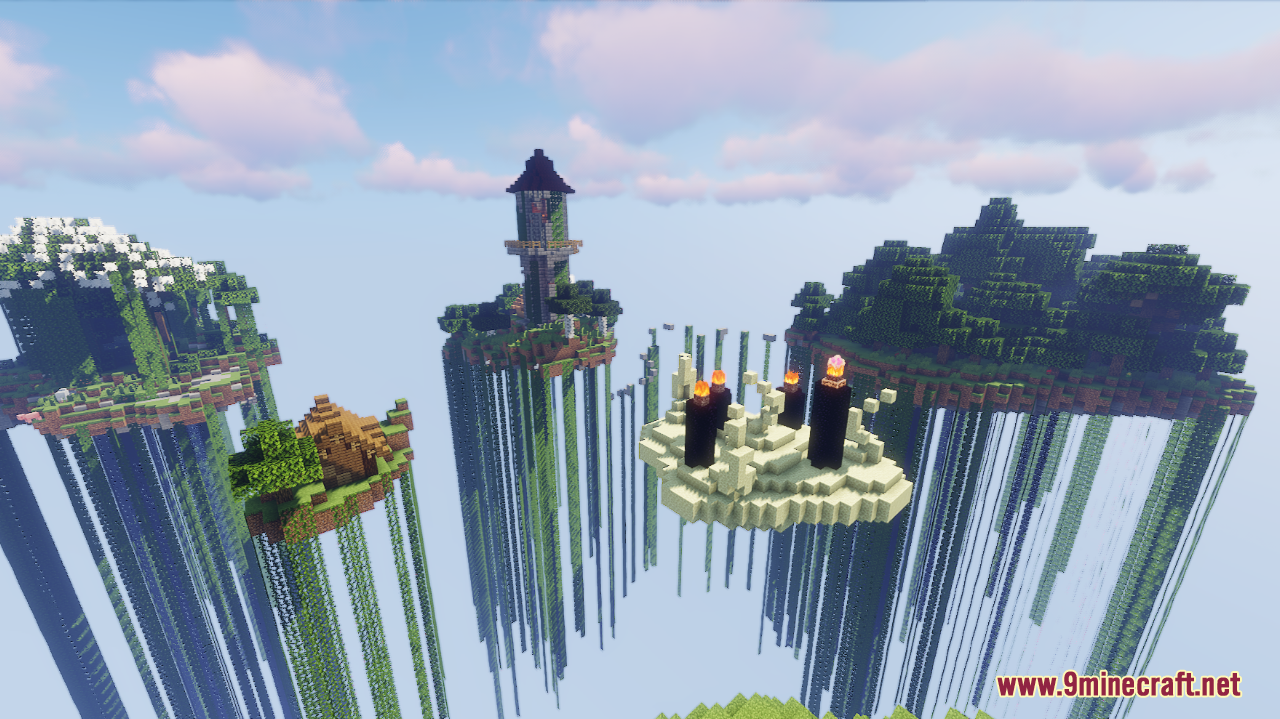
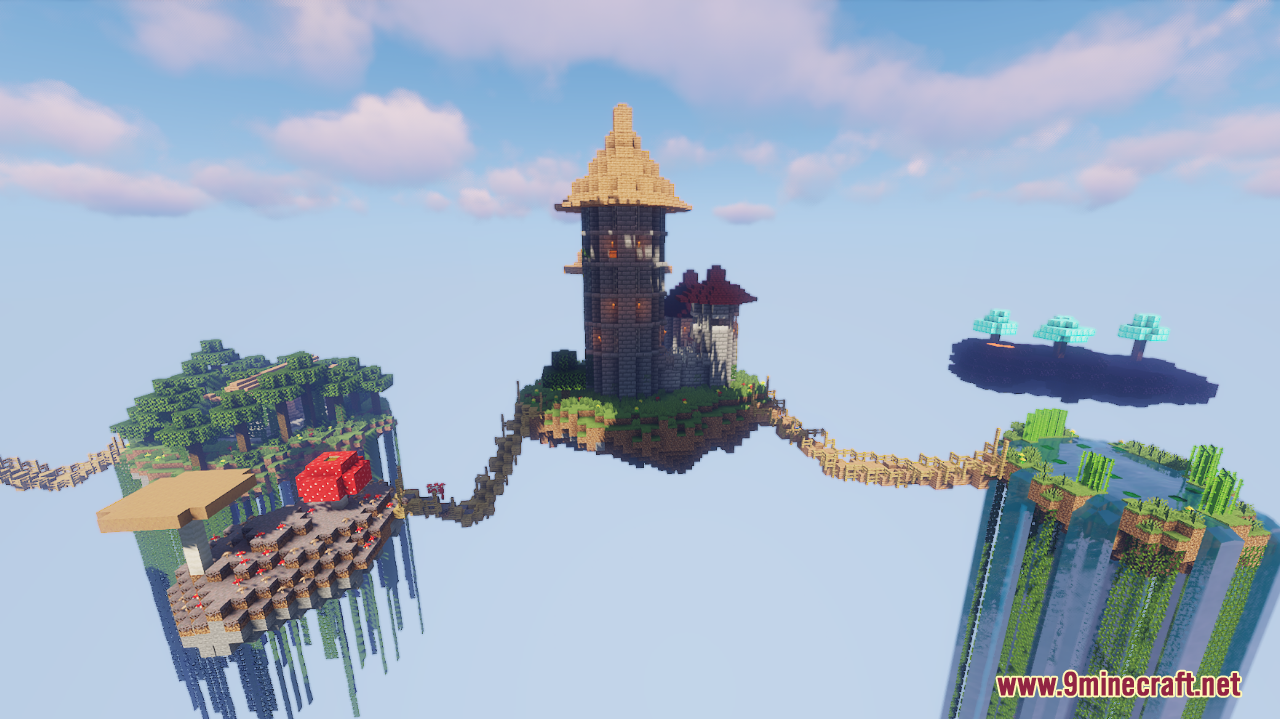
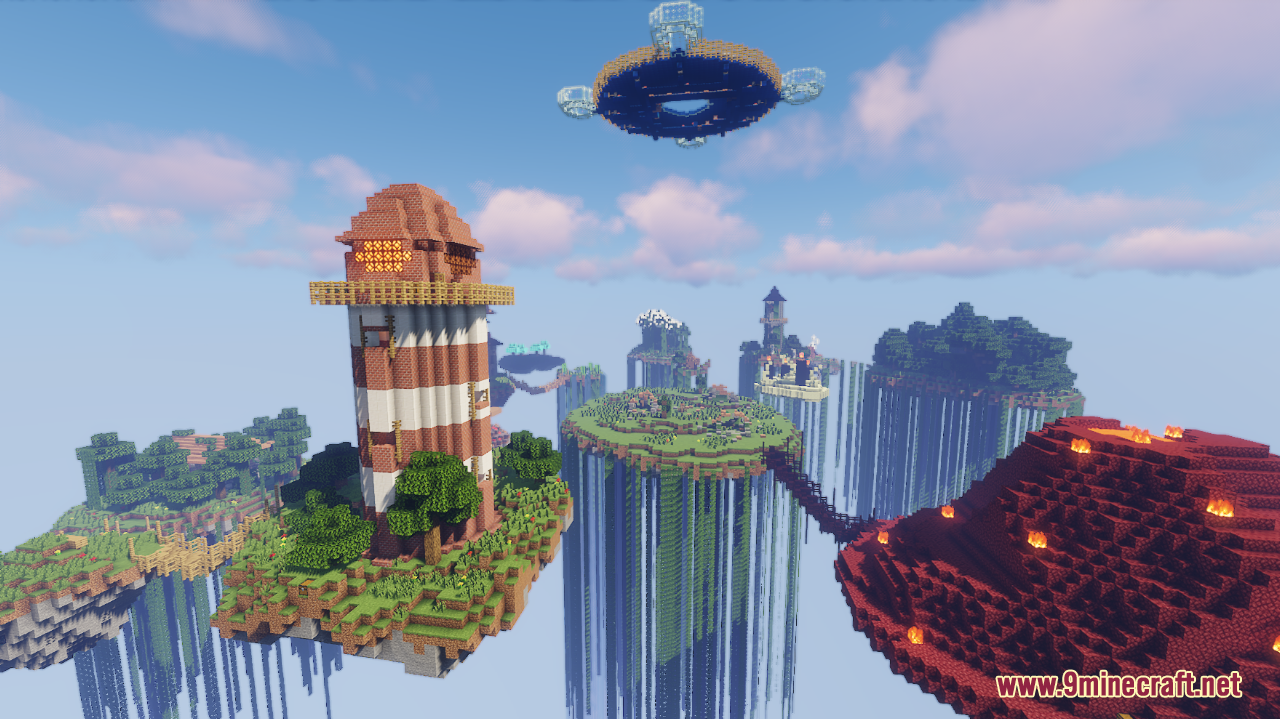
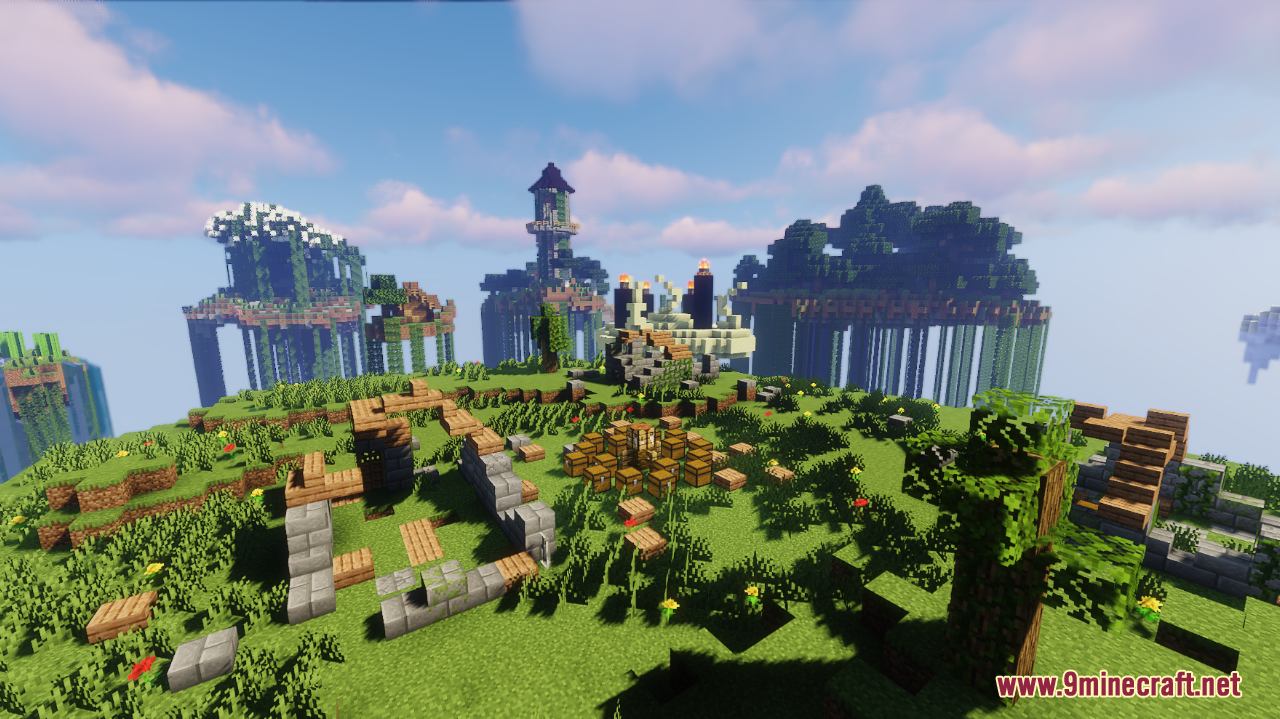
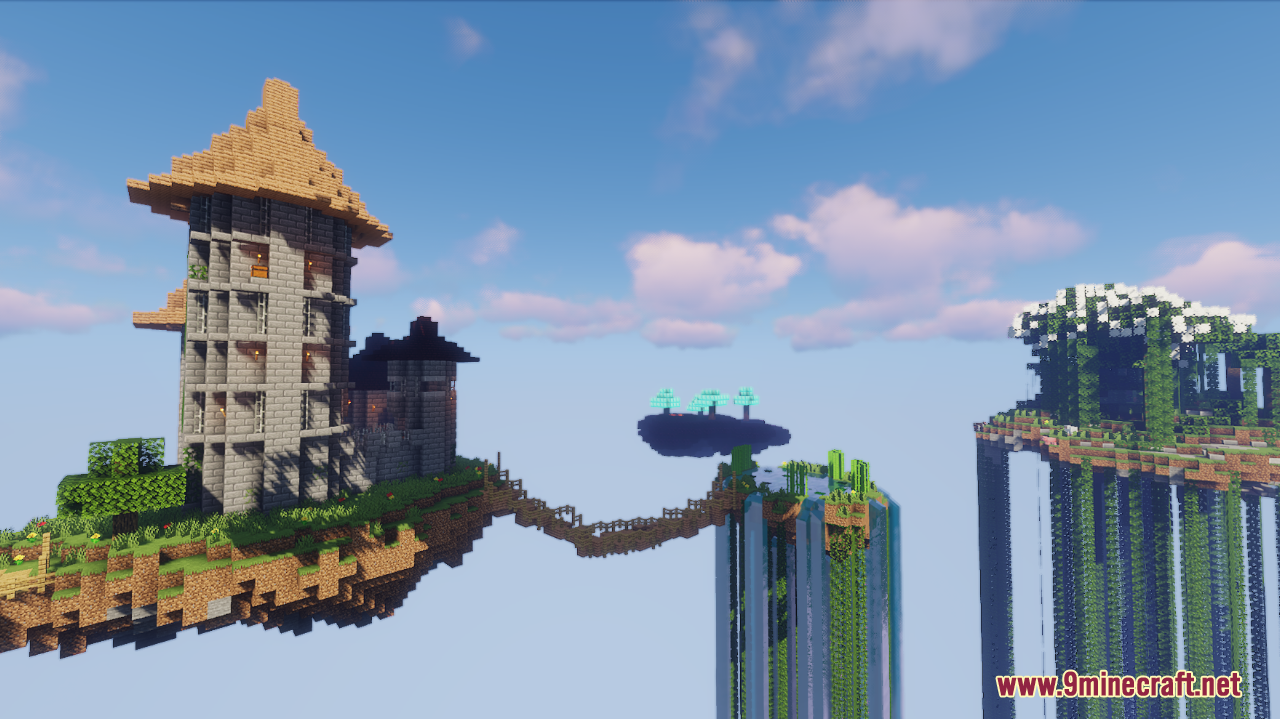
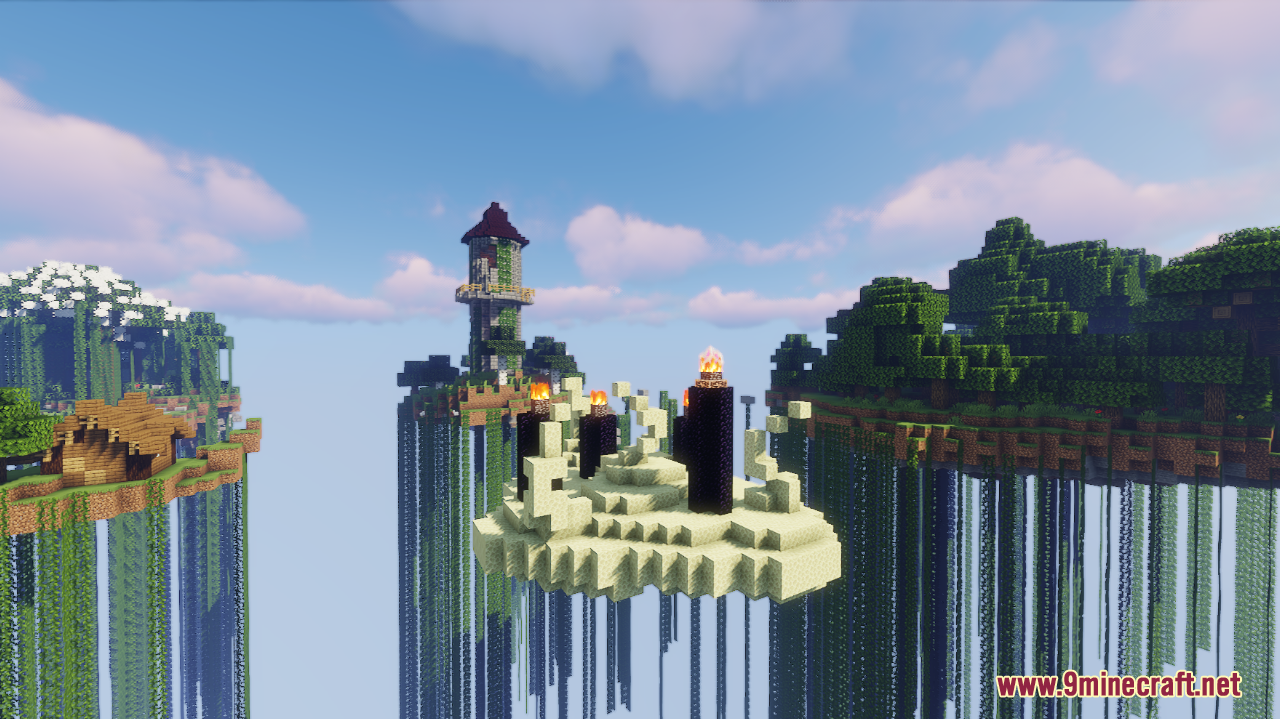
Sky Fights Map is a PvP Arena map created by CobaltKatana. “Sky Fights” is a thrilling PvP Survival game designed to test your combat skills and strategic thinking. Set high above the clouds, players must navigate a series of floating islands, each packed with resources, dangers, and opportunities. The unique twist? You can teleport between islands using ender pearls, adding an extra layer of strategy to your battles. The goal is simple yet intense: be the last player standing. With support for 3 to 12 players, this map is perfect for small to medium-sized groups looking for fast-paced, no-mods-required PvP action. The map leverages command blocks, a scoreboard system, and custom spawners to keep the gameplay dynamic and engaging.
Screenshots:
Sky Fights Map Download Links
- Edition: Minecraft Java
- File type: .zip (world save)
- Minecraft version listed: 1.20.1
- How to install: Download the .zip world. → Unzip it. → Move the folder into .minecraft/saves.
- Where to get it: In MC Java Mods, or directly above on this page.
Install steps are the general flow for this file type — How to install Minecraft Java maps & worlds walks through it step by step.
Sky Fights Map (26.2, 1.20.1) – Fight Among The Clouds is a free Minecraft Java map. Compatible with Minecraft 1.20.1. Download it and open it directly in the game.