Jam essential
JAM Essentials is an all-in-one Minecraft Bedrock SMP add-on built to turn a normal world into a fully featured custom server experience with advanced…
⬇ Download on CurseForgeThe author built this one for Minecraft 26.50. On other versions it may install and then do nothing.
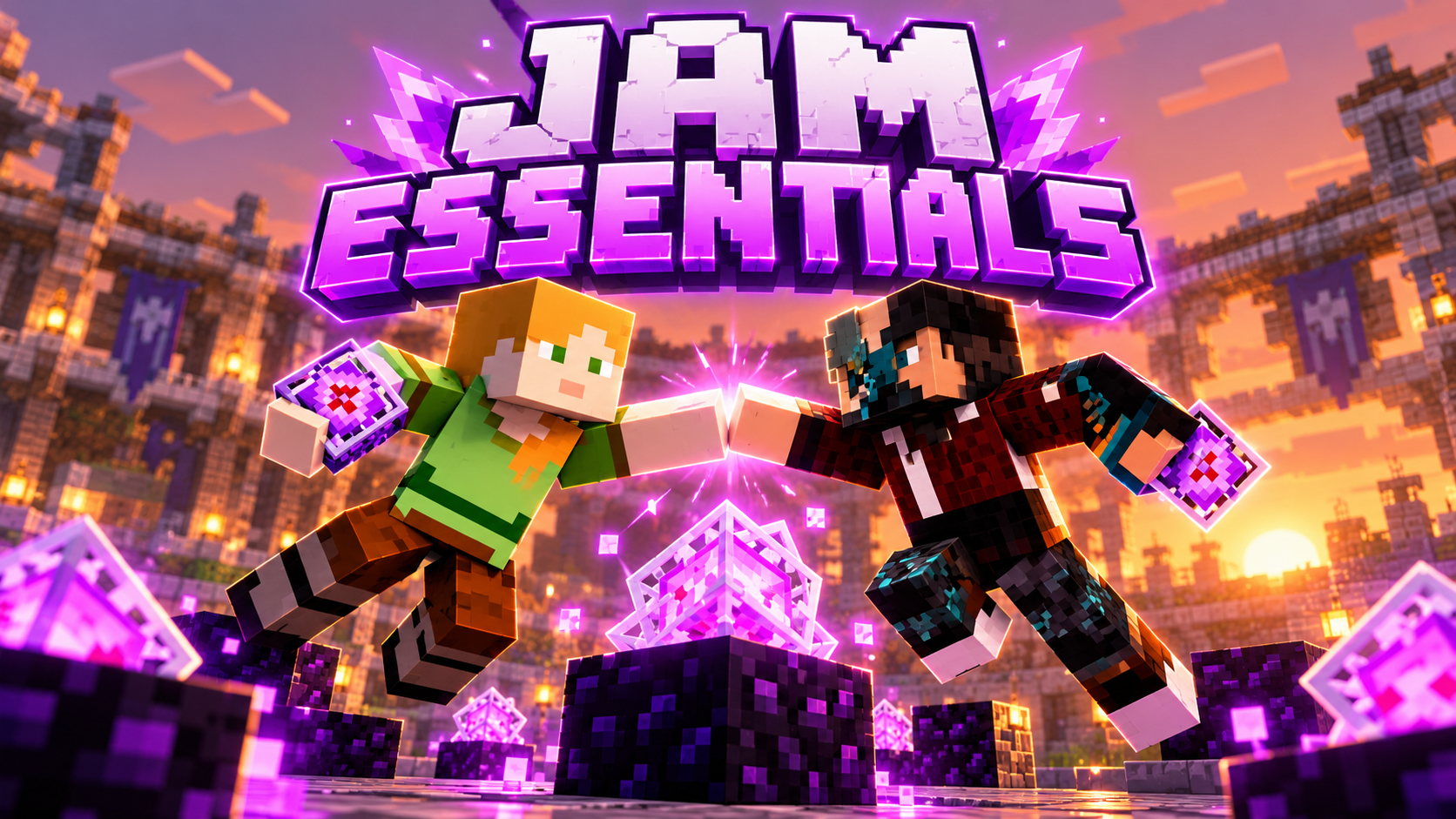
JAM ESSENTIALS — ULTIMATE BEDROCK SMP ADD-ON
JAM Essentials is a massive all-in-one Minecraft Bedrock SMP add-on designed to turn a regular Bedrock world into a complete custom server experience with advanced PvP, economy, spawners, holograms, NPCs, leaderboards, MultiWorld support, RTP systems, player profiles, vault gear, admin tools, performance optimization, and much more. It is built around a fast-paced competitive SMP style while keeping everything manageable directly in-game through commands, chest-style menus, and owner/admin controls. Whether you want to run a survival server, PvP server, economy SMP, semi-anarchy server, or a large community world, JAM Essentials gives you a huge collection of systems inside one add-on instead of requiring dozens of separate packs.
⚔️ ADVANCED PVP SYSTEM
JAM Essentials includes optimized Bedrock PvP mechanics made for fast competitive gameplay. The system supports fast end crystal placement and detonation, fast respawn-anchor interaction, combat tagging, optimized totem behavior, PvP protection zones, duel systems, bounty systems, kill tracking, death tracking, and configurable combat settings. Combat tagging appears near the bottom-middle of the screen so it does not interfere with the scoreboard. Players can still fight normally without an artificial Java-style attack cooldown, making the combat feel responsive and fast.
The PvP optimizer is designed to reduce unnecessary delays and make crystal/anchor combat smoother while still working with normal Bedrock mechanics. When a player is holding totems in both hands, the system can prioritize the main-hand totem before the off-hand totem, helping competitive players control which totem is consumed first.
💰 FULL ECONOMY SYSTEM
The add-on includes a complete economy with Money and Shards as separate currencies. Players can earn money through selling items, spawners, farming, PvP, auctions, orders, and other server activities.
Players can use systems such as:
/bal or /balance to view money, /pay to send money to other players, /sell to sell items, /worth to check item values, /ah to access the Auction House, /orders for buy orders, and /shop for server shops.
Amounts can support shorthand formats such as 1K, 10K, 1M, 1B, and 1T, making large SMP economies much easier to manage.
The Shard Shop is designed as a high-value progression shop, meaning powerful items can cost extremely large amounts of Shards instead of being easily obtainable.
🔥 CUSTOM SPAWNER SYSTEM
JAM Essentials contains a full custom spawner system with many different mob types instead of every spawner becoming a Zombie Spawner.
Supported spawner types include Zombie, Skeleton, Creeper, Spider, Cave Spider, Blaze, Enderman, Slime, Magma Cube, Piglin, Zombified Piglin, Wither Skeleton, Cow, Pig, Sheep, Chicken, Guardian, and Iron Golem.
Each JAM spawner remembers its actual type when it is:
Purchased → Placed → Stacked → Broken → Picked Up → Placed Again.
Players do not need Silk Touch to recover managed JAM spawners. Spawners can also contain virtual item storage and XP storage, allowing players to open the spawner menu, view production, collect items, sell stored drops, and claim XP without spawning hundreds of physical mobs that would lag the server.
Multiple identical spawners can be stacked together to greatly reduce server entities and block usage.
🌎 MULTIWORLD SYSTEM
JAM Essentials includes a powerful MultiWorld system allowing admins to create and manage separate playable worlds inside the same server experience.
Admins can create different worlds, teleport between them, configure their spawn points, use different scoreboard presets, configure world restrictions, manage spawn protection, and create copies of the Main world.
A Main-world mirror can copy a configured spawn area into other JAM worlds so server owners can maintain similar hub/spawn builds across multiple locations.
Each world can have its own settings such as:
PvP enabled/disabled, block breaking, block placement, explosions, fire/lava interaction, economy access, teams, kits, spawners, progression systems, travel commands, scoreboard presets, and spawn protection radius.
This makes it possible to create completely different server areas such as a Main SMP world, PvP world, Event world, Duels world, Economy world, or testing world.
🌀 RTP & RTPQ
Normal RTP allows players to teleport to random safe locations in supported dimensions.
The special RTPQ system acts as a shared teleport queue. When the first player enters the RTPQ circle, a shared countdown starts. If another player enters while the countdown is already running, they join the exact same countdown instead of starting another timer.
For example:
If Player 1 enters and the timer reaches 10 seconds, then Player 2 enters, Player 2 also sees 10 seconds remaining.
When the countdown reaches zero, every player currently inside the circle is teleported together to the same wilderness location, allowing them to immediately fight, team up, or explore together.
The RTPQ zone can also include an editable floating hologram showing:
RTPQ status, player count, countdown, region, dimension, and custom text.
🏆 LEADERBOARDS & HOLOGRAMS
JAM Essentials includes customizable hologram leaderboards that can show server statistics in the world.
Leaderboard presets can display:
Most Money, Most Shards, Most Kills, Most Deaths, Playtime, Duels Wins, Bounties, Spawner Earnings, and other statistics.
The Wall Top 10 style can display rankings similar to:
#1 Player — 1,000,000
#2 Player — 850,000
#3 Player — 720,000
through #10.
Admins can edit hologram positioning, spacing, text, titles, and floating items.
Holograms can also use personal text, meaning two players standing in front of the exact same hologram can see different information.
Examples include:
{player} — viewer username
{money} — viewer balance
{shards} — viewer shards
{rank} — viewer rank
{team} — viewer team
{kills} — viewer kills
{deaths} — viewer deaths
{world} — current world
{x} {y} {z} — coordinates
This can be used for personalized welcome boards, profiles, tutorials, shops, or server information.
👤 PLAYER PROFILE SYSTEM
Players can use /profile to open their personal profile menu.
Profiles can display information such as:
Rank, Team, Money, Shards, Kills, Deaths, K/D, Playtime, Achievements, Settings, Bounty, and other server statistics.
Admins can also access a player-management system containing players who are currently online as well as stored records for players who have previously joined.
Offline player profiles can contain last-known stats and data, allowing staff to manage certain values or bans even when that player is not currently connected.
🤖 ADVANCED NPC SYSTEM
JAM Essentials contains advanced server NPC tools.
NPCs can be used as:
Shopkeepers, Auction NPCs, Orders Masters, Teleporters, Guides, Crate Masters, Duel NPCs, Bounty NPCs, Guards, Quest NPCs, Bankers, Farmers, Training Dummies, and custom server characters.
When an admin creates an NPC, the NPC can copy supported parts of the admin’s appearance and equipment.
Admins can also record an animation preset by moving their own character. JAM can record movements such as:
walking, turning, looking up/down, crouching, moving between positions, and changing held items.
The animation can then be assigned to an NPC so when a player clicks the NPC, the NPC performs the recorded movement before returning to its original position.
Admins can also teleport directly to configured NPCs for easier editing.
📊 CUSTOM SCOREBOARD
JAM Essentials includes a clean right-side SMP scoreboard designed to stay stable during combat.
The scoreboard can display:
Money
Shards
Kills
Deaths
KeyAll Timer
Playtime
Ping/Region
with a compact JAM-style layout.
Combat information is kept separate so hitting another player does not replace or glitch the scoreboard.
Different worlds can also use different scoreboard presets if the server owner enables per-world scoreboard configurations.
🔑 KEYALL SYSTEM
The KeyAll system automatically counts down toward server-wide key rewards.
The scoreboard can display the remaining timer in a simple format such as:
KeyAll: 12m 34s
When the timer reaches zero, the reward is distributed and the timer resets correctly instead of becoming stuck at 00:00.
🏠 HOMES & TELEPORTATION
Players can create personal homes and teleport between saved locations using commands such as:
/sethome <name>
/home <name>
/homes
/delhome <name>
The Homes menu uses a chest-style GUI so players can easily see and select their saved homes.
JAM also includes:
Spawn teleportation, TPA, TPAHere, TPA Accept/Deny, RTP, team homes, and configurable travel restrictions while combat tagged.
👥 TEAMS
Players can create teams, invite players, leave teams, manage team members, configure team homes, use team chat, and display team information in other JAM systems.
Teams can integrate with NPCs, holograms, scoreboards, PvP systems, and player profiles.
⚔️ DUELS
The Duel system lets players challenge each other in controlled PvP fights.
Players can fight using their own equipment while JAM tracks:
Wins, Losses, Win Streaks, and Duel leaderboard rankings.
A Duel Wins hologram leaderboard can also be placed inside the server world.
🎁 KITS, CRATES & VAULT ITEMS
JAM Essentials includes configurable kits such as:
Starter, VIP, MVP, PRO, and Elite.
Server owners can edit kit contents, cooldowns, icons, armor, inventory rewards, and permissions.
The crate system supports multiple crate tiers with customizable rewards.
Special custom equipment can also be treated as Vault Items, allowing important custom gear to be preserved separately from normal progression systems.
The add-on supports both regular Vault equipment and Golden Vault versions, giving the server owner multiple rarity tiers for custom armor and weapons.
🛡️ SPAWN PROTECTION
Spawn areas can be configured as protected zones.
Inside protected spawn regions, the server can disable:
PvP, block breaking, block placement, explosions, fire damage, lava griefing, crystal damage, and other dangerous actions.
Different MultiWorld worlds can have completely different protection settings.
🚫 BAN SYSTEM
Admins can ban players using JAM’s moderation system.
Ban screens can display information such as:
Ban reason
Remaining duration
Ban ID
Appeal message
Staff can manage bans through the Admin menu and stored player profiles.
⚙️ PLAYER SETTINGS
Players can customize certain JAM features using the Settings menu.
Settings can include features such as:
Random Coordinates, No Mob Spawns Near Me, HUD options, text icons, and other player-specific preferences.
The Random Coordinates option masks the coordinates displayed by JAM without actually changing the player’s real position.
The No Mob Spawns Near Me option can prevent normal mob spawning close to that specific player.
🎮 PLAYSTATION / CONTROLLER FRIENDLY
JAM Essentials is designed to be usable by console players.
Instead of requiring players to type complicated Unicode characters, JAM supports easy text shortcodes.
Examples:
[money] → Money icon
[shards] → Shard icon
[kills] → PvP icon
[keyall] → Key icon
[rtp] → RTP icon
[spawner] → Spawner icon
[combat] → Combat icon
[rtpq] → RTPQ icon
[worlds] → MultiWorld icon
[leaderboard] → Leaderboard icon
The resource pack can render these using JAM’s custom Minecraft-style font icons.
🚀 PERFORMANCE OPTIMIZATION
JAM Essentials contains multiple systems intended to reduce unnecessary server load.
These include:
Server Optimizer
Crystal Optimizer
Anchor Optimizer
Totem Optimizer
Mob Optimizer
Automatic Cleanup
Virtual Spawner Production
Reduced Background Polling
Optimized Scoreboard Updates
MultiWorld Generation Throttling
Spawner systems use virtual production instead of spawning massive amounts of mobs, which can greatly reduce entity-related lag.
World generation processes are also designed to work gradually rather than freezing the server by attempting massive operations all at once.
🛠️ ADMIN CONTROL CENTER
Server owners and authorized admins have access to advanced management tools.
The Admin Control Center can include:
Player Manager
Offline Player Profiles
Ban Manager
Economy Editor
Shard Editor
Spawner Administration
NPC Editor
Hologram Editor
Leaderboard Editor
GUI Studio
Kit Editor
Shop Editor
Sell Editor
MultiWorld Manager
RTPQ Editor
Crate Manager
Scoreboard Settings
Server Optimization Settings
The goal is to allow the majority of server configuration to happen inside Minecraft rather than requiring the owner to constantly edit configuration files manually.
HOW TO USE JAM ESSENTIALS
After importing the .mcaddon, activate both the JAM Essentials Behavior Pack and JAM Essentials Resource Pack on your Minecraft Bedrock world. For a dedicated server, place the packs into the appropriate behavior/resource pack folders and enable them for the world.
Make sure the world/server is using the required Bedrock scripting functionality for the version of JAM Essentials you are running.
Once you join, admins can start with the main JAM commands and Admin Control Center. Players can use the regular economy, profile, homes, teleportation, shop, auction, orders, team, duel, and other public commands available to them.
For a new server, a useful setup order is:
Set your spawn → configure spawn protection → configure scoreboard → set shops/economy → place NPCs → place holograms/leaderboards → configure RTP/RTPQ → configure spawners → configure kits/crates → configure MultiWorld worlds → test PvP → enable player access.
Because JAM Essentials contains many connected systems, it is recommended to configure the main spawn and server economy before opening the world publicly.
✨ BUILT FOR CUSTOM BEDROCK SERVER
- Edition: Minecraft Bedrock
- File type: .mcpack or .mcaddon
- Minecraft version listed: 26.50
- How to install: Download the .mcpack or .mcaddon file. → Open it — Minecraft imports it. → In your world: Behavior Packs → Available → Activate, then the same under Resource Packs.
- Where to get it: Opens on CurseForge — not every file is mirrored on our own servers.
Install steps are the general flow for this file type — How to install Minecraft Bedrock addons & mods walks through it step by step.
- Pack type: .mcaddon — behaviour and resource pack in one file
- Download size: 1017 KB
- Download link checked 30 Sept 2026 — working
These come from our own check of the pack file, not from the source page.