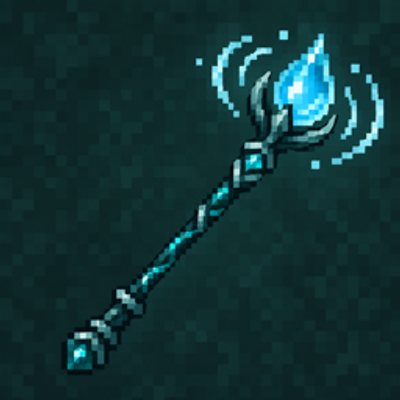
Aquafill Wand | Water Filling Tool
Fill small pools and basins with water in one use. Preview the area, adjust its size limit, and undo recent fills.
⬇ Download on CurseForgeThe author built this one for Minecraft 26.50. On other versions it may install and then do nothing.
About
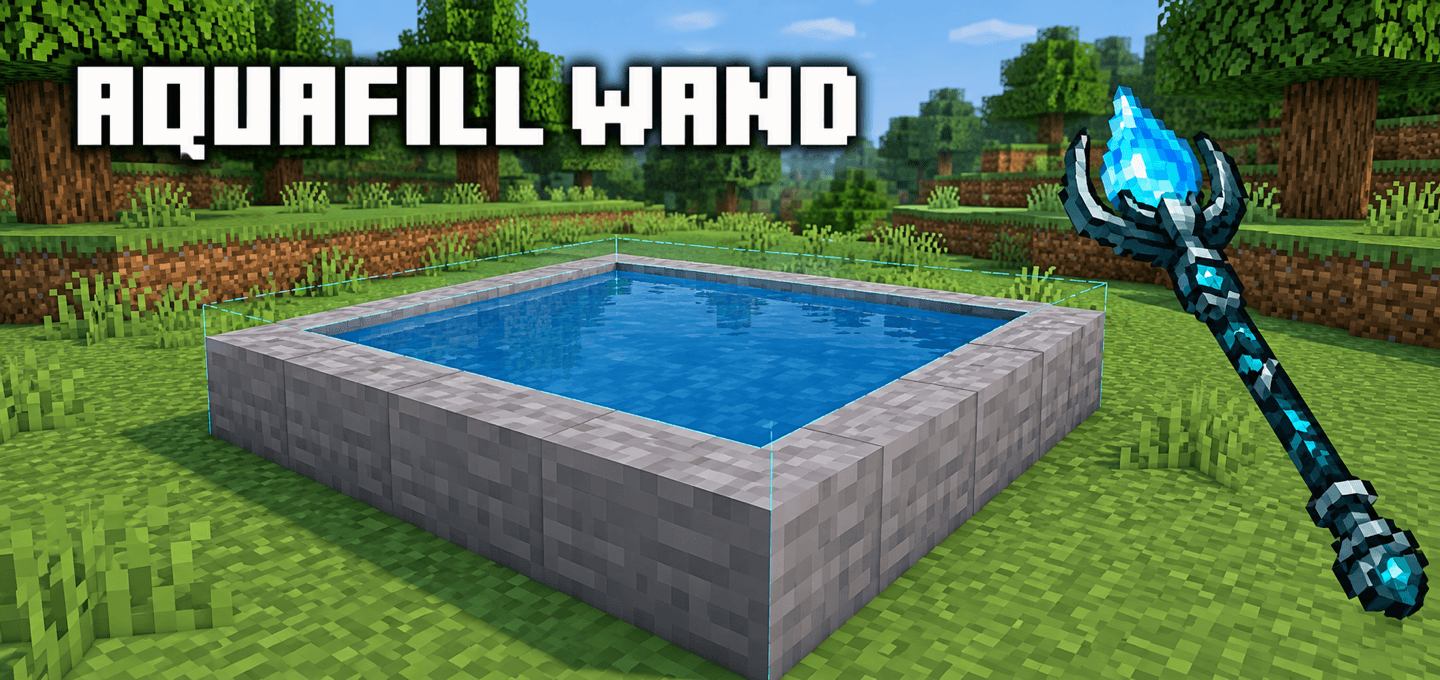
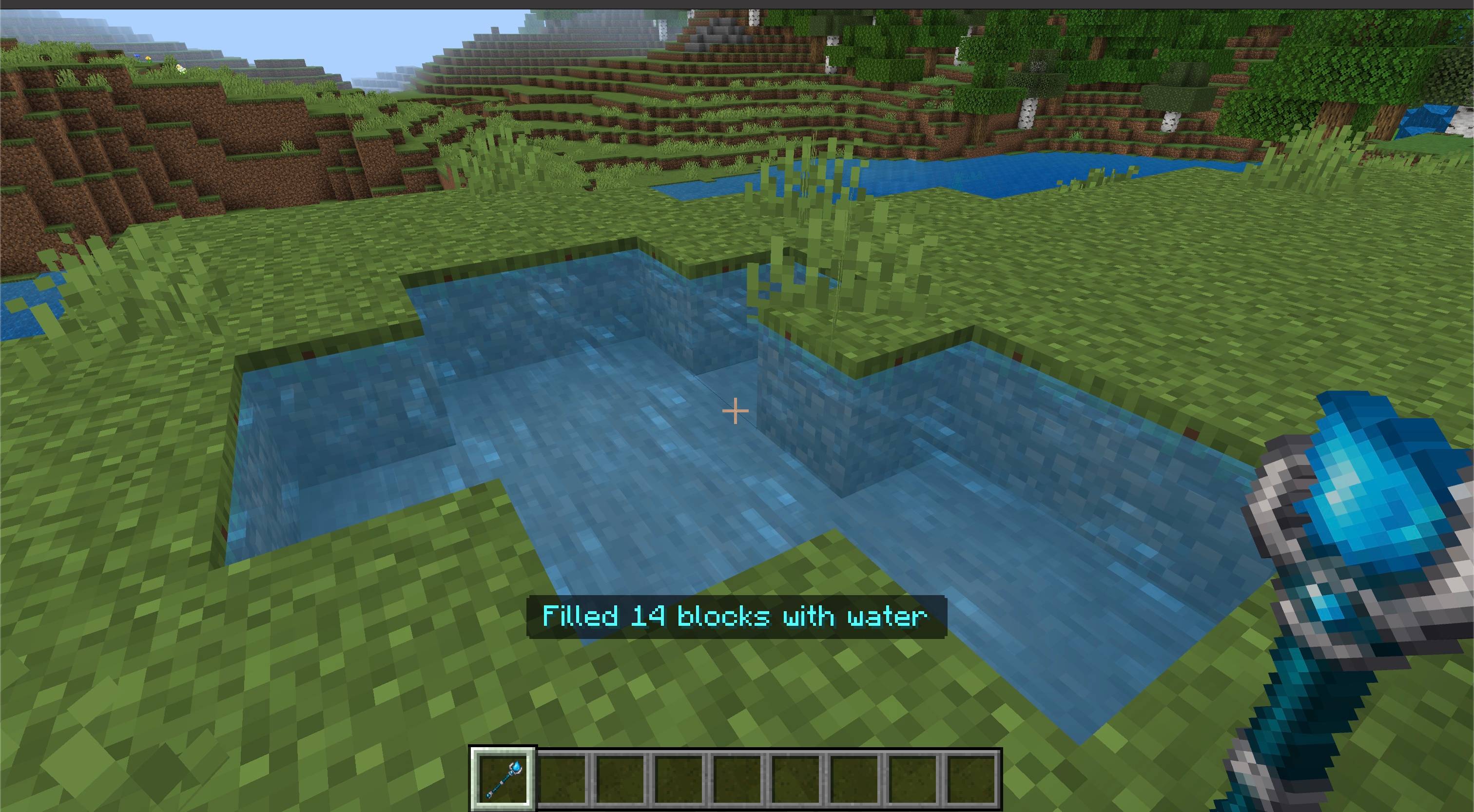
Aquafill Wand fills small enclosed spaces with water in one use, making ponds, pools, and reservoirs easier to build in Minecraft Bedrock.
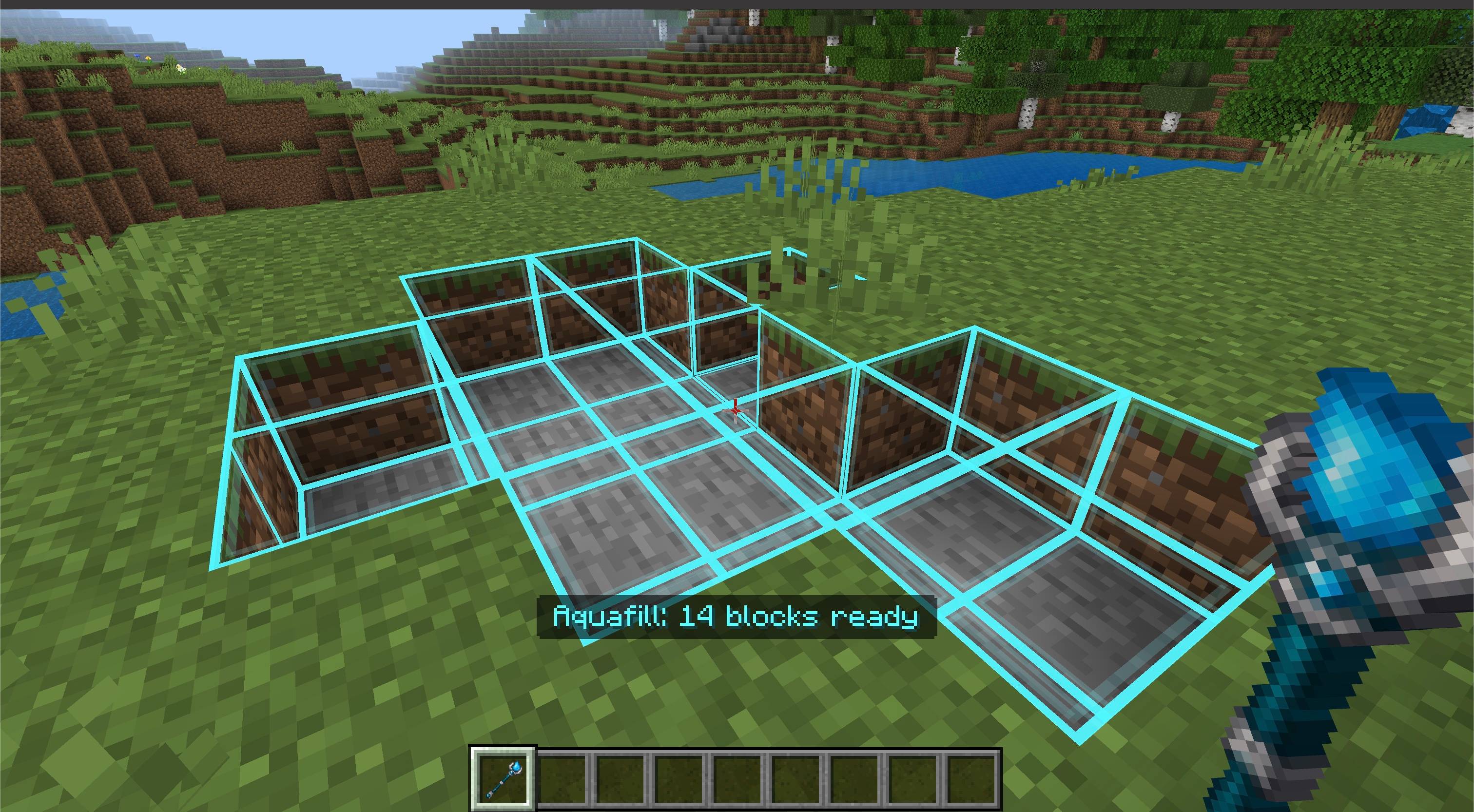
Aim at the inside wall or floor of a basin. A blue outline previews every block that will be filled, and the wand stops if the space is open below the selected water level or exceeds its size limit.
Features
- Fill up to 64 connected air blocks with water at once
- Block-by-block blue preview visible only to the player holding the wand
- Adjustable fill limit and preview toggle in the in-game settings
- Free to use in Survival and Creative; no water buckets or inventory materials needed
- Undo the latest fill from the settings or with sneak + jump
- Keep up to five recent fills in the per-player undo history
- English and Russian localization
- Vibrant Visuals compatible
How to use
- Activate both the Behavior Pack and Resource Pack in your world.
- Craft the Aquafill Wand and hold it.
- Aim at a block face inside a small basin. The selected air block sets the top water level.
- Check the blue preview, then use the wand on that block face to fill the basin.
- Sneak + use to open the settings, or run
/ztp:aquafill. - Sneak + jump while holding the wand to undo the most recent fill.
Crafting
Place Prismarine Crystals, a Copper Ingot, and a Stick vertically in the center column of a crafting table, in that order from top to bottom.
Notes
- The default maximum is 64 blocks; the settings can lower it to 16.
- The space must have walls and a floor below the chosen water level. An open top is fine.
- The wand fills air only; it does not replace blocks or other liquids.
- Undo leaves blocks alone if they no longer match the water placed by the wand.
Requirements
- Minecraft Bedrock Edition 1.26.50 or newer
- Both the Behavior Pack and Resource Pack must be active
- No external dependencies or experimental settings required

- Edition: Minecraft Bedrock
- File type: .mcpack or .mcaddon
- Minecraft version listed: 26.50
- How to install: Download the .mcpack or .mcaddon file. → Open it — Minecraft imports it. → In your world: Behavior Packs → Available → Activate, then the same under Resource Packs.
- Where to get it: Opens on CurseForge — not every file is mirrored on our own servers.
Install steps are the general flow for this file type — How to install Minecraft Bedrock addons & mods walks through it step by step.
- Pack type: .mcaddon — behaviour and resource pack in one file
- Manifest requires Minecraft 1.26.50 or newer
- Complete pack — everything it depends on is inside the file
- Download size: 156 KB
- Download link checked 30 Sept 2026 — working
These come from our own check of the pack file, not from the source page.