
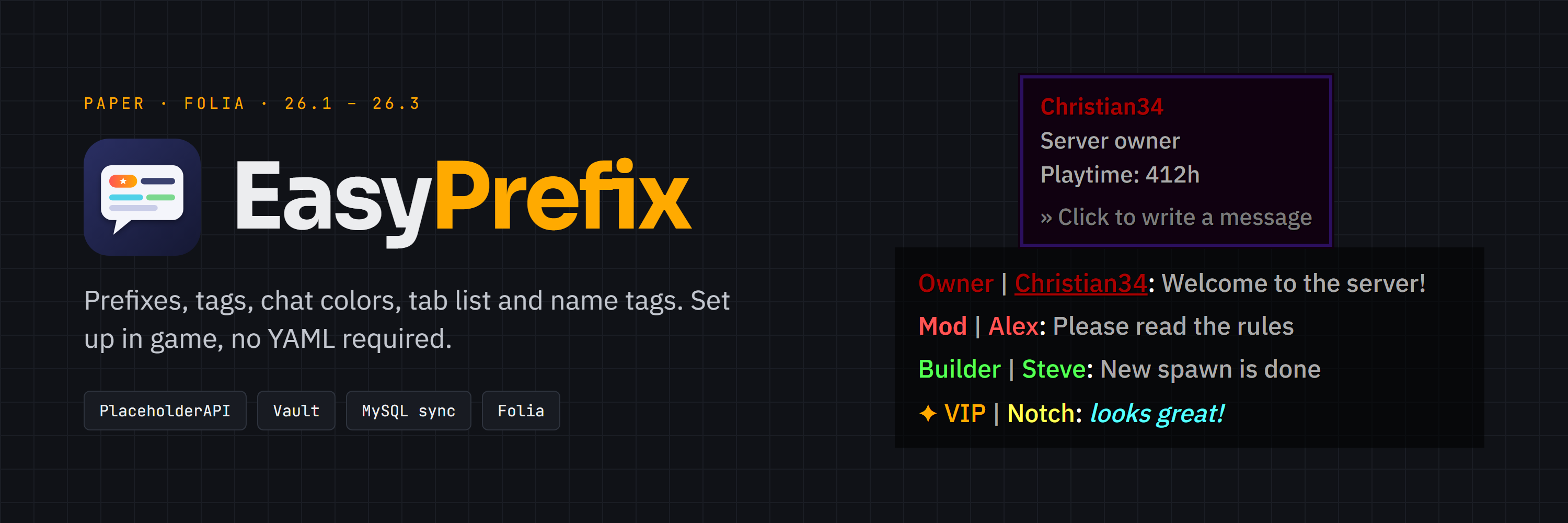
Prefixes, suffixes, chat colors, tab list and name tags for your server - set up in-game, no config editing required.
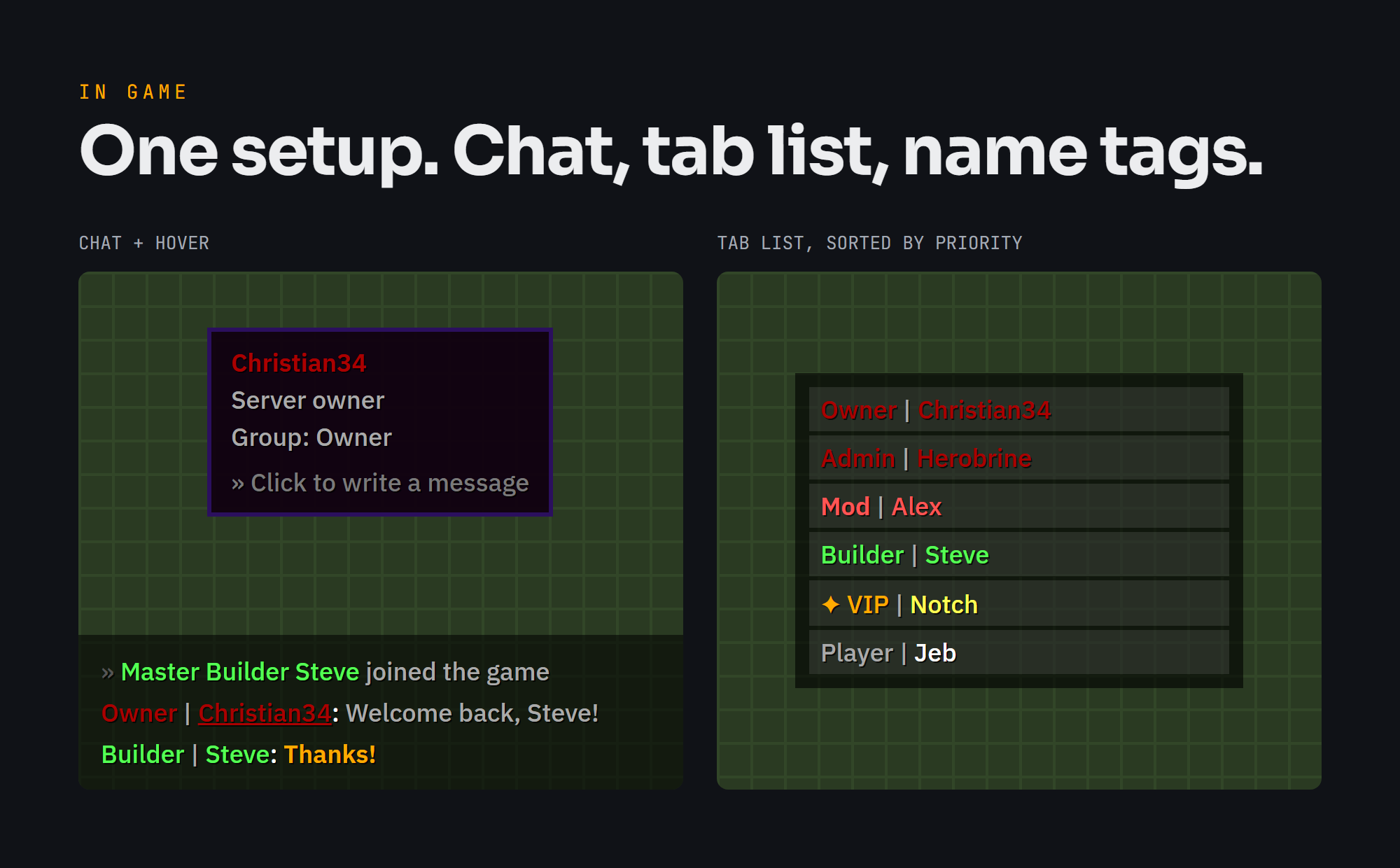

## Features
- **Groups** with their own prefix, suffix, chat format, hover text, click action and priority. The permitted group with the highest priority wins.
- **Tags (subgroups)** that players can pick on top of their group.
- **Chat colors and formattings** that players choose themselves in a GUI, including hex colors and gradients.
- **Tab list and name tags** with your own layouts using `{prefix}`, `{name}` and `{suffix}`.
- **In-game setup** for groups, tags, colors, the blacklist and plugin settings.
- **MySQL support** to share groups, users and settings between several servers (SQLite by default).
- **PlaceholderAPI** placeholders and a **Vault** chat provider, both optional.
## Commands
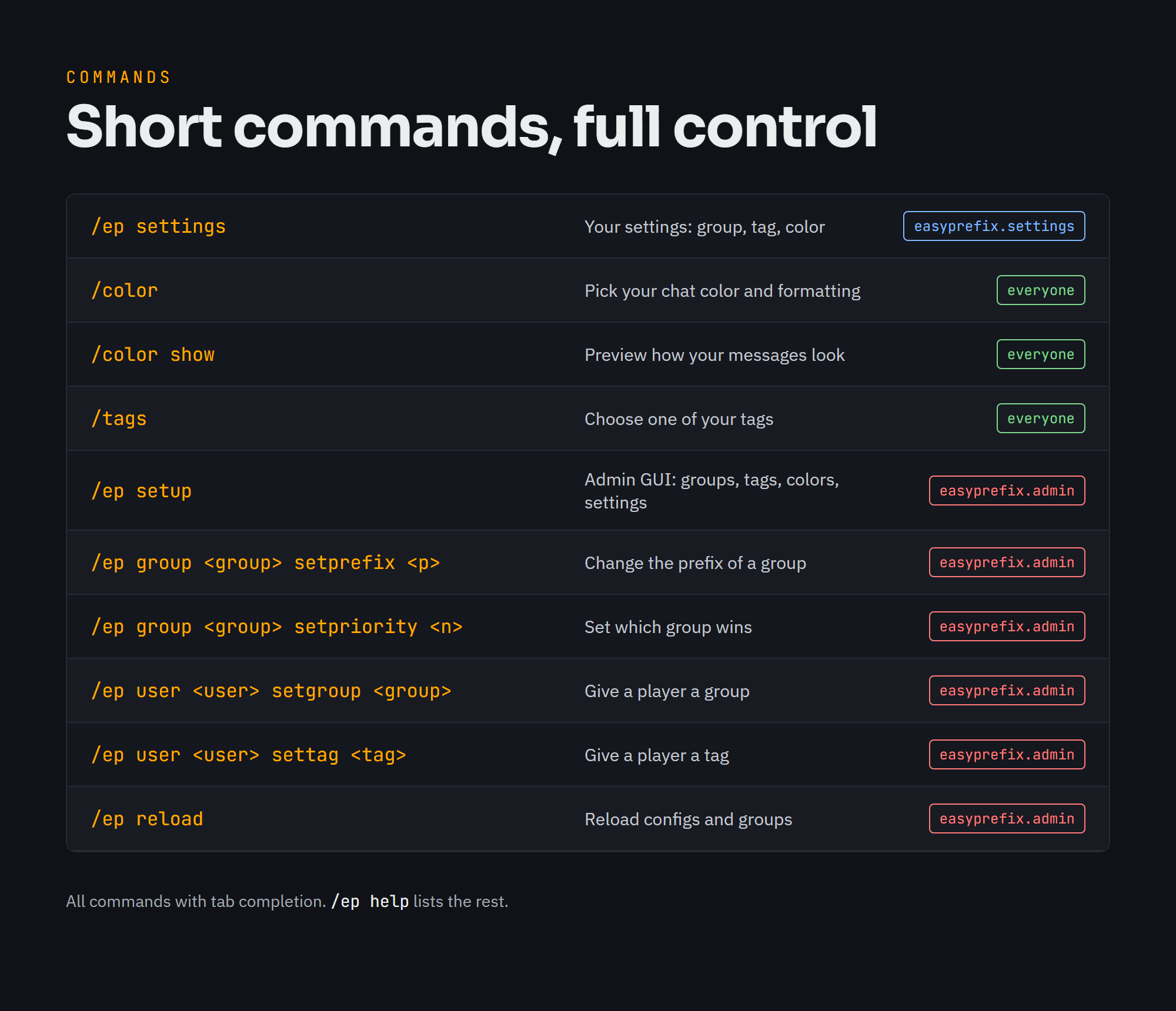
- `/ep settings` - the player menu: choose your prefix, suffix, tag, chat color and formattings
- `/ep setup` - the admin menu: groups, tags, colors and plugin settings
- `/color` - manage your chat color and formattings, `/color show` previews them
- `/tags` - pick a tag (only if tags are enabled)
- `/ep help` - all commands
## Requirements
- Paper 26.1 or newer
- Java 25
## Links
- Source: https://github.com/itsthechris07/EasyPrefix
The plugin collects anonymous usage statistics with bStats. You can opt out in the bStats config of your server.
Quick facts
- Edition: Minecraft Java
- File type: .jar
- Minecraft versions listed: 1.21.10, 1.21.11, 1.21.7
- How to install: Install the matching mod loader (Forge, Fabric or NeoForge) for your Minecraft version. → Download the .jar. → Put it in the .minecraft/mods folder and launch that loader profile.
- Where to get it: Opens on Hangar — not every file is mirrored on our own servers.
Install steps are the general flow for this file type — How to install Minecraft Java mods & modpacks walks through it step by step.
EasyPrefixGUI is a free Minecraft Java mod. Compatible with Minecraft 1.21.10, 1.21.11, 1.21.7, 1.21.8 and newer. Downloaded 4 times (via Hangar). Download it and open it directly in the game.