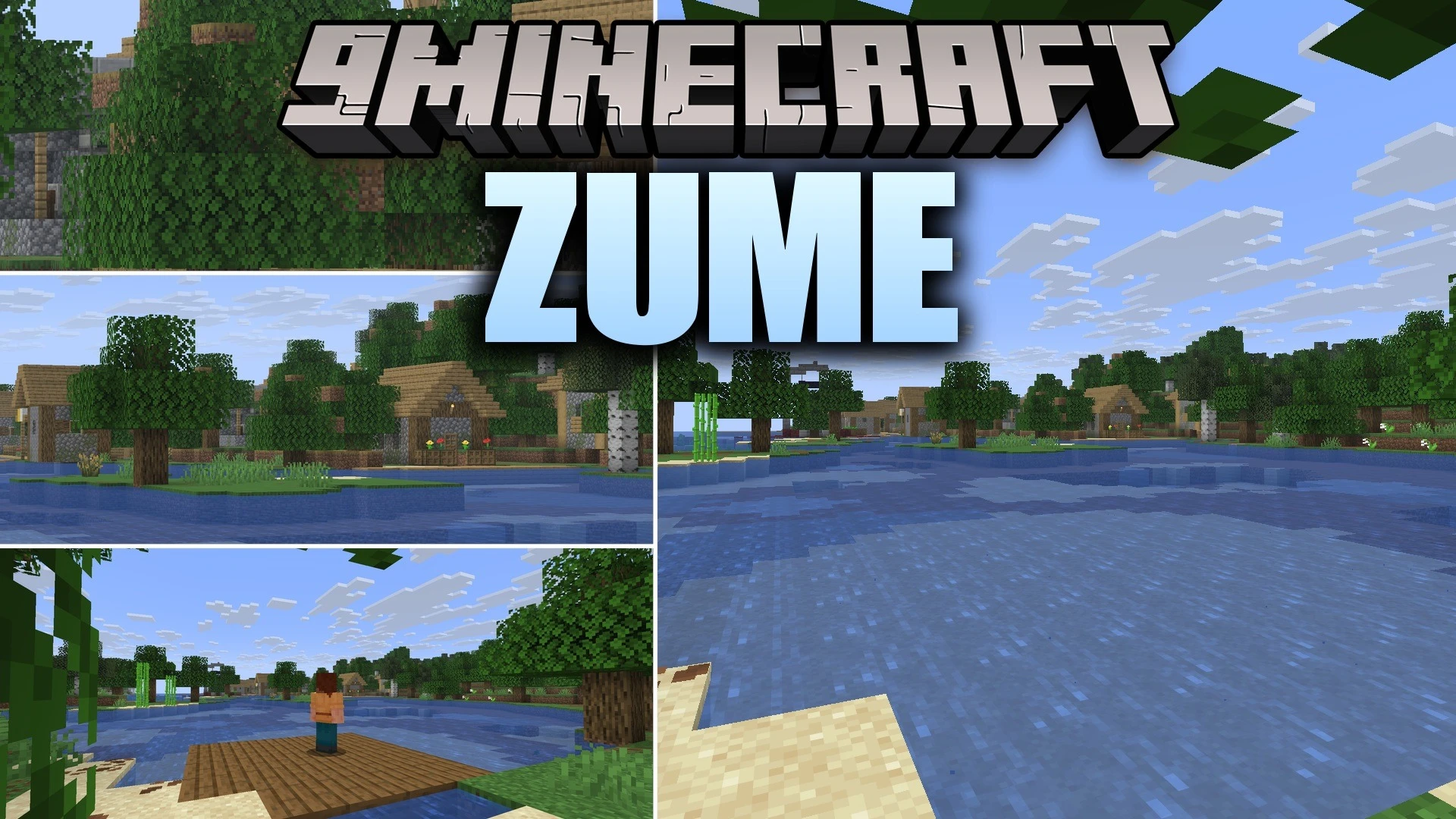
Zume 9minecraft Mod (26.3) – Scout Distant Landscapes and Mobs with Smooth Zoom
Minecraft Java mod. Download on the author's site.
⬇ Download


Zume 9minecraft Mod gives you smooth camera zooming to inspect distant terrain, mobs, and structures. The view glides in when you hold the zoom key and returns smoothly once you let go. You can adjust the magnification on the fly using your mouse wheel or dedicated hotkeys. This mod works purely on the client side, meaning you can look across faraway landscapes or take third-person screenshots without server setup.
Features:
- Smooth zoom animations glide in and out gently instead of snapping suddenly.
- Mouse wheel scrolling lets you adjust how close you look while zoomed in.
- Dedicated zoom keys allow step-by-step magnification adjustments.
- Lowered mouse sensitivity and cinematic camera keep your aim steady at long distances.
- Third-person camera controls let you move the view up to fifteen blocks away from your character.
- Configurable settings let you tweak zoom speed, field of view limits, and toggle modes.
- Client-only design means you can join multiplayer worlds without server installation.
Zume 9minecraft Mod – Video Showcase
How to Use:
- Press and hold the Z key to zoom in on your target.
- Scroll your mouse wheel or press = and - to adjust the zoom distance.
- Release the Z key to return to your normal view.
- Switch to third-person view and press Z to adjust your outer camera distance.
Screenshots:


Zume 9minecraft Mod Download Links
- Edition: Minecraft Java
- File type: .jar
- How to install: Install the matching mod loader (Forge, Fabric or NeoForge) for your Minecraft version. → Download the .jar. → Put it in the .minecraft/mods folder and launch that loader profile.
- Where to get it: Opens on the file's original source — not every file is mirrored on our own servers.
Install steps are the general flow for this file type — How to install Minecraft Java mods & modpacks walks through it step by step.
Zume 9minecraft Mod (26.3) – Scout Distant Landscapes and Mobs with Smooth Zoom is a free Minecraft Java mod. Download it and open it directly in the game.